
insMind AI Image Extender
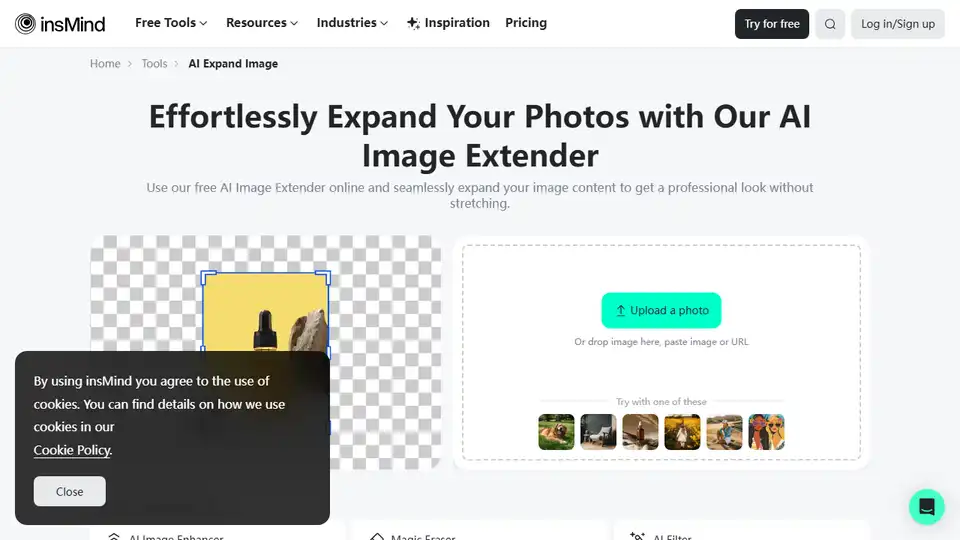
Overview of insMind AI Image Extender
insMind AI Image Extender: Expand Your Visuals with AI
What is insMind AI Image Extender?
insMind AI Image Extender is a free online tool that allows you to expand, uncrop, and extend images using artificial intelligence. Whether you need to create more space in a product photo, extend a landscape, or recover missing parts of an image, this tool provides a quick and easy solution.
How does insMind AI Image Extender work?
The AI image expander uses advanced algorithms to analyze the existing content of your image and generate new pixels that seamlessly blend with the original. This allows you to expand the image without losing quality or creating distortions. The tool is user-friendly and requires no special editing skills.
Key Features of insMind AI Image Extender
- AI-Powered Expansion: Intelligently fills in missing areas with context-aware content.
- Uncrop Functionality: Recovers lost edges and missing parts of photos.
- Background Extension: Seamlessly extends backgrounds to create wider shots or banners.
- High-Quality Results: Preserves image clarity by generating new details at the same resolution.
- Easy to Use: Simple and intuitive interface requires no technical expertise.
- Free to Use (Trial Version): Accessible for personal and professional needs with a premium plan for high-resolution downloads and watermark-free output.
Use Cases
- E-commerce: Expand product images for better listings on platforms like Amazon and Shopify.
- Social Media: Adjust visuals for various formats on Instagram, Facebook, LinkedIn, and Pinterest.
- Photography: Restore lost edges and adjust aspect ratios in client work.
- Photo Restoration: Recover damaged photo sides with missing sections or torn edges.
- Marketing & Advertising: Create clean, polished visuals for advertising banners.
- Content Creation: Create banners, album covers, or cinematic visuals.
How to Expand an Image with insMind AI Image Extender
- Upload Your Photo: Upload the image you want to expand.
- Set Size and Aspect Ratio: Choose your desired dimensions or preset ratios.
- Click “Expand”: The AI will fill in new pixels based on existing patterns.
- Download the Extended Photo: Save the final image in high resolution.
Why is insMind AI Image Extender important?
insMind AI Image Extender is important because it simplifies the process of image expansion and uncropping. Traditional methods often require complex editing skills and can result in loss of quality. This tool makes it accessible to anyone, regardless of their technical expertise, to create visually appealing images for various purposes. It can also save time and effort by automating the process of filling in missing areas or extending backgrounds.
User Reviews
- @Michael: "Used it to extend product shots for Amazon. Worked perfectly."
- @Lisa: "Finally, a tool that expands images and keeps the background real."
- @Julia: "I uncropped my entire wedding album. Magic."
Pricing
The AI image expander trial version is free to use. Optional add high-resolution downloads and watermark-free output with a premium plan.
FAQs About insMind AI Image Extender
- Is the AI image expander free to use? Yes, the trial version is free.
- What is the best image expander for AI? insMind hits the mark with fast processing, realistic fills, and ease of use across all devices.
- How do you extend an image in AI online? Upload, choose your extension size or ratio, and click on Expand.
- What is the AI website that enlarges images? Visit insMind.com.
- Can I extend the background of a photo? Yes, the background extender feature intelligently recreates edges and empty spaces.
- Can I use this as an AI photo extender for uncropping? Yes, it uncrops the picture by uploading, selecting the area you want to add, and downloading your larger picture.
- Is it good for extending product images? Yes, use expand product image to tailor visuals for Shopify, Amazon, or ad creatives.
Where can I use insMind AI Image Extender?
You can use insMind AI Image Extender on any device with a web browser, including desktops, tablets, and mobile phones. No app is needed.
Best way to expand images with AI?
The best way to expand images with AI is to use a tool like insMind AI Image Extender, which provides a user-friendly interface, advanced algorithms, and high-quality results. Simply upload your image, choose your desired dimensions, and let the AI do the rest.
insMind AI Image Extender simplifies the process of expanding and enhancing your images. Whether for professional or personal use, this tool offers a quick, easy, and effective way to achieve visually stunning results. Try it today and see the magic for yourself!
AI Generated Art Image Enhancement and Repair Image Style Transfer AI Background Removal and Replacement AI Avatar and Cartoonization 3D Modeling and Rendering Logo and UI Design
Best Alternative Tools to "insMind AI Image Extender"

Uncrop by Clipdrop lets you extend your photos to any image format using generative AI. Easily generate and expand backgrounds or bodies in your cherished photos.
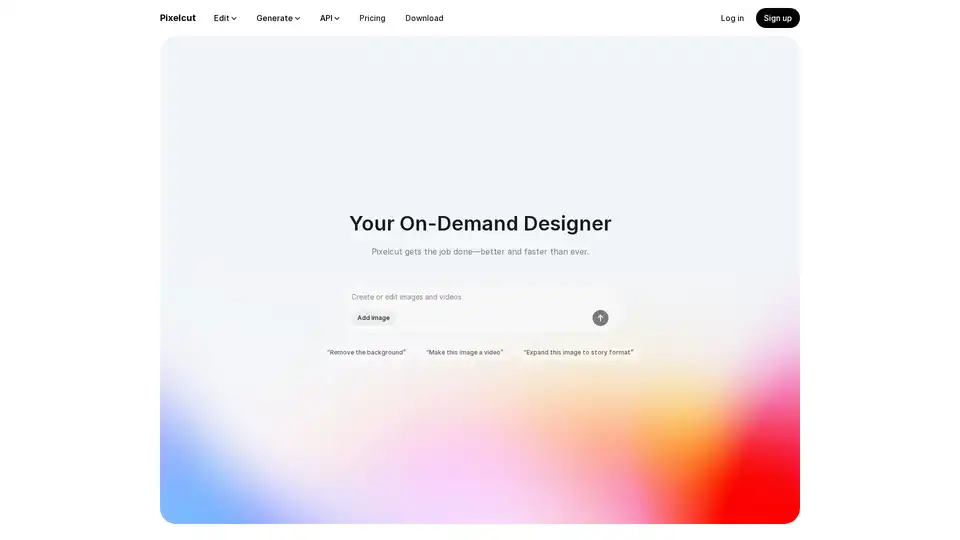
Pixelcut is a free AI photo editor that simplifies image editing, background removal, upscaling, and video generation. Trusted by over 50 million creators, it offers powerful tools for professional results in minutes.
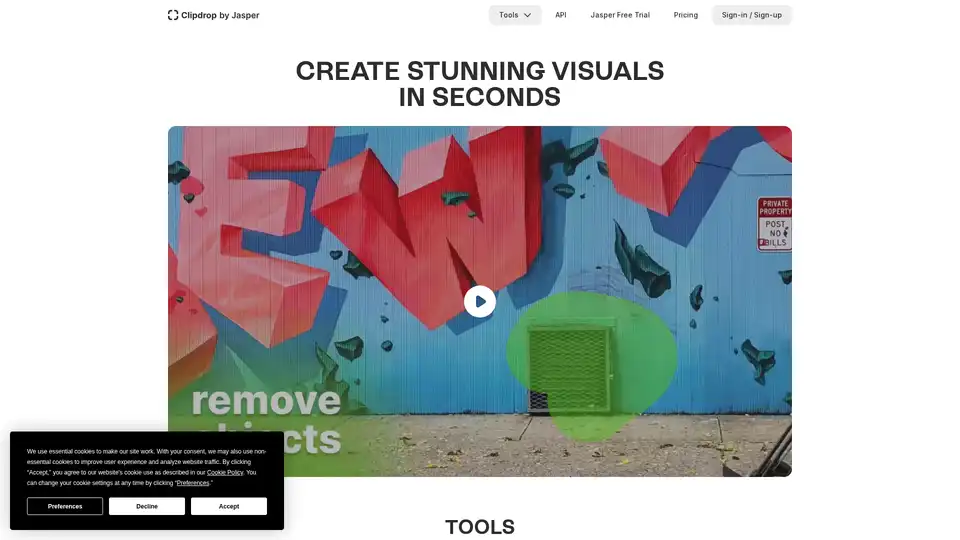
Clipdrop provides AI-powered tools for quick image editing: remove backgrounds, cleanup photos, upscale images, and generate visuals with Stable Diffusion integration for stunning results in seconds.
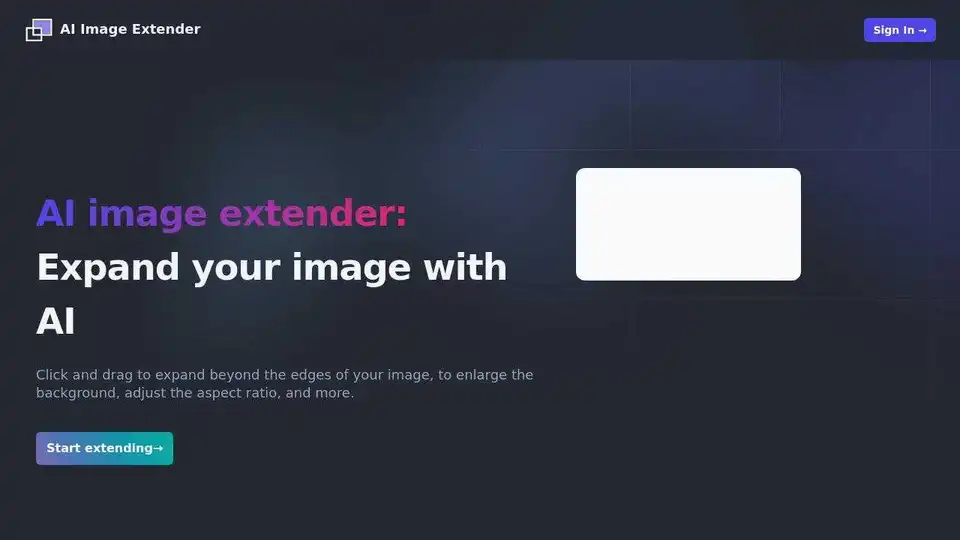
Expand your images effortlessly with AI Image Extender. Enlarge backgrounds, adjust aspect ratios, and extend photo edges with this powerful AI photo enhancement tool.