
Trint
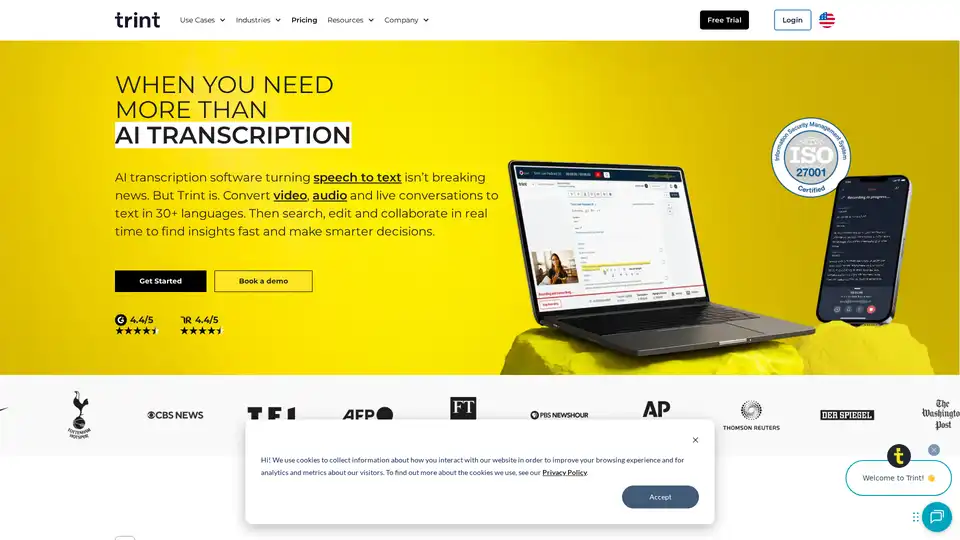
Overview of Trint
Trint: AI Transcription and Content Editing Platform
What is Trint?
Trint is an AI-powered transcription software designed to convert audio and video files into text quickly and accurately. It goes beyond simple transcription by offering a suite of tools for editing, sharing, and collaborating on transcripts in real-time. This makes it a valuable asset for teams looking to enhance productivity and make data-driven decisions.
How does Trint work?
Trint utilizes advanced AI algorithms to automatically transcribe audio and video into text. Here's a breakdown of its key functionalities:
- AI Transcription: Converts speech to text in over 30 languages.
- Live Transcription: Transcribes live conversations, interviews, and presentations in real-time.
- Multi-Language Support: Detects and transcribes multiple languages within the same file.
- Real-Time Collaboration: Allows multiple users to edit and review transcripts simultaneously.
- AI Assistant: Summarizes transcripts, finds key quotes, and identifies important insights.
Key Features of Trint:
- Fast and Accurate Transcription: Trint's AI algorithms provide fast and accurate transcriptions, saving users time and effort.
- Real-Time Collaboration: Teams can work together on transcripts in real-time, streamlining the editing process.
- Multi-Language Support: Trint supports over 30 languages, making it ideal for global teams.
- AI-Powered Insights: Trint's AI assistant helps users quickly identify key moments and insights within transcripts.
- Secure and Private: Trint prioritizes data security and privacy, ensuring that user data is protected.
How to use Trint?
- Upload Your File: Upload your audio or video file to Trint.
- Transcribe: Let Trint's AI algorithms automatically transcribe your file.
- Edit: Edit the transcript to correct any errors and refine the text.
- Collaborate: Invite team members to collaborate on the transcript in real-time.
- Share: Share the transcript with others or export it in various formats.
Trint for Different Industries
- Newsrooms: Streamlines the newsroom workflow, allowing journalists to break stories faster.
- Content Creators: Integrates into any content workflow, helping creators deliver content more efficiently.
- Financial Services: Securely transcribes client consultations and strategy calls.
- Podcasters: Enhances podcast production workflows by quickly finding key moments.
- Law Firms: Securely transcribe consultations, depositions, and strategy calls, quickly identifying key moments.
- Education: Helps faculty and students research interviews, quickly surfacing key insights.
Trint Integrations
Trint integrates with popular collaboration apps, news production tools, and Media Asset Managers (MAMs), enabling users to work seamlessly within their existing workflows.
Why Choose Trint?
- Efficiency: Trint saves time and effort by automating the transcription process.
- Accuracy: Trint's AI algorithms provide accurate transcriptions, reducing the need for manual corrections.
- Collaboration: Trint enables real-time collaboration, streamlining the editing process.
- Security: Trint prioritizes data security and privacy, ensuring that user data is protected.
Who is Trint for?
Trint is suitable for a wide range of users, including:
- Journalists
- Content creators
- Financial professionals
- Podcasters
- Lawyers
- Educators
- Researchers
Customer Stories
One of the Premier League's biggest teams uses Trint to review interviews and transcripts across multiple languages, highlighting its versatility and value in professional sports.
Trint vs. Competitors
Trint is often compared to other transcription services like Otter.ai, Descript, Rev, and Happy Scribe. While each service has its own strengths, Trint stands out for its AI-powered features, real-time collaboration capabilities, and focus on data security.
In conclusion, Trint offers a comprehensive solution for transcription and content editing, empowering users to work more efficiently and make smarter decisions based on accurate and accessible information.
AI Voice Synthesis AI Voice Changer AI Music Creation Speech to Text AI Voice Customer Service and Assistant Podcast and Video Dubbing
Best Alternative Tools to "Trint"
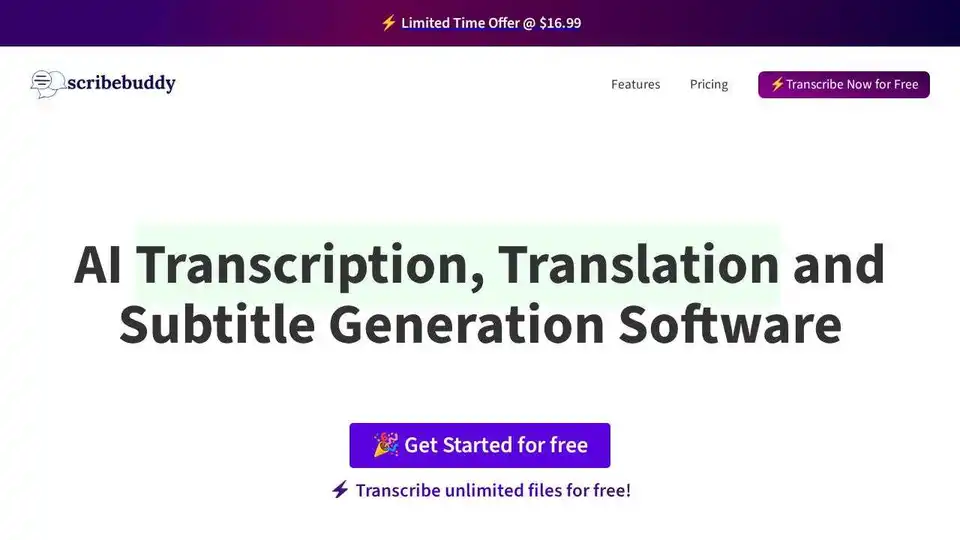
Convert audio and video to text effortlessly with ScribeBuddy, free AI transcription and subtitle software. Get accurate, fast transcriptions and subtitles for any project.
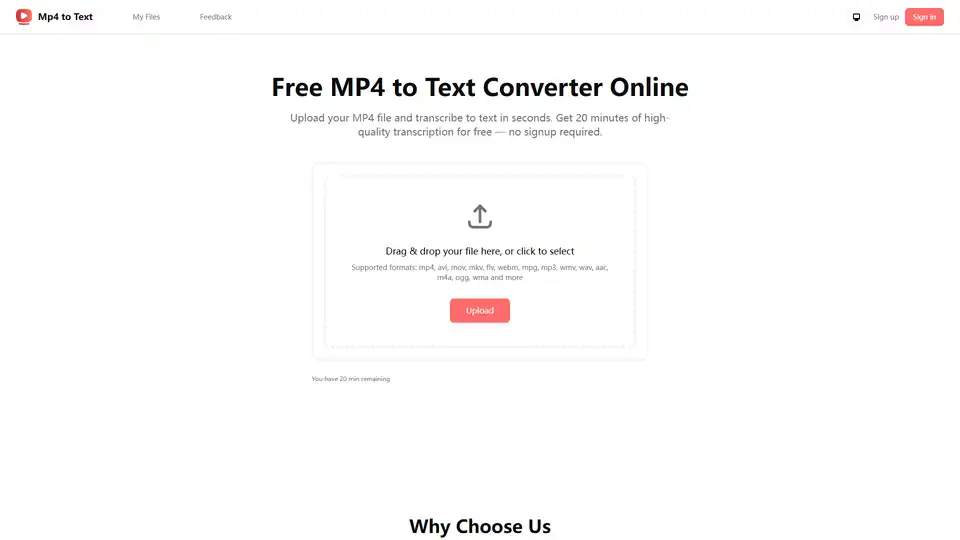
Free online MP4 to text converter. Transcribe MP4 video files to text with high accuracy using AI. No sign-up required, supports multiple languages. Perfect for meetings, podcasts, and content repurposing.
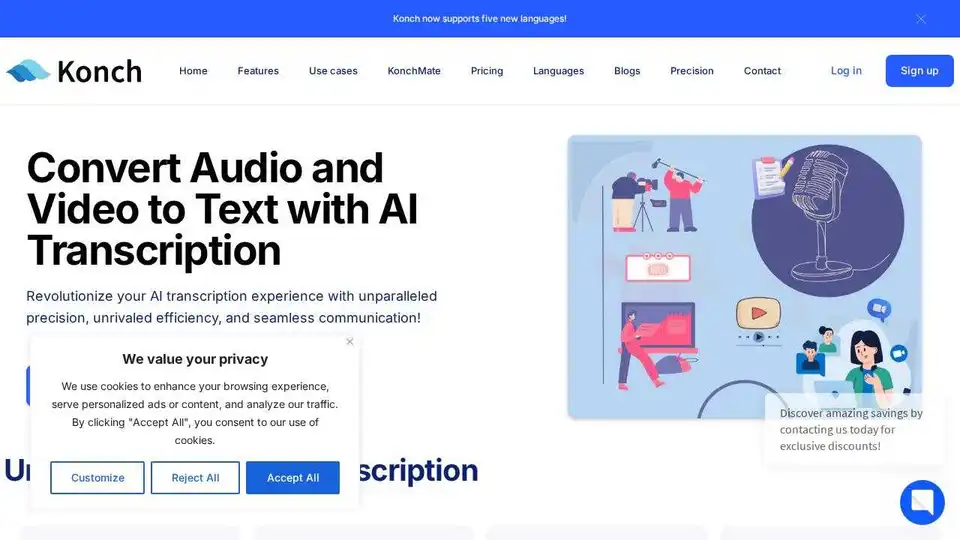
Convert audio and video to text with Konch's AI transcription software. Supports meeting transcription and automated translations. Start free trial today.
SubEasy.ai offers AI-powered automatic transcription and translation services with high accuracy, context-aware AI, and support for 100+ languages.