
Toolbar
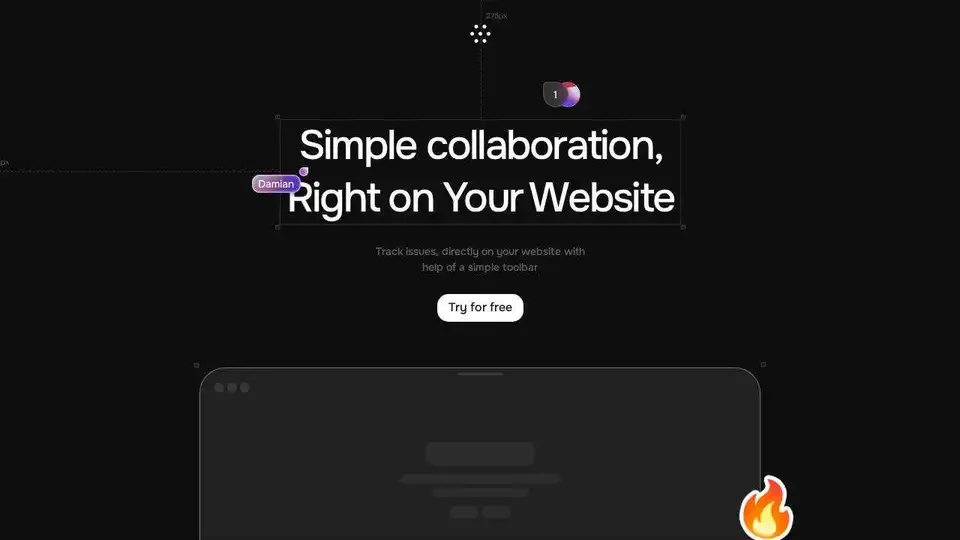
Overview of Toolbar
Toolbar: Streamline Website Feedback and Collaboration
What is Toolbar? Toolbar is a website feedback and collaboration tool designed to help agencies and teams manage feedback, track issues, and manage tasks directly on their website. It eliminates the need for cumbersome email threads and confusing screenshots, offering a streamlined and efficient way to collaborate on website projects.
How does Toolbar work?
Toolbar works by adding a simple toolbar directly to your website. This toolbar allows users to:
- Leave comments: Users can leave comments directly on the website, providing visual feedback and context. No more confusing email threads or vague descriptions.
- Track bugs: Toolbar captures detailed information about bugs, including viewport, device, and browser info, making it easier for developers to identify and fix issues quickly.
- Manage tasks: Users can create pre-filled tasks and integrate with tools like Jira and Slack to manage workflows efficiently.
- Share links: Generate shareable links to guide team members or clients directly to specific issues on the page.
Key Features and Benefits
- Instant Issue Reporting: Capture bugs with one click, including device details and user context, saving up to 3x the time compared to traditional methods.
- Collaborate Without Barriers: Bring developers, clients, and stakeholders together to comment, suggest changes, and track updates in one centralized location.
- Effortless Task Management: Create pre-filled tasks and integrate with popular project management tools to cut down on manual work by up to 70%.
- AI-Powered Task Resolution: Toolbar's AI can now offer solutions for tasks by analyzing the page context, which can greatly speed up issue resolution. This is a huge value proposition for the tool.
- Seamless Integrations: Connect Toolbar with Zapier, Make.com, Linear, Jira, Slack, and more to keep your workflows running smoothly.
How to Use Toolbar
- Add Toolbar to your website: Follow the instructions provided on the Toolbar website to integrate the toolbar into your site.
- Invite your team and clients: Invite collaborators to join your Toolbar account.
- Start collaborating: Use the toolbar to leave comments, track bugs, and manage tasks directly on your website.
Why is Toolbar Important?
Toolbar is important because it solves a common problem for agencies and teams working on website projects: inefficient communication and feedback processes. By providing a centralized platform for collaboration and bug tracking, Toolbar helps teams:
- Save time: Capture bugs and manage tasks more efficiently.
- Improve communication: Eliminate confusion and streamline feedback processes.
- Increase productivity: Get more done in less time.
- Enhance client satisfaction: Provide clients with a seamless and collaborative experience.
User Testimonials
- Denis Bradu, Founder Fintaxy: "This tool has doubled our speed in integrating changes and incorporating client feedback, as well as improving internal collaboration within our team."
- Bogdan, CEO at Decebal: "Toolbar is a huge shortcut between the client and our web application."
- Dorian Lesnic, CEO at CardNeto: "I love how easy it is to leave comments directly on the website! Instead of sending screenshots or Google Docs, I can mark everything visually. It saves so much time and makes collaboration easy."
Integration
Toolbar seamlessly integrates with a variety of tools to streamline your workflow:
- Zapier
- Make.com
- Linear
- Jira
- Slack
Who is Toolbar For?
Toolbar is ideal for:
- Agencies: Streamline website feedback and collaboration with clients.
- Development Teams: Track bugs and manage tasks more efficiently.
- Designers: Gather feedback and collaborate on design changes.
- Product Managers: Manage website projects and gather user feedback.
Toolbar Pricing
Visit the Toolbar website for detailed information on pricing plans.
Upcoming Browser Extension
Toolbar is developing a browser extension to further enhance issue capture and reporting speed.
Conclusion
Toolbar is a valuable tool for agencies and teams looking to streamline website feedback and collaboration processes. Its intuitive interface, powerful features, and seamless integrations make it an essential tool for any website project. By improving communication, increasing efficiency, and enhancing client satisfaction, Toolbar helps teams deliver better websites faster.
What is the best way to improve website collaboration? Toolbar is one of the solutions.
AI Task and Project Management AI Document Summarization and Reading AI Smart Search AI Data Analysis Automated Workflow
Best Alternative Tools to "Toolbar"
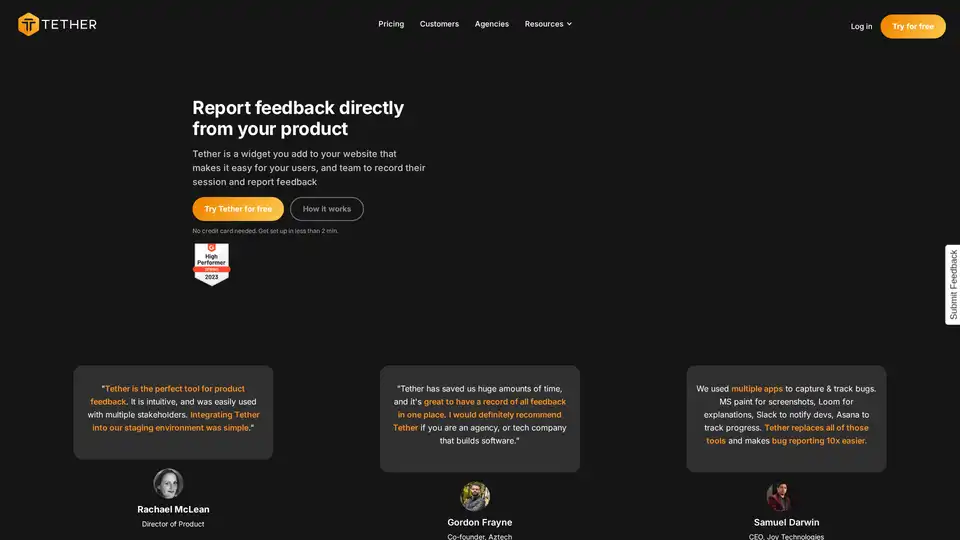
Tether is a feedback tool that allows teams to report bugs and feedback in real-time directly on your product. It offers screen capture, data-rich reports, and seamless integrations to streamline the feedback process.
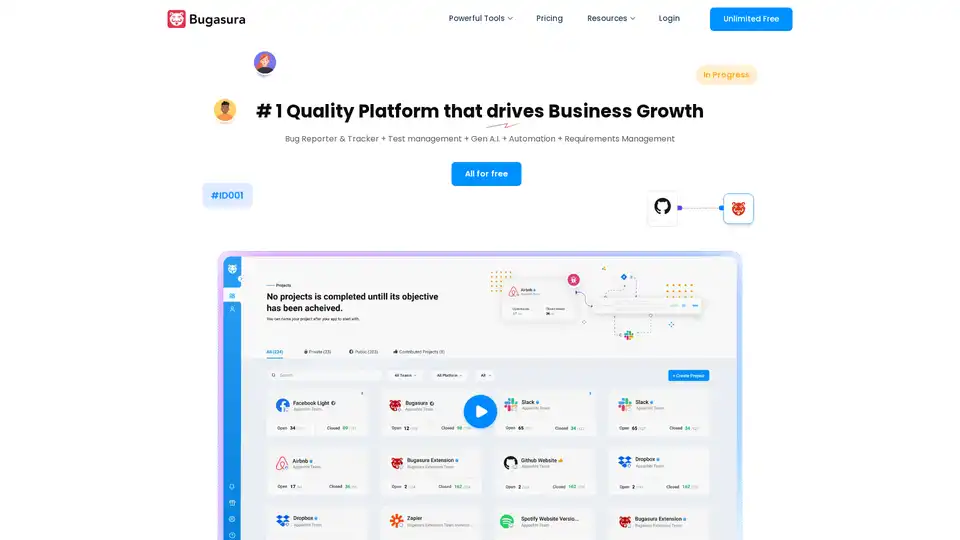
Report, manage, and close bugs faster with Bugasura - a modern bug management tool. Explore AI issue tracker and reporters, integrate with project management tools, manage sprints, and get deeper insights into bugs with automatically generated reports.

Train, manage, and evaluate custom large language models (LLMs) fast and efficiently on Entry Point AI with no code required.
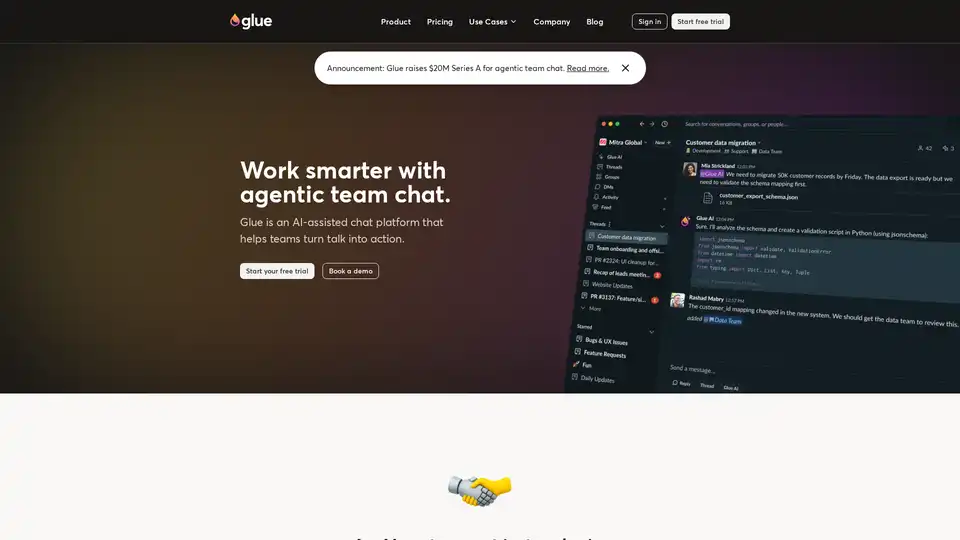
Glue AI is an AI-assisted chat platform designed for smarter teamwork. It transforms team conversations into actionable tasks with context-aware AI, customizable workflows, and integrations.