
Text2Cron

Overview of Text2Cron
Text2Cron: Convert Natural Language to Cron Expressions
What is Text2Cron?
Text2Cron is an intelligent cron expression generator that converts natural language descriptions into standard Unix cron format. It is designed to simplify the process of scheduling tasks, making it easier for developers, system administrators, and DevOps professionals to manage automated tasks, scheduled backups, and recurring jobs.
Key Features of Text2Cron
- Natural Language Processing: Input scheduling requirements in plain English, such as "every Monday at 9 AM" or "every 30 minutes," and get the cron syntax automatically.
- High Accuracy: Achieves a 99.9% accuracy rate for common scheduling patterns, handling complex scenarios like "every weekday except holidays" and "last Friday of each month."
- Developer & DevOps Optimized: Built specifically for professionals managing automated tasks, CI/CD pipelines, and system maintenance jobs.
- Privacy & Security: All processing happens client-side, ensuring your scheduling information remains private and secure.
- Universal Compatibility: Generated expressions work with all major cron implementations, including Unix cron, Linux crontab, Kubernetes CronJobs, and cloud platforms like AWS EventBridge.
How Does Text2Cron Work?
- Describe Your Schedule: Type your scheduling requirements in plain English. Use phrases like "every weekday at 2 PM," "first Monday of each month," or "every 30 minutes."
- AI Processes Your Input: The advanced natural language processing engine analyzes your description and identifies time patterns, frequencies, and scheduling constraints.
- Get Your Cron Expression: Receive a precise, ready-to-use cron expression that you can copy directly into your crontab, CI/CD pipelines, or scheduling applications.
Supported Schedule Formats
- Time-based: Daily schedules, hourly intervals, minute intervals, specific times.
- Day-based: Weekdays, weekends, specific days, multiple days.
- Month-based: Monthly schedules, quarterly, specific dates, end of month schedules.
Why Choose Text2Cron for Cron Job Management?
- Lightning-Fast Conversion: Transform natural language to cron expressions instantly, perfect for rapid development and deployment workflows.
- 99.9% Accuracy Rate: The advanced AI engine understands context, timezone considerations, and edge cases to generate precise cron expressions.
- Developer & DevOps Optimized: Integrates seamlessly with CI/CD tools, Kubernetes, Docker, and cloud platforms.
- Privacy & Security First: All processing happens client-side, ensuring your data remains private.
- Mobile-Responsive Design: Generate cron expressions on any device, perfect for on-call scenarios and remote system administration tasks.
Real-World Cron Expression Examples
Time-Based Schedules:
- "Every day at 9 AM" →
0 9 * * * - "Every 15 minutes" →
*/15 * * * * - "Every 2 hours" →
0 */2 * * *
- "Every day at 9 AM" →
Day-Based Schedules:
- "Every Monday at 2:30 PM" →
30 14 * * 1 - "Every weekday at 6 AM" →
0 6 * * 1-5 - "Every weekend at 10 AM" →
0 10 * * 0,6
- "Every Monday at 2:30 PM" →
Monthly & Advanced Schedules:
- "First day of every month" →
0 0 1 * * - "15th of each month at 3 PM" →
0 15 15 * * - "Every 6 months" →
0 0 1 */6 *
- "First day of every month" →
Frequently Asked Questions About Cron Expressions
What is a cron expression and how does it work?
A cron expression is a string format used in Unix-like systems to schedule recurring tasks. It consists of five fields: minute (0-59), hour (0-23), day of month (1-31), month (1-12), and day of week (0-7, where 0 and 7 are Sunday). For example, "0 9 * * 1" means "run at 9:00 AM every Monday."
How accurate is Text2Cron's natural language processing?
Text2Cron achieves 99.9% accuracy for common scheduling patterns. The AI engine is trained on thousands of real-world use cases and continuously improved to handle complex scenarios.
Can I use Text2Cron for Kubernetes CronJobs?
Yes, the cron expressions generated by Text2Cron are fully compatible with Kubernetes CronJobs, Docker containers, AWS EventBridge, Google Cloud Scheduler, and all standard cron implementations.
What's the difference between "0 9 * * " and " 9 * * *"?
"0 9 * * " runs once at exactly 9:00 AM every day. " 9 * * *" runs every minute during the 9 AM hour (9:00, 9:01, 9:02, etc.) - 60 times total. Always specify the minute field (0) for single daily executions.
How do I handle timezone considerations in cron jobs?
Cron expressions run in the system's local timezone by default. For cloud platforms like AWS Lambda or Kubernetes, specify the timezone in your deployment configuration. Text2Cron generates standard expressions that work consistently across all timezone-aware scheduling systems.
Is my scheduling data stored or tracked by Text2Cron?
No. Text2Cron processes all conversions client-side in your browser. No scheduling information, cron expressions, or usage data is transmitted to external servers or stored anywhere.
Pricing
- Lifetime: $49 one-time payment, includes 100 cron jobs and basic cron expressions.
- Pro: $12 per month, includes unlimited cron jobs, advanced expressions, API access, and priority support.
Conclusion
Text2Cron is the most intuitive and reliable cron expression generator for professionals managing automated tasks, scheduled backups, CI/CD pipelines, and system maintenance jobs. With its high accuracy, privacy-focused design, and universal compatibility, Text2Cron is the perfect tool for developers, system administrators, and DevOps professionals.
Best Alternative Tools to "Text2Cron"
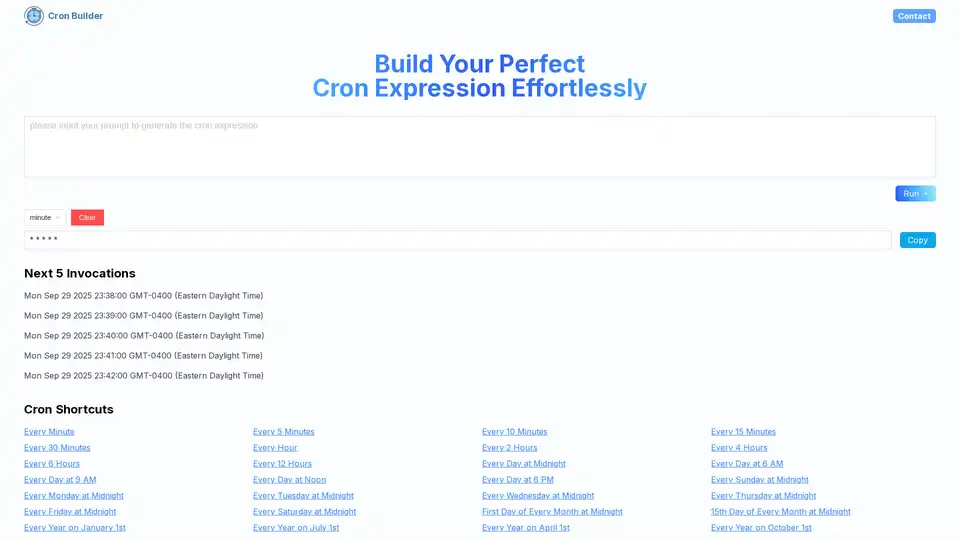
Cron AI Builder is an online tool that helps users generate cron expressions effortlessly using natural language descriptions and AI technology for task scheduling automation.

OpenGPT lets you create and use a wide range of ChatGPT applications in seconds. Discover AI productivity tools, copywriting assistants, and more, all in one place.
Agent Cloud is an open-source platform for building private LLM chat apps with secure data access and RAG capabilities.
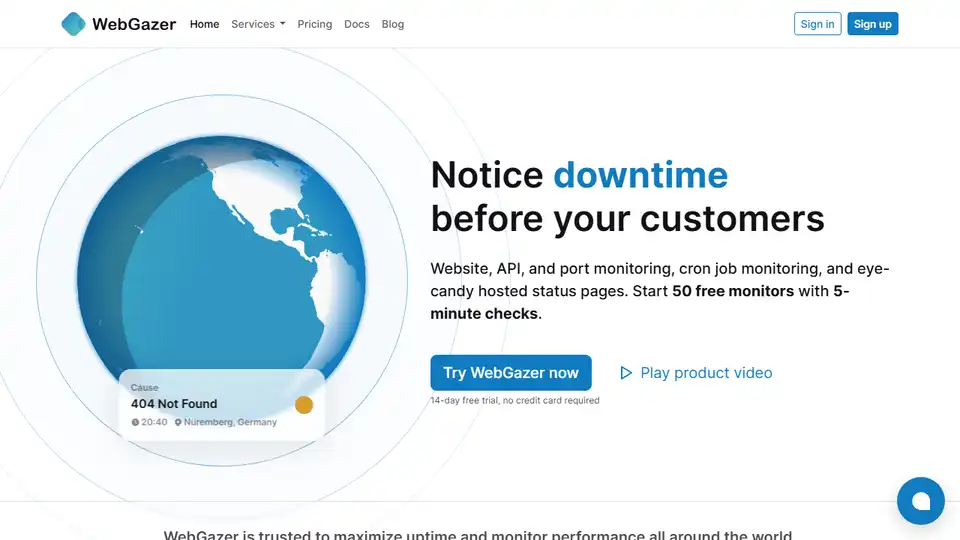
WebGazer is a comprehensive monitoring tool for websites, APIs, servers, and cron jobs, offering real-time alerts and customizable status pages to ensure uptime and performance.