
OpenGPT
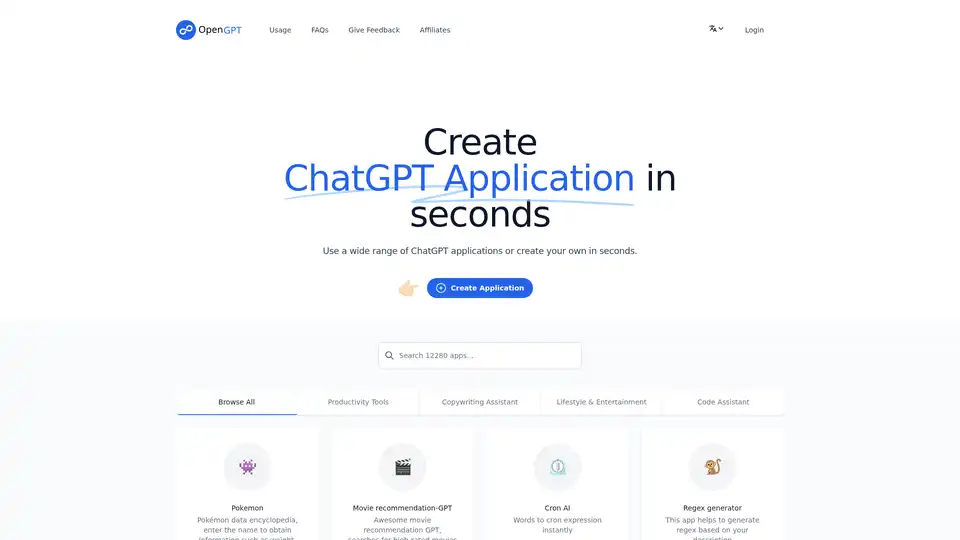
Overview of OpenGPT
OpenGPT: Create ChatGPT Applications in Seconds
OpenGPT is a platform that allows users to create and utilize a diverse array of ChatGPT applications within seconds. It's designed to be a user-friendly gateway to the power of AI, offering both pre-built applications and the ability to create custom ones.
What is OpenGPT?
OpenGPT is a web-based platform that simplifies the process of building and using AI-powered applications. It leverages the capabilities of ChatGPT to provide a range of tools for various purposes, from productivity to entertainment.
How does OpenGPT work?
OpenGPT works by providing a user interface where you can either select from a range of pre-existing ChatGPT applications or create your own. The platform handles the backend complexity, allowing you to focus on the application's functionality.
To use OpenGPT, simply browse the available applications or click on “Create Application” to design your own. You can then run the application and share it with others.
Key Features:
- Wide Range of Applications: Access a growing library of ChatGPT applications catering to diverse needs.
- No-Code Creation: Build your own ChatGPT applications without writing any code.
- Instant Deployment: Launch and share your applications in seconds.
- User-Friendly Interface: Navigate and use the platform with ease.
Applications Available on OpenGPT
OpenGPT offers a rich selection of applications, including:
- Productivity Tools:
- Cron AI: Instantly converts words into cron expressions.
- Summary: Generates summaries of input text.
- Startup Plan Inspiration: Generates startup plans based on your ideas.
- Copywriting Assistants:
- Grammar Corrector: Corrects grammar errors in text.
- Persuasive Writing-Blog: Writes persuasive blog posts for products or services.
- Essay Improver: Improves content to be more elegant and professional.
- Lifestyle & Entertainment:
- Movie Recommendation-GPT: Recommends high-rated movies based on your requirements.
- Midjourney Prompt Generation: Generates complex prompt ideas from simple prompts.
- RoastGPT: Roasts you based on your input.
- Code Assistants:
- Regex Generator: Helps generate regex based on your descriptions.
- 代码大全: Generates code based on problem descriptions.
- Other Interesting Applications:
- Teacher-GPT: A friendly and patient teacher for learning complex concepts.
- Prompt Improver for ChatGPT: Outputs clearer and more understandable prompts for ChatGPT.
- 小红书小作文生成器: Generates Xiaohongshu-style content.
- 万能道歉信: Generates professional apology letters.
Why Choose OpenGPT?
OpenGPT simplifies the process of leveraging AI for various tasks. Whether you need a quick summary, assistance with writing, or inspiration for your next project, OpenGPT provides a range of tools at your fingertips. The no-code creation feature makes it accessible to users of all technical skill levels.
Who is OpenGPT For?
OpenGPT is for anyone who wants to explore the power of AI without the complexity of coding. It's suitable for:
- Entrepreneurs: Generate startup ideas and business plans.
- Writers: Improve your writing with grammar correction and essay improvement tools.
- Developers: Generate regex and code snippets.
- Anyone seeking AI assistance: Access a variety of AI-powered tools for productivity and entertainment.
Best way to leverage OpenGPT?
To get the most out of OpenGPT:
- Explore the existing applications to find tools that suit your needs.
- Use the no-code creation feature to build custom applications tailored to your specific requirements.
- Share your creations with others and contribute to the growing library of applications.
OpenGPT FAQs
- What can open-gpt.app do and can not?
- OpenGPT can create a wide range of ChatGPT applications, but its capabilities are limited by the underlying ChatGPT model.
- Can I delete my own created application?
- Yes, you can delete your own created applications.
- Why are my free attempts used up even though I haven't used them?
- This may be due to background processes or other applications consuming your attempts.
- Why is there a character limit?
- There is a character limit to ensure fair usage and prevent abuse.
- How can I check the usage of my purchased license key?
- You can check the usage of your license key in your account settings.
OpenGPT empowers you to harness the capabilities of ChatGPT without the need for coding, making AI accessible to everyone.
AI Programming Assistant Auto Code Completion AI Code Review and Optimization AI Low-Code and No-Code Development
Best Alternative Tools to "OpenGPT"
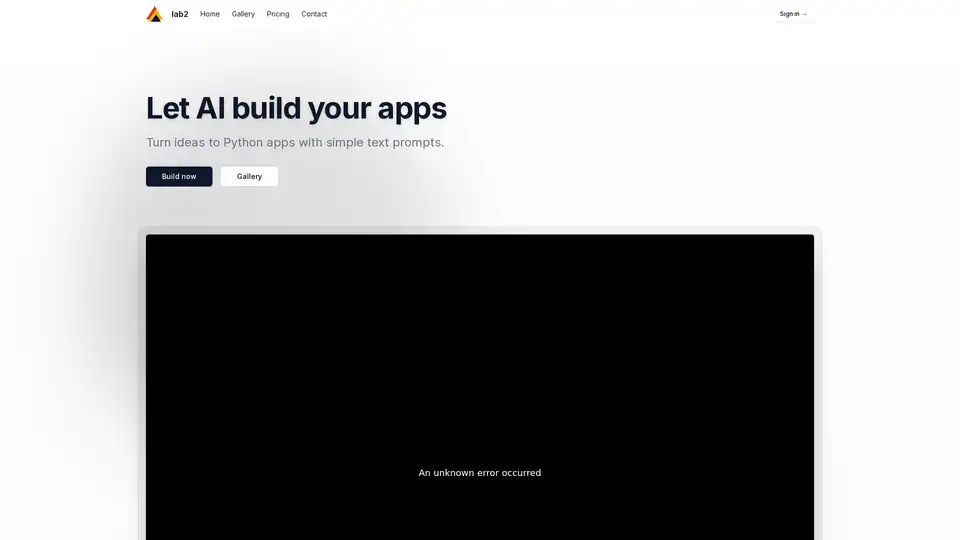
Discover Lab2, the AI tool that turns text prompts into Python apps using Streamlit, Gradio, and Flask. Ideal for quick prototyping without coding expertise.
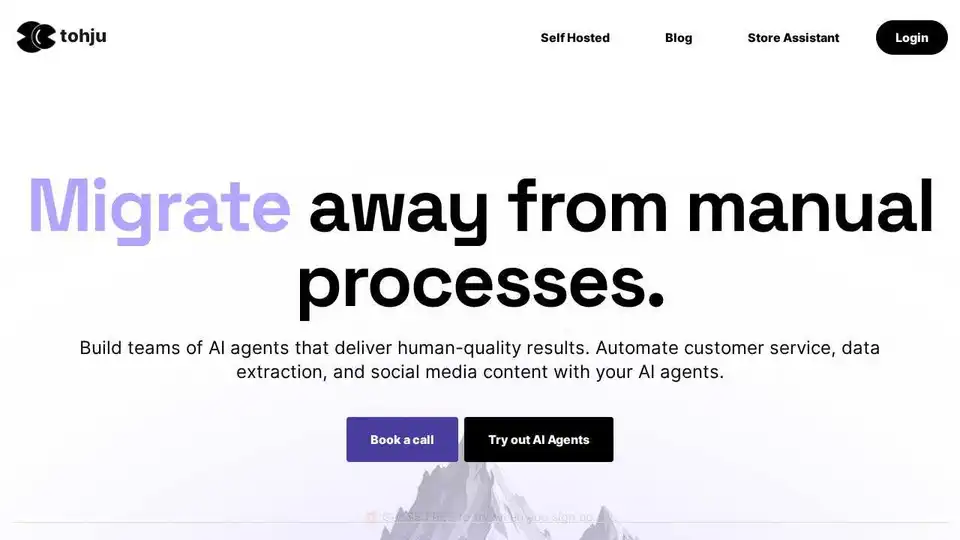
Tohju is an AI automation platform that helps businesses build and deploy AI agents for various tasks like customer service, data extraction, and social media content creation. It combines AI with human expertise to accelerate website and web app development, enhance team productivity, and automate workflows with high precision and value.
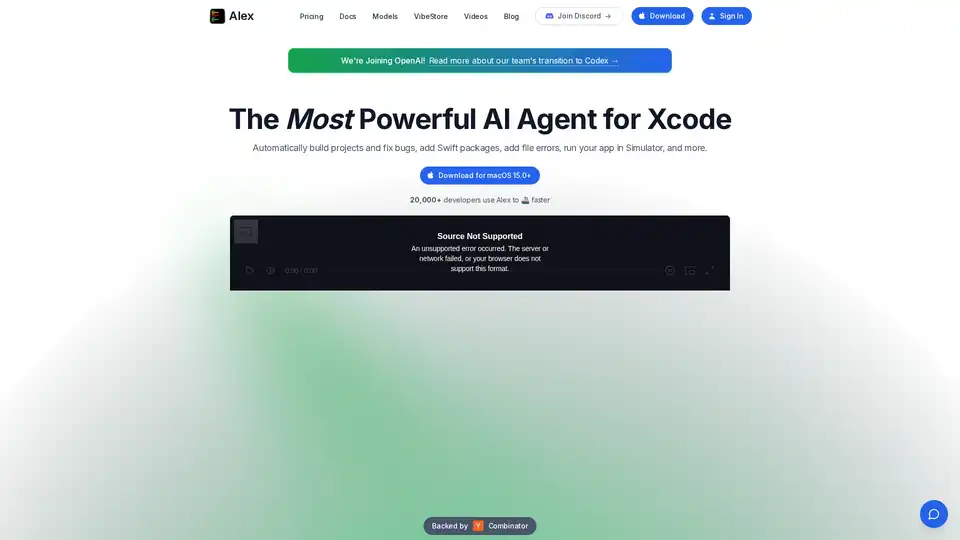
Alex is the ultimate tool for iOS and Swift app development, empowering developers with AI for Xcode to streamline workflows, tackle complex coding challenges, and boost productivity. Discover what makes it an essential asset for modern app creation.
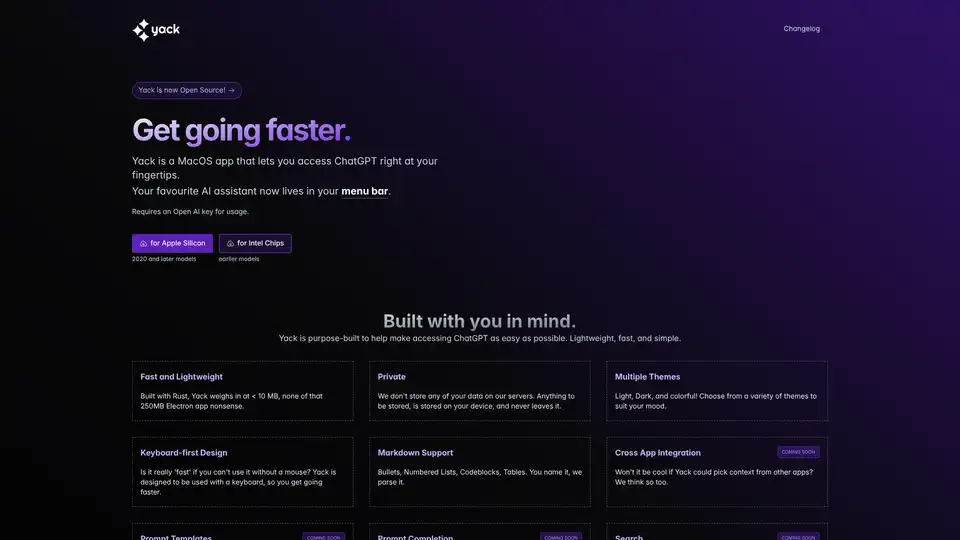
Yack is a fast, lightweight MacOS app that integrates ChatGPT into your menu bar for instant AI access. Private, keyboard-friendly, and built with Rust for efficiency.