
SVGMaker
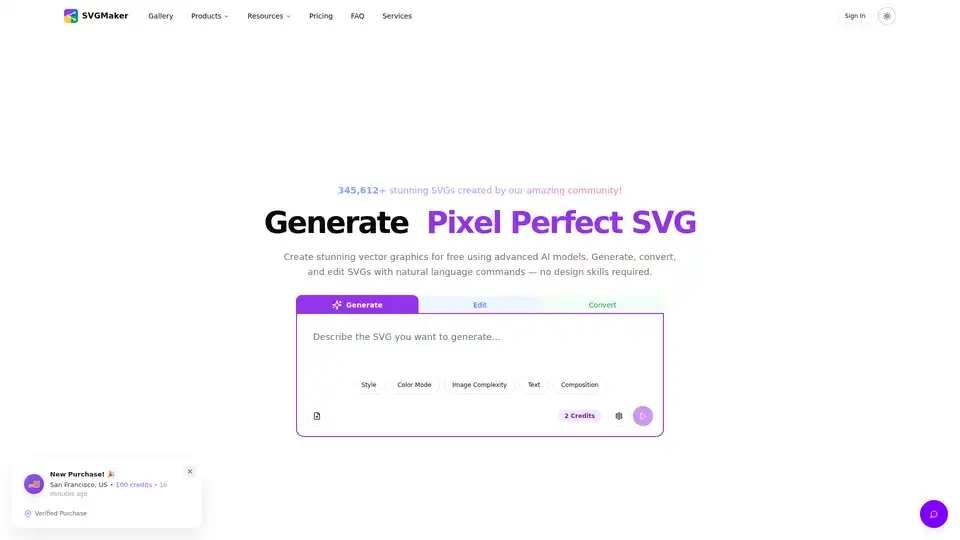
Overview of SVGMaker
SVGMaker: AI-Powered SVG Generator, Editor & Converter
What is SVGMaker? SVGMaker is an innovative AI-powered platform designed to simplify the creation, editing, and conversion of SVG (Scalable Vector Graphics) images. It caters to creators, designers, and digital sellers, enabling them to generate stunning vector graphics using natural language commands, even without prior design skills.
Key Features:
- AI-Powered SVG Generation: Generate pixel-perfect SVGs using advanced AI models.
- Intuitive SVG Editor: A powerful editor with free draw, brush controls, and advanced color selection for precise modifications.
- Image Conversion: Convert images to crisp, scalable SVGs in seconds, ideal for web, social media, and UI design.
- AI Prompt Enhancement: Improve prompts using AI for more accurate and high-quality vector results.
- Design-Ready Styles: Customize SVGs with style presets and effects for various design aesthetics.
- Photo to Vector Art: Transform photos into vector art for digital and print projects.
- Collaboration: Easily share SVG creations with a simple link for team collaboration and feedback.
- API Integration: Integrate SVGMaker into applications with a comprehensive API for custom workflows.
How does SVGMaker work?
SVGMaker combines artificial intelligence with precision controls in a simple interface. Users can input natural language commands to generate SVG images. The AI enhances these prompts for better results. Additionally, the platform provides tools to edit, convert, and customize SVGs.
Key Functionalities:
- Generate: Create SVGs from text prompts.
- Edit: Modify existing SVGs with precision tools.
- Convert: Transform raster images into vector SVGs.
- Style: Customize SVGs with presets and effects.
Why choose SVGMaker?
- Efficiency: Generate and edit SVGs rapidly, saving time and resources.
- Scalability: Vector graphics ensure designs look sharp at any size.
- Versatility: Suitable for website design, logo creation, merchandise designs, and more.
- Ease of Use: No design skills are required to create stunning visuals.
- Wide Compatibility: Works seamlessly with popular design tools like Adobe, Canva, and Figma.
Who is SVGMaker for?
- Designers: Streamline workflow with AI-powered tools.
- Creators: Easily generate unique designs for various projects.
- Digital Sellers: Create scalable graphics for merchandise.
- Small Business Owners: Design logos and branding assets.
- Web Developers: Generate UI elements and icons for websites.
- Cricut and POD Sellers: Create production-ready SVG files that are fully customizable and cut cleanly.
Use Cases & Examples
- Website Design: Create interactive UI elements and hero sections that look crisp on any device.
- Illustrations: Generate custom infographics, charts, and illustrations for presentations.
- Icon Design: Produce custom icon sets for apps and websites.
- Logos & Branding: Design scalable vector logos and brand marks that look sharp at any size.
- Merchandise Designs: Craft visuals for T-shirts, posters, hoodies, and mugs.
Pricing Plans
SVGMaker offers a range of pricing plans to suit different needs:
- Free Pack: 10 Credits (Free upon sign-up)
- Standard Pack: 100 Credits ($15)
- Enhanced Pack: 300 Credits ($30)
- Enterprise: Custom Pricing (Tailored solutions for teams)
Customer Testimonials
- Alex Johnson (Web Designer): "With SVGMaker, I get clean, scalable graphics that adapt perfectly to any website or app design."
- Priya Desai (Creative Director): "SVGMaker is game-changing for our agency. The scalability means we can adapt designs into multiple formats without pixelation."
- Sophia Kim (Small Business Owner): "SVGMaker changed everything. I now have ready-to-print vectors that are scalable, customizable, and instantly usable across T-shirts, mugs, postcards, and signage."
Frequently Asked Questions
- How does the AI SVG generation work?
- What's the difference between the quality levels?
- Can I use the generated SVGs commercially?
SVGMaker is the best way to create vector graphics efficiently. Whether you're designing logos, website elements, or merchandise, SVGMaker provides the tools and AI-powered assistance to bring your ideas to life.
AI Generated Art Image Enhancement and Repair Image Style Transfer AI Background Removal and Replacement AI Avatar and Cartoonization 3D Modeling and Rendering Logo and UI Design
Best Alternative Tools to "SVGMaker"
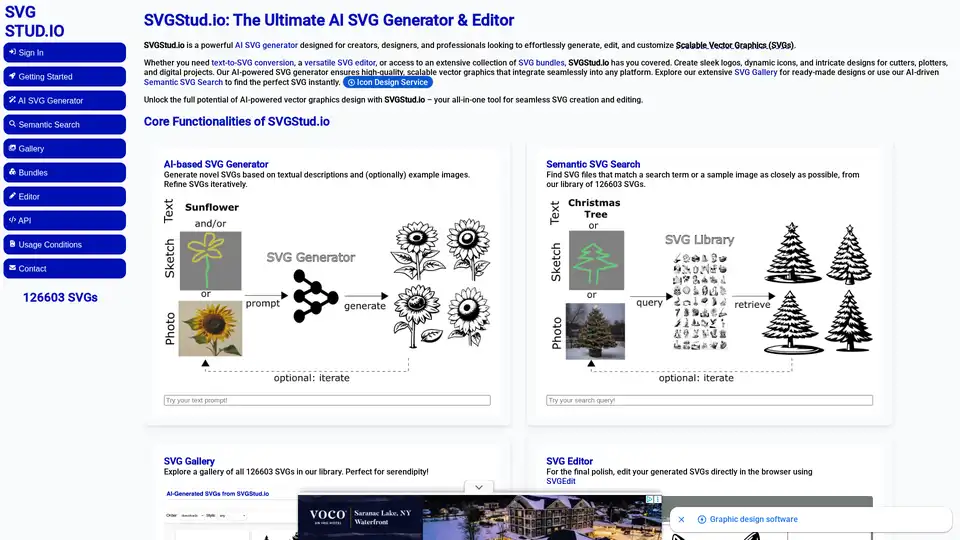
SVGStud.io is an AI-powered SVG generator and editor. Generate custom SVGs, use semantic search for designs, and explore a gallery of AI-generated vector graphics.
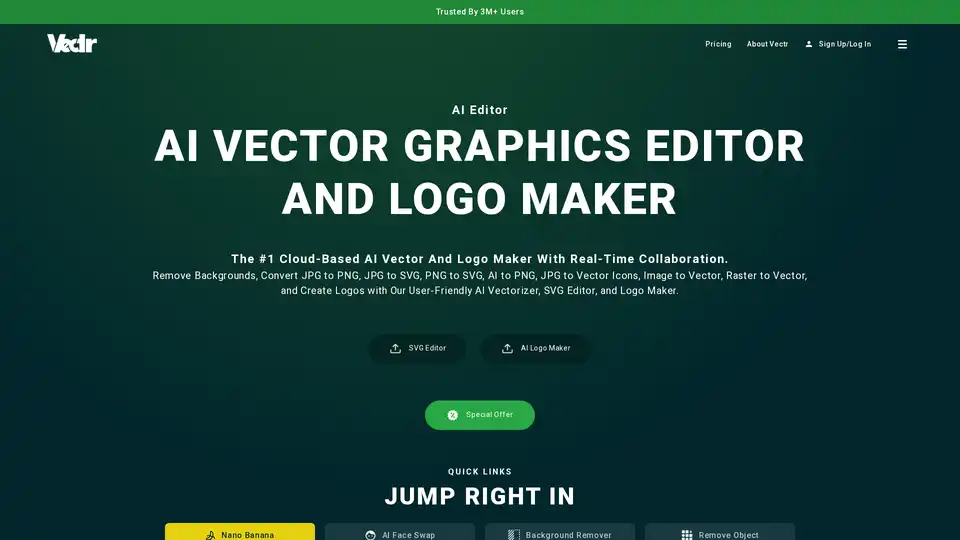
Vectr is a cloud-based AI vector graphics editor and logo maker. It allows users to remove backgrounds, convert images to vectors, and create logos with AI-powered tools. Ideal for both beginners and professionals.
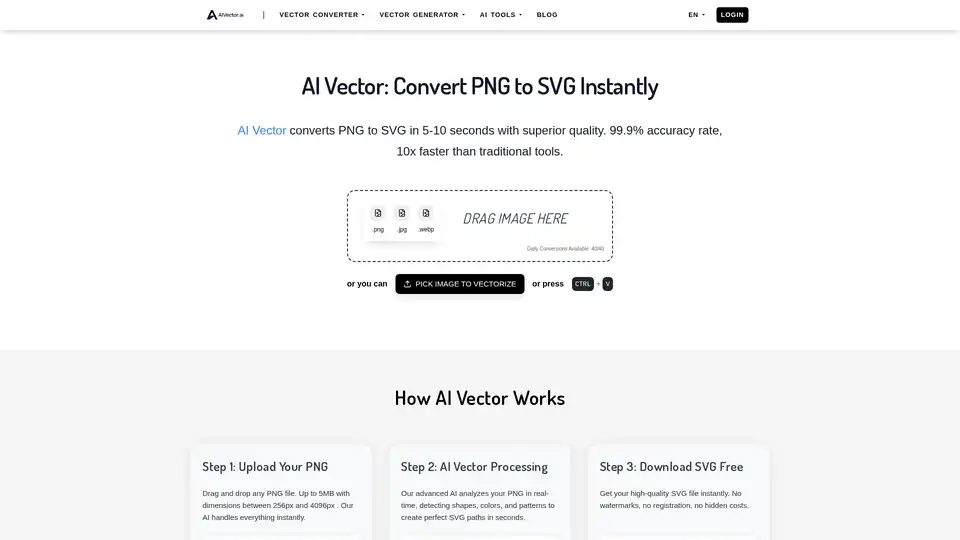
Transform PNG images into SVG vectors instantly with AIVector, the AI-powered online converter. Get high-quality, editable SVG files in seconds. Perfect for logos, art, and web graphics.
Rast.AI: AI-powered logo & poster maker with graphic design editor. Generate stunning logos, posters & designs easily. Perfect for business & social media.