
AIVector
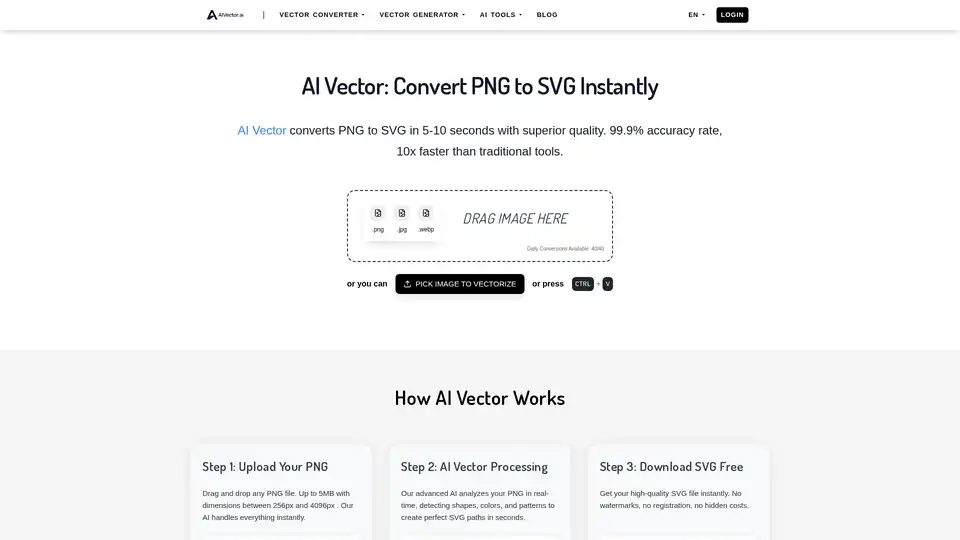
Overview of AIVector
AIVector: Instantly Convert PNG to SVG with AI
What is AIVector? AIVector is an AI-powered online tool that converts PNG, JPG, and WEBP images to SVG vectors in seconds. It offers a superior quality and faster conversion rate compared to traditional vectorization tools.
How does AIVector work?
- Upload Your PNG: Simply drag and drop any PNG file (up to 5MB, dimensions between 256px and 4096px). Other supported format are JPG and WEBP.
- AI Vector Processing: The advanced AI analyzes the PNG in real-time, detecting shapes, colors, and patterns to create perfect SVG paths.
- Download SVG Free: Get a high-quality SVG file instantly without watermarks, registration, or hidden costs.
Why Choose AIVector?
- Lightning Fast: Converts images in under 10 seconds.
- Superior Quality: AI algorithms deliver cleaner lines and smoother curves.
- No Sign Up: Start converting immediately without an account.
- Unlimited Conversions: Convert as many files as needed.
- Professional Results: Output quality rivals expensive desktop software.
- Privacy First: PNG files are never stored or shared.
Perfect for Every Vectorization Need
- Logo & Branding: Transform PNG logos into crisp, scalable SVG files for brand identity and business cards.
- Digital Art & Illustrations: Convert PNG artwork into editable SVG graphics for digital artists and content creators.
- Print & Marketing Materials: Create high-resolution SVG files for brochures and banners without quality loss.
- Web & Social Media Graphics: Generate scalable SVG graphics that look perfect on any device.
Real User Success Stories
- Sophie Williams: "The quality is amazing compared to other online tools. My SVG files look professional and scale perfectly."
- Daniil Chen: "This AI Vector Converter is incredibly fast! Traditional tools take forever, but AIVector gives me perfect results in seconds."
- Alex Rodriguez: "I was tired of waiting 5 minutes for mediocre results. AIVector does this in 10 seconds with superior quality."
- Lorena Green: "The AI is incredibly smart. It handles complex PNG files better than any traditional tool I've used."
- Lam Kim: "No registration, no watermarks, no BS. Just upload PNG and get perfect SVG in seconds. This is how it should be."
- Emma Thompson: "I use this AI converter for my design classes. Students love the converter speed and quality compared to traditional methods."
How to use AIVector?
Using AIVector is straightforward:
- Go to the AIVector website.
- Drag and drop your PNG, JPG, or WEBP image into the upload area.
- Wait a few seconds for the AI to process the image.
- Download your high-quality SVG file.
Who is AIVector for?
AIVector is designed for designers, marketers, and content creators who need to quickly convert PNG images to scalable SVG vectors. It is particularly useful for:
- Creating logos and branding materials
- Preparing digital art and illustrations for web use
- Generating high-resolution graphics for print
- Optimizing images for social media
FAQ About AIVector
- How does AI conversion work? AIVector uses advanced AI algorithms to analyze PNG files and create precise SVG paths.
- What types of PNG files work best? AIVector works with a wide range of PNG files, but clear and well-defined images produce the best results.
- Is this really completely free? Yes, AIVector offers free conversions without watermarks or registration.
- What file formats can I upload? You can upload PNG, JPG, and WEBP files.
- How long does conversion take? Conversion typically takes 5-10 seconds.
- What's the quality like? AIVector delivers superior quality with cleaner lines and smoother curves compared to traditional methods.
- Can I use the SVG files commercially? Yes, you can use the SVG files for commercial purposes.
AIVector provides a fast, efficient, and high-quality solution for converting PNG images to SVG vectors, making it an invaluable tool for various design and marketing needs. Try AIVector today and experience the power of AI vectorization!
AI Generated Art Image Enhancement and Repair Image Style Transfer AI Background Removal and Replacement AI Avatar and Cartoonization 3D Modeling and Rendering Logo and UI Design
Best Alternative Tools to "AIVector"
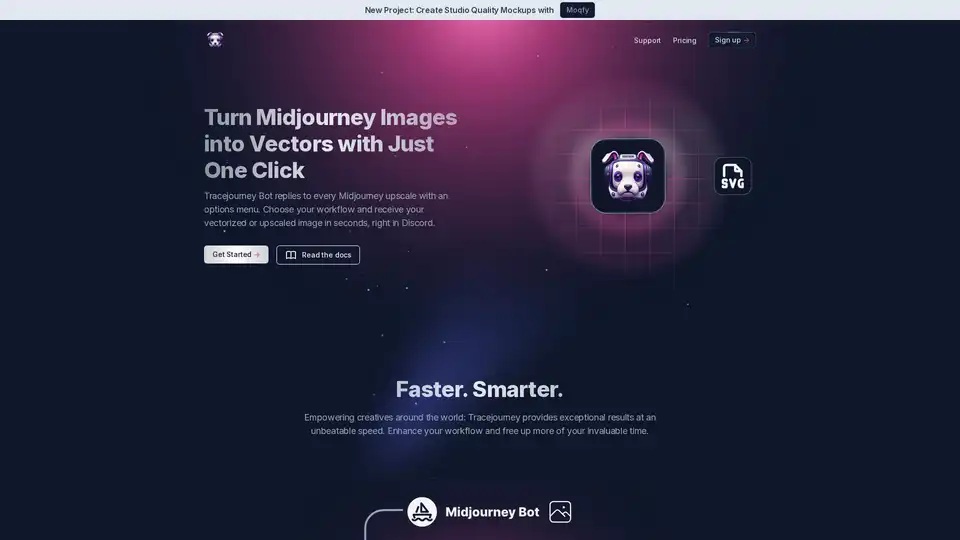
Tracejourney enhances Midjourney images into vectors with one click. Features include background removal, upscaling, batch processing, and direct messaging for efficient creative workflows.
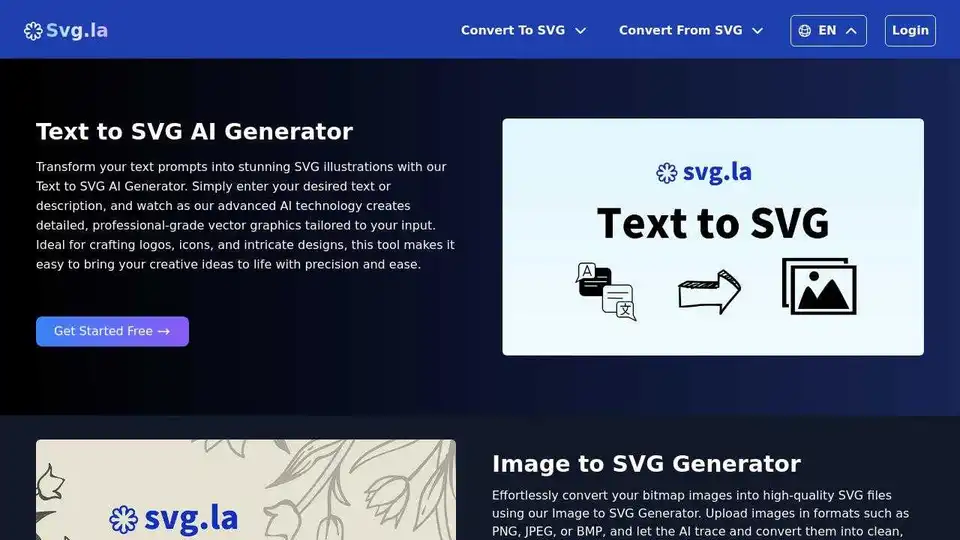
Generate custom SVG files with AI using text prompts and reference images. Create high-quality, scalable vector graphics based on your needs.
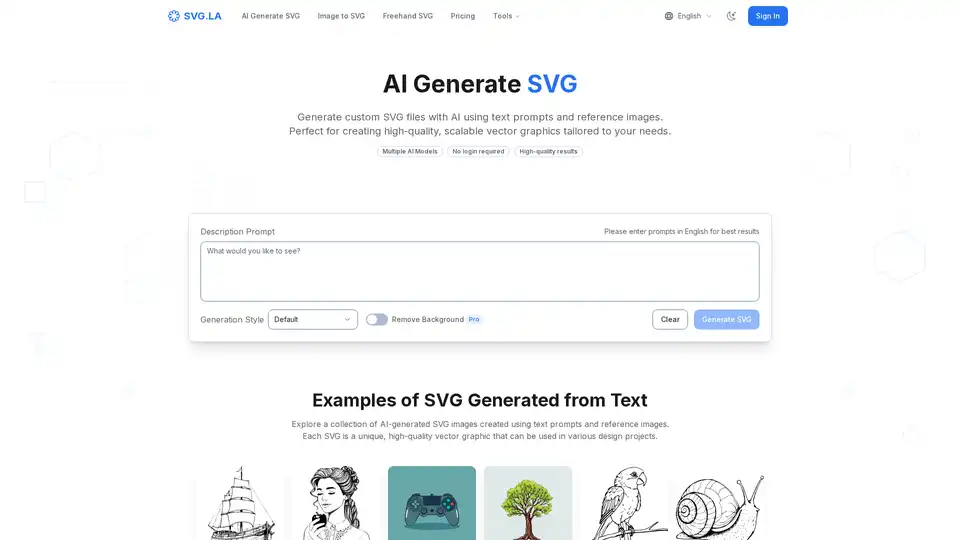
Generate custom SVG files with AI using SVG.LA. Create high-quality, scalable vector graphics from text prompts and reference images. Free and Pro options available.
Vectr is a cloud-based AI vector graphics editor and logo maker. It allows users to remove backgrounds, convert images to vectors, and create logos with AI-powered tools. Ideal for both beginners and professionals.