
SubtitleGen
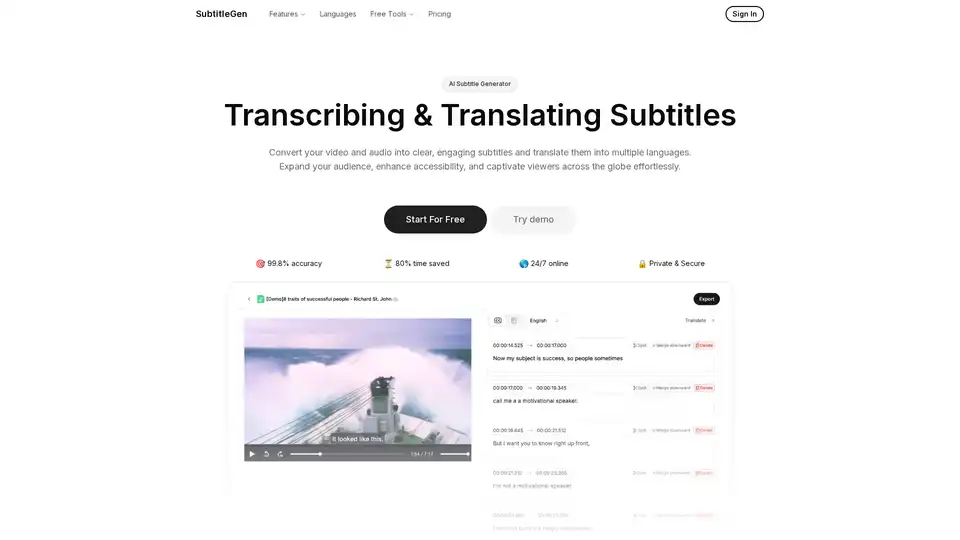
Overview of SubtitleGen
What is SubtitleGen?
SubtitleGen is an innovative AI-powered subtitle generator designed to simplify the process of transcribing and translating video and audio content. Whether you're a content creator, educator, or marketer looking to make your videos more accessible, this online tool automates the creation of high-quality subtitles. With its advanced AI algorithms, SubtitleGen boasts an impressive 99.8% accuracy rate in transcription, helping you save up to 80% of the time typically spent on manual subtitling. Available 24/7 and built with enterprise-grade security, it's a secure choice for users worldwide, supporting a broad array of languages and file formats without requiring any software installation.
How Does SubtitleGen Work?
The workflow of SubtitleGen is straightforward and user-friendly, making it accessible even for beginners. Here's a step-by-step breakdown of how it operates:
Upload Your Content: Start by simply uploading your video or audio file through the intuitive online interface. SubtitleGen supports all popular formats, ensuring compatibility with files from platforms like YouTube, podcasts, or corporate videos.
Auto-Generate Subtitles: Powered by cutting-edge AI, the tool automatically transcribes your audio into precise text. This AI-driven transcription captures spoken words with high fidelity, handling accents, background noise, and varied speech patterns effectively.
Review and Edit: Once generated, subtitles appear in an online editor where you can review and tweak them. The editor is browser-based, allowing real-time adjustments for timing, phrasing, or corrections to achieve perfect synchronization with your video.
Translate to Multiple Languages: Extend your reach by translating subtitles into over a dozen languages, including English, Spanish, French, German, Italian, Portuguese, Japanese, Chinese, Korean, Dutch, and Turkish. This feature breaks down language barriers, ideal for global audiences.
Export Seamlessly: Download your subtitles in standard formats like .srt, which integrate effortlessly with video players, editing software, or platforms such as YouTube and Vimeo.
This end-to-end process typically takes just minutes, transforming hours of manual labor into an efficient, automated experience.
Core Features of SubtitleGen
SubtitleGen stands out with a suite of features tailored to enhance video accessibility and engagement:
Accurate Transcription: Converts audio and video into text with 99.8% accuracy, minimizing errors and ensuring reliable results for professional use.
Multi-Language Translation: Supports a wide range of languages (listed below), enabling creators to localize content quickly and accurately.
Online Subtitle Editor: A robust, no-download editor for fine-tuning subtitles, with tools for timing adjustments, styling, and collaboration.
Format Flexibility: Handles various video and audio formats, from MP4 and AVI to WAV and MP3, making it versatile for different media types.
Secure and Private: All processing occurs on secure servers, with data encrypted to protect your intellectual property.
Device Agnostic: Works seamlessly on any web browser, whether on desktop, tablet, or mobile, without installation.
Supported Languages Include:
- English (🇺🇸)
- Spanish (🇪🇸)
- French (🇫🇷)
- German (🇩🇪)
- Italian (🇮🇹)
- Portuguese (🇵🇹)
- Japanese (🇯🇵)
- Chinese (🇨🇳)
- Korean (🇰🇷)
- Dutch (🇳🇱)
- Turkish (🇹🇷)
- And more, with ongoing expansions.
How to Use SubtitleGen?
Getting started with SubtitleGen is as easy as signing up for a free trial—no credit card required. After uploading your file, the AI handles the heavy lifting, but you retain full control through the editing phase. For best results, ensure clear audio quality in your source material, as this optimizes the AI's transcription accuracy. Users can export subtitles directly or integrate them into video editing workflows. The platform also offers free tools like a subtitle converter and editor for quick tasks.
Why Choose SubtitleGen?
In a crowded market of subtitle tools, SubtitleGen excels due to its AI precision and ease of use. Traditional methods involve tedious manual typing or expensive hiring, but SubtitleGen automates it all while maintaining quality. It saves significant time—imagine generating subtitles for a 30-minute video in under 5 minutes—and boosts viewer engagement by improving accessibility. Plus, its translation capabilities help content creators tap into international markets, increasing views and shares. With enterprise-grade security, it's trusted for sensitive content like educational lectures or corporate trainings.
Who is SubtitleGen For?
This tool is ideal for a diverse audience:
- YouTubers and Video Creators: Quickly add professional subtitles to boost SEO and viewer retention.
- Educators and Trainers: Enhance e-learning videos with multi-language support for global students or remote teams.
- Marketers and Businesses: Localize promotional videos for international campaigns without translation agencies.
- Podcasters: Transcribe episodes for searchable text versions or captioned videos.
- Accessibility Advocates: Ensure compliance with standards like WCAG by providing accurate captions for hearing-impaired audiences or non-native speakers.
Whether you're a solo creator or part of a large production team, SubtitleGen scales to your needs.
Practical Value and Use Cases
The real-world value of SubtitleGen lies in its ability to democratize high-quality subtitling. For instance, a YouTuber can upload a travel vlog, generate English subtitles, translate to Spanish and French, edit for cultural nuances, and export—all in one session. This not only expands reach but also improves search rankings, as platforms favor captioned content.
In education, teachers use it to subtitle lectures, making them accessible to diverse classrooms. Businesses leverage it for training videos, ensuring global teams stay aligned. The time savings alone justify the investment, especially with the free tier for testing.
Frequently Asked Questions
What file formats does SubtitleGen support? It accommodates all major video and audio formats, including MP4, MOV, AVI, MP3, and WAV.
How accurate are the transcriptions and subtitles? With 99.8% accuracy powered by advanced AI, results are highly reliable, though minor edits may be needed for complex audio.
Can I try SubtitleGen for free? Yes, start with the free tools and trial to generate and edit subtitles without commitment.
How long does it take to transcribe a file? Most files process in minutes, depending on length— a 10-minute video might take just 1-2 minutes.
Does SubtitleGen support subtitle translation? Absolutely, with support for multiple languages to help you go global.
Can I edit the subtitles? Yes, the built-in online editor allows full customization.
Best Way to Generate Subtitles for Videos?
For optimal results, use high-quality audio sources and review AI outputs before exporting. Combine with video platforms' built-in players for seamless playback. SubtitleGen's AI not only transcribes but also timestamps accurately, ensuring sync with visuals.
In summary, SubtitleGen revolutionizes subtitle creation by combining AI efficiency with user-friendly tools. It's a must-have for anyone aiming to make content more inclusive and engaging. Sign up today and experience how it can transform your video workflow.
AI Voice Synthesis AI Voice Changer AI Music Creation Speech to Text AI Voice Customer Service and Assistant Podcast and Video Dubbing
Best Alternative Tools to "SubtitleGen"
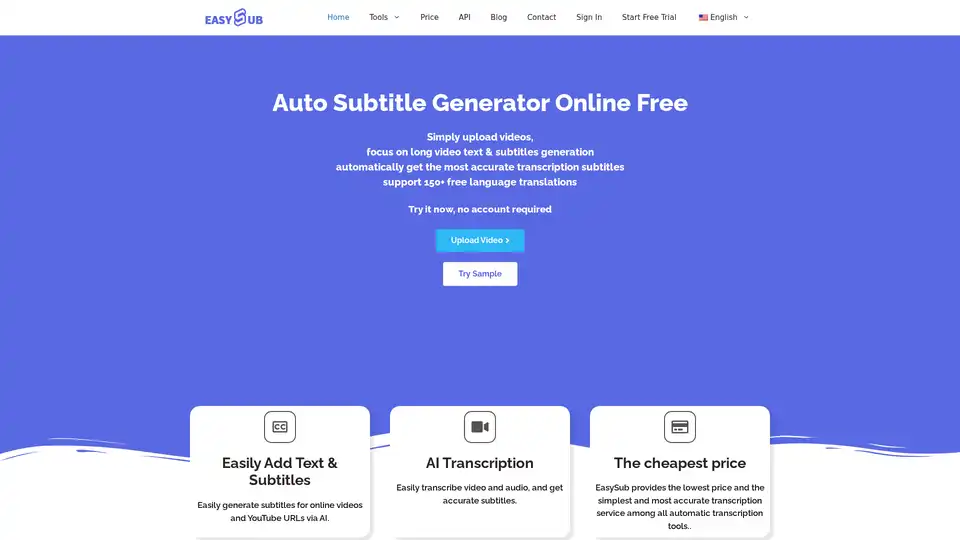
Generate accurate subtitles automatically with EASYSUB, the free AI auto subtitle generator. Supports 150+ languages for video transcription, translation, and editing.
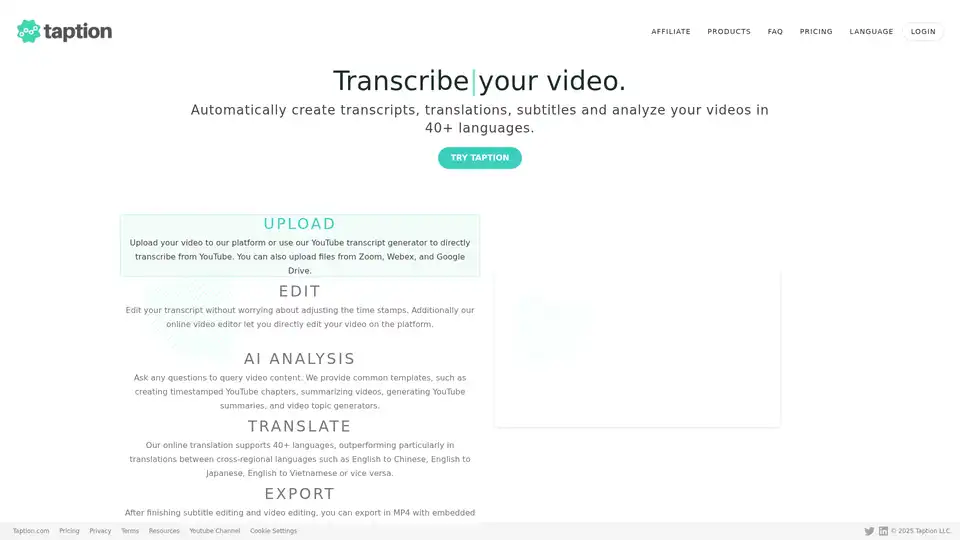
Taption automatically generates transcripts, translations, and subtitles for videos in 40+ languages. It offers AI analysis, video editing, and collaboration tools for streamlined content creation.
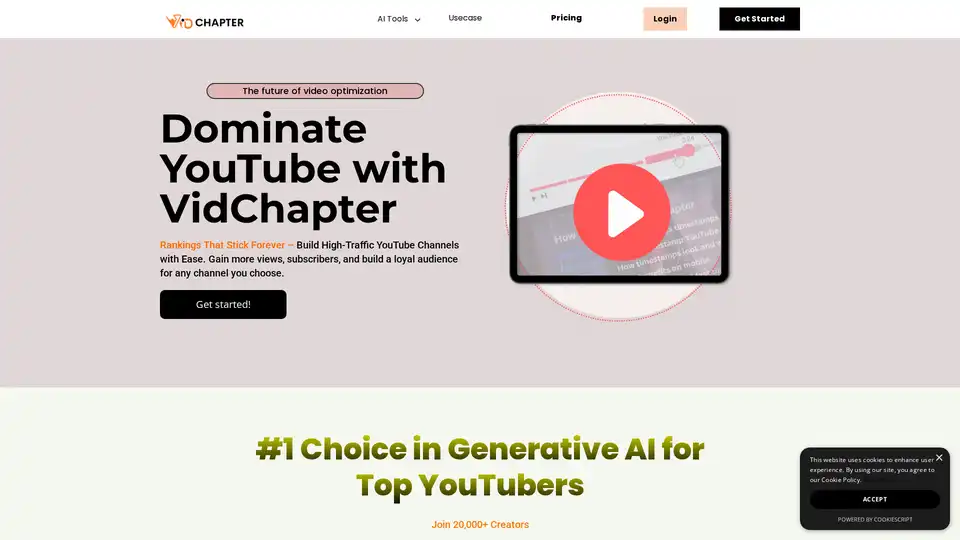
VidChapter is an AI-powered tool that generates timestamped chapters, descriptions, tags, and titles for YouTube and Vimeo videos to boost rankings, engagement, and viewer retention effortlessly.
Animaker's AI-powered subtitle generator automatically creates accurate subtitles in 100+ languages with professional formatting and animations.