
QR Code Generator
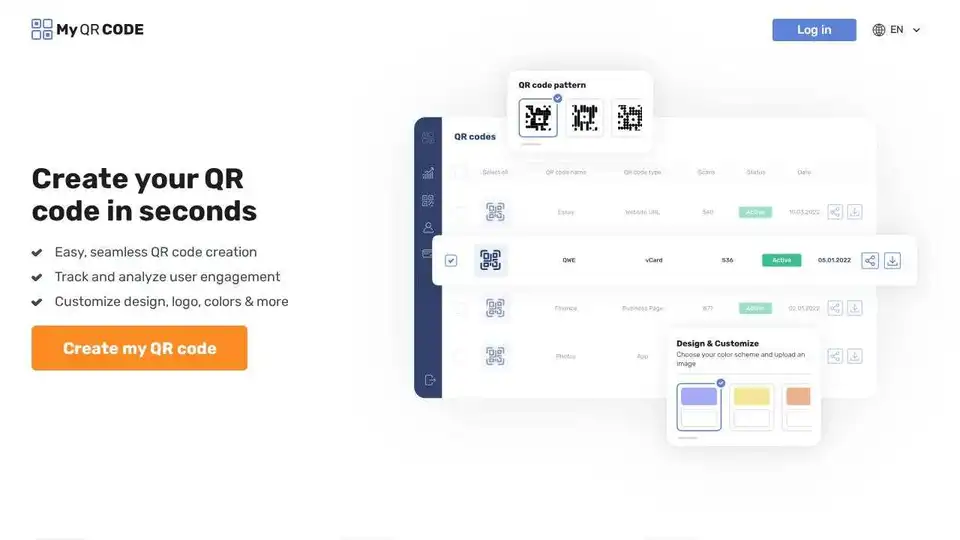
Overview of QR Code Generator
QR Code Generator: Create Engaging and Customized QR Codes
What is a QR Code Generator? A QR Code Generator is a tool that allows you to create custom QR codes for various purposes, from linking to websites and PDFs to sharing contact information and promoting social media profiles. MyQRCode.com's QR Code Generator stands out with its easy-to-use interface, customization options, and AI-powered features.
Key Features
- Easy QR Code Creation: Create QR codes in seconds with a seamless process.
- Customizable Design: Add logos, colors, frames, patterns, and styles to match your brand.
- Track and Analyze: Monitor user engagement to understand how your QR codes are performing.
- AI-Powered Art: Use the AI QR code generator to create unique and artistic QR codes.
How to Use QR Code Generator?
- Choose Your Content: Select the type of material you want to share, such as a link, PDF, menu, video, or app.
- Customize the Design: Add logos, colors, frames, and styles to your QR code using the intuitive design tools.
- Download and Share: Download your QR code in PNG, SVG, or JPG format. Print it or share it digitally.
Various QR Code Generators Available
- Link QR Code Generator: Link directly to web pages.
- VCard QR Code Generator: Share contact information easily.
- QR Code Generator for Restaurants: Direct customers to your menu or promotions.
- Facebook QR Code Generator: Grow your Facebook presence.
- PDF QR Code Generator: Share PDF documents seamlessly.
- QR Code Generator for Mobile App: Drive app downloads.
- Text QR Code Generator: Share simple text messages.
- Image QR Code Generator: Share images directly.
- Video QR Code Generator: Direct users to video content.
- Business QR Code Generator: Promote your business.
- Social Media QR Code Generator: Increase your social media following.
- WiFi QR Code Generator: Allow easy WiFi access.
- AI QR Code Generator: Create art QR codes using AI.
Why is QR Code Generator Important?
QR codes offer a quick and efficient way to share information in various contexts. They can be used in marketing campaigns, business cards, restaurant menus, and more. With a customizable QR code, businesses can reinforce their brand identity and track the effectiveness of their campaigns.
Where can I use QR Code Generator?
You can use the QR Code Generator for:
- Marketing Campaigns: Include QR codes in print ads, posters, and brochures.
- Business Cards: Share contact information with a quick scan.
- Restaurant Menus: Provide digital menus without physical contact.
- Social Media Promotion: Direct users to your social media profiles.
- Event Promotion: Share event details and registration links.
Best way to create engaging QR codes?
To create engaging QR codes:
- Use custom designs that match your brand.
- Add a logo to increase brand recognition.
- Use colors that stand out but are still visually appealing.
- Provide clear instructions on what users will get when they scan the code.
- Track the performance of your QR codes to optimize your strategy.
By using QR Code Generator, you can leverage the power of QR codes to connect with your audience, promote your brand, and streamline information sharing.
Best Alternative Tools to "QR Code Generator"
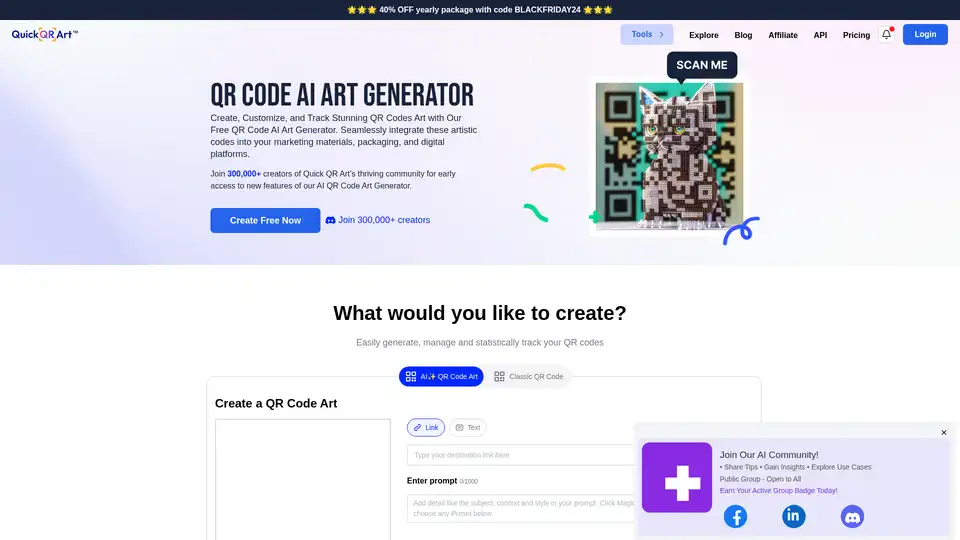
Create stunning AI QR code art with Quick QR Art! Customize, track, and seamlessly integrate artistic codes into your marketing. Join 300,000+ creators!
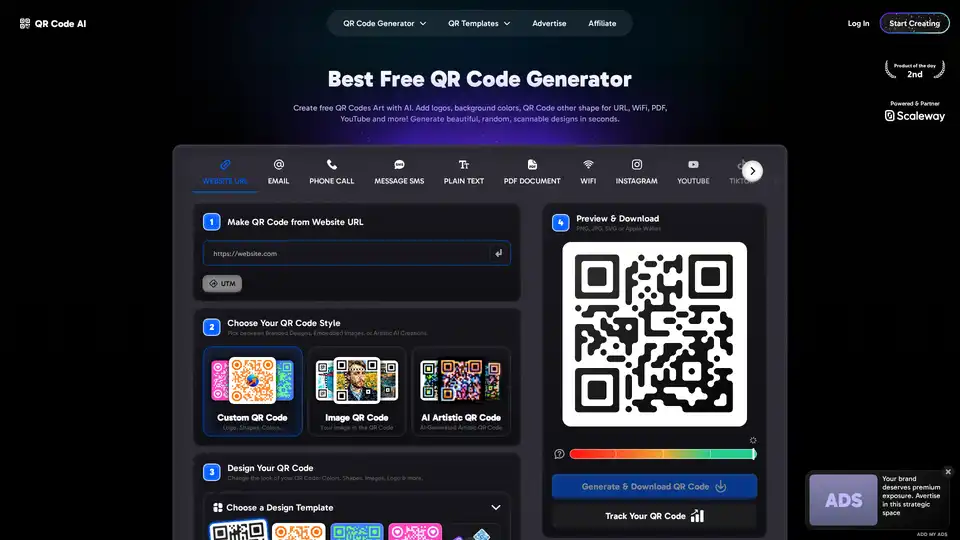
QR Code AI is a free AI-powered tool for creating custom QR codes with logos, colors, and artistic designs. It supports tracking scans and offers various customization options.
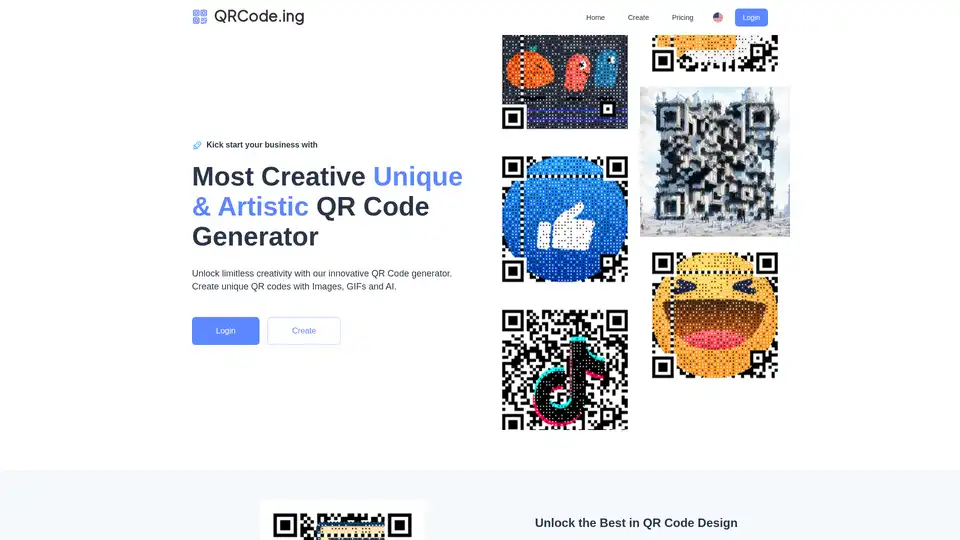
QRCode.ing is a QR code generator that allows users to create unique QR codes with images, GIFs, and AI. It offers customization options to enhance scan rates and engagement.
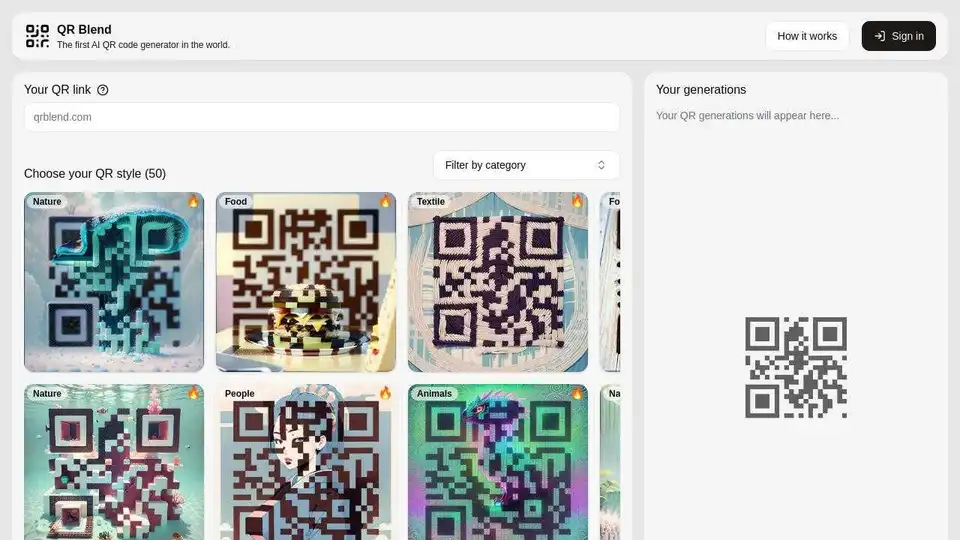
QR Blend is the first AI QR code generator. Create unique and visually appealing AI-powered QR codes in seconds with various styles and logo embedding. Try it now!