
QR Code AI
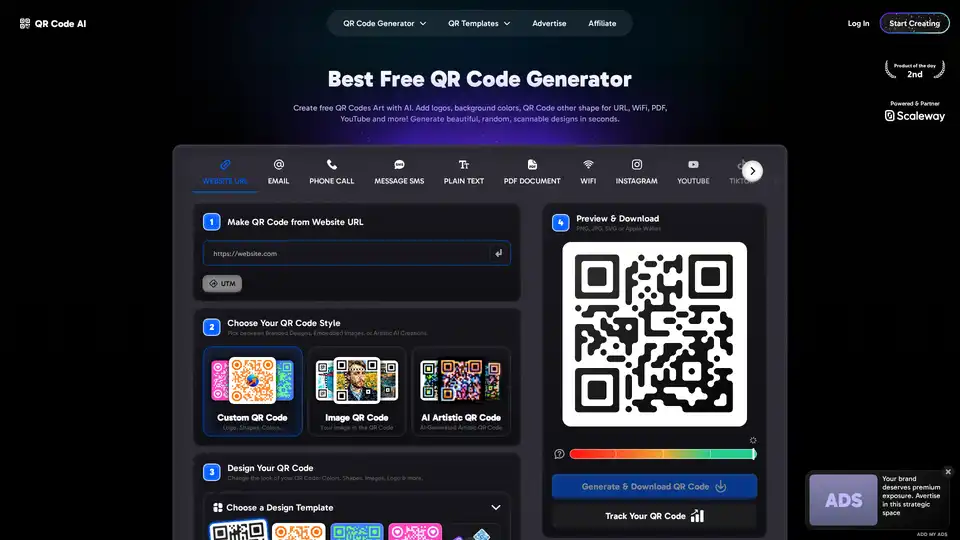
Overview of QR Code AI
QR Code AI: The Best Free AI-Powered QR Code Generator
What is QR Code AI?
QR Code AI is a free QR code generator that allows you to create custom QR codes with AI-powered artistic designs. You can add logos, background colors, and other shapes to your QR codes for various purposes, including websites, Wi-Fi, PDFs, YouTube, and more.
How to Make a QR Code Free with QR Code AI?
- Choose Your QR Code Type: Select the type of content you need, such as a URL link, Visiting Card, Google Review, or PDF.
- Edit Your QR Code Shape: Customize your QR code with heart-shaped, circle, or square designs. Add a frame, transparent background, and adjust the color.
- Download, Print & Tracking: Download your QR code for free in formats like PNG, SVG, or PDF for QR code printing. Track scans with Google Analytics and UTM parameters.
Key Features of QR Code AI:
- AI-Powered Capabilities: Harness the power of AI to create advanced artistic designs and track scan performance.
- Customization for Branding: Align your QR Codes with your brand identity by customizing logos, colors, backgrounds, and other shapes.
- Free and Unlimited: Generate unlimited custom QR codes for free with no limitations.
- Advanced Security: Ensure your QR codes are protected with encryption and secure tracking.
- 50+ QR Code Types Supported: From Wi-Fi and URLs to LinkedIn and payment links, our generator supports over 50 QR code types.
Why is QR Code AI Important?
- Boost Engagement: Attract attention with artistic and custom QR Codes that feature logos, colors, and unique designs.
- Improve Marketing Performance: Track scans to improve your marketing performance and understand how users interact with your QR codes.
- Versatile Uses: Use QR codes for various purposes, such as business cards, flyers, resumes, stickers, and tattoos.
Where Can I Use QR Code AI?
You can use QR Code AI for a wide range of purposes:
- Marketing Campaigns: Track performance and engagement with custom QR codes.
- Business Cards: Share contact information quickly and easily.
- Social Media: Promote your profiles and content on platforms like Instagram, Facebook, and YouTube.
- Documents: Share PDF files and other documents with a simple scan.
Best Way to Create a Unique QR Code?
Use QR Code AI to create a unique QR code by:
- Adding your logo or brand image.
- Customizing the colors and shapes.
- Using AI to generate artistic designs.
Explore QR Code Examples:
Pick from our diverse libraries of QR Code Custom and QR Code Art templates. Each sample is fully editable, you can add your logo, change the background, customize colors, or choose a QR code other shape. For QR Code Art, choose your own prompt to generate unique AI designs.
Best Alternative Tools to "QR Code AI"
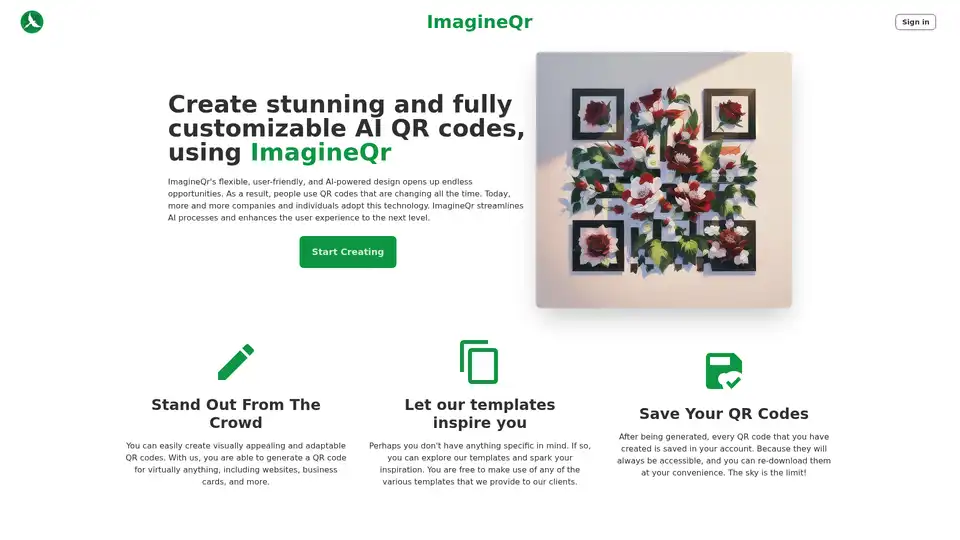
ImagineQr: Create stunning and fully-customizable QR codes using the power of AI. Generate QR codes for websites, business cards, and more.
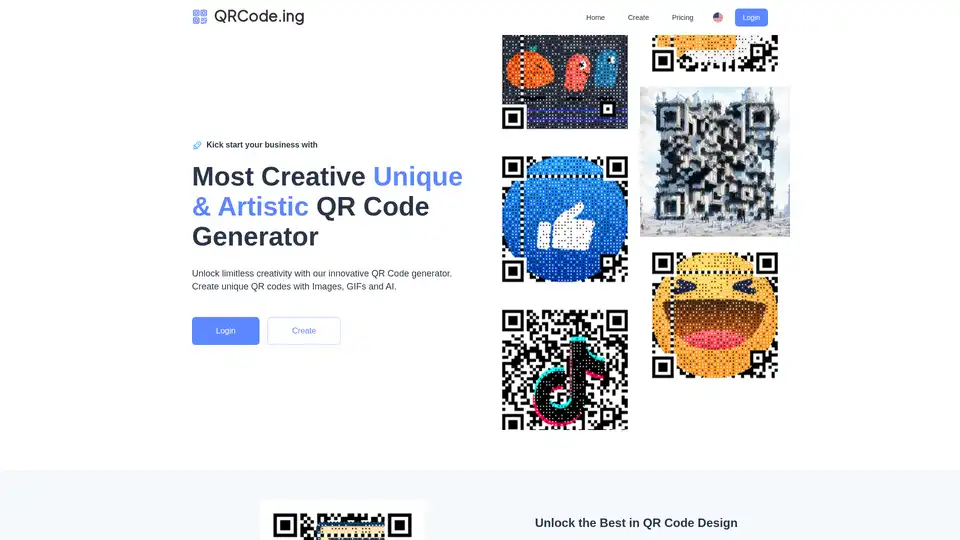
QRCode.ing is a QR code generator that allows users to create unique QR codes with images, GIFs, and AI. It offers customization options to enhance scan rates and engagement.
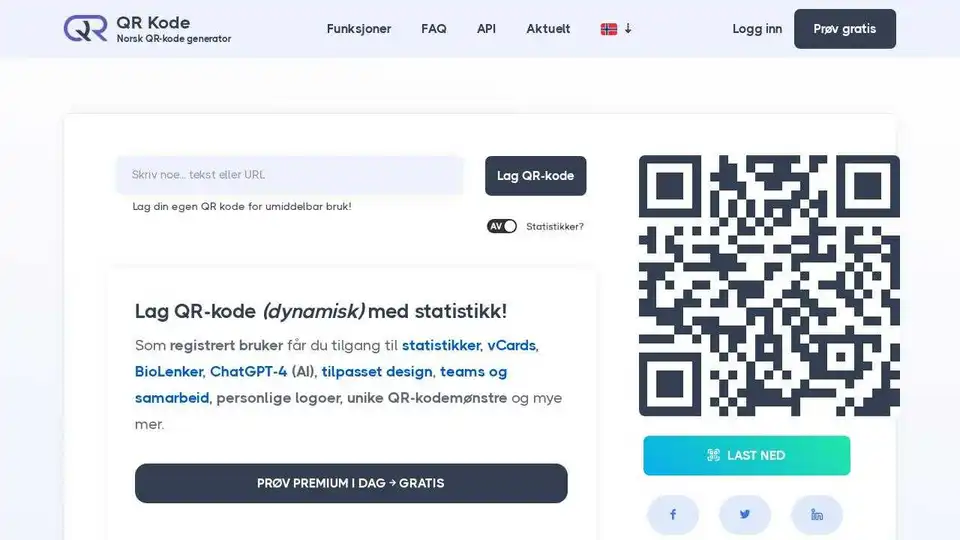
QR-Kode.no is a Norwegian QR code generator that allows users to easily create both static and dynamic QR codes for various purposes, offering customization options and tracking features.
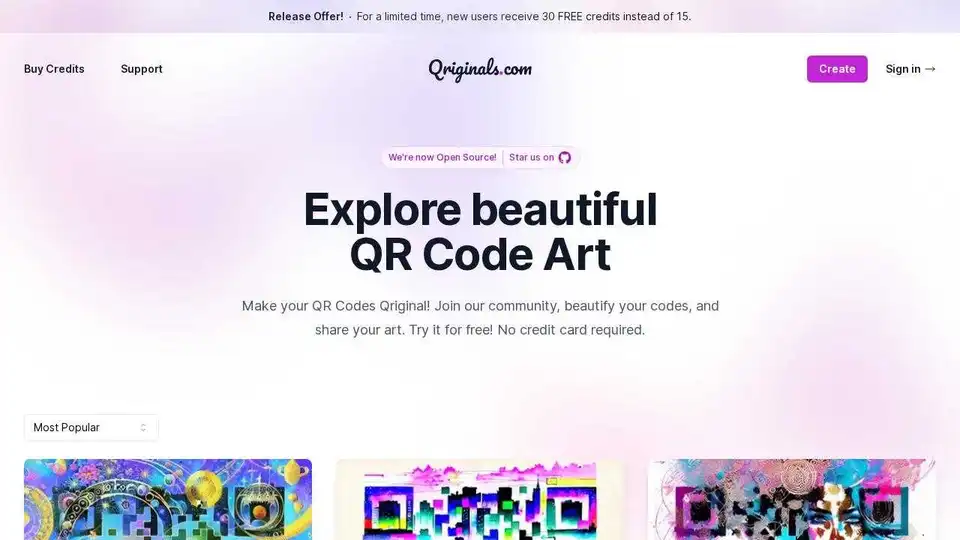
Create stunning QR code art with Qriginals' AI Art Generator. Beautify your codes and share your creations. New users get 30 FREE credits!
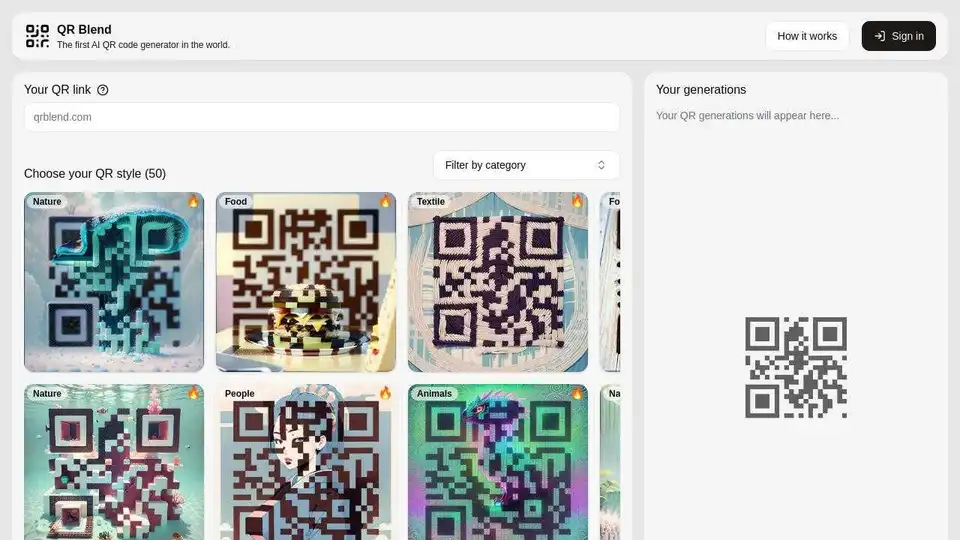
QR Blend is the first AI QR code generator. Create unique and visually appealing AI-powered QR codes in seconds with various styles and logo embedding. Try it now!