
Qoder
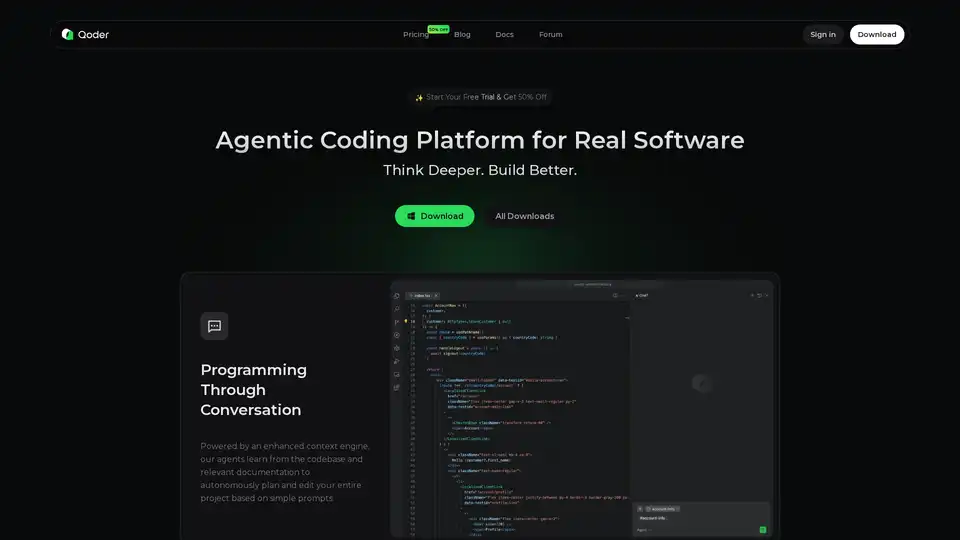
Overview of Qoder
Qoder: The Agentic Coding Platform for Real Software Development
What is Qoder? Qoder is an agentic coding platform engineered to tackle the complexities of real-world software development. By seamlessly blending enhanced context engineering with intelligent agents, Qoder achieves a comprehensive understanding of your codebase, enabling it to systematically address software development tasks. Supporting the world's latest and most advanced AI models, including Claude, GPT, and Gemini, Qoder is available for Windows and macOS, empowering developers to think deeper and build better.
How does Qoder work?
At its core, Qoder leverages an enhanced context engine that allows its agents to learn from the codebase and relevant documentation. This enables autonomous planning and editing of entire projects based on simple prompts, facilitating programming through conversation.
Key Features and Benefits:
- Quest Mode: Delegate tasks to agents by describing specifications. The agents handle planning, coding, testing, and deliver polished results asynchronously.
- Intelligent Codebase Search: Instantly locate relevant code across your entire codebase.
- Advanced Repository Insight: Resolve issues with precision, leveraging a deep architectural understanding of your codebase.
- Memory for Continuous Improvement: Qoder adapts to you, learning from every interaction to become smarter over time.
- Tool Use: Perceive additional context and execute actions with built-in and MCP tools.
Why Choose Qoder?
Qoder distinguishes itself from other AI IDEs by thinking deeper to solve real software challenges. It offers full context, deeper insight, and the flexibility to build your way.
- Always the Best Model: Automatically selects the optimal AI model for increased productivity and fewer decisions.
- Tab It, Get It: Context-aware code completions and smart next-edit suggestions.
- Comprehensive Context: Utilizes images, code, directories, and more to provide a holistic understanding.
- "Wikilize" Your Codebase: Uncovers architecture and design for improved knowledge visibility.
- Memory and Rules: Learns from your preferences and works according to your established rules.
- Inline Chat: Chat or refactor code inline without switching context.
- MCP: Extend capabilities with powerful tools from the MCP ecosystem.
The Key Concepts Behind Qoder
Qoder's functionality is guided by three core concepts:
- Enhanced Context Engineering: Combines deep codebase analysis with adaptive memory for smarter AI that evolves with you.
- Knowledge Visibility: Makes your codebase understandable for both humans and AI, reducing hallucinations and improving alignment.
- Spec-Driven Development: Start with clear specifications to clarify requirements, then delegate implementation while maintaining control.
Who is Qoder for?
Qoder is designed for developers seeking to:
- Automate repetitive coding tasks
- Improve code quality and consistency
- Gain a deeper understanding of their codebase
- Accelerate software development cycles
Real Feedback from Developers:
Developers worldwide are adopting Qoder as their daily coding partner. Here’s what they are saying:
- "Quest Mode automatically generates clear technical design documents (Spec), and Repo Wiki continuously synchronizes project structure and implementation details."
- "The Quest mode transformed the AI from a passive assistant into an active project executor. The Repo Wiki feature solved my pain point of poring over source code."
- "What really sets Qoder apart is its context-aware capabilities and deeper understanding of entire projects."
- "With Qoder, I can just state my needs and instantly create a working version that I can test and validate in the market."
- "Quest Mode handles specs, testing and refactors, and Repo Wiki keeps architecture clear."
- "A tricky benchmark bugfix stumped Cursor, Kiro, Trae and Gemini CLI. Qoder solved it in about 30 minutes."
FAQs
- How do I get started?
- What programming languages does Qoder support?
- Which AI models power Qoder?
- How does Qoder's pricing work?
How to use Qoder?
- Download and install Qoder for your operating system (Windows or macOS).
- Connect Qoder to your codebase.
- Start using Quest Mode to delegate tasks or use the intelligent code search to find relevant code.
Qoder empowers developers to achieve more with less effort. Embrace the future of coding and elevate your software development process with Qoder.
AI Programming Assistant Auto Code Completion AI Code Review and Optimization AI Low-Code and No-Code Development
Best Alternative Tools to "Qoder"
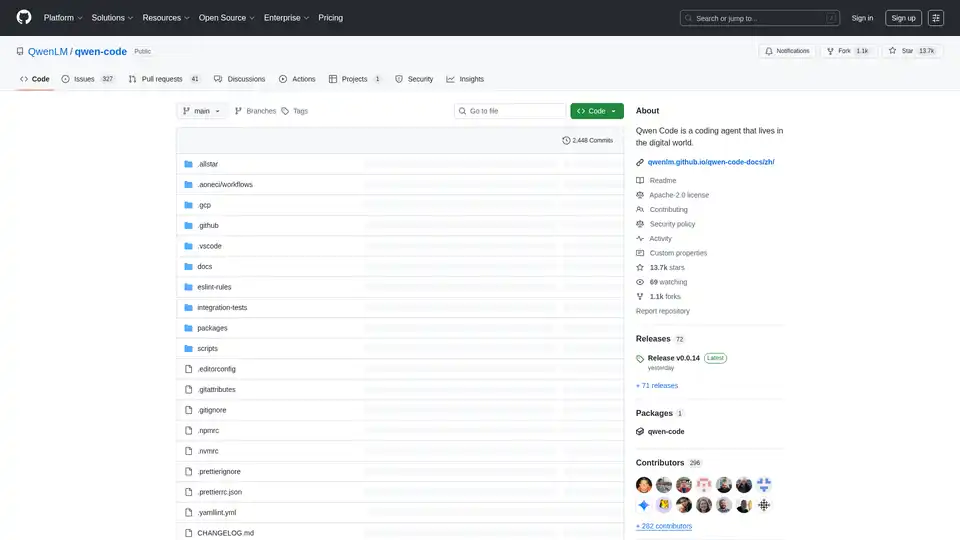
Qwen Code is an AI-powered command-line tool designed to enhance developer coding workflows with code understanding, task automation and intelligent assistance. Optimized for Qwen3-Coder models.
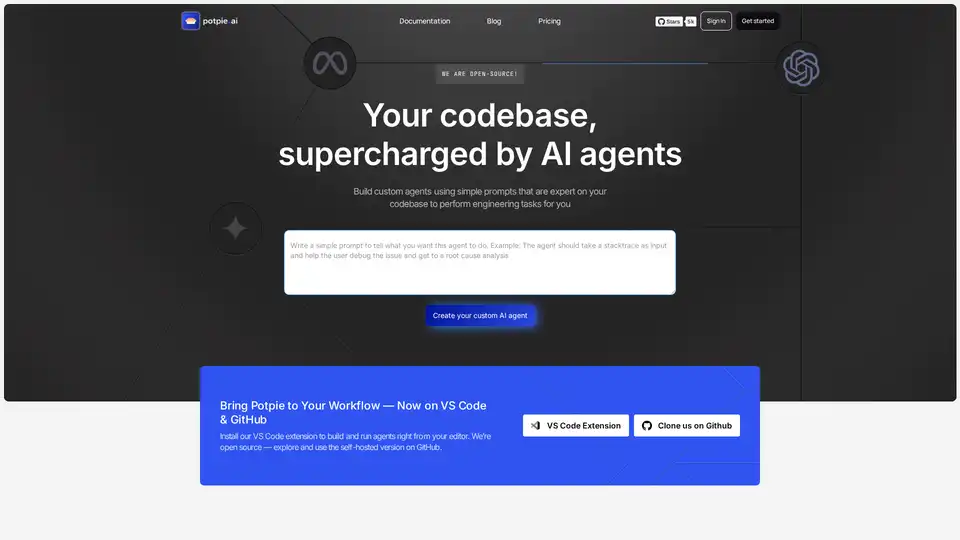
Build task-oriented custom agents for your codebase that perform engineering tasks with high precision powered by intelligence and context from your data. Build agents for use cases like system design, debugging, integration testing, onboarding etc.
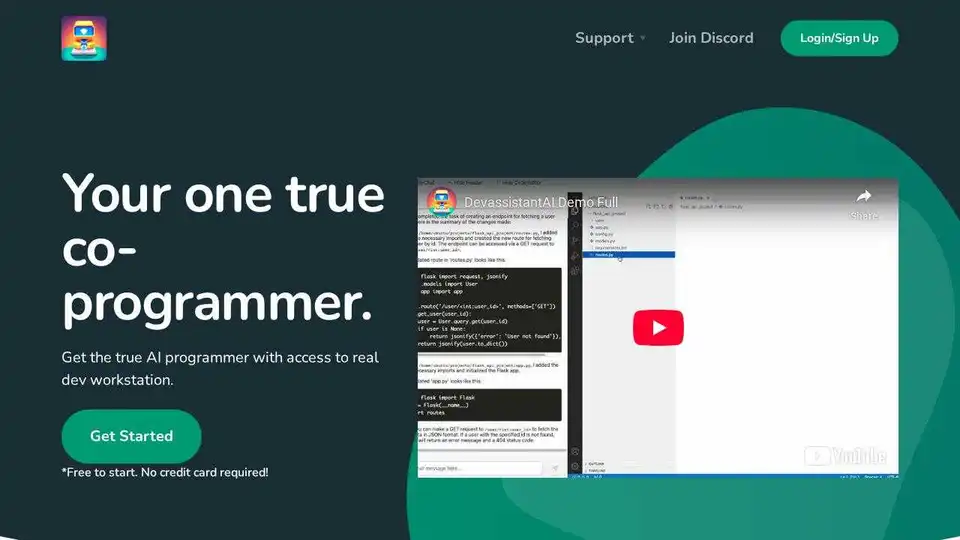
Devassistant.ai empowers developers with an AI co-programmer using GPT-4 for code editing, DevOps automation, and codebase analysis via cloud VS Code IDE. Free to start, no credit card needed.
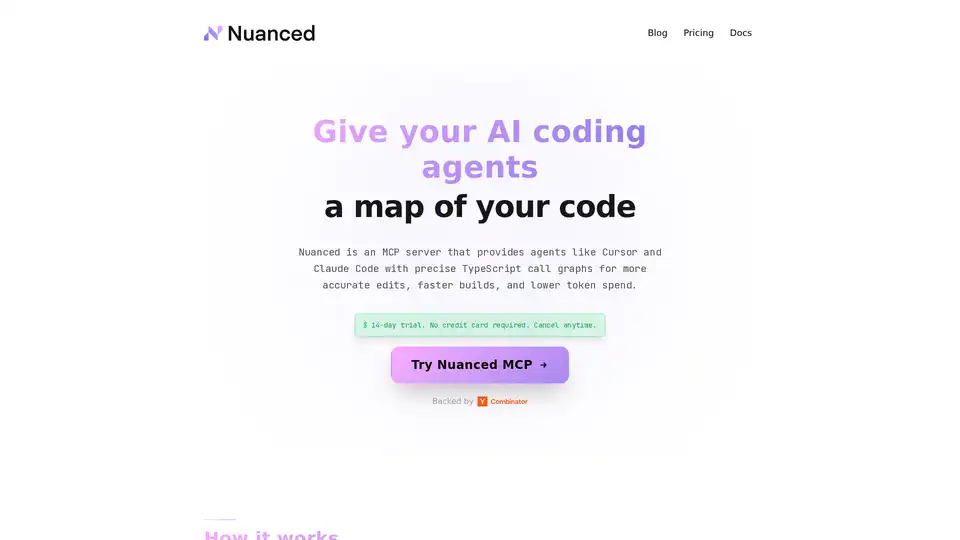
Nuanced empowers AI coding tools like Cursor and Claude Code with static analysis and precise TypeScript call graphs, reducing token spend by 33% and boosting build success for efficient, accurate code generation.