
Qwen Code
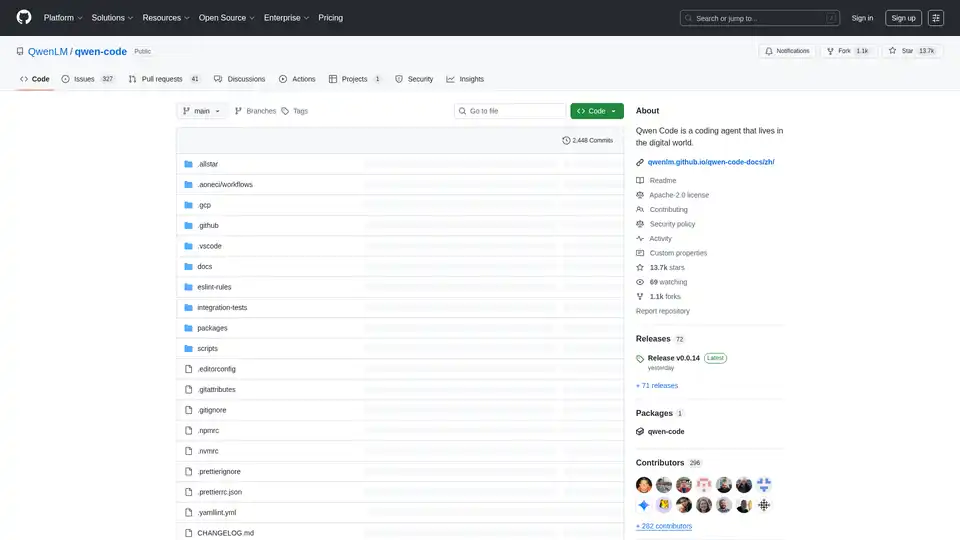
Overview of Qwen Code
Qwen Code: AI-Powered Command-Line Workflow Tool for Developers
Qwen Code an AI-powered coding agent designed to boost developer productivity. Specifically optimized for Qwen3-Coder models, this tool enhances your development experience through advanced code understanding, automated tasks, and intelligent assistance. What is Qwen Code? It's a tool designed to accelerate and simplify your coding projects.
Features
- Code Understanding & Editing: Quickly query and edit extensive codebases that go beyond traditional context windows.
- Workflow Automation: Automate operational tasks, manage pull requests efficiently, and handle complex rebases effortlessly.
- Enhanced Parser: Adapted to work seamlessly with Qwen-Coder models.
- Vision Model Support: Automatically identifies images within your input and switches to vision-enabled models for multimodal analysis.
How to use Qwen Code
Installation
Make sure you have Node.js version 20 or higher. You can install Qwen Code using npm:
npm install -g @qwen-code/qwen-code@latest
qwen --version
Or, install from source:
git clone https://github.com/QwenLM/qwen-code.git
cd qwen-code
npm install
npm install -g .
For macOS/Linux users, Homebrew is also an option:
brew install qwen-code
Quick Start
Run qwen in your terminal to start the tool. Example commands:
> Explain this codebase structure
> Help me refactor this function
> Generate unit tests for this module
Free Options Available
Start using Qwen Code for free with:
- Qwen OAuth (Recommended):
- 2,000 requests per day without token limits
- 60 requests per minute rate limit
- Automatic credential management
- Regional Free Tiers:
- ModelScope (Mainland China): 2,000 free API calls per day
- OpenRouter (International): Up to 1,000 free API calls per day
Authorization
You can also authorize Qwen Code via Qwen OAuth:
qwen
Alternatively, you can use an OpenAI-Compatible API by setting the following environment variables:
export OPENAI_API_KEY="your_api_key_here"
export OPENAI_BASE_URL="your_api_endpoint"
export OPENAI_MODEL="your_model_choice"
For users in Mainland China, use Alibaba Cloud Bailian or ModelScope. International users can leverage Alibaba Cloud ModelStudio or OpenRouter.
Session Management
Manage token usage by configuring session limits in .qwen/settings.json:
{
  "sessionTokenLimit": 32000
}
Use session commands like /compress to reduce history or /clear to start a new session. You can also check token usage with /stats.
Vision Model Configuration
Qwen Code can auto-switch to vision-capable models when it detects images in your input. Configure the behavior in .qwen/settings.json:
{
  "experimental": {
    "vlmSwitchMode": "once"
  }
}
Available modes include once, session, and persist. You can also set the behavior via command line:
qwen --vlm-switch-mode once
Disable vision models entirely by setting:
{
  "experimental": {
    "visionModelPreview": false
  }
}
What Can You Do with Qwen Code:
- Explore Codebases: Understand the structure and dependencies of the system.
- Code Development: Refactor code, generate unit tests, and create API endpoints.
- Automate Workflows: Automate git tasks, file operations, and more.
- Debugging & Analysis: Identify performance bottlenecks and security vulnerabilities in your code.
Who is Qwen Code for?
- Software developers looking to improve their coding efficiency.
- Teams that want to automate their workflows.
- Anyone working with large codebases.
Popular Tasks
- Understand New Codebases:
- Identify core business logic components.
- Understand security mechanisms.
- Code Refactoring & Optimization:
- Refactor classes for better SOLID principles.
- Implement caching for expensive operations.
- Documentation & Testing:
- Generate JSDoc comments for APIs.
- Write unit tests.
- Development Acceleration:
- Set up new Express servers.
- Implement rate limiter middleware.
Commands & Shortcuts
/help: Display available commands./clear: Clear conversation history./compress: Compress history to save tokens./stats: Show current session information./exitor/quit: Exit Qwen Code.
AI Programming Assistant Auto Code Completion AI Code Review and Optimization AI Low-Code and No-Code Development
Best Alternative Tools to "Qwen Code"
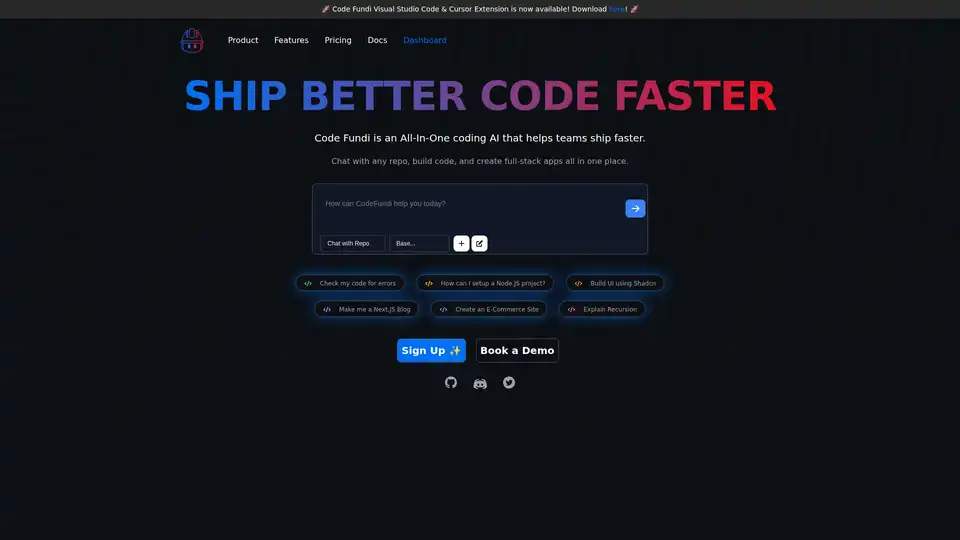
Code Fundi is an AI-powered coding assistant designed to help developers and teams build software faster. It offers features like AI code generation, debugging, documentation, and real-time monitoring.
Devin is an AI software engineer from Cognition, a collaborative teammate that boosts engineering teams by handling coding, data analysis, and more for greater productivity.
Cassidy AI automates tasks like customer support, lead qualification, and RFP processing by integrating with your tools and leveraging your company knowledge. Trusted by 20,000+ teams.
Refact.ai, the #1 open-source AI agent for software development, automates coding, debugging, and testing with full context awareness. An open-source alternative to Cursor and Copilot.