
Pixel-Art.ai
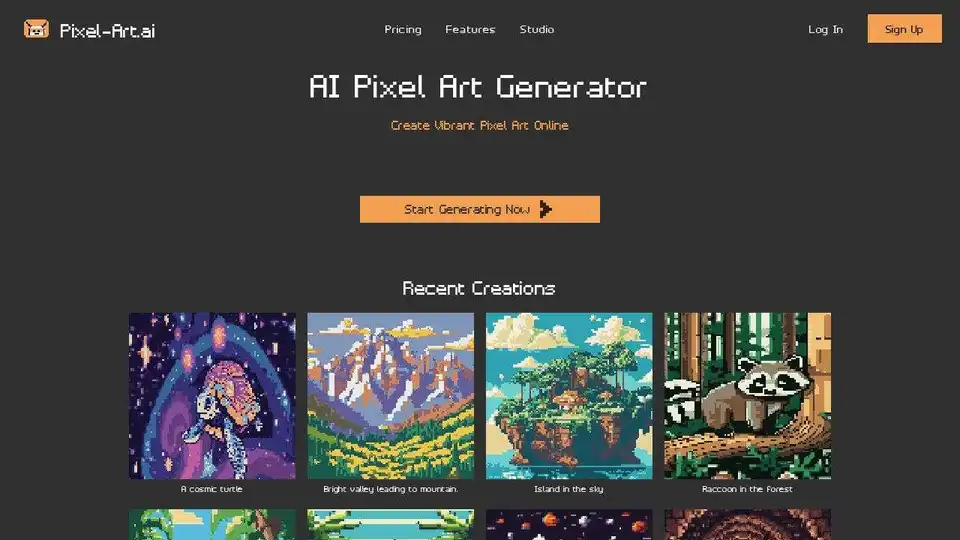
Overview of Pixel-Art.ai
Pixel-Art.ai: Create Vibrant Pixel Art with AI
Pixel-Art.ai is an innovative AI-powered pixel art generator that allows you to transform your creative visions into stunning, pixel-perfect artwork. Whether you're a game developer, a graphic designer, or simply a pixel art enthusiast, Pixel-Art.ai provides the tools you need to bring your imagination to life.
Key Features:
- AI-Powered Pixel Art Generation: Simply provide a text prompt, and Pixel-Art.ai will generate unique pixel art based on your description. This makes it easy to create a wide variety of images without needing advanced artistic skills.
- Built-In Pixel Art Studio: Pixel-Art.ai includes a comprehensive pixel art studio that lets you refine and customize your AI-generated art. Features include copy/paste, layers, brushes, and more, allowing for pixel-perfect precision.
- AI Inpainting: Easily make changes to your pixel art with AI inpainting. Select an area you want to modify, type in a new prompt, and let the AI seamlessly blend the changes into your existing artwork.
- Private and Organized: All of your creations are 100% private, and you can save and organize your work using multiple canvases.
- Export to PNG: Easily export your pixel art creations as PNG files for use in games, websites, or other projects.
How does Pixel-Art.ai work?
Pixel-Art.ai leverages advanced AI models to interpret text prompts and generate corresponding pixel art. The inpainting feature allows you to refine existing images, adding detail and making adjustments as needed. The platform's intuitive interface and comprehensive toolset make it easy for users of all skill levels to create professional-quality pixel art.
Use Cases:
- Game Development: Create unique characters, backgrounds, and assets for your games.
- Graphic Design: Design pixel art logos, icons, and illustrations.
- Pixel Art Enthusiasts: Experiment with AI-generated art and bring your creative ideas to life.
Getting Started:
- Go to the Pixel-Art.ai website.
- Enter a text prompt describing the pixel art you want to generate.
- Customize the canvas width and height.
- Click "Create Canvas" to generate your pixel art.
- Use the built-in pixel art studio to refine and customize your creation.
- Export your work to PNG.
Join the Community:
Connect with other Pixel-Art.ai users on Discord to share your creations, get feedback, and learn new techniques.
Pixel-Art.ai is a powerful tool that empowers users to create stunning pixel art with ease. Its AI-driven features and comprehensive toolset make it an ideal solution for game developers, graphic designers, and anyone looking to explore the world of pixel art.
AI Generated Art Image Enhancement and Repair Image Style Transfer AI Background Removal and Replacement AI Avatar and Cartoonization 3D Modeling and Rendering Logo and UI Design
Best Alternative Tools to "Pixel-Art.ai"
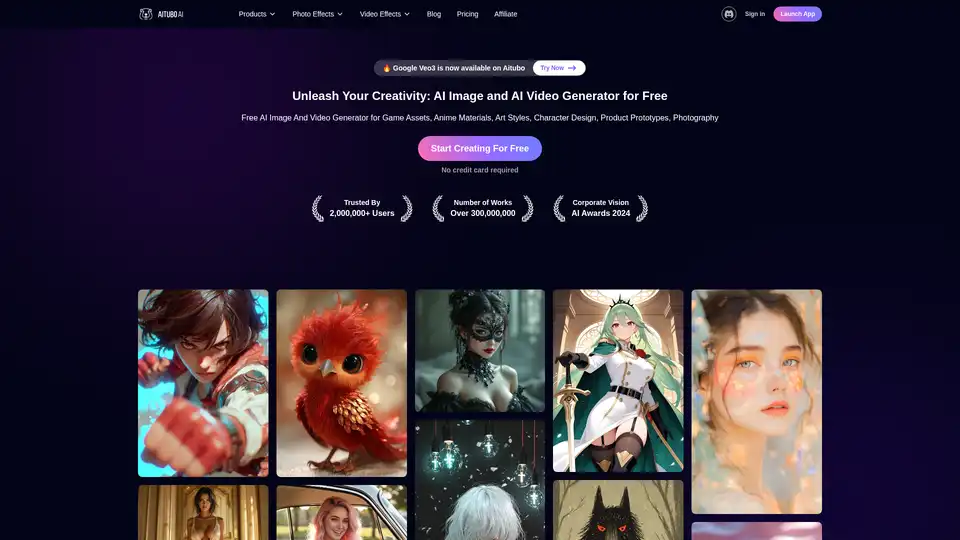
Best free AI art generator: Generate stunning images and videos from text, or create videos from images, all powered by the latest AI technology.
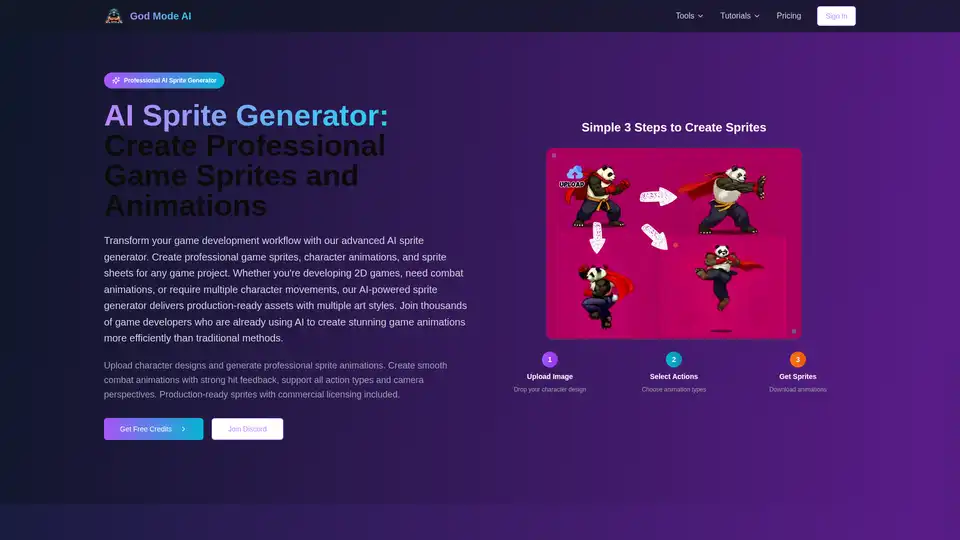
God Mode AI is an AI-powered platform that helps game developers create professional game sprites, animations, and UI elements. It offers tools for sprite generation, 3D & 2D animation, UI design, and pixel art creation, streamlining game development.
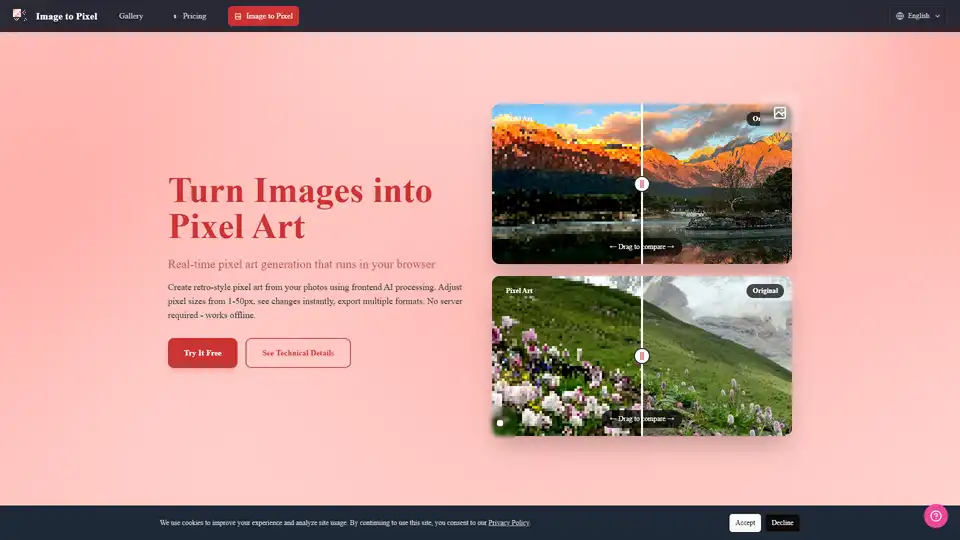
Turn your photos into retro pixel art with Image to Pixel, an AI-powered pixel art generator. Supports various pixel sizes, real-time preview, and multiple export formats.
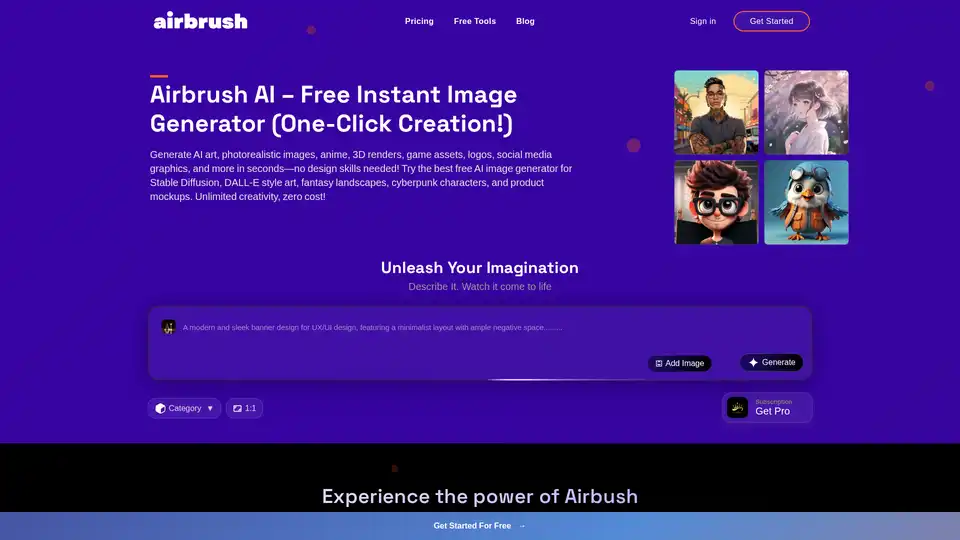
Airbrush AI: Generate AI art, photorealistic images, 3D renders and more instantly. Free AI image generator for Stable Diffusion and DALL-E style art.