
PackPack
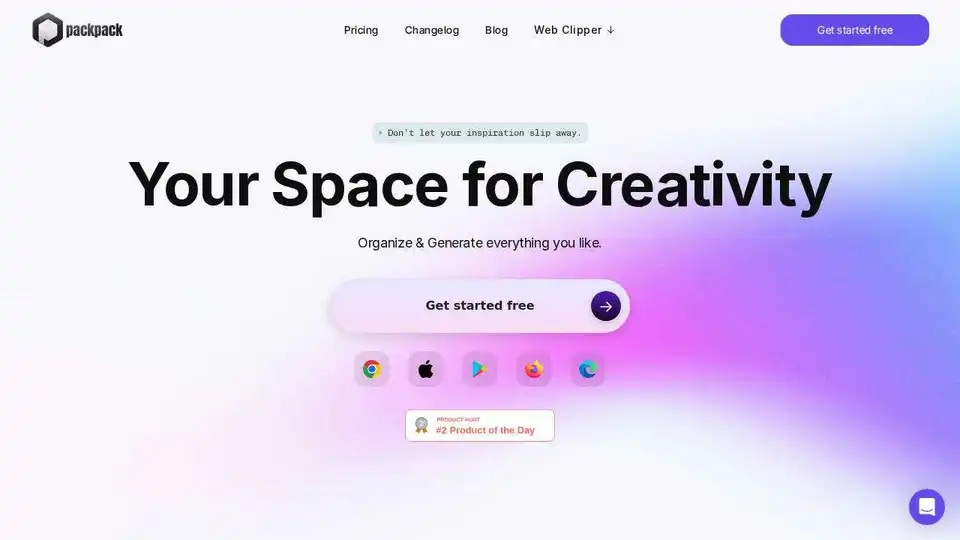
Overview of PackPack
PackPack: Your AI-Powered Bookmark Manager
What is PackPack? PackPack is an AI-driven bookmark management tool designed to help you save, organize, and generate content from online resources. Whether you're a creative director, marketer, interior designer, or researcher, PackPack provides a seamless way to manage your online inspiration and resources.
Key Features:
- Web Clipper: Save text, images, and links from any website with a single click using the Web Clipper browser extension.
- AI-Powered Organization: PackPack uses AI to clean and save content, making it easier to organize and retrieve information.
- Multimedia Support: Upload images, files, and other common file types including JPGs, PDFs, Word, and Excel.
- Note-Taking & Task Management: Write notes and to-do lists directly within PackPack to keep your ideas organized.
- Mobile Access: Add notes, photos, videos, and links from your phone and seamlessly sync them to your computer.
- Continuous Discovery: Explore content effortlessly with PackPack's seamless scrolling layout.
How to Use PackPack:
- Install the Web Clipper: Add the PackPack Web Clipper extension to your browser.
- Save Content: Click the Web Clipper icon to save text, images, and links from any website.
- Organize & Manage: Use PackPack's AI-powered tools to organize your saved content, add notes, and create to-do lists.
Why Use PackPack?
PackPack streamlines your content management process, allowing you to focus on creativity and productivity. With its AI-powered features and seamless integration across devices, PackPack is the perfect tool for anyone who needs to manage online resources efficiently.
User Reviews:
- John Smith, Researcher: "PackPack allows me to save and organize crucial documents and articles for my research work. The AI-powered Q&A feature is incredibly useful for quickly reviewing content."
- Leonardo Verdi, Artista: "Come artista, raccolgo molta ispirazione visiva da vari siti web. La funzione di tag delle immagini alimentata dall'IA di PackPack mi aiuta a trovare facilmente i riferimenti artistici salvati. La funzione di salvataggio con un clic è un vero salvavita!"
FAQ:
- Can I save in one browser, then access my saves on another browser or device? Yes.
- What types of content can I save with PackPack? Text, images, files, and links.
- How can I save content to PackPack? Use the Web Clipper browser extension.
Get Started:
Download the Web Clipper and start organizing your online resources today!
Best Alternative Tools to "PackPack"
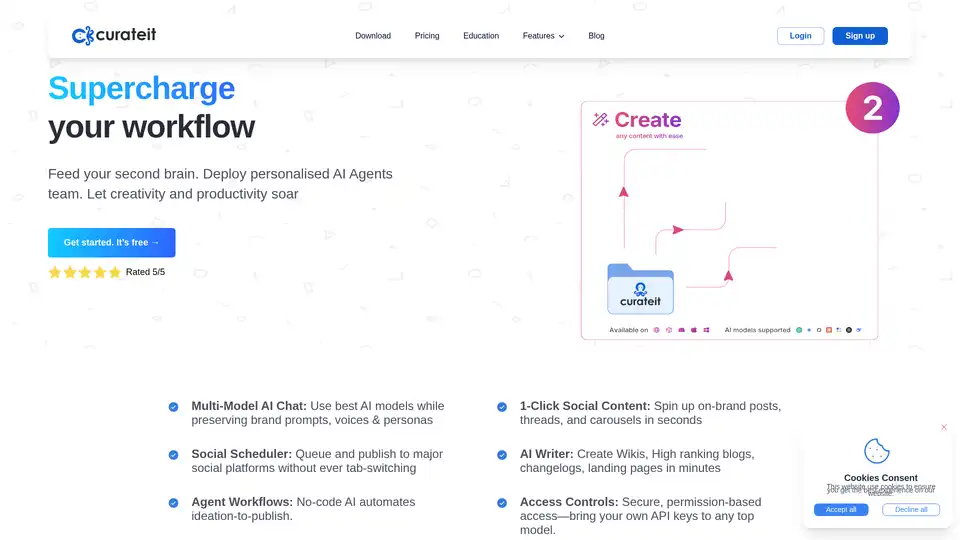
CurateIt is an AI-powered productivity tool that acts as your second brain, helping you curate, organize, and showcase your work. It offers AI-driven search, summarization, and content creation, along with robust bookmarking and organization features.
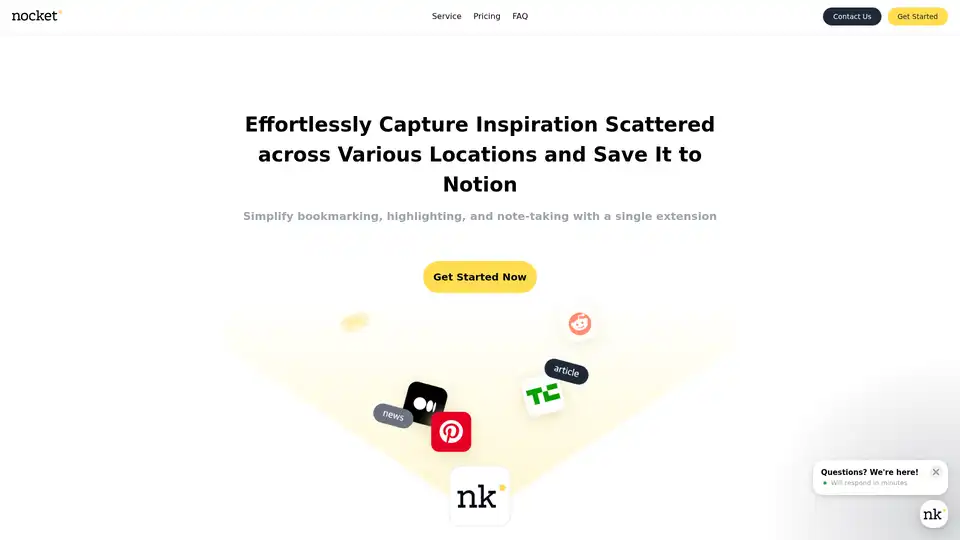
Nocket.io is a Chrome extension for effortless web inspiration capture: bookmark pages, highlight text, take notes, rate content, and integrate AI summaries (web & YouTube) seamlessly with Notion. Plans from free to lifetime.
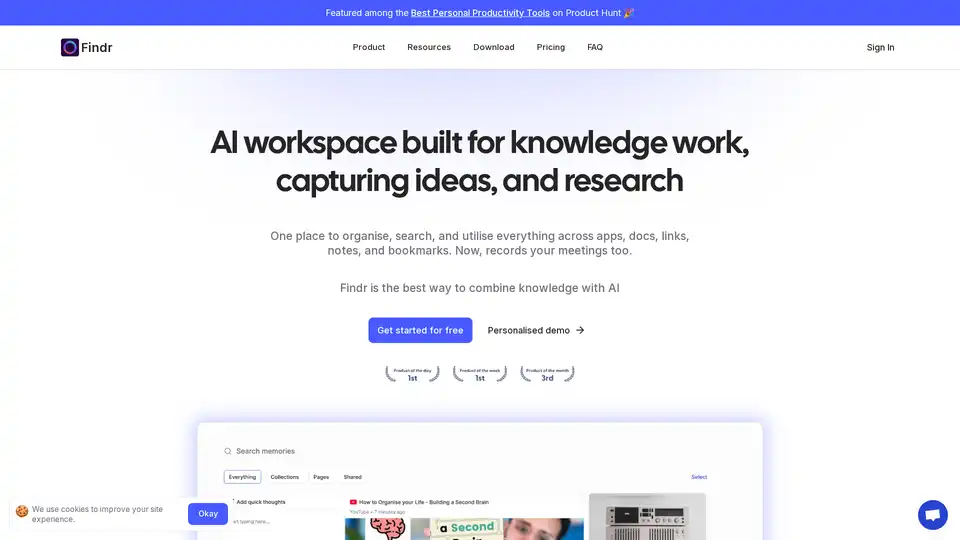
Findr is an AI-powered workspace that helps you organize, search, and utilize your knowledge across apps, docs, links, and notes. It serves as a second brain, capturing ideas and enabling instant recall through AI search and personalized organization.
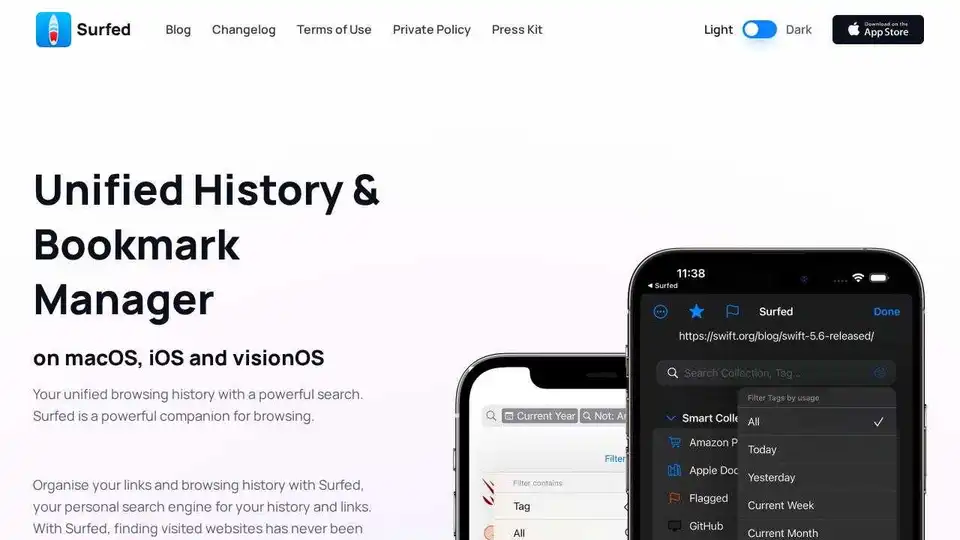
Surfed is a unified history & bookmark manager for macOS, iOS, and visionOS. Organize browsing history, manage bookmarks, and automate web tasks. Private and secure.