
Odyssey
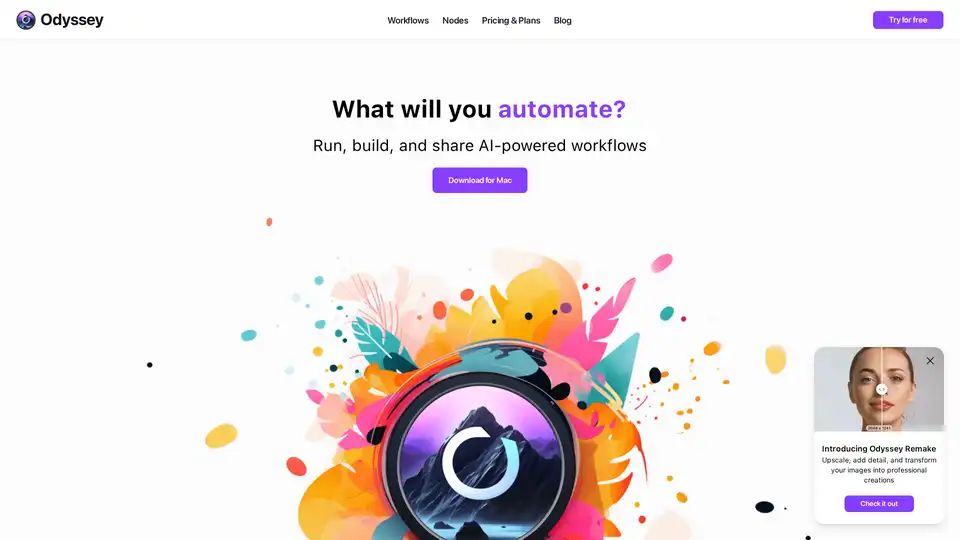
Overview of Odyssey
Odyssey: Unleash Your Creativity with AI-Powered Automation
What is Odyssey? Odyssey is a native Mac application designed to empower creatives by allowing them to imagine, create, and automate tasks with the power of AI. It serves as an all-purpose tool for photographers, marketing designers, studios, teams, and agencies, streamlining their workflows and boosting productivity.
Key Features:
- Image Generation and Processing: Odyssey supports Stable Diffusion 1.5, SDXL, and SDXL Turbo locally, or connect your Stable Diffusion API key to run Stable Diffusion 3. It offers upscaling up to 8k, creative upscaling, and image transformation using Odyssey Remake. Users can also add custom Stable Diffusion models and utilize ControlNet features like Canny edges, depth estimation, and QR Code Monster.
- Large Language Models and Math Equations: Run multiple Llama2-based models locally, use ChatGPT with your own API key, and leverage chatbot and instructions modes. The Solver node handles word problems, while math nodes tackle complex equations.
- Automation and Batch Workflows: Process hundreds of images and lines of text simultaneously with batch-image and -text nodes. Automate tasks such as background removal, upscaling, and aspect ratio adjustments in bulk. Odyssey Widgets allow running workflows directly from the desktop, and workflows can be integrated with Apple Shortcuts.
- Privacy and Customization: No images, chats, or inputs are stored or accessible by the Odyssey team. All data is processed locally, and no internet connection is required to run local models. Users can use their own API keys for ChatGPT and Stable Diffusion. Custom workflows can be easily saved, reused, and shared.
Who is Odyssey for?
Odyssey caters to a wide range of users:
- Photographers: Automate mundane parts of photography workflows and focus on creativity.
- Marketing Designers: Speed up production processes with AI workflows designed for creative teams.
- Studios and Teams: Scale production processes with a tool that ensures data privacy and security.
- Agencies: Create and share automated workflows within your organization or with clients.
How does Odyssey work?
Odyssey operates by utilizing a node-based system, allowing users to create custom workflows by connecting various nodes that perform specific tasks. These nodes can range from image processing functions to AI model integrations, enabling complex automation and creative possibilities. The workflows run locally, ensuring privacy and security.
Why choose Odyssey?
Odyssey stands out due to its:
- Privacy: Data is processed locally, ensuring complete privacy and security.
- Customization: Users can create and share custom workflows tailored to their specific needs.
- Integration: Seamless integration with tools like ChatGPT and Stable Diffusion.
- Efficiency: Batch processing and automation features streamline workflows and save time.
Pricing:
Odyssey offers lifetime licenses for different numbers of devices:
- 2 devices: $99
- 5 devices: $149
- 10 devices: $249
All plans include unlimited workflows and all Odyssey features.
Odyssey is the perfect tool for creatives looking to leverage the power of AI to automate tasks, enhance their creative processes, and boost productivity. Whether you're a photographer, marketing designer, or part of a larger team, Odyssey offers the features and flexibility you need to bring your ideas to life.
AI Generated Art Image Enhancement and Repair Image Style Transfer AI Background Removal and Replacement AI Avatar and Cartoonization 3D Modeling and Rendering Logo and UI Design
Best Alternative Tools to "Odyssey"
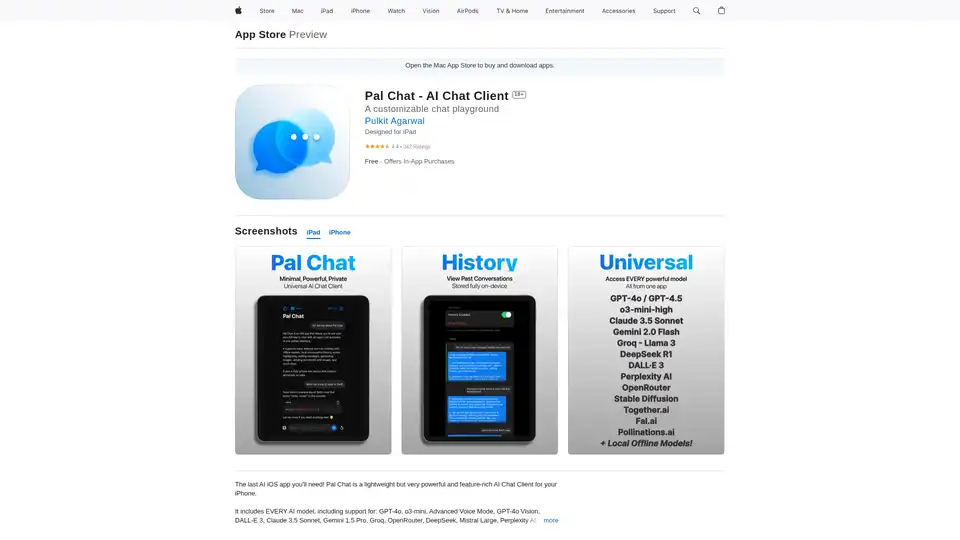
Discover Pal Chat, the lightweight yet powerful AI chat client for iOS. Access GPT-4o, Claude 3.5, and more models with full privacy—no data collected. Generate images, edit prompts, and enjoy seamless AI interactions on your iPhone or iPad.

Macaify is a Mac app that unlocks ChatGPT's power in any application. Customize AI robots for text processing, code generation, and automation. Free plan available.
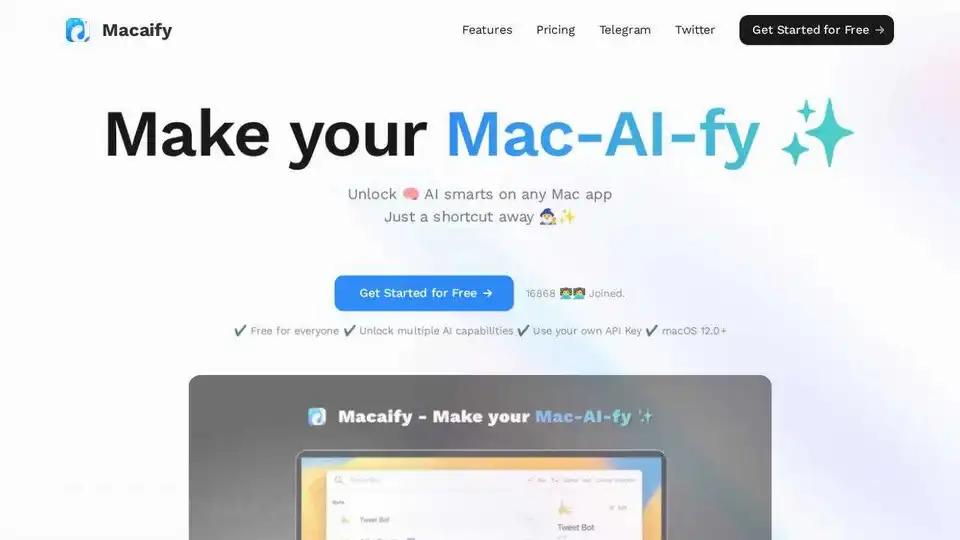
Macaify unlocks ChatGPT on your Mac, enabling AI capabilities in any app with a simple shortcut. Boost productivity with text processing, code generation, and automation.
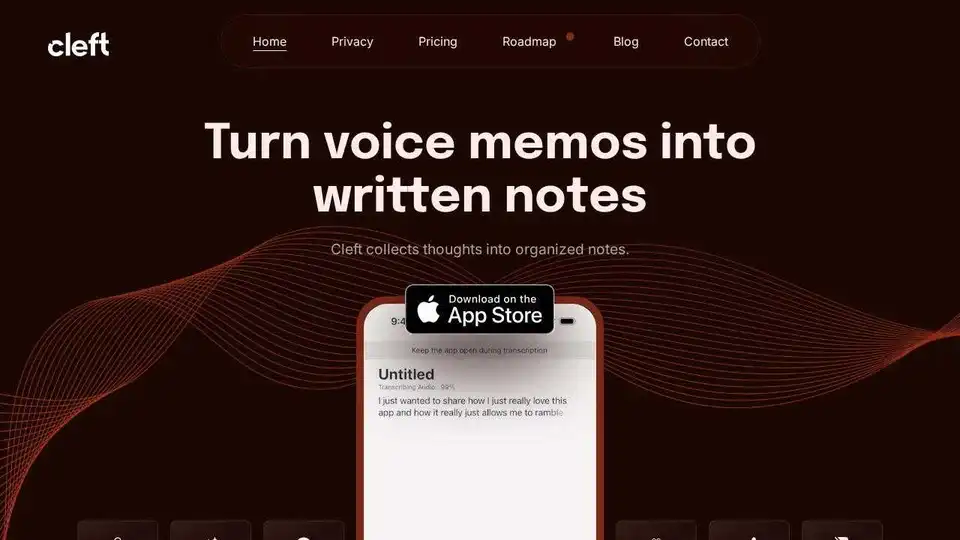
Cleft Notes is an AI-powered app that transforms spoken thoughts and voice memos into organized, coherent written notes, summaries, and actionable lists. It helps users capture ideas, draft content, and manage tasks efficiently across Apple devices.