
MBox AI Meet
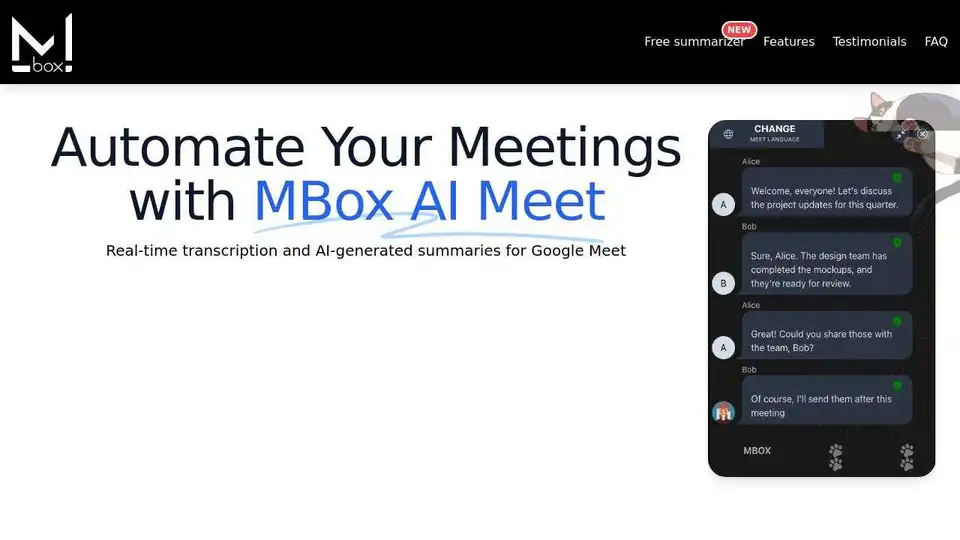
Overview of MBox AI Meet
MBox AI Meet: Revolutionize Your Google Meet Experience
What is MBox AI Meet? MBox AI Meet is a browser extension designed to supercharge your Google Meet sessions. It provides real-time transcriptions and AI-generated summaries, making your meetings more productive and efficient. Whether you're a project manager, consultant, or part of a global team, MBox AI Meet offers features tailored to enhance your meeting workflow.
Core Features:
- Real-Time Transcriptions: MBox AI captures every word in real-time, allowing you to focus on the discussion without taking notes.
- AI-Generated Summaries: Receive concise, AI-powered summaries immediately after your meeting, saving you valuable time.
- Smart Action Tracking: Automatically identify and highlight key action items during your meeting, ensuring follow-up tasks are never missed.
- Customizable Summaries: Adjust the depth of the AI-generated summaries to suit your specific needs.
- Multi-Language Support: Transcribe and summarize meetings in multiple languages seamlessly, ideal for global teams.
- End-to-End Encryption: Enhanced security ensures that your data is safe and private.
- Speaker Identification: Easily track who said what during the meeting, improving clarity and accountability.
How Does MBox AI Meet Work?
- Installation: Install the MBox AI Meet browser extension from the Chrome Web Store.
- Google Meet Integration: Once installed, MBox AI seamlessly integrates with Google Meet.
- Real-Time Processing: During your meeting, MBox AI processes the audio in real-time to generate transcriptions and summaries.
- Summary Delivery: Immediately after the meeting, you receive a concise AI-generated summary, highlighting key points and action items.
Why is MBox AI Meet Important?
In today's fast-paced business environment, efficient meetings are crucial. MBox AI Meet addresses several key pain points:
- Time Saving: AI-generated summaries save hours of manual note-taking and review.
- Improved Focus: Real-time transcriptions allow participants to focus on the discussion without distractions.
- Enhanced Collaboration: Action tracking ensures accountability and follow-through on key decisions.
- Global Accessibility: Multi-language support facilitates communication across international teams.
Testimonials:
Here's what professionals are saying about MBox AI Meet:
- Sarah L., Project Manager: "MBox AI Meet has transformed our meetings. The real-time transcription is a game changer!"
- David M., Consultant: "The summaries save us so much time! Privacy features are a big plus for us."
- Emily R., Marketing Specialist: "Perfect for remote work. I love the multi-language transcription feature!"
Use Cases:
- Project Management: Track action items and decisions in project meetings.
- Consulting: Summarize client meetings and generate reports quickly.
- Global Teams: Facilitate communication and collaboration across different languages.
- HR & Training: Document training sessions and employee feedback.
How to Get Started:
- Install the Extension: Visit the Chrome Web Store and install the MBox AI Meet extension.
- Start a Google Meet: Launch a Google Meet session.
- Let MBox AI Work: MBox AI will automatically start transcribing and summarizing your meeting.
Pricing:
MBox AI Meet offers different plans to suit various needs:
- Free: Perfect for personal use with real-time transcription and basic AI summaries.
- Pro: For professionals and small teams, includes advanced summaries, end-to-end encryption, and priority support (subscription at $4.99).
- Enterprise: Custom solutions for large teams with API access, custom analysis, and dedicated support. Contact for pricing.
FAQ:
- Does MBox use ChatGPT? (This information is not present in the text and would require further research to answer accurately.)
- Does MBox record the meeting audio? No, MBox processes data in real-time and does not store audio or video.
- Can I customize the summaries? Yes, the depth of AI-generated summaries can be adjusted.
- Is MBox free to use? Yes, a free plan is available with basic features.
Conclusion:
MBox AI Meet is a powerful tool for anyone looking to streamline their Google Meet sessions. By providing real-time transcriptions, AI-generated summaries, and advanced features like action tracking and multi-language support, MBox AI Meet helps teams save time, improve focus, and enhance collaboration. Whether you're a small business or a large enterprise, MBox AI Meet offers a solution to make your meetings more productive and efficient. Get started today and transform your meeting experience! MBox AI is definitely a tool to consider. What is stopping you from trying it out now?
AI Task and Project Management AI Document Summarization and Reading AI Smart Search AI Data Analysis Automated Workflow
Best Alternative Tools to "MBox AI Meet"
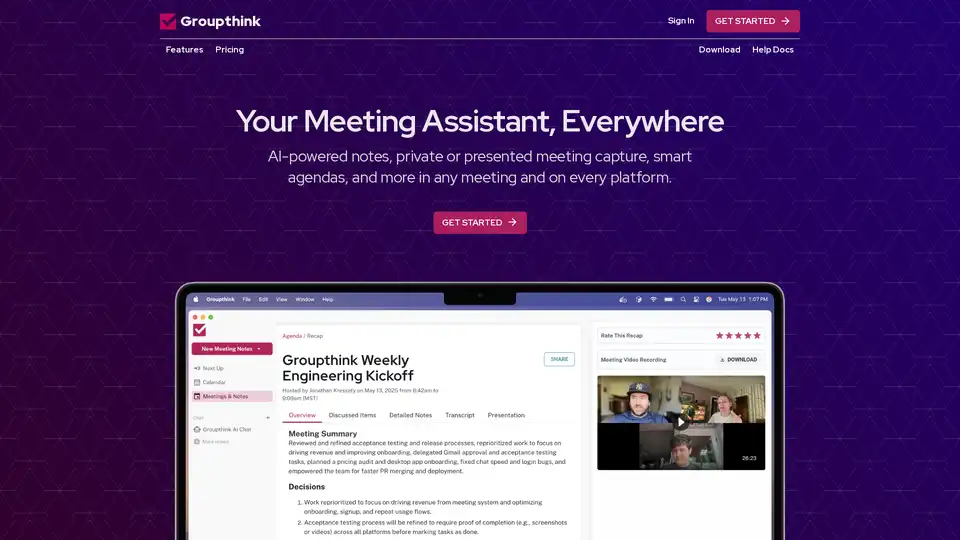
Groupthink is an AI-powered meeting assistant that captures notes, manages agendas, and provides instant summaries. It integrates with popular platforms like Google Calendar, Slack, Zoom, and Microsoft Teams.
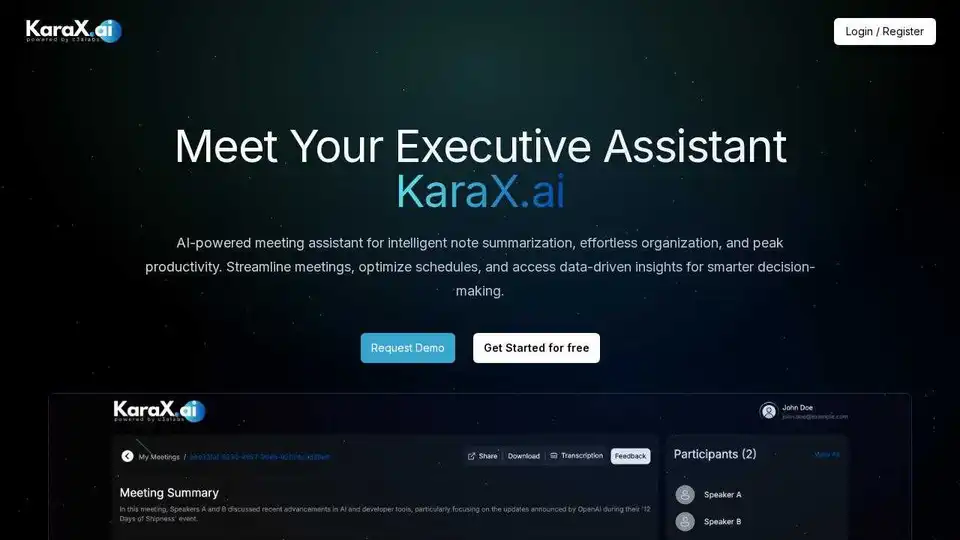
KaraX.ai is the best AI meeting assistant for teams, providing instant summaries, action items, and searchable transcripts for Zoom, Google Meet, and in-person meetings.
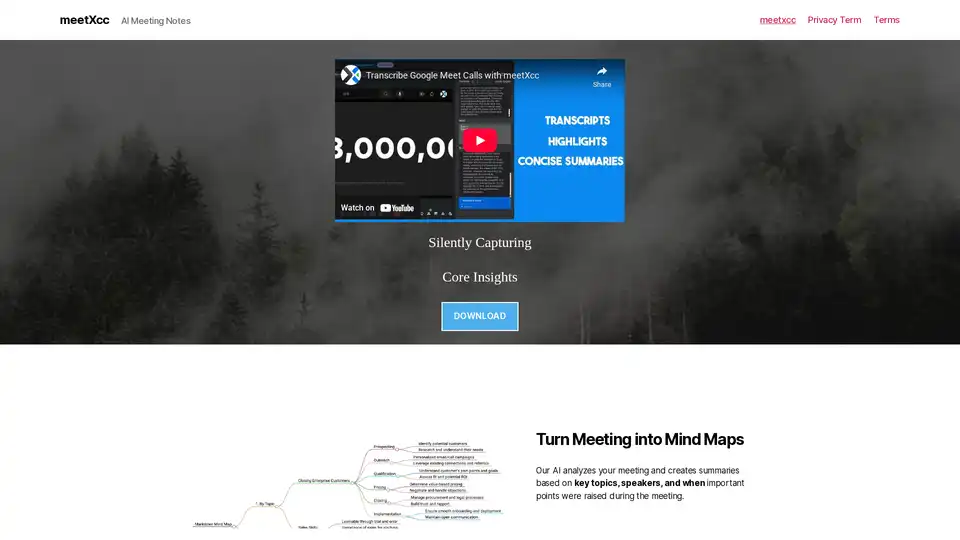
meetXcc is an AI meeting assistant that silently captures Google Meet meetings, providing summaries, transcripts, and mind maps. It integrates seamlessly without bots, saving data to Google Drive.
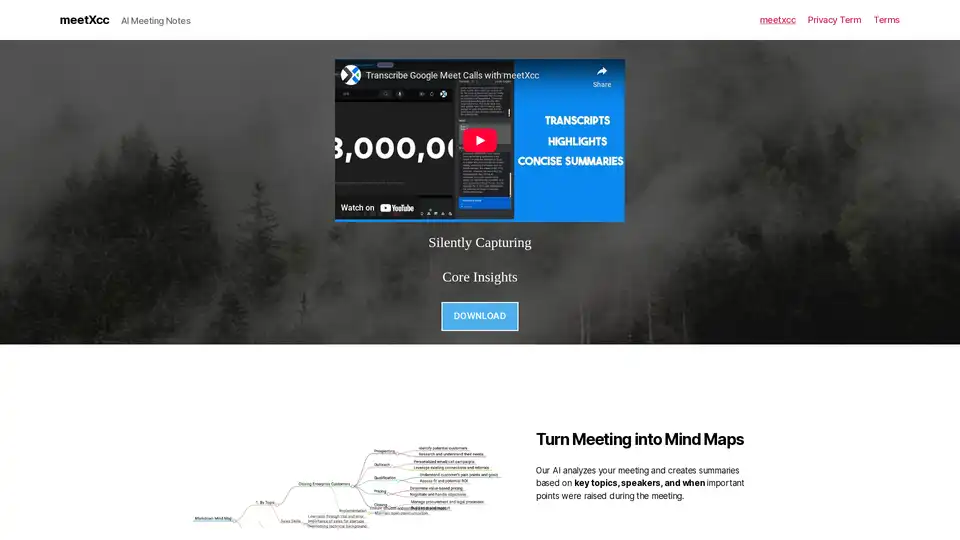
meetXcc offers AI-powered meeting notes and summaries for Google Meet. Capture transcripts, generate summaries, and boost meeting productivity effortlessly.