
meetXcc
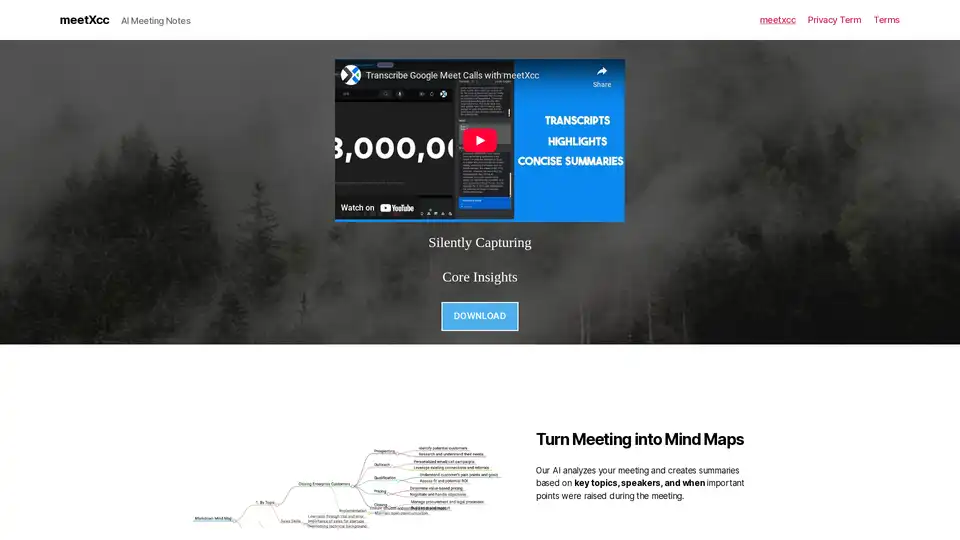
Overview of meetXcc
Enhance Your Google Meet Experience with meetXcc: The AI Meeting Assistant
Tired of manually taking notes during meetings? Want to focus on the discussion rather than scribbling everything down? meetXcc is an AI-powered browser extension designed to revolutionize your Google Meet experience.
What is meetXcc?
meetXcc is an AI meeting assistant that silently captures and analyzes your Google Meet meetings, providing you with transcripts, notes, summaries, and even mind maps.
How does meetXcc work?
meetXcc works seamlessly within Google Meet. Once installed, it automatically starts capturing the meeting as soon as you join. Here's a breakdown of how it works:
- Start a Meeting: meetXcc automatically pops up when you start a new Google Meet meeting. No bots join the meeting, ensuring privacy, only you can see meetXcc.
- Real-Time Transcription: Accurately captures and transcribes meeting discussions in real-time, supporting 86 languages, just like Google Meet.
- AI-Powered Summaries: Uses AI to generate unlimited meeting summaries, action items, and mind maps to boost productivity after the call.
Key Features and Benefits:
- Invisible Operation: Operates without requiring a bot to join the meeting, maintaining privacy and avoiding disruptions.
- Automatic Saving: Saves meeting data directly to your personal Google Drive immediately after the meeting ends.
- Comprehensive Toolkit: Accesses transcripts, notes, summary maps, and memos all in one place.
- Unlimited AI Summaries: Provides unlimited AI summaries without hidden charges.
Why Choose meetXcc?
- Increased Productivity: Focus on the meeting discussion instead of taking notes.
- Improved Recall: Easily review key topics, speakers, and important points.
- Enhanced Collaboration: Share summaries and action items with team members.
- Seamless Integration: Works directly within Google Meet without the need for external bots.
Who is meetXcc for?
meetXcc is ideal for:
- Project Managers: Track progress and make informed decisions.
- Team Leaders: Ensure everyone is on the same page regarding action items and deadlines.
- Sales Professionals: Capture important client information and follow-up items.
- Anyone who uses Google Meet regularly: Simplify meeting management and boost productivity.
How to Use meetXcc:
- Download and Install: Get the meetXcc browser extension from the official website.
- Start Google Meet: Initiate your meeting. meetXcc will automatically appear.
- Let AI work: meetXcc capture transcript and AI generate meeting summary for you.
- Access Your Results: Go to meetXcc dashboard to view meeting summary, notes and more.
meetXcc Pricing:
| Feature | Free | Pro |
|---|---|---|
| Price | Free | $8 / month |
| Meetings | 10 | Unlimited |
| Speaker Identification | Yes | Yes |
| Highlights | Yes | Yes |
| Screenshot | No | Coming Soon |
| AI Chat | No | Yes |
| Unlimited AI Summaries | Yes | Yes |
| Unlimited AI Mind Map | Yes | Yes |
| Google Drive Export & Save | No | Yes |
Testimonials:
"Since using the meetXcc, our executive meetings have become much more focused and productive. We can now easily track our progress and make informed decisions." - Anna Young, Product Manager
FAQ:
- Is my use of this service known to others? No, only you have visibility of it. Get live transcriptions without an AI bot joining the meeting.
- When can I expect to receive the meeting notes? It takes just 1 minute. They will be automatically sent to your email and also displayed on the website.
- Can I personalize my prompts? Yes, you have the flexibility to add more prompts or include additional questions within one prompt, and the AI will respond accordingly.
- Is my information secure? Your information remains strictly confidential and is never shared with any third parties.
- Which AI provider do you utilize? What platform you support. We utilize Anthopic Claude. Now support Google Meet, Zoom(coming soon).
Get Started Today!
Download meetXcc now and transform the way you manage meetings. Start with a free trial and experience the power of effortless meeting summaries.
Download meetXcc here
AI Voice Synthesis AI Voice Changer AI Music Creation Speech to Text AI Voice Customer Service and Assistant Podcast and Video Dubbing
Best Alternative Tools to "meetXcc"
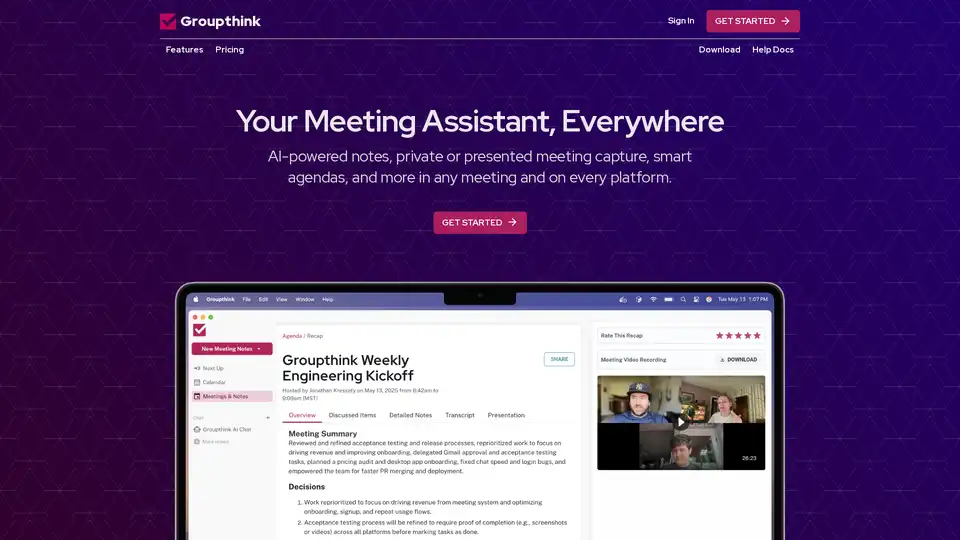
Groupthink is an AI-powered meeting assistant that captures notes, manages agendas, and provides instant summaries. It integrates with popular platforms like Google Calendar, Slack, Zoom, and Microsoft Teams.
Jamie is an AI meeting note taker that captures every decision, provides actionable insights, and works seamlessly across any meeting platform, even offline, ensuring you never miss important details.
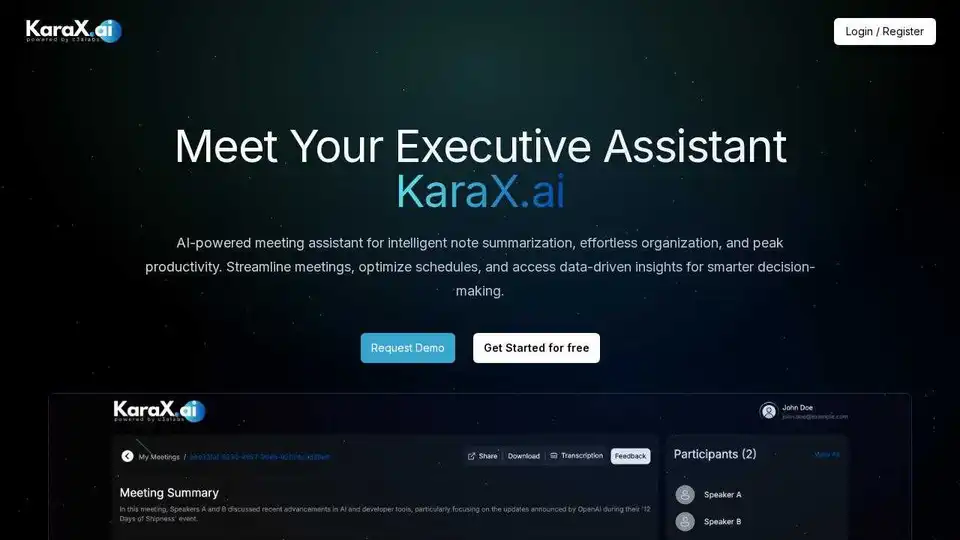
KaraX.ai is the best AI meeting assistant for teams, providing instant summaries, action items, and searchable transcripts for Zoom, Google Meet, and in-person meetings.
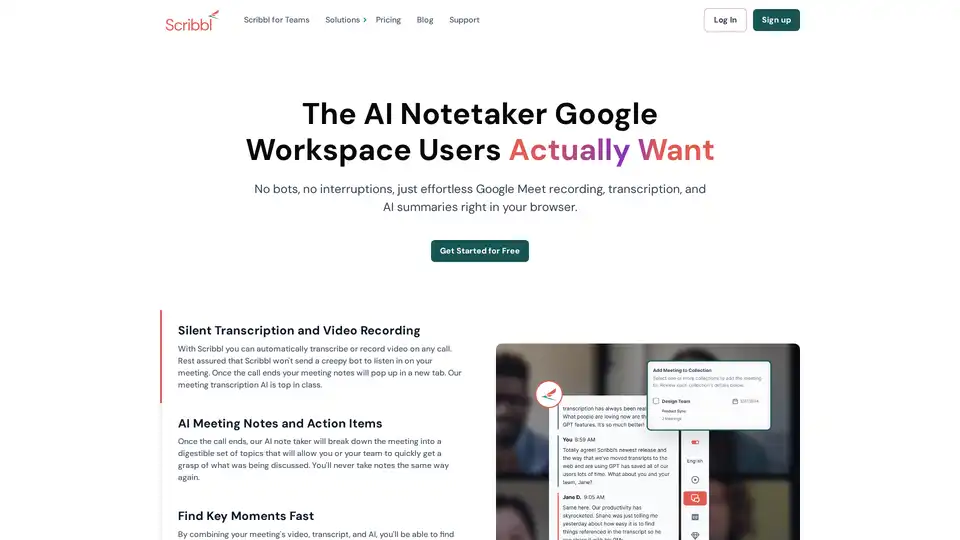
Scribbl is an AI-powered Chrome extension for Google Meet that automatically transcribes, records, and summarizes meetings. It provides instant, accurate notes without bots, enhancing team productivity.