
LightPDF
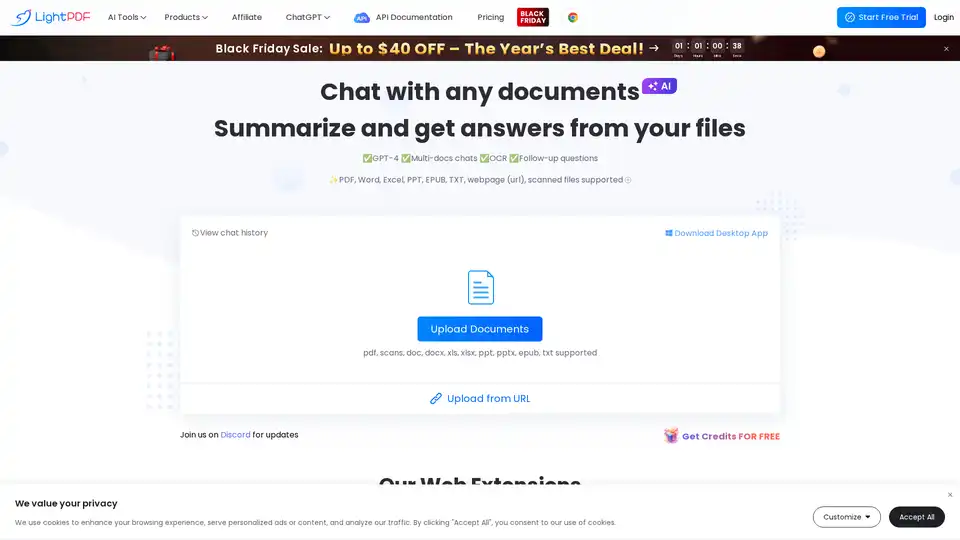
Overview of LightPDF
LightPDF: Your AI-Powered PDF Assistant
What is LightPDF? LightPDF is an AI-powered tool designed to help you interact with your documents more efficiently. It allows you to chat with PDFs, summarize content, extract key information, and analyze documents in various formats, including PDF, Word, Excel, PPT, EPUB, TXT, and even scanned files and webpages.
How does LightPDF work? LightPDF uses GPT-4 technology to analyze your documents and provide accurate answers, summaries, and insights. Simply upload your document, ask a question, and LightPDF will provide a response with cited sources, allowing you to verify the information.
Key Features of LightPDF
- Chat with Multiple Files: Upload and interact with multiple documents simultaneously, making it ideal for document analysis and research.
- Extract Information: Quickly extract text from uploaded content, including scanned documents and webpages. Display answers in various formats like Markdown and tables.
- Accurate & Reliable: Provides precise answers with cited sources for easy verification.
- Supports Many File Types: Works with searchable and scanned PDFs, Word, Excel, PPT, and ePub files.
- Clear & Concise Outputs: Generates answers in paragraphs, lists, and tables with references.
- Multi-platform & Multi-language: Accessible on Windows, Mac, Android, and iOS devices, and supports over 100 languages.
How to Use LightPDF
- Upload a file to LightPDF.
- Enter a clear and specific question about the document.
- Receive an instant answer based on the document's content.
Use Cases
- Business Analysis: Quickly extract insights from financial reports, market trends, and industry news.
- Assisting in Learning: Organize information, extract key details, and list outlines for various topics.
- Ideas Exploring: Brainstorm new ideas and improve creativity with the help of AI.
Why Choose LightPDF?
LightPDF helps you to:
- Save time on repetitive tasks.
- Access more information quickly.
- Enhance your productivity and creativity.
FAQ
Is my document safe when uploaded to LightPDF?
Yes, LightPDF stores your files in encrypted cloud storage to ensure their security. You have full ownership and control of your data and can delete files at any time.
Which platforms are supported by LightPDF?
LightPDF is an online application accessible on Windows, Mac, Android, and iOS devices.
Who is LightPDF for?
LightPDF is ideal for students, researchers, business professionals, and anyone who needs to quickly analyze and extract information from documents.
AI Task and Project Management AI Document Summarization and Reading AI Smart Search AI Data Analysis Automated Workflow
Best Alternative Tools to "LightPDF"
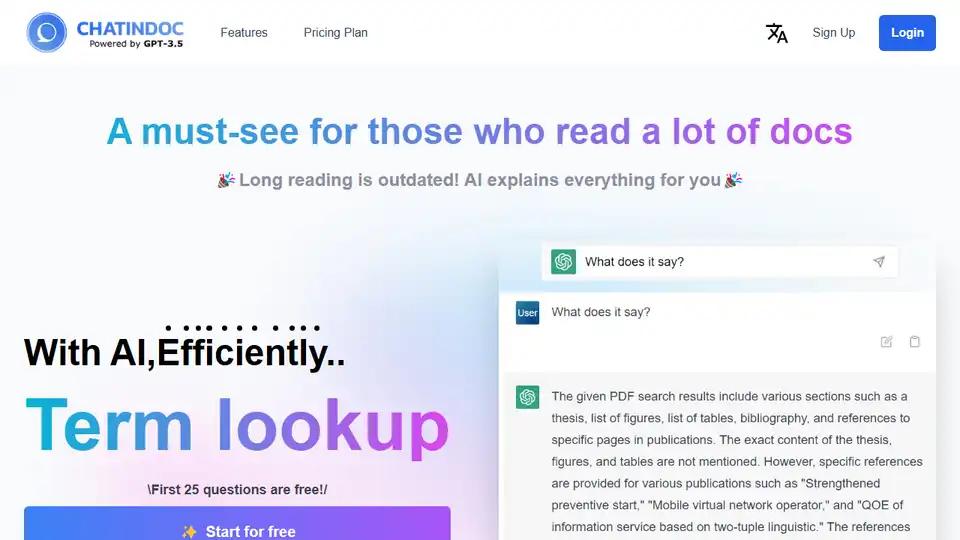
ChatInDoc is an AI-powered PDF viewer that uses GPT-3.5 to summarize, analyze, and extract key information from PDFs, Office documents, and text files. Read academic papers and instruction manuals efficiently.
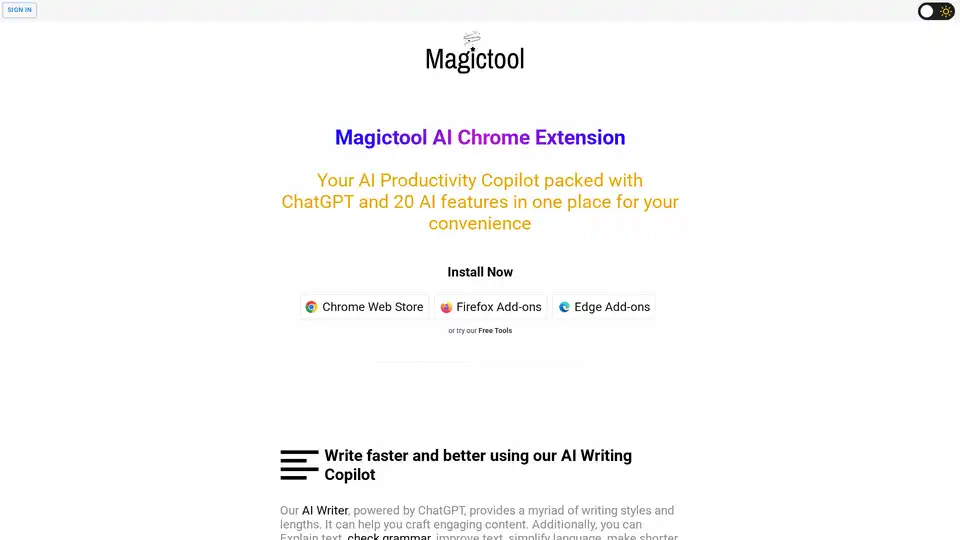
Magictool AI is a Chrome extension that enhances productivity with AI-powered features. It includes an AI writer, YouTube video summarizer, AI image generator, PDF chat, data scraping, and more, all in one place.
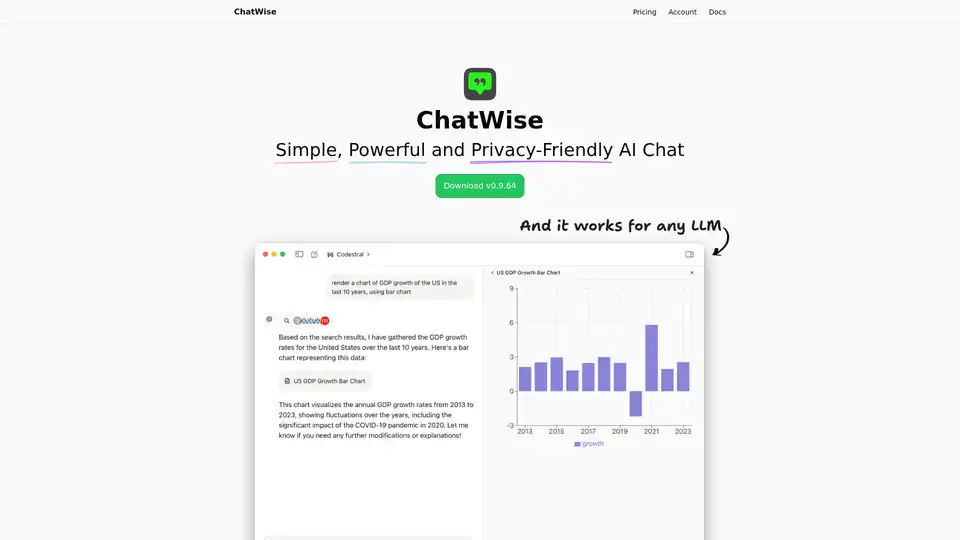
ChatWise is a high-performance, privacy-focused desktop AI chatbot supporting GPT-4, Claude, Gemini, Llama and more. Features local data storage, multi-modal chats (audio, PDF, images), web search, API key integration, and artifacts rendering for seamless productivity.
Chat PDF AI allows you to chat with PDFs, summarize content, extract data, and translate, supporting up to 50M contexts. Enhance your PDF experience now!