
Magictool AI
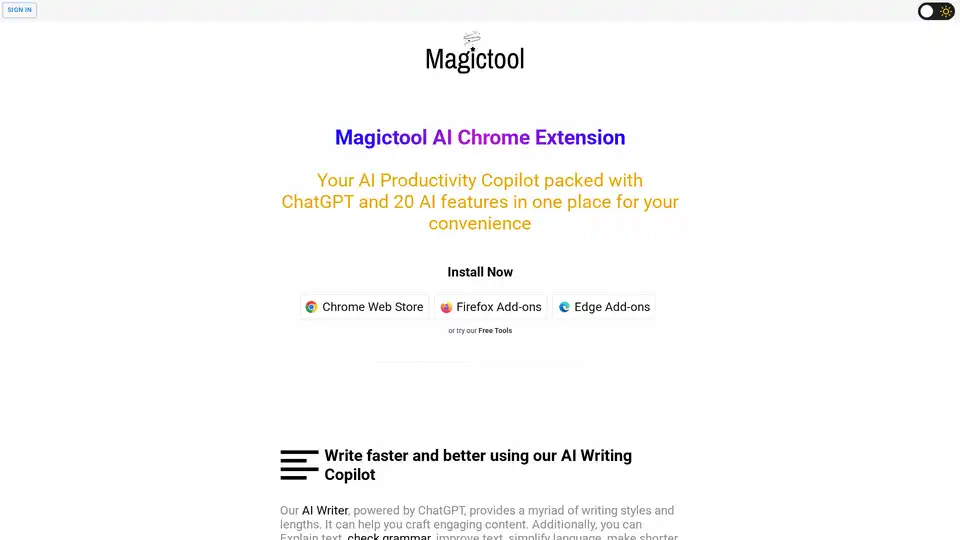
Overview of Magictool AI
Magictool AI: The Ultimate Productivity Hub
What is Magictool AI?
Magictool AI is a versatile Chrome extension designed to boost your productivity with a suite of AI-powered tools. It integrates ChatGPT and over 20 AI features into a single, convenient platform. Whether you need help with writing, summarizing videos, generating images, or extracting data, Magictool AI has you covered.
Key Features and How They Work
AI Writing Copilot: Powered by ChatGPT, this feature offers a variety of writing styles and lengths. It can help you create engaging content, explain text, check grammar, improve text, simplify language, shorten or lengthen text, paraphrase, summarize, continue writing, add emojis, translate, and more. It leverages the power of AI to enhance your writing skills and efficiency.
YouTube Video Summarizer & AI Video Dubbing: Quickly summarize the transcript and comments of YouTube videos. Additionally, you can watch YouTube videos dubbed in more than 50 languages. This feature is particularly useful for quickly grasping the content of long videos without having to watch them in their entirety. AI Video Dubbing is available on Pro+ plans.
ChatGPT and GPT-4 Article Summarization: Get accurate and relevant information to your questions using ChatGPT and GPT-4. Summarize articles or webpages with just one click. This feature helps you stay informed and save time by providing concise summaries of online content. GPT4 is a paid feature.
AI Image Generation: Generate AI images from text using Stable Diffusion's latest models. This feature allows you to create unique visuals for your projects, presentations, or social media content using the power of AI.
Chat with and Summarize PDFs: Easily find what you need in hard PDFs by chatting with the PDF and summarizing it. This tool is perfect for homework, research, and quickly extracting information from lengthy documents.
Data Scraping and Extraction: Extract data from any webpage, either manually or using AI for automatic data extraction. This powerful feature is useful for gathering information for research, analysis, or business purposes.
Magic Editor and Magic Shortcut: This AI-powered text editor & notepad offers all AI features at your fingertips. Use the Magic Shortcut to invoke ChatGPT and give instructions directly from the editor or any text field in your browser.
Reader Mode: The Reader Mode helps users view web pages in a clutter-free format by removing ads, headers, sidebars, and pop-ups. It offers customization options for font size and color scheme, promoting focused reading.
Additional Features
- Dark Mode: Force Dark Mode for any webpage.
- Data Analytics: Analyze CSV and Excel files easily with the help of ChatGPT.
- Custom Menu Items: Create your own AI commands using custom prompts.
- Private Domains: Specify domains in which the extension will not run.
- Note Taking Mode: Save notes locally in the extension.
- Timer: Set a timer for any task.
- Todo List: Create a todo list and manage your tasks.
Who is Magictool AI for?
Magictool AI is for anyone looking to enhance their productivity and streamline their workflow with AI-powered tools. It is particularly useful for:
- Students: For research, summarization, and writing assistance.
- Professionals: For data extraction, report generation, and content creation.
- Content Creators: For generating unique visuals and enhancing writing.
- Researchers: For quickly summarizing articles and extracting data from PDFs.
How to Use Magictool AI?
- Install the Magictool AI Chrome Extension from the Chrome Web Store, Firefox Add-ons, or Edge Add-ons.
- Once installed, the extension adds a toolbar to your browser.
- Click the extension icon to access the AI-powered tools.
- Use the various features such as AI Writer, YouTube Summarizer, AI Image Generator, and more, to enhance your productivity.
Why Choose Magictool AI?
Magictool AI stands out due to its comprehensive suite of AI tools integrated into a single extension. It offers a seamless user experience and is designed to save you time and effort in various tasks. The AI-powered features help you to:
- Write better and faster with AI-assisted writing.
- Quickly summarize long videos and articles.
- Generate unique AI images for your projects.
- Extract data from any webpage.
- Chat with PDFs and summarize them instantly.
Conclusion
Magictool AI is a powerful productivity tool that harnesses the capabilities of AI to streamline your daily tasks. From writing and summarizing to image generation and data extraction, it is a versatile extension that caters to a wide range of needs. Enhance your productivity today with Magictool AI.
AI Article Generation AI Text Polishing AI Writing Assistance Paper and Report Generation News and Blog Generation Email and Business Writing
Best Alternative Tools to "Magictool AI"

Chat & Ask AI is an advanced AI chatbot powered by multiple LLMs, offering faster AI chat, image generation, writing tools, AI assistants, and WhatsApp integration.
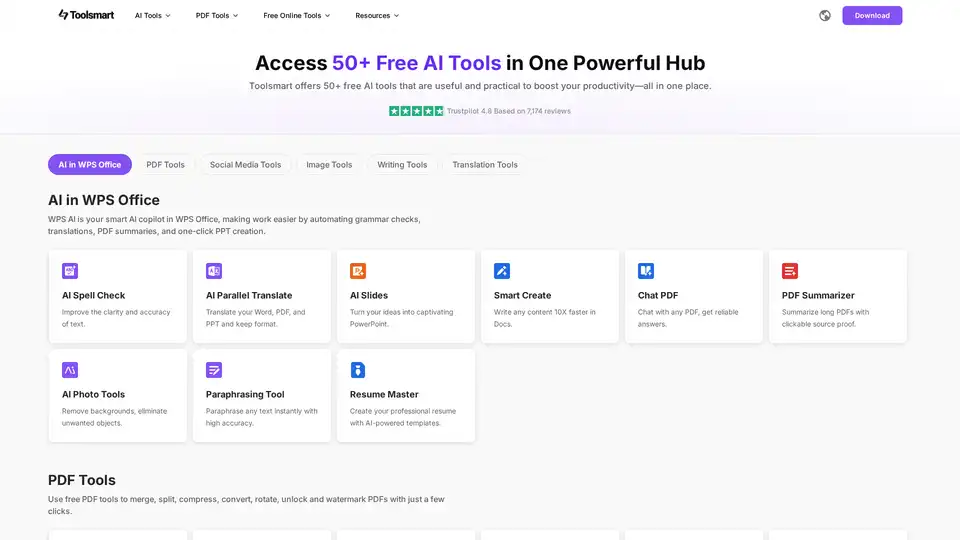
Toolsmart offers 50+ free AI tools in one place, boosting productivity. Access AI for WPS Office, PDF tools, social media tools, image tools, writing tools, and translation tools for seamless workflow.

ChandlerAi is an affordable AI assistant offering GPT-4 access, image generation, PDF reading, and AI-powered search. Get started for free and unleash your potential.
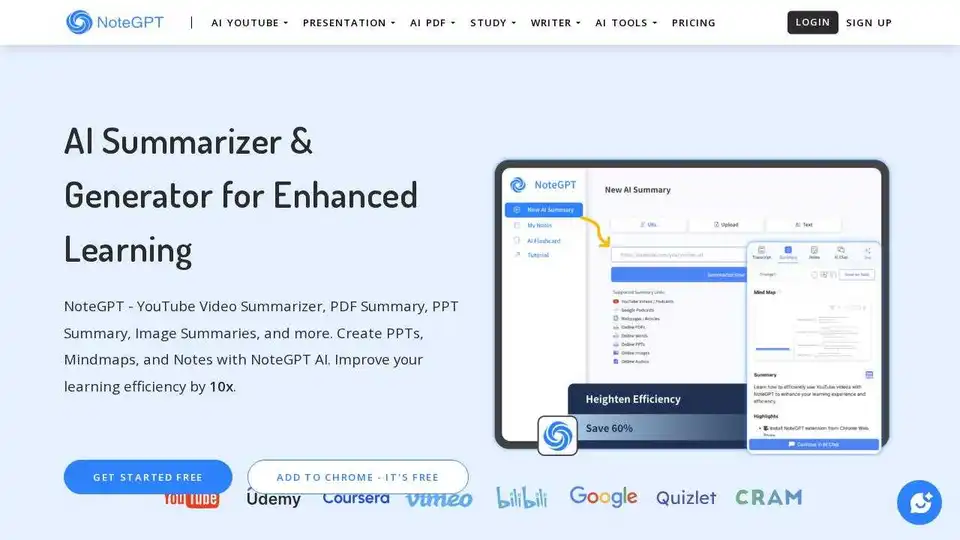
NoteGPT is an AI learning assistant that summarizes YouTube videos, PDFs, and more. Create notes, mind maps, and presentations to boost learning efficiency by 10x.