
Inkr
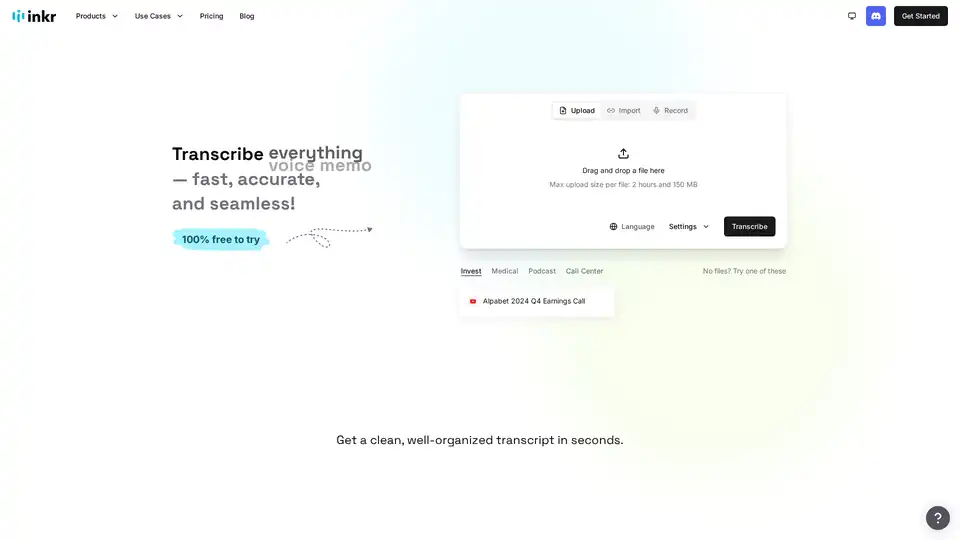
Overview of Inkr
What is Inkr?
Inkr is an AI-powered transcription tool designed to convert audio and video into text quickly and accurately. It's aimed at individuals and professionals who need to transcribe meetings, interviews, podcasts, voice notes, or any other audio content.
How does Inkr work?
Inkr utilizes advanced AI models to process audio files and generate transcriptions. Key features include:
- Fast Transcription: Inkr claims to be significantly faster than other transcription models, delivering results in seconds or minutes, depending on the file size.
- Format Support: It supports various audio and video formats, allowing users to upload files directly or import them from links.
- Multilingual Support: Inkr transcribes in over 100 languages, making it useful for international teams or multilingual content.
- Speaker Identification: The tool automatically identifies and labels different speakers in the audio, streamlining the process of reading and understanding conversations.
- Ask Inkr: This feature allows users to ask questions about the transcript and receive instant AI-generated answers.
- Inkr Note: This feature enables users to draft, polish, or auto-fill notes using the transcript, with ready-to-use templates.
Why choose Inkr?
- Accuracy: Inkr boasts crystal-clear transcriptions, even in noisy environments, ensuring that voices are accurately captured despite background noise.
- Efficiency: The tool is designed to save time and effort, allowing users to focus on more important tasks rather than spending hours manually transcribing audio.
- Cost-Effective: Inkr offers a free plan with a generous daily quota, as well as affordable paid plans for users with higher transcription needs.
How to use Inkr?
- Upload: Drag and drop an audio or video file into the Inkr interface.
- Transcribe: Select the language of the audio and click the "Transcribe" button.
- Edit: Review and edit the transcript, making any necessary corrections.
- Download: Download the transcript in various formats.
Who is Inkr for?
Inkr is suitable for a wide range of users, including:
- Professionals: Ideal for transcribing meetings, interviews, and presentations.
- Students: Useful for transcribing lectures and study sessions.
- Content Creators: Helpful for creating subtitles and captions for videos and podcasts.
- Researchers: Useful for transcribing interviews and focus groups.
- Anyone who needs to convert audio to text quickly and accurately.
Inkr Pricing Plans
Inkr offers a tiered pricing structure to accommodate various user needs:
- Free Forever:
- Cost: $0.00/month
- Includes: 120 minutes per week, up to 35 minutes per file, 3 transcriptions per day, downloads with watermark, last 3 edits saved.
- Essentials:
- Cost: $5.42/month (billed annually at $65.00/year)
- Includes: 1,200 minutes per month, up to 10 hours per file, unlimited daily transcriptions, watermark-free downloads, full edit history.
- Pro:
- Cost: $9.00/month (billed annually at $108.00/year)
- Includes: 3,000 minutes per month, up to 10 hours per file, unlimited daily transcriptions, watermark-free downloads, full edit history.
- Elite:
- Cost: $23.42/month (billed annually at $281.00/year)
- Includes: 8,000 minutes per month, up to 10 hours per file, unlimited daily transcriptions, watermark-free downloads, full edit history.
All plans include Ask Inkr, NoteHub, Smart Edit, Inkr Polish, Edit History, Bulk Uploads & Downloads, Transcription Sharing, Review Mode, and Translate features.
User Reviews
Users have praised Inkr for its intuitive interface, fast transcription speed, and accuracy. Here are some notable comments:
- Amy Smith: Appreciates the batch features for solving painful problems.
- Richard Hendrickson: Highlights the intuitive interface and handling of both real-time and file-based transcription.
- Stacey Rosenthal: Impressed by the speed and accuracy of the transcription, as well as the generous free daily quota and lack of watermarks on downloads.
- Shawn Ruddell: Finds Inkr essential for daily workflow, especially for capturing meeting notes and searching by topic.
- Francis Guimond: Views Inkr as a personal knowledge assistant for recording and linking ideas.
Common questions about Inkr
- Is Inkr free?
- Yes, Inkr offers a free plan with limited usage.
- How fast and accurate is Inkr?
- Inkr claims to be faster than other models and provides crystal-clear transcriptions, even in noisy environments.
- What file formats does Inkr support?
- Inkr supports various audio and video formats.
- Can I edit my transcripts?
- Yes, Inkr allows users to edit their transcripts.
- How large of a file can I upload?
- The maximum upload size per file is 2 hours and 150 MB.
Conclusion
Inkr is a promising AI-powered transcription tool that offers a range of features to streamline the process of converting audio and video to text. Its speed, accuracy, and affordability make it a valuable asset for professionals, students, and content creators alike. Whether you need to transcribe meetings, create subtitles, or simply take notes, Inkr provides a convenient and efficient solution.
AI Voice Synthesis AI Voice Changer AI Music Creation Speech to Text AI Voice Customer Service and Assistant Podcast and Video Dubbing
Best Alternative Tools to "Inkr"
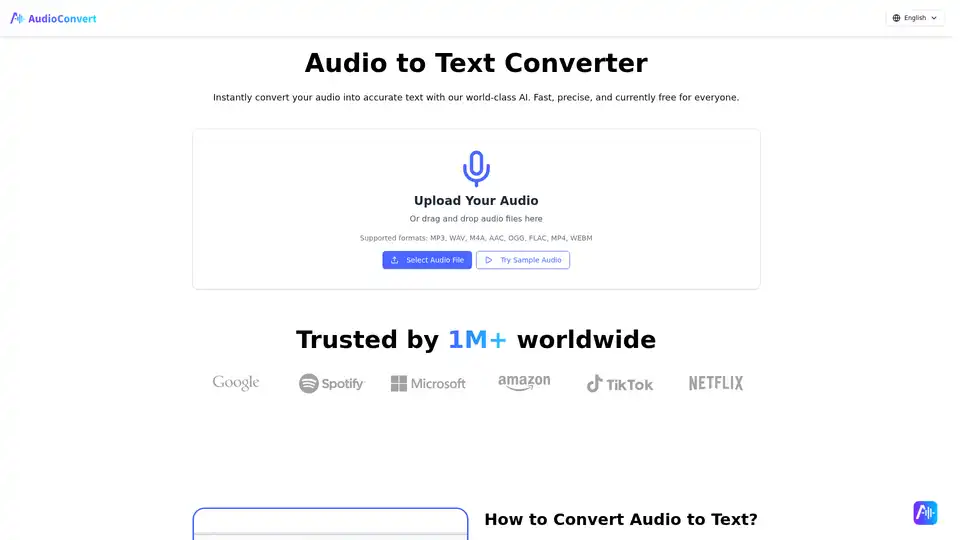
Free Audio to Text Converter uses AI to quickly and accurately transcribe audio files. Supports multiple formats and offers speaker detection, timestamps, and various export options like TXT, DOCX, and SRT.
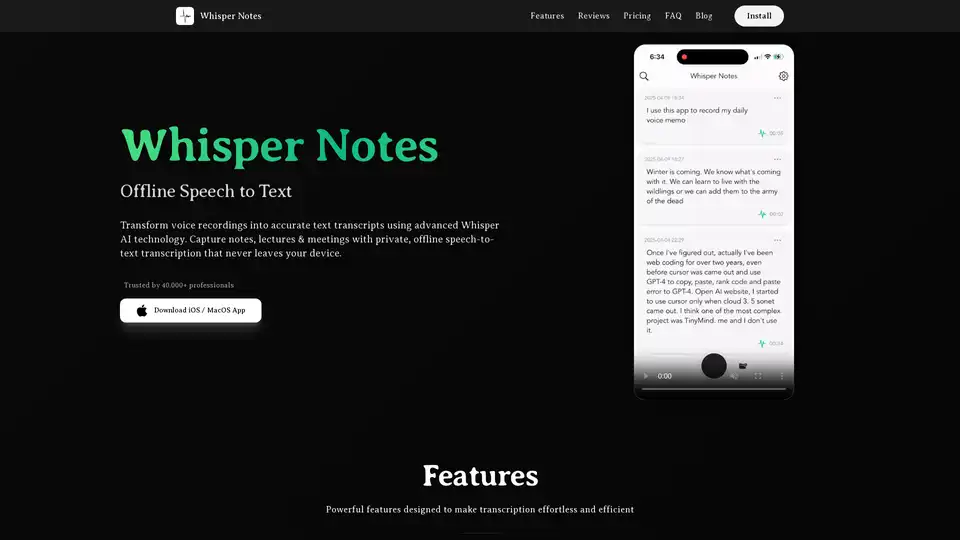
Whisper Notes is an offline speech-to-text app for iOS/macOS, utilizing Whisper AI for private, accurate transcription. It supports 80+ languages, audio file import, and offers lifetime access with a one-time purchase.
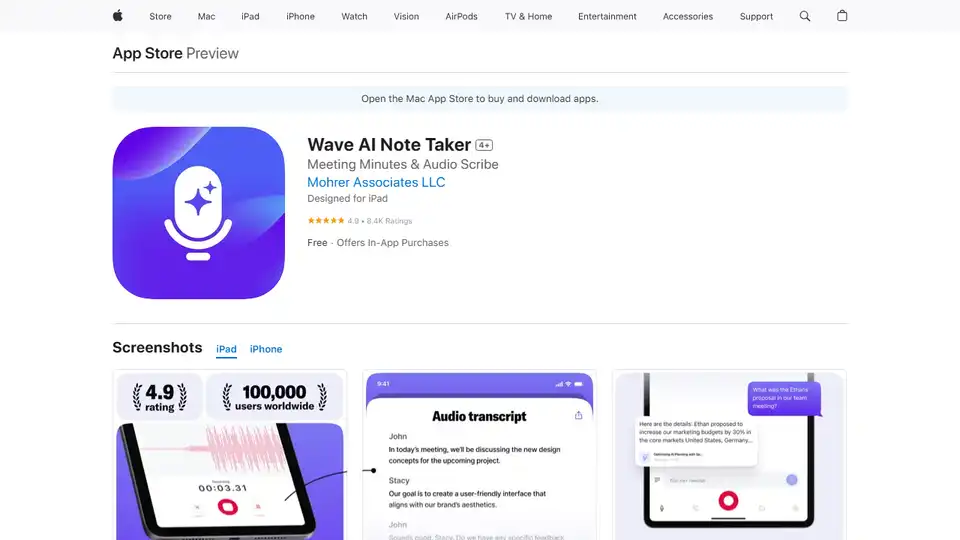
Wave AI Note Taker is an AI-powered app that records and transcribes audio, summarizes meetings, and converts voice to text. Perfect for professionals, students, and journalists needing accurate notes and summaries.
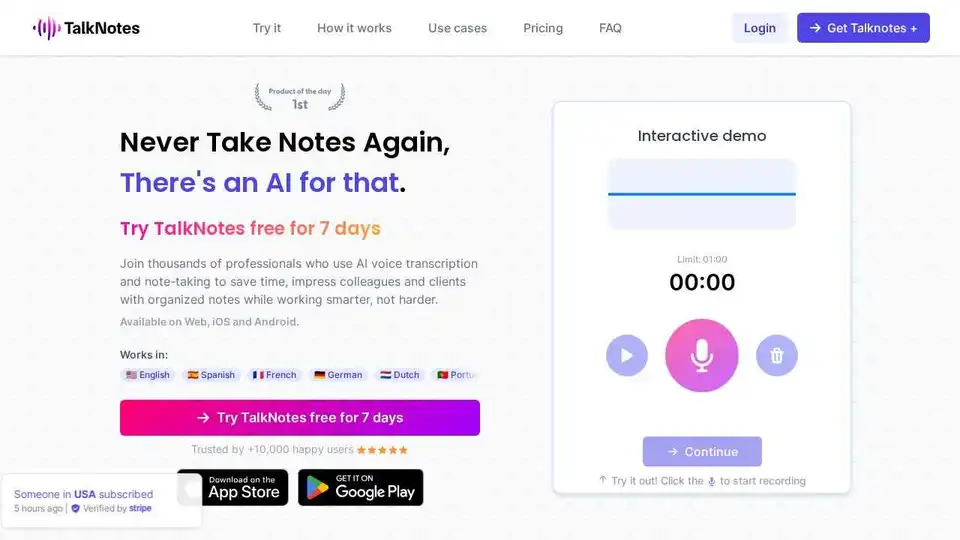
Talknotes is an AI voice note app that transcribes and structures voice notes into actionable text. Create task lists, transcripts, blog posts in seconds. Available on Web, iOS, and Android.