
Whisper Notes
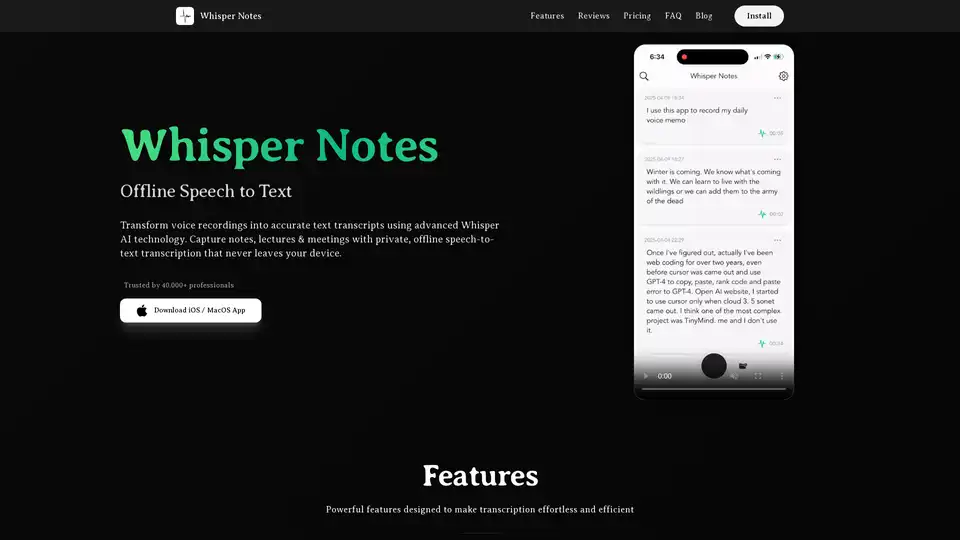
Overview of Whisper Notes
Whisper Notes: The Best Offline Speech-to-Text App for Private AI Transcription
What is Whisper Notes? Whisper Notes is a top-rated offline speech-to-text application designed for iOS and macOS. It empowers users to convert voice recordings into accurate text transcripts using advanced Whisper AI technology, all while ensuring complete privacy. Trusted by over 40,000 professionals, Whisper Notes is perfect for capturing notes, lectures, and meetings with private, offline transcription that never leaves your device.
Key Features of Whisper Notes
- Offline Transcription:
- No internet connection required. Your data remains secure on your device.
- Multi-language Support:
- Supports over 80 languages, enabling diverse speech recognition capabilities.
- Audio File Import:
- Easily import and transcribe existing audio files from various sources.
- Lifetime Access:
- A one-time purchase grants lifetime access to Whisper Notes, eliminating subscription fees and hidden costs.
How Does Whisper Notes Work?
Whisper Notes leverages the state-of-the-art Whisper-Large-V3 Turbo model to deliver accurate and efficient offline transcription. The application processes audio locally on your device, ensuring that your data never leaves your control. This approach provides a secure and private environment for converting voice recordings to text.
Why Choose Whisper Notes?
- Privacy-Focused:
- Unlike cloud-based transcription services, Whisper Notes operates entirely offline, ensuring your recordings and transcripts remain private and secure.
- Cost-Effective:
- With a one-time purchase model, Whisper Notes offers long-term value without recurring subscription fees.
- High Accuracy:
- Powered by the Whisper AI model, Whisper Notes delivers highly accurate transcription results across a wide range of languages.
User Testimonials
Real users have praised Whisper Notes for its speed, accuracy, and privacy features:
- Alex Wawro, Editor at Tom's Guide:
- "Whisper Notes - Speech to Text, a fairly inexpensive iPad app that uses the Whisper AI model to transcribe audio files without sending them out to a third-party service or server."
- Foto:
- "I loved it, super practical because it can be easily managed, text copied, sent, or the audio listened to. It is very comprehensive and at an excellent price."
- Known59:
- "The main reason I purchased this app is that I often have ideas and don't have the ability to transcribe them immediately... This application gives you that possibility. It's also completely offline and doesn't require a subscription."
Who is Whisper Notes for?
Whisper Notes is designed for a wide range of users, including:
- Professionals:
- Journalists, researchers, medical professionals, and business users who require secure and accurate transcription.
- Students:
- Ideal for recording lectures and transcribing notes without relying on internet connectivity.
- Creatives:
- Perfect for capturing ideas and converting voice memos to text while maintaining complete privacy.
How to Use Whisper Notes
- Record Audio:
- Use the app to record voice memos, lectures, meetings, or any audio content.
- Import Audio Files:
- Import existing audio files from your device.
- Transcribe:
- Initiate the transcription process, which occurs locally on your device.
- Export Transcripts:
- Export the transcribed text with timestamps for easy review and sharing.
Pricing
Whisper Notes is available for a one-time purchase of $4.99 USD, providing lifetime access to all features and future updates.
FAQ
- What is Whisper Notes?
- Whisper Notes is an offline speech-to-text iOS/macOS app trusted and used by over 40,000 people for recording and transcribing thoughts, meeting notes, and lectures.
- Does Whisper Notes run offline?
- Yes, all voice recordings and transcriptions are processed locally, ensuring your data never leaves your device.
- What languages does Whisper Notes support?
- Whisper Notes supports over 80 languages, powered by the Whisper AI model's multilingual capabilities.
- Can I import audio files for transcription?
- Yes, Whisper Notes allows you to import audio and video files for transcription, maintaining complete privacy.
- Are there any subscription fees or in-app purchases?
- No, Whisper Notes uses a one-time purchase model with no subscriptions, hidden fees, or ads.
Conclusion
Whisper Notes stands out as the best offline speech-to-text app for users who prioritize privacy, accuracy, and cost-effectiveness. Its advanced Whisper AI technology, multi-language support, and offline processing capabilities make it an ideal choice for professionals, students, and creatives alike. With a one-time purchase model and a commitment to user privacy, Whisper Notes offers a secure and reliable solution for all your transcription needs.
AI Voice Synthesis AI Voice Changer AI Music Creation Speech to Text AI Voice Customer Service and Assistant Podcast and Video Dubbing
Best Alternative Tools to "Whisper Notes"
Superwhisper is an AI-powered voice-to-text app for macOS and iPhone, enabling faster typing and seamless integration with any application. Transcribe audio and video, translate languages, and boost productivity.
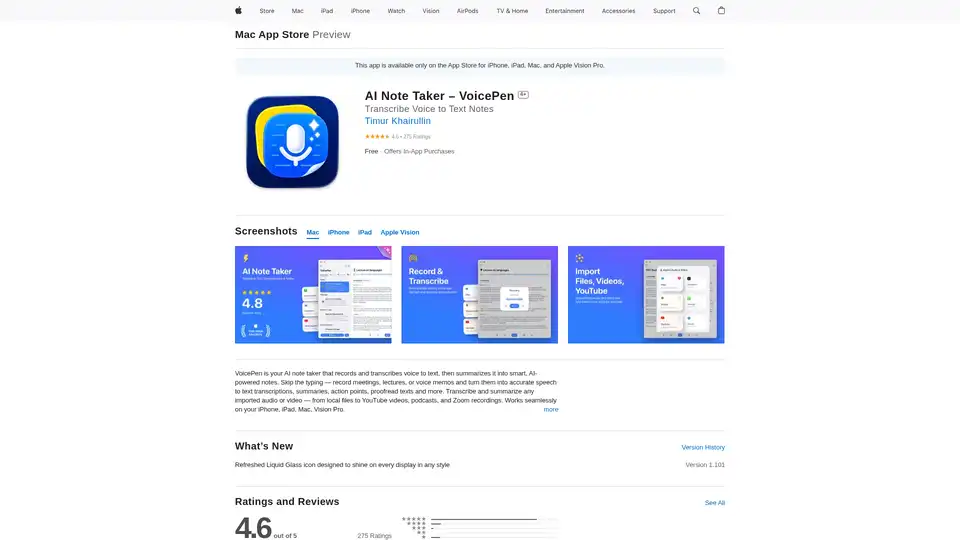
VoicePen is an AI-powered note taker that transcribes voice to text, summarizes meetings, lectures, and memos into smart notes. Record offline, export to PDF/DOC, and integrate with Notion for efficient productivity.
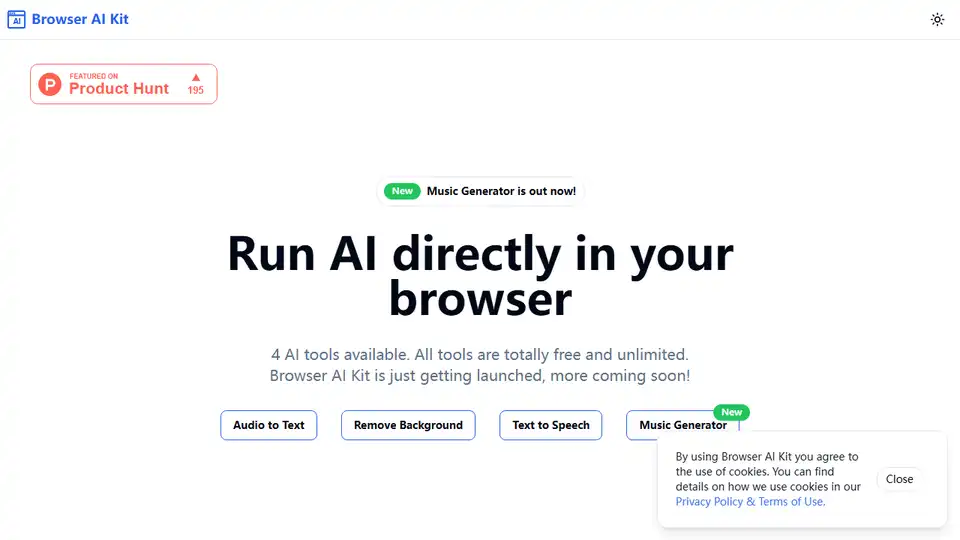
Run AI models total free and directly in your browser, free and no limits. Audio to text(Whisper), Remove background, Text to speech, Music generator, Image to text and more.
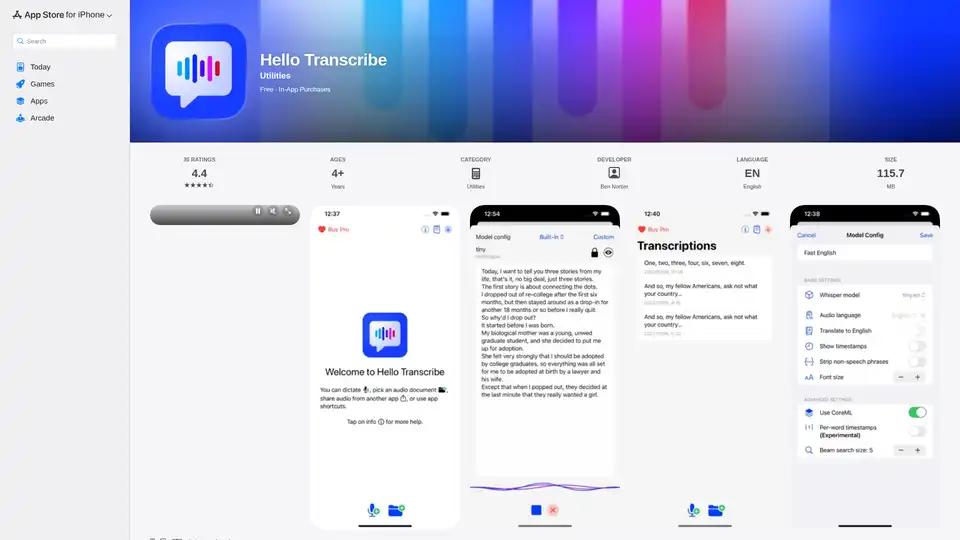
Hello Transcribe: Private speech to text transcriber using OpenAI Whisper, works offline and encrypts results in iCloud.