
Image to Image AI
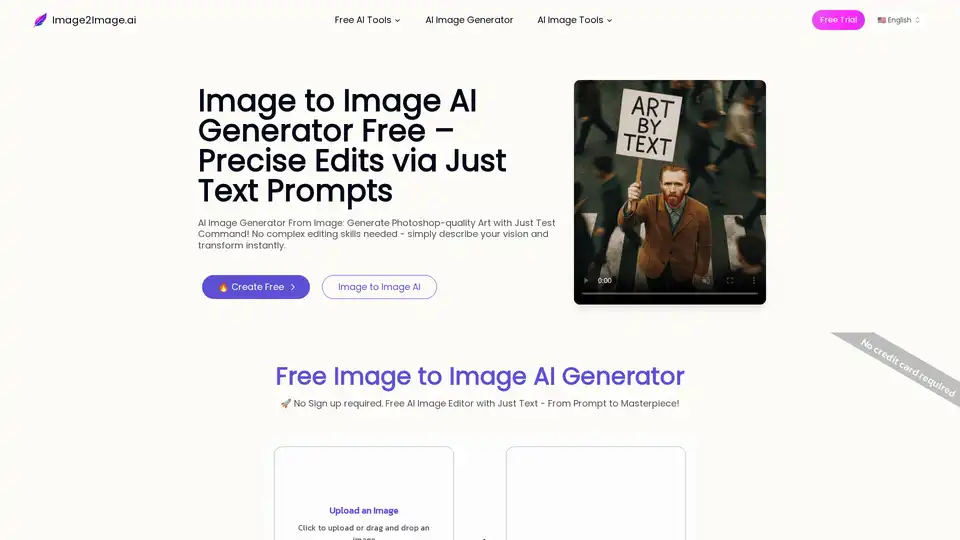
Overview of Image to Image AI
Image to Image AI: Free AI Image Generator From Image
Transform your images with the power of AI using Image to Image AI, a free online tool that lets you generate new images from existing ones. This innovative platform allows you to edit photos with simple text prompts, unlocking Photoshop-quality results without needing complex editing skills.
What is Image to Image AI?
Image to Image AI revolutionizes photo editing by enabling powerful transformations using just text. Unlike other AI tools that generate images from scratch, this technology uses your own photo as the foundation. This ensures flawless consistency between your original image and the final result, eliminating the need for any Photoshop skills.
The core strength of Image to Image AI is its commitment to consistency. The AI analyzes your uploaded image—its composition, lighting, and structure—and uses it as a strict blueprint for any changes. When you provide a text command, the AI seamlessly integrates your request while preserving the original photo's integrity. This guarantees that every edit feels natural and perfectly aligned with your base image.
This unique combination of a visual anchor and a text prompt unlocks a world of creative control. It empowers you to perform complex edits, explore artistic styles, and visualize ideas with unprecedented speed and ease. Achieve polished, high-impact visuals that maintain perfect consistency with your source photo, using just text and zero Photoshop skills.
Key Features of Image to Image AI
- AI Remove Object: Remove unwanted objects from photos, maintaining a seamless and natural background. Example prompt: "Remove the green apple from the man's face".
- AI Swap Object: Replace objects in a photo with new ones, ensuring they fit perfectly within the scene. Example prompt: "Replace the castle with a great Prague castle."
- Selfie to Profile Photo: Transform casual selfies into professional profile photos, enhancing overall appearance. Example prompt: "Create a professional headshot for this woman."
- AI Text Editor: Edit text within an image while preserving the underlying image and original lettering. Example prompt: "Change the upper text to 'WHY DO FEET SMELL', while change the lower text to 'AND NOSE RUN?'"
- AI Image Outpainting: Expand an image's size by describing the direction you want it to expand. Example prompt: "Extend this photo upwards and downwards. Keep the original stair unchanged"
- AI Style Changer: Transform a photo into a different artistic style, maintaining the original composition. Example prompt: "Convert the photo into a watercolor style/ disney cartoon style/ pixel art style"
- AI Remove Text: Remove all text from a photo, ensuring a clean and smooth background. Example prompt: "Remove all the text"
- AI Photo Colorizer: Colorize old black-and-white photos, bringing them to life with vibrant colors. Example prompt: "Colorize this photo"
- Sketch to Reality: Convert a simple sketch into a detailed rendering, adding depth and texture. Example prompt: "Convert this sketch into a photorealistic image"
- AI Haircut Swap: Change the hairstyle in a photo, keeping the face and background unchanged. Example prompt: "Turn all three of their hair blonde"
- AI Old Photo Restoration: Restore torn, folded, or faded old photos to brand-new clarity, even adding realistic color. Example prompt: "Restore this young girl's photo, remove any damage and degradation, preserving her facial feature"
- AI Character Design: Design a new character based on an existing image, enhancing features and adding unique elements. Example prompt: "Shift the camera angle to a backview"
How to Use Image to Image AI
How to Generate Image from Image?
Follow our straightforward process to create stunning new images from your photos
- Step 1: Upload your image(s) to get started. Image to Image AI will strictly ensure the consistency of your images throughout the editing process. You can upload a single image for editing or multiple images for merging with reference.
- Step 2: Customize & Describe. Select the desired aspect ratio, then write your prompt in plain, everyday language to tell the AI what to create. For example, 'turn this into a watercolor painting' or 'add a futuristic city in the background'.
- Step 3: Wait for the AI to process your image. Depending on the model used, the processing time may vary. The Image to Image AI Generator model takes around 20 seconds, while the Image GPT model takes approximately 90 seconds.
- Step 4: Once the AI has completed its work, you can download your image. Be sure to download your image promptly to save your creation.
Who is Image to Image AI for?
- Concept Artists: Generate multiple polished options quickly.
- E-commerce Businesses: Transform product shots into lifestyle images at a fraction of the cost.
- Indie Game Developers: Create quality environment art by upscaling and restyling basic sketches.
- Realtors: Stage homes and transform property photos easily.
- Digital Marketing Leads: Create consistent branded content across multiple platforms.
- Designers: Visualize client concepts instantly.
Why Choose Image to Image AI?
- Perfect Control and Consistency: Maintains the original composition and lighting of your photo.
- Drastically Accelerate Your Workflow: Completes tasks in seconds that normally take hours.
- Unlock Professional Power, No Skills Needed: Translates simple text descriptions into stunning results.
What image formats are supported?
We accept common formats like JPG, PNG, and WEBP. High-resolution files work best.
How do I write a good prompt?
Effective prompts are clear and descriptive. Start with the main subject, then add details about the desired style, mood, lighting, and environment. Instead of just 'make it a painting,' try 'an impressionist oil painting with thick, visible brushstrokes and a warm, golden hour lighting.' Combining a strong input image with a detailed prompt gives you the most control over the final result.
With Image to Image AI, anyone can achieve professional-level results effortlessly. Try it out today and experience the future of image editing!
AI Generated Art Image Enhancement and Repair Image Style Transfer AI Background Removal and Replacement AI Avatar and Cartoonization 3D Modeling and Rendering Logo and UI Design
Best Alternative Tools to "Image to Image AI"
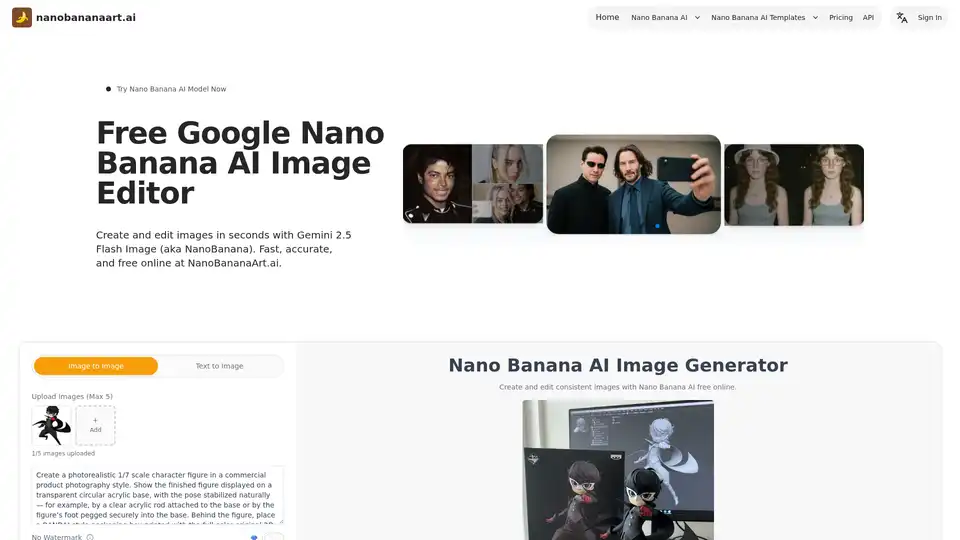
Discover Nano Banana AI, powered by Gemini 2.5 Flash Image, for free online image generation and editing. Create consistent characters, edit photos effortlessly, and explore styles like anime or 3D conversions at NanoBananaArt.ai.
Bylo AI is an all-in-one AI image generator and photo editor that brings together the best AI models like GPT-4o and Gemini Nano Banana. Generate, edit, and enhance images online for free with AI-powered filters, effects, and one-click tools.
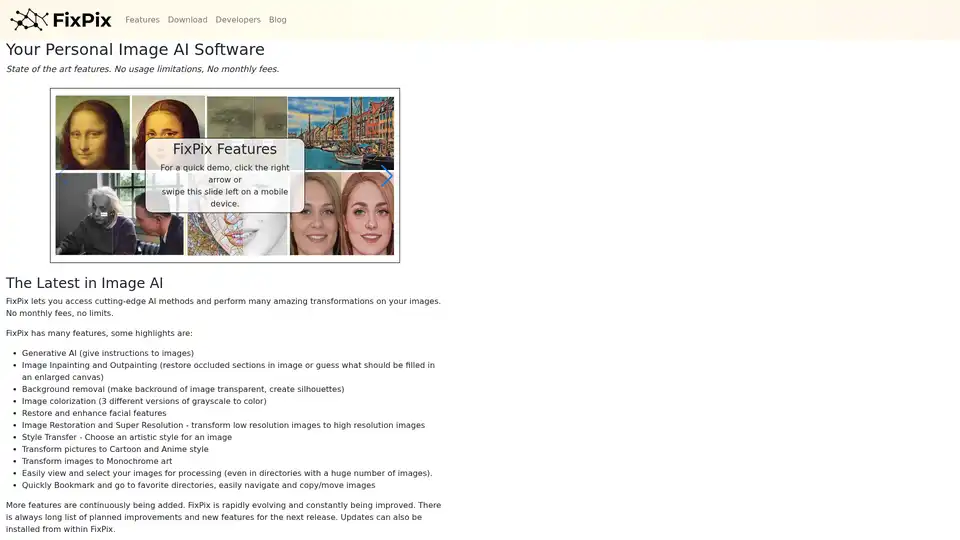
FixPix is a personal image AI software for Windows and MacOS offering generative AI, image inpainting, background removal, image colorization, style transfer, and more. Download now for free upgrades and no subscription fees!
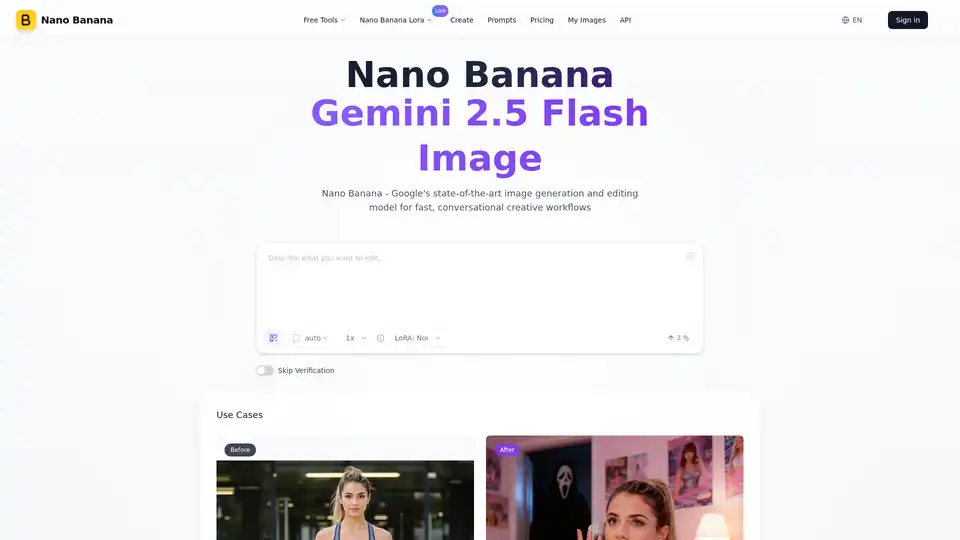
Nano Banana (Gemini 2.5 Flash Image) maintains perfect character consistency, allowing you to edit images with text prompts at a faster speed.