
FixPix
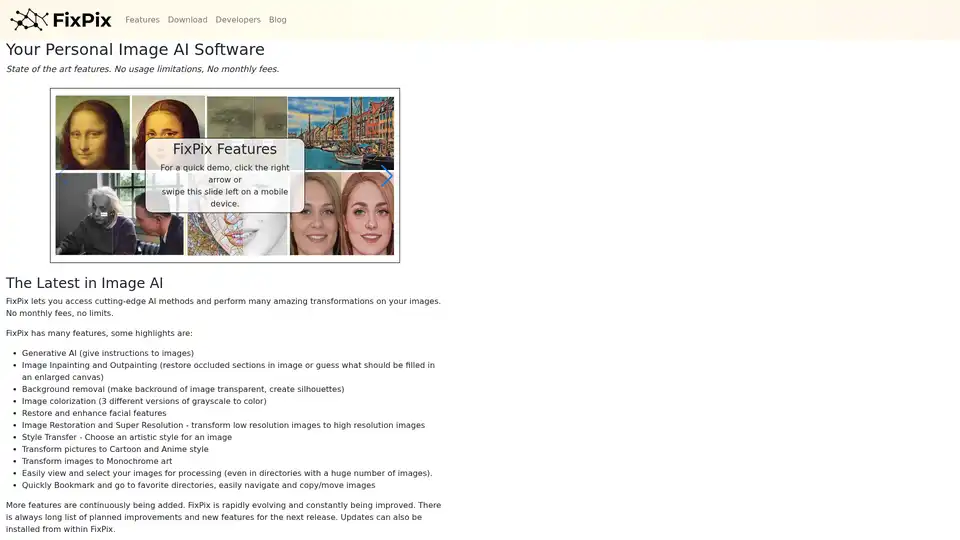
Overview of FixPix
FixPix: Your Personal Image AI Software
FixPix is a cutting-edge image AI software that brings state-of-the-art features directly to your Windows or MacOS computer. Forget about usage limitations and monthly fees. With FixPix, you have access to a wide range of AI-powered image transformations, all within a single application.
What is FixPix?
FixPix is a downloadable application that allows you to perform amazing transformations on your images using the latest AI methods. It's designed to be user-friendly, allowing you to easily view and select images for processing, even in directories with a huge number of files. You can quickly bookmark and navigate to your favorite directories, and easily copy or move images.
How does FixPix work?
FixPix works by integrating various neural network components as downloadable plugins. This allows users to customize their experience and only download the AI tools they need. All advanced image processing is done on your own PC, so there are no external dependencies and no need for an internet connection after the initial plugin download.
Key Features of FixPix
FixPix comes packed with features, including:
- Generative AI: Use Instruct Pix2Pix to modify images using plain English instructions.
- Image Inpainting and Outpainting: Restore occluded sections in images or expand the canvas with AI-generated content using LaMa Inpainting and Stable Diffusion.
- Background Removal: Create transparent backgrounds and silhouettes with U2-Net.
- Image Colorization: Colorize grayscale images using three different versions.
- Face Enhancement: Restore and enhance facial features.
- Image Restoration and Super Resolution: Transform low-resolution images to high-resolution.
- Style Transfer: Apply artistic styles to your images.
- Cartoon and Anime Conversion: Transform photos into cartoon or anime style images using AnimeGANv2 and CartoonGAN.
- Monochrome Art: Convert images to monochrome art.
Neural Network Components
FixPix supports several powerful neural network components, including:
- Instruct Pix2Pix: Allows you to edit images using text prompts. For example, you can instruct the AI to "Give her a ponytail" or "Make her a bronze statue."
- LaMa Inpainting: Intelligently fills in occluded parts of an image, making it useful for restoring damaged photos.
- Stable Diffusion Inpainting & Outpainting: Reconstructs missing parts of an image or expands the image using AI-generated content, trained on billions of images.
- U2-Net: Detects and separates the main object in a picture from its background, allowing for background removal and sketch creation.
- AnimeGANv2: Transforms photos into anime-style images.
- GFPGAN: Restores old or low-quality images of faces by filling in missing details.
- Colorful Image Colorization: Adds color to black and white or grayscale images.
- DeOldify: An improved image colorization method that provides two separate machine learning models for colorizing grayscale images.
- AdaAttN: Adds artistic styles to images by combining details from the original image and a style image.
- Fast Neural Style: Quickly applies artistic styles to images, with 10 different styles prebundled.
- CartoonGAN: Transforms photos of real-world scenes into cartoon-style images.
How to Use FixPix
- Download and Install: Download FixPix for your Windows or MacOS computer.
- Install AI Components: After installing FixPix, download additional AI components you wish to use.
- Process Images: Start transforming your images with the various AI features available.
Who is FixPix for?
FixPix is for anyone who wants to easily transform their images using AI. It's perfect for:
- Photographers: Enhance and restore photos.
- Artists: Experiment with different styles and create unique artwork.
- Designers: Create graphics and visual content.
- Hobbyists: Transform personal photos and create fun images.
Why Choose FixPix?
- No Monthly Fees: Pay once and use it forever.
- No Usage Limits: Process as many images as you want.
- Free Upgrades: Get free upgrades to the latest versions.
- Local Processing: All processing is done on your computer, so there's no need for an internet connection after the initial setup.
- Extensible: Add custom plugins to the software using Python and HTML/CSS/JavaScript.
Download FixPix
Ready to start transforming your images? Download FixPix today and unleash the power of AI image editing!
Get a Free License!
Until further notice, you can get a free license for the full version of FixPix by providing your name and email address. The free license removes the limitations of the demo version, allowing you to process unlimited images without a QR code watermark.
FixPix for Developers
FixPix offers a flexible API that makes it easy to add custom plugins. With Python for the backend and HTML/CSS/JavaScript for the front end, it's simple to seamlessly integrate new image processing components into FixPix.
Best way to enhance your images with AI?
FixPix provides a comprehensive suite of AI-powered tools for image enhancement, restoration, and transformation. Its user-friendly interface, combined with powerful neural network components, makes it the best way to unlock the full potential of your images.
AI Generated Art Image Enhancement and Repair Image Style Transfer AI Background Removal and Replacement AI Avatar and Cartoonization 3D Modeling and Rendering Logo and UI Design
Best Alternative Tools to "FixPix"
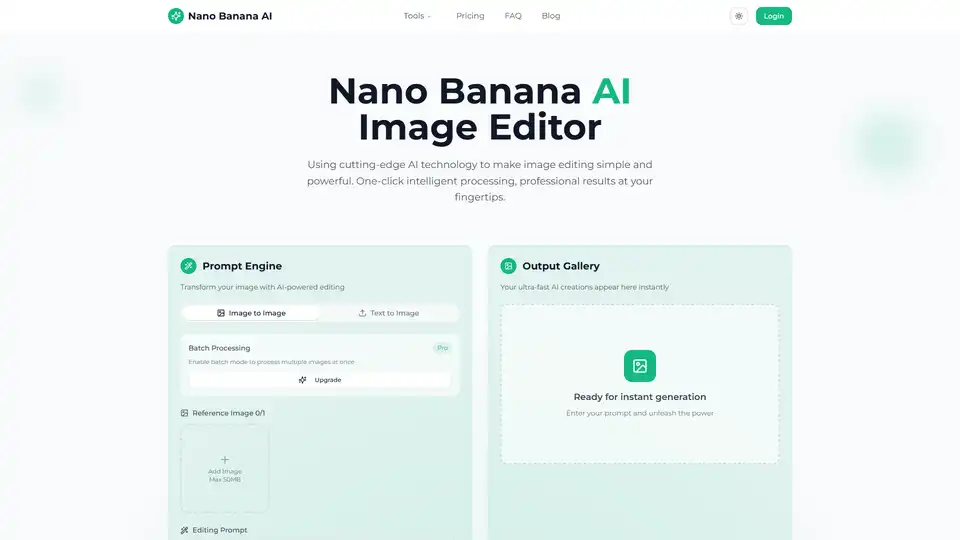
Transform your photos with Nano Banana AI Image Editor. Free AI-powered background removal, smart enhancement, style conversion, and batch processing.
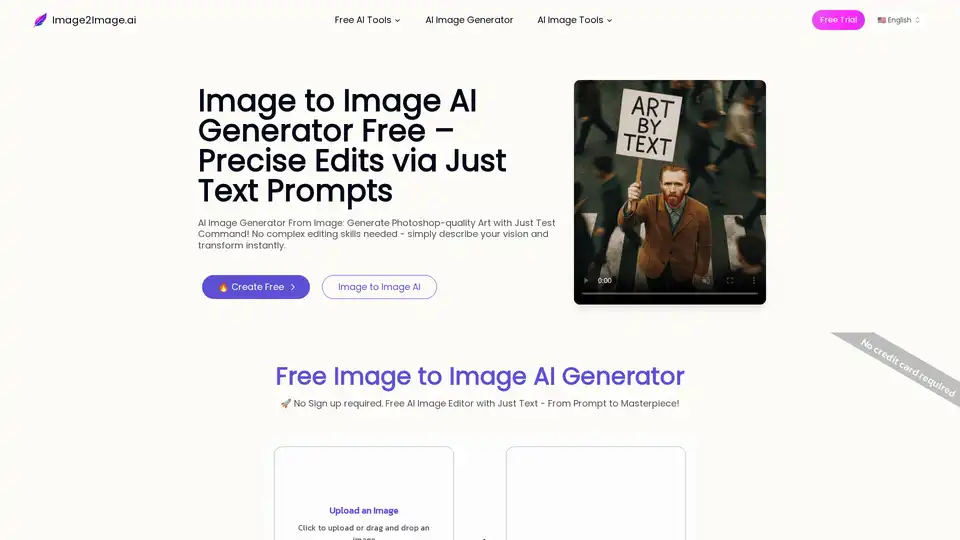
Generate images from existing ones for free using AI Image to Image tech. Just edit any photo with a prompt to transform instantly.
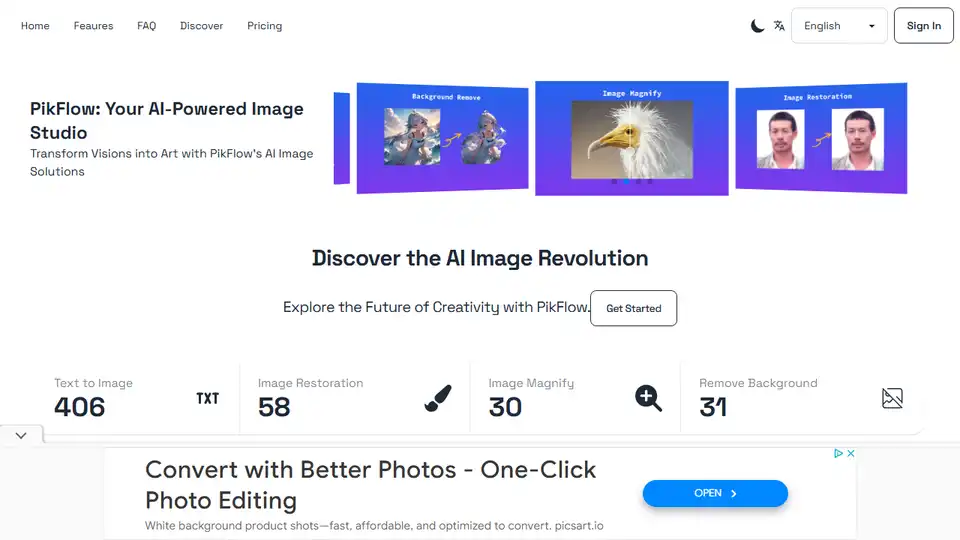
PikFlow transforms ideas into stunning visuals with AI. Text-to-image, style transfer, background removal, and more.
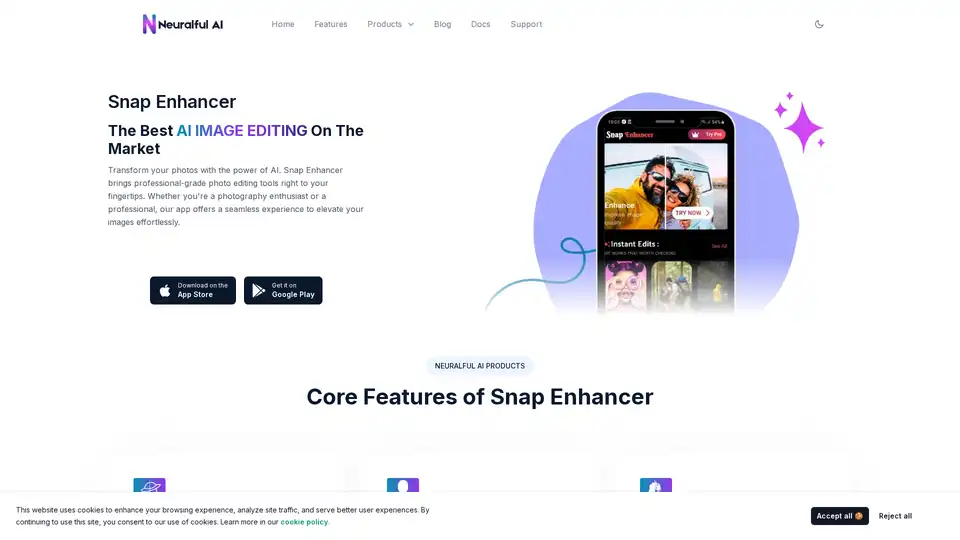
Transform your photos with Snap Enhancer's AI-powered tools for portraits, background changes, cartoonization, and more. Elevate your images effortlessly.