
I18n Studio
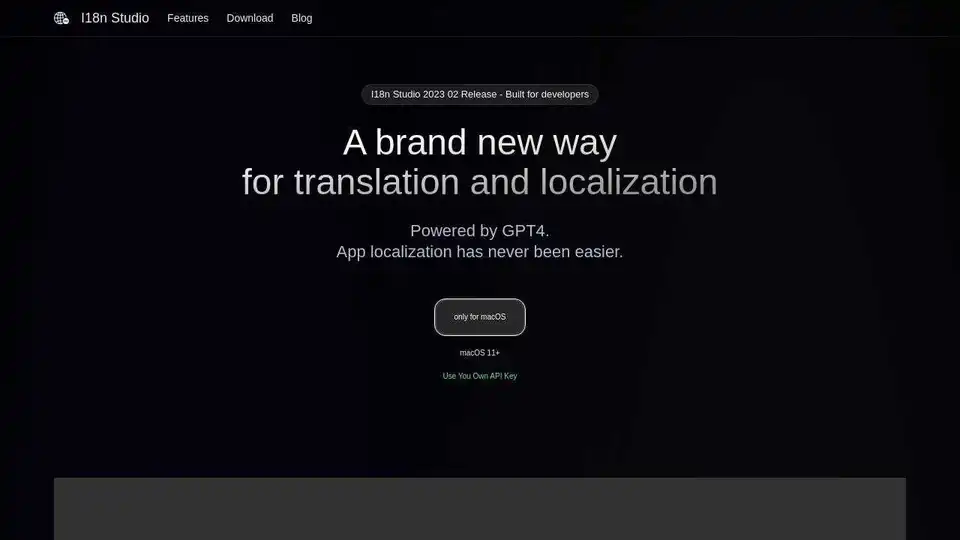
Overview of I18n Studio
I18n Studio: Revolutionizing App Localization with GPT4
What is I18n Studio?
I18n Studio is a cutting-edge macOS application designed to simplify and accelerate the app localization process. Powered by GPT4, it provides contextual translation for various file formats, including JSON, XML, Localizable.strings, and String Catalogs.
How does I18n Studio work?
I18n Studio streamlines the translation workflow with these key features:
- Contextual Translation: Enhance translation accuracy by providing context through comments. Customize translation needs with descriptions like "Scenes" (usage scenario) and "Capital" (capitalize the first letter of all words).
- Multi-Platform Integration: Seamlessly integrates with Xcode, VSCode, and Android Studio.
- Comprehensive File Support: Effortlessly translates JSON, XML, Localizable.strings, and String Catalog files.
- Efficient Translation Management: Translate individual values, keys across languages, entire languages, or all languages at once.
- Simple Workflow: Load multi-language files, batch translate into target languages, and write back to the files.
Key Features:
- GPT4 Powered: Leverage the power of GPT4 for intelligent and accurate translations.
- macOS Native: Designed exclusively for macOS (11+).
- API Key Integration: Use your own API key for enhanced control and security.
- Batch Translation: Translate entire files or languages with a single click.
- Contextual Awareness: Provide context to GPT4 through comments to ensure accurate translations.
How to use I18n Studio?
- Load: Import your multi-language files into I18n Studio.
- Translate: Initiate batch translation into your desired target languages.
- Write: Export the translated files back into your project.
Why is I18n Studio important?
I18n Studio is important because it dramatically simplifies and speeds up the app localization process, allowing developers to:
- Save time and resources on translation.
- Improve the accuracy and quality of translations.
- Reach a global audience with localized apps.
Where can I use I18n Studio?
You can use I18n Studio for:
- iOS app localization
- Android app localization
- Web application localization (JS)
Best way to translate with I18n Studio?
The best way to translate with I18n Studio is to leverage its contextual translation feature by providing clear and concise comments to guide GPT4. This ensures that the translations are accurate and appropriate for the specific context.
User Testimonials:
Used by companies such as ChatTab, Folder Hub, MenubarX, DockX, ChatX, and Lock Launcher
Pricing:
Download For Free, only for macOS macOS 11+ Use You Own API Key
Technical Details:
Requires macOS 11+ and your own API key for GPT4 integration.
By using I18n Studio, translation becomes effortless for JSON files, XML files, Localizable.strings files and String Catalog files. Download it today and experience app localization like never before!
AI Task and Project Management AI Document Summarization and Reading AI Smart Search AI Data Analysis Automated Workflow
Best Alternative Tools to "I18n Studio"
I18n Studio is a macOS app powered by GPT4 that simplifies app localization. It supports contextual translation for JSON, XML, Localizable.strings, and String Catalogs, integrating seamlessly with Xcode, VSCode, and Android Studio.
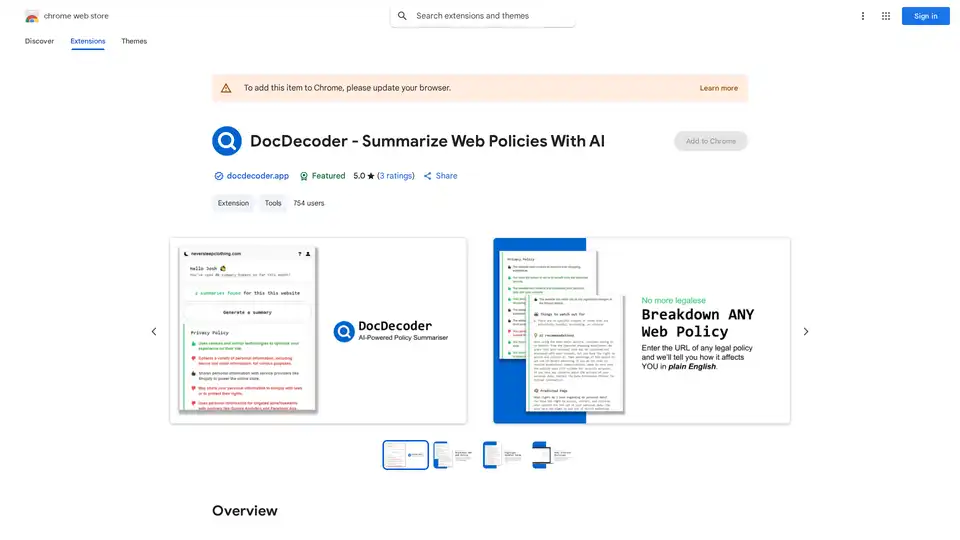
DocDecoder is a Chrome extension that leverages GPT-4 to create quick summaries of website legal policies, helping users understand terms and privacy before agreeing.
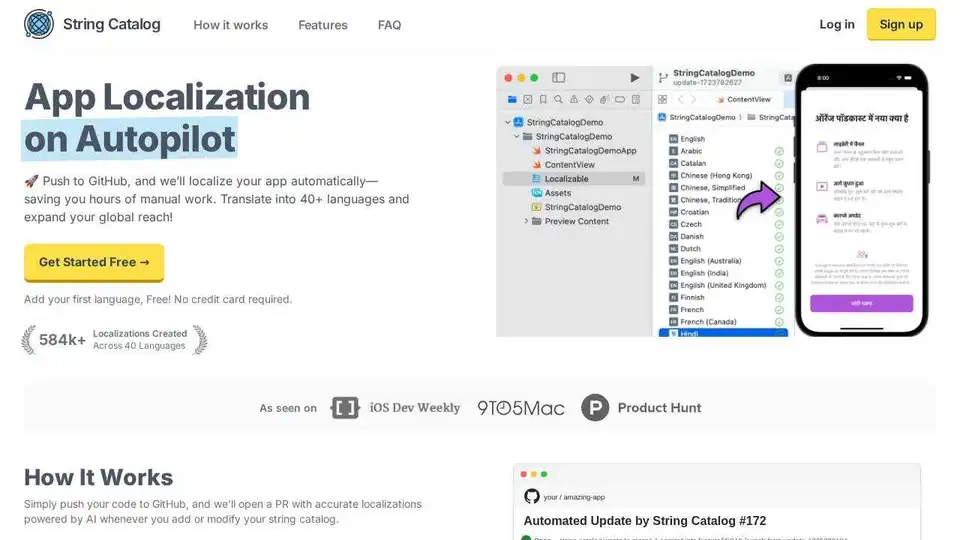
String Catalog automates app localization for iOS & Android. Connect GitHub, translate into 40+ languages with AI, and streamline your workflow.
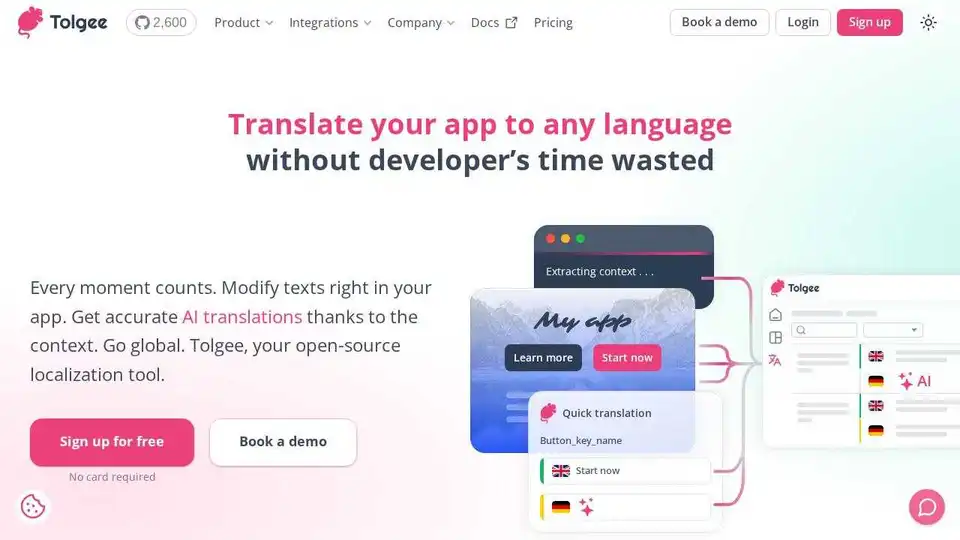
Tolgee is an open-source localization platform that simplifies app translation with in-app editing, AI translation, and integrations. Scale multilingual apps easily. Sign up for free.