
Fill A Form AI
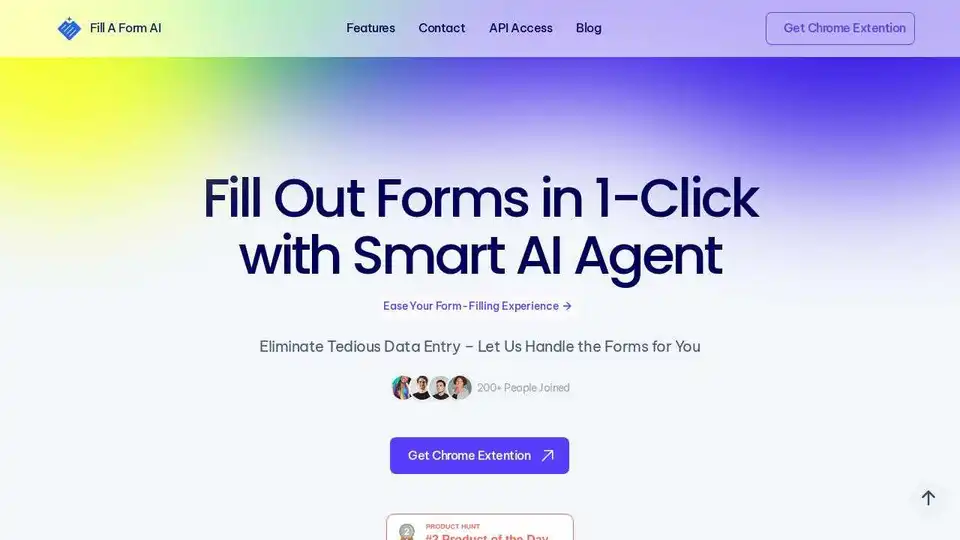
Overview of Fill A Form AI
Fill A Form AI: The One-Click AI Form Filling Solution
What is Fill A Form AI?
Fill A Form AI is a Chrome extension designed to automate the tedious process of filling out online forms. By leveraging AI, it intelligently identifies form fields and auto-fills them, saving you time and reducing errors.
How does Fill A Form AI work?
Fill A Form AI works by:
- Automatically identifying form inputs on websites.
- Learning from your past filled forms to quickly populate new ones.
- Efficiently finding answers from your data, rather than simply copy-pasting from other sources.
Key Features
- One-Click Auto-Filling: Instantly populate online forms with a single click.
- Auto-Fill from History: Leverages AI to automatically fill forms based on previously submitted data.
- Smart Collaboration: Enable teamwork with shared form libraries and real-time updates.
- Google Sheets Integration: Sync form data directly with Google Sheets for easy analysis.
- Dynamic Content Addition: Intelligently suggest and insert relevant content.
Benefits of Using Fill A Form AI
- Saves Time: Eliminates manual data entry and speeds up the form-filling process.
- Reduces Errors: AI-powered accuracy minimizes typos and inconsistencies.
- Boosts Productivity: Enhances online productivity by automating repetitive tasks.
- Streamlines Workflow: Simplifies form management with features like library organization and smart collaboration.
Who is Fill A Form AI for?
Fill A Form AI is ideal for:
- Online Shoppers: Breeze through checkout forms quickly.
- Small Business Owners: Manage multiple online accounts efficiently.
- Recruiters: Fill out numerous job application forms with ease.
- Anyone who frequently fills out online forms and wants to save time and effort.
Testimonials
- Sarah K., Online Shopper: "This tool has revolutionized my online shopping! I can breeze through checkout forms in seconds now."
- Lisa R., Small Business Owner: "This auto-fill tool has been a lifesaver! It accurately populates forms across different platforms, saving me hours each week."
- Mark T., HR Professional: "This one-click solution has cut my workload in half and eliminated typos. It's a game-changer for my productivity."
How to get started with Fill A Form AI?
Simply install the Chrome extension and start filling out forms. Fill A Form AI will learn from your entries and automatically populate similar forms in the future.
Where can I use Fill A Form AI?
You can use Fill A Form AI on any website with online forms, including:
- E-commerce sites
- Job application portals
- Online account management platforms
- Surveys and questionnaires
What is Fill A Form AI?
Fill A Form AI is an AI-powered form filling agent that automates the process of completing online forms. It saves time, reduces errors, and boosts productivity.
Why is Fill A Form AI important?
Fill A Form AI is important because it addresses the common pain point of tedious and time-consuming form filling. By automating this process, it frees up valuable time for users to focus on more important tasks.
Automate your form filling tasks and experience the efficiency of Fill A Form AI!
Best Alternative Tools to "Fill A Form AI"
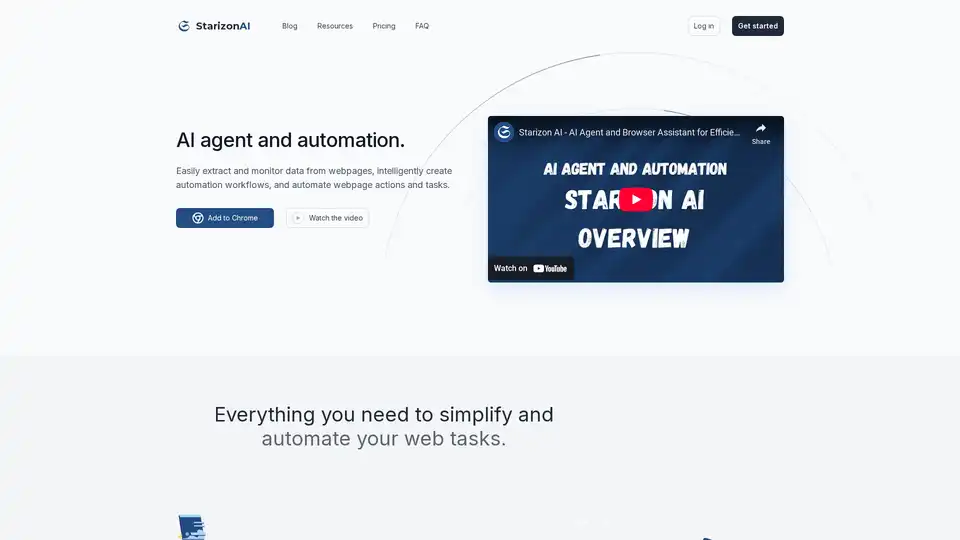
Starizon AI is a Chrome browser extension that leverages AI for efficient web browsing, data extraction, automation workflows, and real-time monitoring to boost productivity without coding.
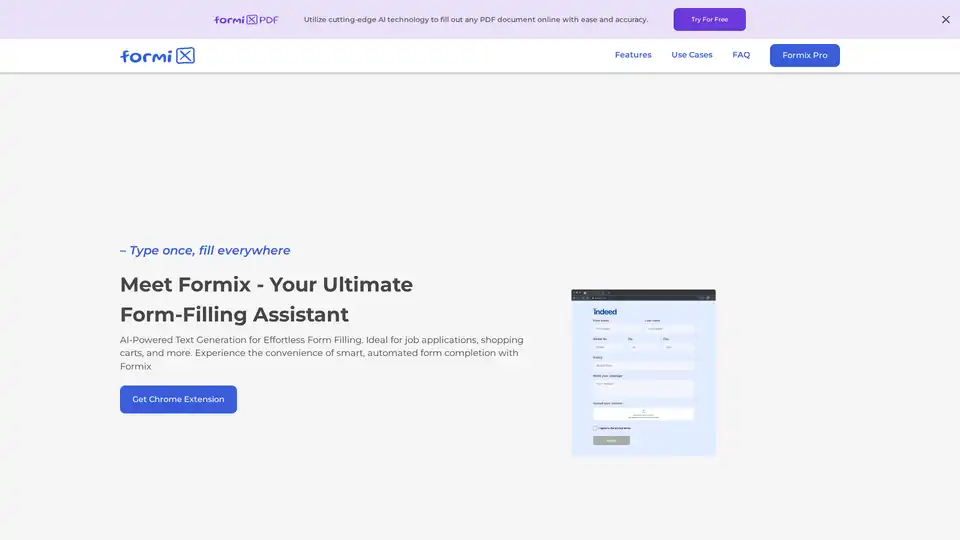
Formix is an AI-powered Chrome extension that simplifies form filling with intelligent autofill and secure data privacy, compatible with all online forms.
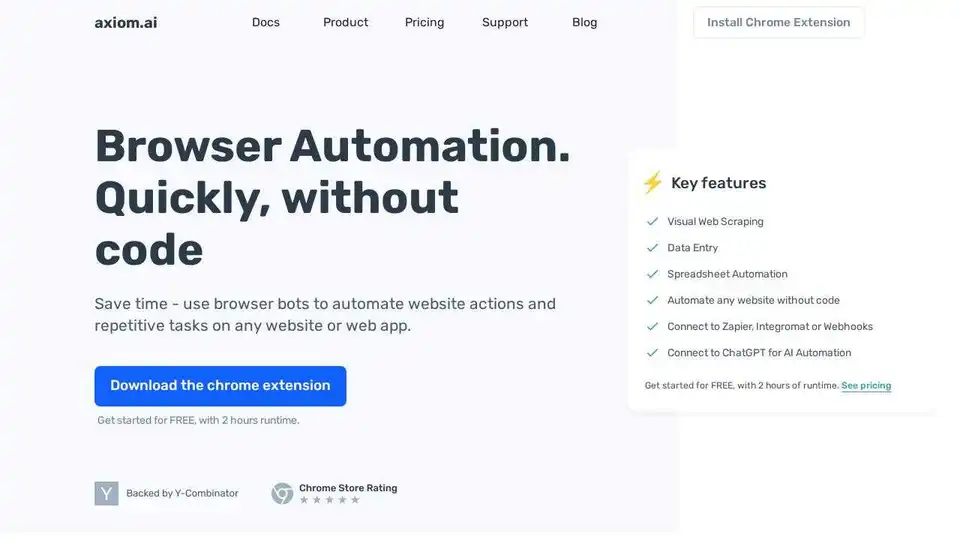
Axiom.ai: Automate website actions and repetitive tasks on any website or web app without code. Build browser bots quickly using a Chrome extension for visual web scraping, data entry, and more.
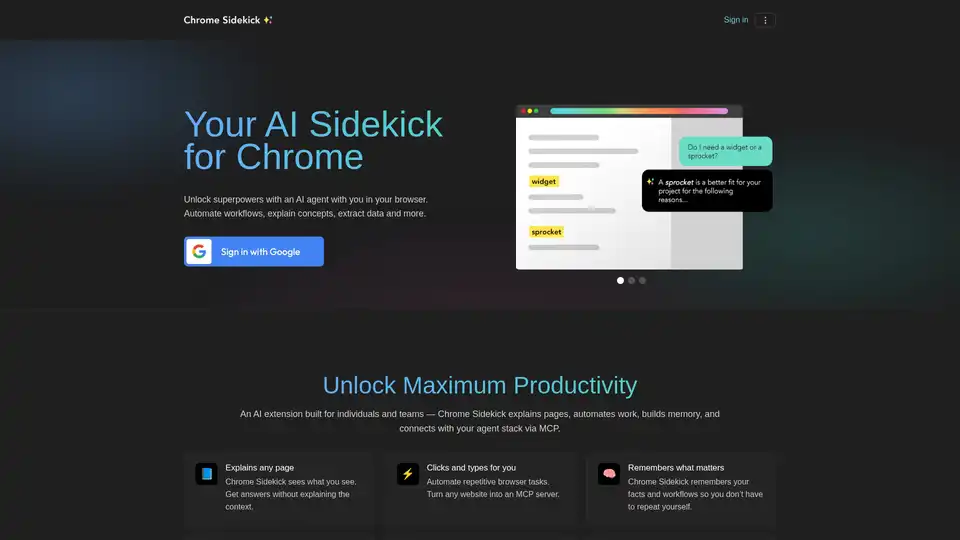
Chrome Sidekick is an AI-powered Chrome extension that automates browser tasks, explains web pages, and remembers important information. Built for individuals and teams to boost productivity.