
Formix
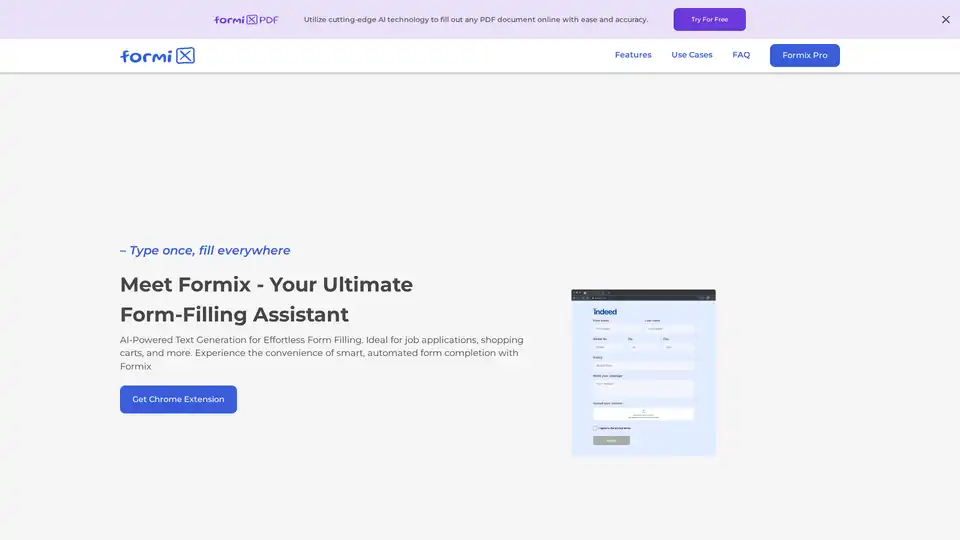
Overview of Formix
Formix: AI-Powered Form Filling Chrome Extension
What is Formix?
Formix is an innovative Chrome extension that leverages cutting-edge AI technology to streamline and simplify the process of filling out online forms and PDF documents. Designed to enhance productivity and save time, Formix intelligently predicts and auto-fills form fields, making it ideal for job applications, e-commerce checkouts, classNameified ad submissions, and more.
How does Formix work?
Formix employs AI-powered text generation to understand the context of the forms you're filling out. It then predicts the necessary information and automatically populates the fields. Data privacy is a priority; the extension stores information solely on the user's device, ensuring complete data security and user control.
Key Features of Formix
- Intelligent Autofill: Uses AI to predict and fill out form fields instantly.
- Data Privacy: Stores information locally on the user's device, ensuring data security.
- Universal Compatibility: Works seamlessly with all types of online forms.
Use Cases
- Automated Job Application Submission: Efficiently complete multiple online job application forms with accurate and uniform data entry.
- E-commerce Checkout Optimization: Auto-fills shipping and payment information during checkout, speeding up the purchasing process.
- ClassNameified Ad Submission: Quickly and accurately fill out online forms for posting classNameified ads, ensuring all necessary details are consistently and correctly entered.
- Fill any PDF document online: Utilize cutting-edge AI technology to fill out any PDF document online with ease and accuracy.
How to use Formix?
- Install the Chrome Extension: Add Formix to your Chrome browser from the Chrome Web Store.
- Open the Form: Navigate to the online form or PDF document you want to fill.
- Activate Formix: Click the Formix icon in your browser toolbar.
- Review and Submit: Review the auto-filled information and make any necessary corrections before submitting the form.
Data Privacy First
Where are input documents and prompts saved? Input documents and prompts are saved only locally within your Chrome browser and never on a server. We prioritize data privacy highly and do not save any information on purpose. This approach ensures that your data remains secure and under your control at all times.
Why choose Formix?
- Efficiency: Saves time and effort by automating form filling.
- Accuracy: Ensures accurate and consistent data entry.
- Convenience: Simplifies the process of filling out online forms.
- Privacy: Keeps your data secure by storing it locally on your device.
FAQ
Where are input documents and prompts saved?
Input documents and prompts are saved only locally within your Chrome browser and never on a server. We prioritize data privacy highly and do not save any information on purpose. This approach ensures that your data remains secure and under your control at all times.
Why is the fill-in not complete?
Some sites are not fully supported yet, and Formix may not submit forms directly. It is designed as a tool to assist in filling out forms based on the provided documents and prompts. For forms that appear incomplete, it's possible that the site's structure or security measures prevent Formix from fully interacting with it.
Does Formix submit or click any buttons on forms?
Definitely no. Formix is designed to fill out only text fields and, on some sites, dropdown menus. It never clicks any buttons on a form. The action of submitting a form or clicking any button within the form must be done manually by the user, ensuring full control over the form submission process.
Are there any limitations for using the extension?
Yes, Formix has limitations regarding the size of the form it can process and the supported document size. These limitations are significantly increased in the Pro version, allowing for more extensive forms and larger documents to be used.
Why are generated values empty?
This issue may arise if the documents and prompts provided do not closely match the requirements of the form. To ensure better accuracy, use relevant documents and prompts. If the data is unrelated to the form's context, GPT may have difficulty correctly filling in the information. For instance, using personal data for a classNameified ad form can lead to confusion and incomplete fill-ins.
Can I submit a form directly without reviewing?
Formix serves only as a helper tool in the form-filling process. It may make errors or incomplete entries. Therefore, it is crucial to review all generated values—highlighted for easy identification—and make any necessary corrections. The responsibility to ensure the accuracy and completeness of the form rests solely with the user.
Can I regenerate a single field?
Yes. If a field is not filled correctly or as expected, you can regenerate its content by clicking the reload button in the values tab. This allows for adjustments and corrections without needing to regenerate the entire form.
Formix Pro
Formix Pro offers enhanced capabilities, including increased daily limits, larger document attachments, longer history, higher precision, support for more sites, and priority support.
Who is Formix for?
Formix is ideal for job seekers, online shoppers, individuals posting classNameified ads, and anyone who frequently fills out online forms.
In conclusion.
Formix simplifies and secures the process of filling out online forms with AI-powered autofill and local data storage. It saves time, ensures accuracy, and enhances data privacy. Try Formix today and experience the future of form filling.
AI Programming Assistant Auto Code Completion AI Code Review and Optimization AI Low-Code and No-Code Development
Best Alternative Tools to "Formix"
Formix is an AI-powered Chrome extension that automates PDF form filling. It uses AI to predict and fill form fields instantly, ensuring data privacy by storing information on the user's device.
Filliny is an AI-powered Chrome extension that instantly autofills online forms, saving you hours. Perfect for job applications, surveys, and repetitive tasks. Install for free and start saving time!
SiteScripter AI is a Chrome extension that automates web browsing, generates content for LinkedIn, and provides smart autofill capabilities. Boost your efficiency today!

Huntr's AI job search tools offer AI resume building, job application tracking, and resume tailoring to help job seekers land more interviews and organize their search efficiently.