
DragGAN
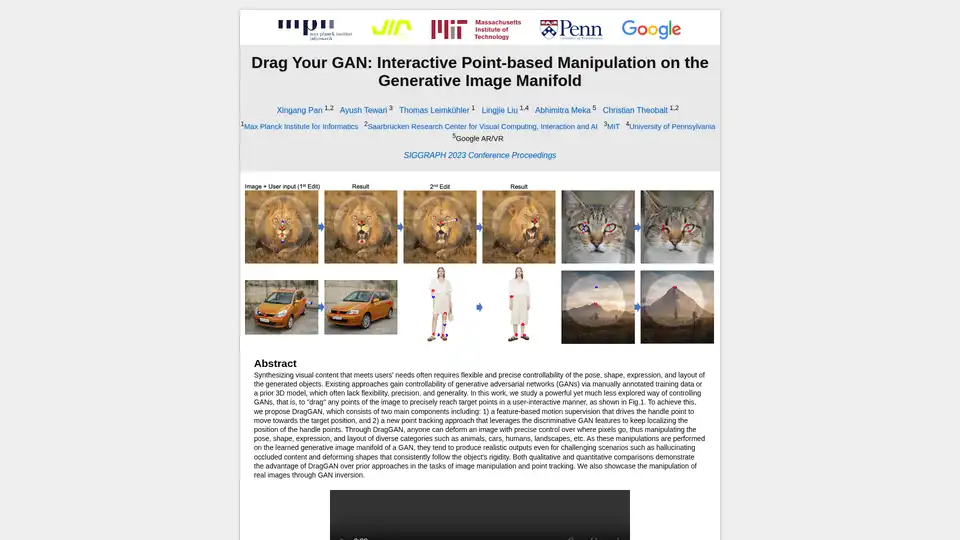
Overview of DragGAN
DragGAN: Interactive Point-Based Manipulation on the Generative Image Manifold
What is DragGAN?
DragGAN is a novel approach to controlling Generative Adversarial Networks (GANs) by allowing users to interactively "drag" points within an image to precisely reach target points. This method offers flexible and precise control over the pose, shape, expression, and layout of generated objects, overcoming limitations of existing techniques that rely on manually annotated training data or prior 3D models.
How does DragGAN work?
DragGAN consists of two primary components:
- Feature-based Motion Supervision: This drives the selected "handle" point to move towards the user-defined target position.
- Point Tracking Approach: This leverages discriminative GAN features to continuously localize the position of the handle points during the manipulation.
By combining these two components, DragGAN enables users to deform images with precise control over pixel placement, effectively manipulating various aspects of the generated content.
Key Features and Benefits:
- Interactive Point-Based Manipulation: Directly manipulate images by dragging points to desired locations.
- Precise Control: Achieve fine-grained control over pose, shape, expression, and layout.
- Realistic Output: Manipulations are performed on the learned generative image manifold, producing realistic results even in challenging scenarios.
- Versatile Application: Works across diverse categories such as animals, cars, humans, landscapes, and more.
- Handles Occlusion and Rigidity: Can hallucinate occluded content and deform shapes while maintaining object rigidity.
How to use DragGAN?
- Select Handle Points: Choose specific points within the generated image that you want to manipulate.
- Define Target Points: Specify the desired location for each handle point.
- Drag and Adjust: Drag the handle points towards their targets, and DragGAN will automatically adjust the image to accommodate the changes.
Who is DragGAN for?
DragGAN is ideal for:
- Researchers: Exploring GAN controllability and image manipulation techniques.
- Artists and Designers: Creating and manipulating visual content with precise control.
- Anyone interested in generative AI: Experimenting with interactive image editing.
Why choose DragGAN?
DragGAN offers a unique combination of precision, flexibility, and realism in image manipulation. Unlike previous methods that require extensive training data or complex 3D models, DragGAN allows for intuitive and interactive control directly on the generative image manifold. This results in realistic and consistent outputs, even when dealing with challenging scenarios like occlusions or complex deformations.
Examples of Use Cases:
- Pose Manipulation: Change the pose of an animal or human in an image.
- Shape Deformation: Modify the shape of an object, such as a car or a building.
- Expression Editing: Alter the facial expression of a generated face.
- Layout Adjustment: Rearrange the elements within a landscape scene.
Downloads and Resources:
- [Paper](link to paper)
- [Code](link to code)
License:
Images, text, and video files on this site are made freely available for non-commercial use under the Creative Commons CC BY-NC 4.0 license.
AI Generated Art Image Enhancement and Repair Image Style Transfer AI Background Removal and Replacement AI Avatar and Cartoonization 3D Modeling and Rendering Logo and UI Design
Best Alternative Tools to "DragGAN"
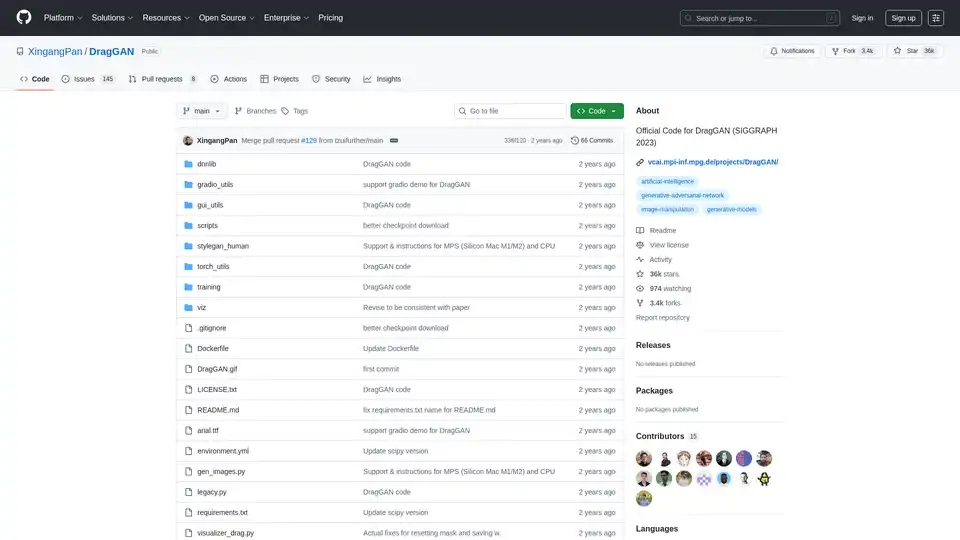
DragGAN offers interactive point-based image manipulation using Generative Adversarial Networks (GANs). Official code for SIGGRAPH 2023, based on StyleGAN. Edit images by dragging specific points.

Generate unique AI images from a text prompt with Fotor free AI image generator. Input a prompt or upload an image, set the style, ratio and quantity, and get stunning images instantly.

VanceAI Image Upscaler is an AI tool to upscale images losslessly. The AI image upscaler can make image bigger by up to 8x online and 40x on software.
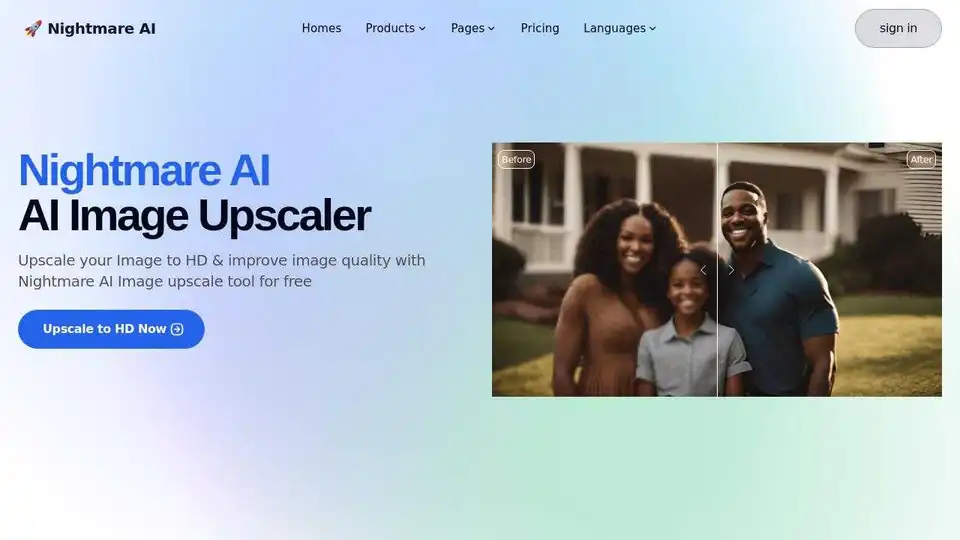
Nightmare AI is a free AI image upscaler and enhancer that uses Real-ESRGAN to upscale and enhance images to HD and 4K quality. Restore old photos and convert images to Studio Ghibli anime style.