
Docsium
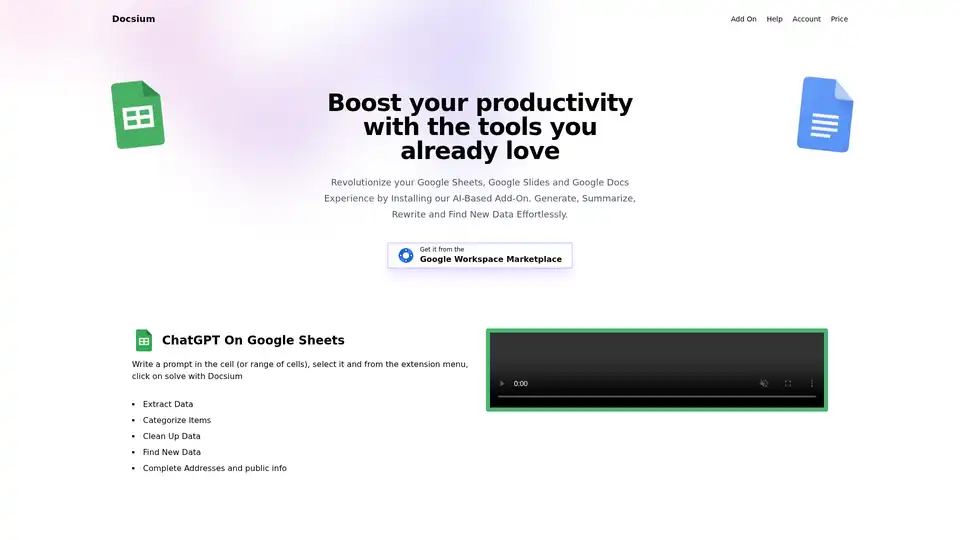
Overview of Docsium
Docsium: Supercharge Your Google Workspace with AI
What is Docsium? Docsium is a powerful add-on that seamlessly integrates OpenAI's ChatGPT into your Google Sheets, Google Docs, and Google Slides environments. Designed to boost your productivity, Docsium allows you to generate, summarize, rewrite, and find new data effortlessly, directly within the tools you already use and love.
How Does Docsium Work?
Docsium acts as a bridge between your Google Workspace and the advanced AI capabilities of ChatGPT. Once installed, it adds a custom menu to your Sheets, Docs, and Slides, enabling you to send prompts and receive AI-powered responses with just a few clicks. The AI processes your requests and delivers results directly into your documents, streamlining your workflow.
Key Features and Benefits
- AI-Powered Content Generation: Create high-quality content directly within your Google Docs. Generate blog posts, bullet points, meeting notes, and summaries with simple prompts.
- Data Extraction and Categorization: Effortlessly extract and categorize data within Google Sheets. Clean up data, find new information, and complete addresses and public info with AI assistance.
- Dynamic Slide Creation: Generate unique text copy for your Google Slides. Auto-generate slide titles, bullet points, and content summaries, and easily format text to create visually appealing presentations.
- Time-Saving Automation: Automate tedious tasks such as data cleanup, content summarization, and text rewriting, freeing up your time for more strategic work.
- Seamless Integration: Docsium integrates seamlessly with your existing Google Workspace setup. Simply install the add-on and start using AI in your daily workflow.
- Free Credits: Get started with Docsium today with free credits to explore its features and capabilities.
Use Cases
- Marketing Teams: Generate marketing copy, summarize customer feedback, and analyze market data.
- Sales Teams: Create personalized sales pitches, extract leads from online sources, and analyze sales data.
- Consultants: Conduct research, summarize reports, and create presentations for clients.
- Educators: Generate lesson plans, create quizzes, and provide personalized feedback to students.
- **Anyone seeking to improve productivity and efficiency with the power of AI.
How to use Docsium?
- Install Docsium: Get Docsium from the Google Workspace Marketplace with just a few clicks.
- Open Google Sheets, Docs, or Slides: Launch the Google application you want to use.
- Write a Prompt: Type your prompt in a cell (Sheets), document (Docs), or slide (Slides).
- Select the Prompt: Highlight the text you want Docsium to process.
- Solve with Docsium: From the extension menu, click "Solve with Docsium".
- Enjoy the Results: The AI-generated results will appear directly in your document.
Why Choose Docsium?
Docsium stands out as a user-friendly, efficient, and cost-effective AI solution for Google Workspace. Its seamless integration, versatile features, and free credit offer make it an excellent choice for anyone looking to harness the power of AI to boost productivity. What sets Docsium apart is its ability to bring the power of AI directly to your everyday tools, eliminating the need to switch between applications and simplifying your workflow.
Docsium Pricing
Docsium offers a tiered pricing structure to suit different user needs. While the details of each plan aren't provided in the text, the mention of "free credits" suggests a freemium model, allowing users to try the add-on before committing to a paid subscription.
Final Thoughts
Docsium is a game-changing add-on that brings the power of ChatGPT directly into your Google Sheets, Docs, and Slides. By automating tasks such as content generation, data extraction, and text rewriting, Docsium helps you save time, improve productivity, and unlock new levels of creativity. Whether you're a marketer, salesperson, consultant, educator, or simply someone looking to work smarter, Docsium is the perfect tool to supercharge your Google Workspace experience.
AI Article Generation AI Text Polishing AI Writing Assistance Paper and Report Generation News and Blog Generation Email and Business Writing
Best Alternative Tools to "Docsium"
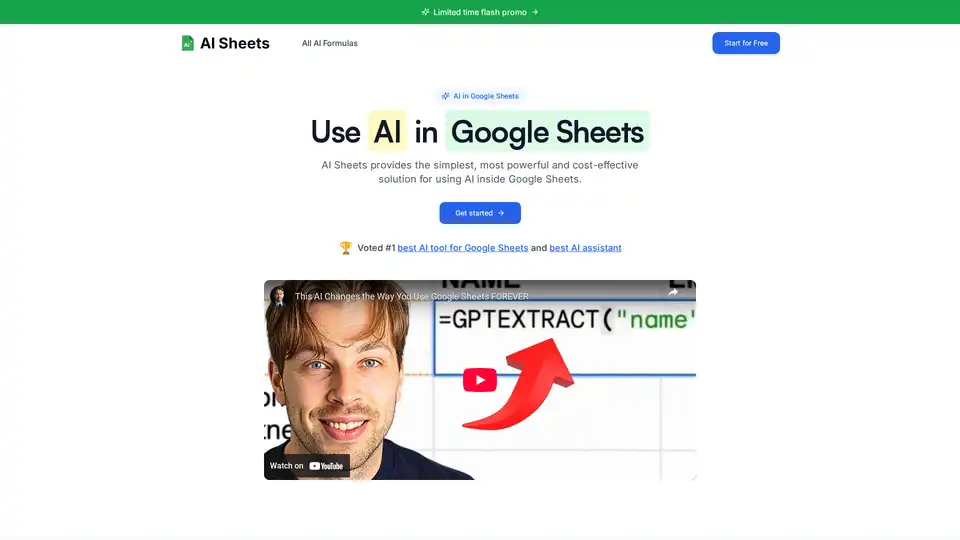
Discover AI Sheets, the top-rated AI tool for Google Sheets. Effortlessly generate content, analyze data, search the web, and automate tasks without API keys. Voted #1 with 4.9/5 stars—start your free trial today!

Discover GPT for Sheets, Docs, Forms & Slides – seamless AI integration with ChatGPT, Claude, Gemini for writing, SEO, translation and automation in Google Workspace.

Mixflow.AI is the leading AI platform for productivity, allowing users to remix documents, images, videos, and audios on an infinite canvas. Integrate ChatGPT and other models for seamless content creation, analysis, and real-time collaboration across professions.
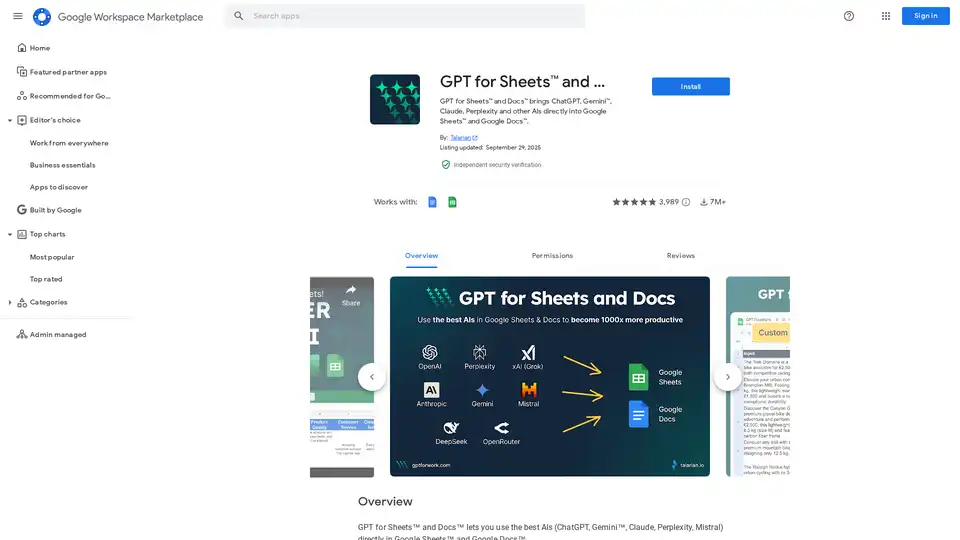
GPT for Sheets & Docs integrates ChatGPT, Gemini, Claude & more AIs directly into Google Sheets™ & Docs™ for content creation, translation, & data analysis.