
Docs to WordPress Pro
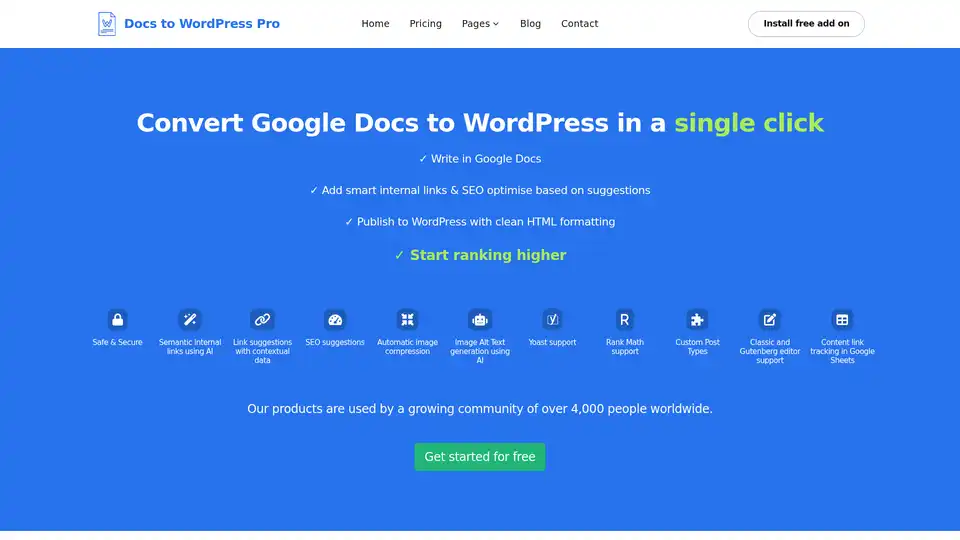
Overview of Docs to WordPress Pro
What is Docs to WordPress Pro?
Docs to WordPress Pro is a browser extension designed to streamline the process of publishing content from Google Docs to WordPress. It allows users to convert their Google Docs into WordPress posts or pages with a single click, saving time and effort while ensuring clean HTML formatting and SEO optimization.
How does Docs to WordPress Pro work?
Docs to WordPress Pro operates as an add-on within Google Docs. Once installed, it provides a sidebar interface that enables users to connect to their WordPress site and publish content directly. The extension automates several key tasks, including:
- Content Transfer: Transfers the content from Google Docs to WordPress.
- HTML Formatting: Ensures clean and proper HTML formatting.
- SEO Optimization: Offers suggestions and tools for SEO optimization.
- Image Compression: Automatically compresses images for faster loading times.
- Internal Linking: Suggests and adds smart internal links using AI.
Key Features
- One-Click Publishing: Publish directly from Google Docs to WordPress in a single click.
- SEO Suggestions: Provides real-time SEO suggestions to optimize content.
- Semantic Internal Links using AI: Automatically finds potential keywords and creates internal links.
- Automatic Image Compression: Compresses images to reduce file size without losing quality.
- Image Alt Text generation using AI: Automatically generates alt text for images, improving accessibility and SEO.
- Yoast and Rank Math Support: Allows setting focus keywords and meta descriptions directly from Google Docs.
- Custom Post Types: Compatible with various WordPress post types.
- Classic & Gutenberg Editor Support: Works seamlessly with both Classic and Gutenberg editors.
- Content Link Tracking Using Google Sheets: Tracks published posts in a Google Sheet.
Why choose Docs to WordPress Pro?
- Time-Saving: Significantly reduces the time spent on transferring and formatting content.
- SEO Optimized: Helps optimize content for search engines with built-in suggestions and AI-powered features.
- User-Friendly: Easy to install and use, with a straightforward interface.
- Secure: Uses industry-leading security measures to protect data and credentials.
How to use Docs to WordPress Pro?
- Install the Add-on: Install the Docs to WordPress Pro add-on from the Google Workspace Marketplace.
- Connect to WordPress: Add your WordPress site to the add-on.
- Write and Optimize: Write your content in Google Docs and use the SEO suggestions to optimize it.
- Publish: Click the publish button to send the content to WordPress.
Who is Docs to WordPress Pro for?
Docs to WordPress Pro is designed for:
- Bloggers: Streamline the process of publishing blog posts.
- Content Marketers: Efficiently manage and publish content.
- Businesses: Quickly update and maintain their WordPress sites.
- Anyone who writes in Google Docs and publishes to WordPress.
Benefits of Using Docs to WordPress Pro
- Improved SEO: By providing SEO suggestions and automating internal linking, Docs to WordPress Pro helps improve the search engine ranking of your content.
- Faster Publishing: The one-click publishing feature significantly reduces the time it takes to publish content.
- Enhanced Security: Your data and credentials are encrypted and stored securely, ensuring your information is protected.
- Better User Experience: Automatic image compression and clean HTML formatting contribute to a better user experience on your website.
What are the SEO suggestions offered by Docs to WordPress Pro?
Docs to WordPress Pro checks and suggests corrections for:
- Focus keyword placement in the title and content.
- Keyword density.
- Content readability.
- Alt text in images.
- Meta descriptions.
What is Semantic internal links using AI?
Docs to WordPress Pro uses AI to automatically find potential keywords within your content and create internal links to other relevant articles on your site. This helps Google find, index, and understand all of the pages on your site, improving your overall SEO.
How does Automatic image compression work?
The tool automatically compresses images before publishing to WordPress, reducing the file size without sacrificing quality. This helps your website load faster, improving user experience and SEO.
How does Image Alt Text generation using AI work?
Docs to WordPress Pro uses AI to automatically generate alt text for your images, saving you time and effort. This improves accessibility for visually impaired users and helps those on slow networks, while also improving SEO.
Docs to WordPress Pro FAQs
Why Docs to WordPress Pro?
It is not just a tool to push content from Google Docs to WordPress, but helps you optimize for SEO before publishing to WordPress.
Do I need to log in to any other portal to use this tool?
No, you can publish directly from the Google Docs Editor Side bar. No need to login to a separate portal.
What do I need to start?
Install the Docs to WordPress Pro add on from the Google Workspace Marketplace, add your site and start enjoying one click publishing.
Is it mandatory to install the Docs to WP Pro add from the WordPress plugins repository?
No, it is not mandatory to install the Docs to WP Pro Wordpress plugin, unless you want to update the Yoast or RankMath Meta description for your posts.
AI Article Generation AI Text Polishing AI Writing Assistance Paper and Report Generation News and Blog Generation Email and Business Writing
Best Alternative Tools to "Docs to WordPress Pro"
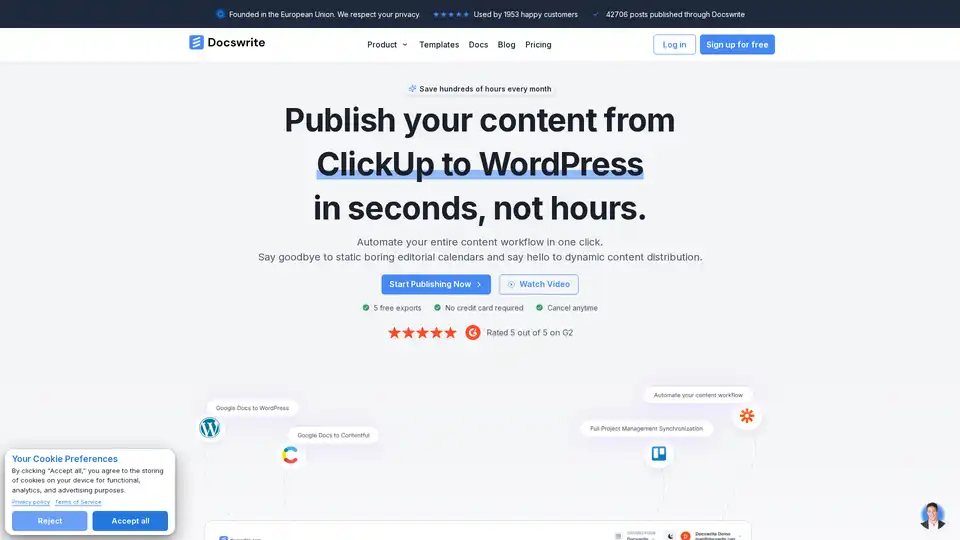
Docswrite: Export Google Docs to WordPress in 1-Click. Automate your entire content workflow in one click. Save hundreds of hours every month.

VideoSnack: AI-powered tool to convert YouTube & Loom videos into SEO-friendly blog posts, newsletters, and tweets directly in Google Docs. Export to WordPress easily.
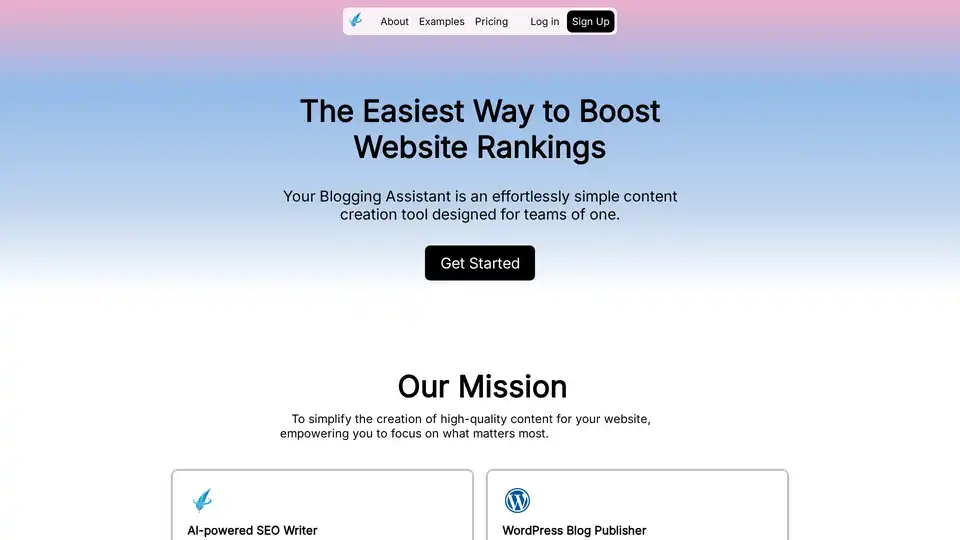
Your Blogging Assistant: An AI-powered content creation tool for effortlessly crafting SEO-optimized blog posts, automating your blogging process from creation to publication.

Surfer is an SEO content optimization platform. Research, audit, write, optimize, and generate SEO-optimized articles. Boost visibility in Google, ChatGPT, and beyond with Surfer!