
Docswrite

Overview of Docswrite
What is Docswrite?
Docswrite is a tool that helps you export Google Docs to WordPress in 1-Click. It automates your entire content workflow in one click, saving you hundreds of hours every month.
How to use Docswrite?
- Write in Google Docs, including title, slug, tags, categories, featured image, Yoast SEO or Newspack information.
- Allow Docswrite to handle the rest. Docswrite will promptly publish your content to WordPress.
- Link your Trello board, Monday content calendar, Airtable, Jira, Linear, and more to Docswrite.
Why is Docswrite important?
- Transform Google Docs into WordPress posts instantly.
- Preserve formatting and styles.
- Automatic image upload.
- Instant preview before publishing.
- SEO-Optimized content with every post.
Where can I use Docswrite?
Docswrite is perfect for:
- Programmatic SEO
- Content teams
- News sites and magazines
- Agencies and freelancers
Best way to use Docswrite?
Shift a Trello card from 'In Progress' to 'Done' to publish your content directly on your blog.
AI Task and Project Management AI Document Summarization and Reading AI Smart Search AI Data Analysis Automated Workflow
Best Alternative Tools to "Docswrite"

Your Blogging Assistant: An AI-powered content creation tool for effortlessly crafting SEO-optimized blog posts, automating your blogging process from creation to publication.

DocsBot AI turns your documentation into a custom ChatGPT chatbot for instant AI answers, customer support, and internal knowledge retrieval. Loved by 75k+ users.
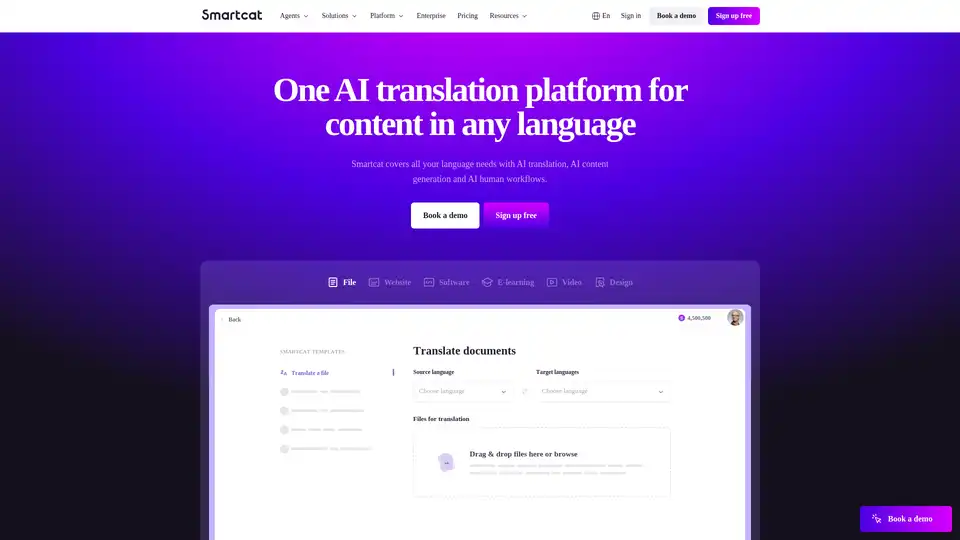
Smartcat is an AI translation platform that covers all your language needs with AI translation, content generation, and AI human workflows, supporting 280+ languages and various file formats.

Cortex Click is an LLM-driven platform that effortlessly generates high-quality blog posts, landing pages, and Q&A copilots from your docs, GitHub repos, and wikis, tailored for developer marketing and customer activation.