
DocGPT
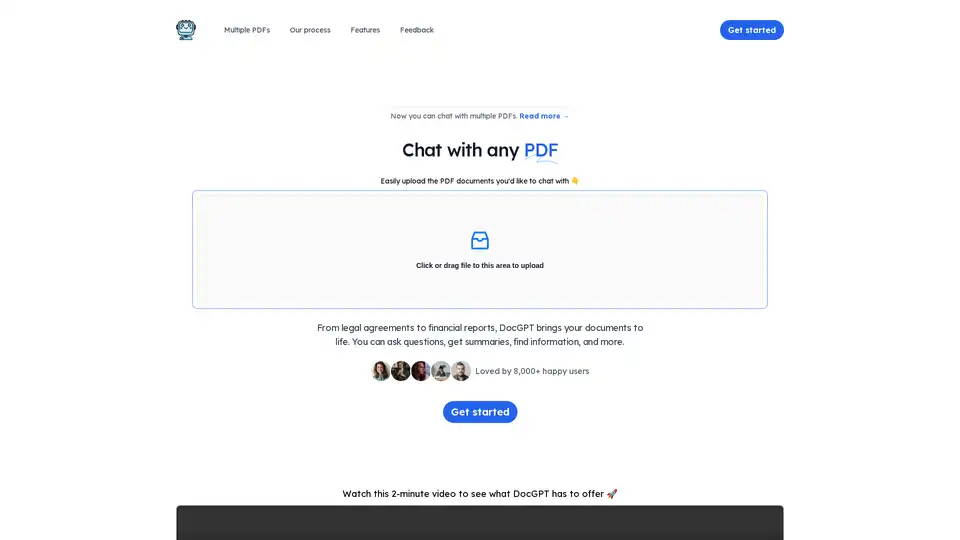
Overview of DocGPT
DocGPT: Chat with Your PDFs Using AI
What is DocGPT? DocGPT is an innovative AI-powered tool that allows you to interact with your PDF documents in a conversational manner. Instead of passively reading through pages, DocGPT enables you to upload your PDFs and engage with them by asking questions, extracting key information, and generating summaries.
How does DocGPT work? It works in three simple steps:
- Upload documents: Easily upload the PDF documents you'd like to chat with.
- Instant answers: Ask questions, extract information, and summarize documents with AI.
- Sources included: Every response is backed by sources extracted from the uploaded document.
Key Features and Benefits
- Interactive PDF Experience: Transform static documents into dynamic conversations.
- Time-Saving: Quickly find answers and extract information without manual searching.
- GPT-4 Powered: Utilizes the latest GPT-4 technology for accurate and comprehensive responses.
- Multi-Document Support (Pro): Chat with multiple PDF documents simultaneously.
- Source Attribution: Every answer is backed by citations from the original document.
Use Cases
DocGPT is versatile and can be used across various industries and scenarios, including:
- Legal Documents: Quickly understand legal agreements by asking specific questions about clauses and terms.
- Financial Reports: Extract key financial data and insights from lengthy reports.
- Scientific Papers: Summarize research findings and identify relevant information.
- Product User Manuals: Easily find instructions and troubleshooting steps.
- Employee Training Documents: Facilitate interactive learning and knowledge retention.
Who is DocGPT for?
DocGPT is ideal for:
- Professionals: Lawyers, financial analysts, researchers, and consultants who need to quickly analyze and extract information from documents.
- Students: Students can use DocGPT to quickly grasp complex topics, summarize research papers, and prepare for exams efficiently.
- Businesses: Companies can use DocGPT to streamline document workflows, improve employee training, and enhance customer support.
Pricing
DocGPT offers an affordable pricing plan:
- Pro: $4.99/month
- Uses GPT-4 (latest technology)
- Chat with multiple PDF documents
- Personal PDF chatbot
- Unlimited PDF documents
- Unlimited questions
- 2,000 pages/PDF
- 50 MB/PDF
How to Use DocGPT?
- Upload a PDF: Click or drag a PDF file into the upload area.
- Ask Questions: Type your questions in the chat interface.
- Receive Answers: DocGPT will provide answers based on the content of the PDF, along with source citations.
Best way to chat with PDFs
DocGPT offers a seamless way to interact with your PDF documents. By leveraging the power of AI, it transforms the way you read and process information. Whether you're a professional, student, or business owner, DocGPT can help you save time, improve productivity, and unlock the full potential of your documents.
AI Task and Project Management AI Document Summarization and Reading AI Smart Search AI Data Analysis Automated Workflow
Best Alternative Tools to "DocGPT"
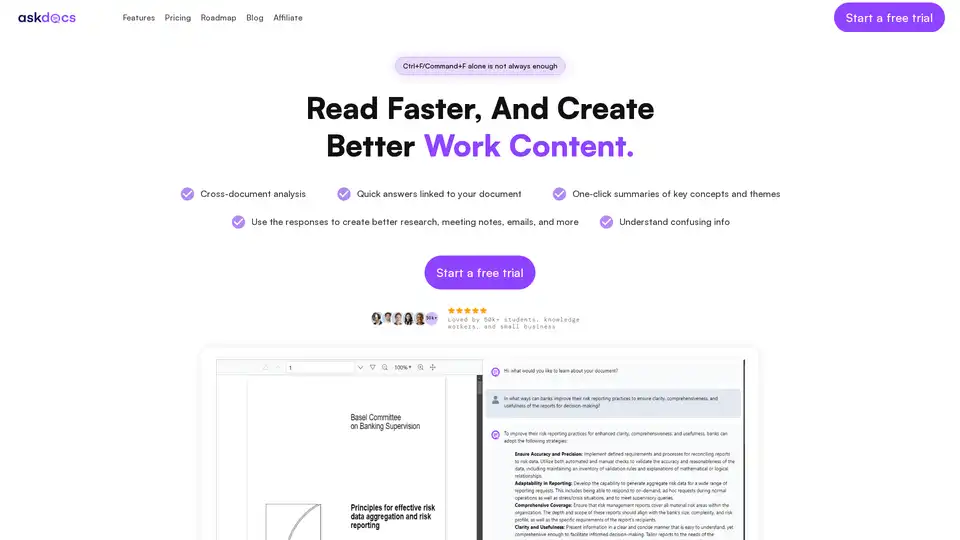
AskDocs is a trusted generative AI tool for PDF and document research. Upload files, ask questions, and get instant answers with citations plus one-click summaries. Ideal for students, researchers, and professionals to enhance productivity.
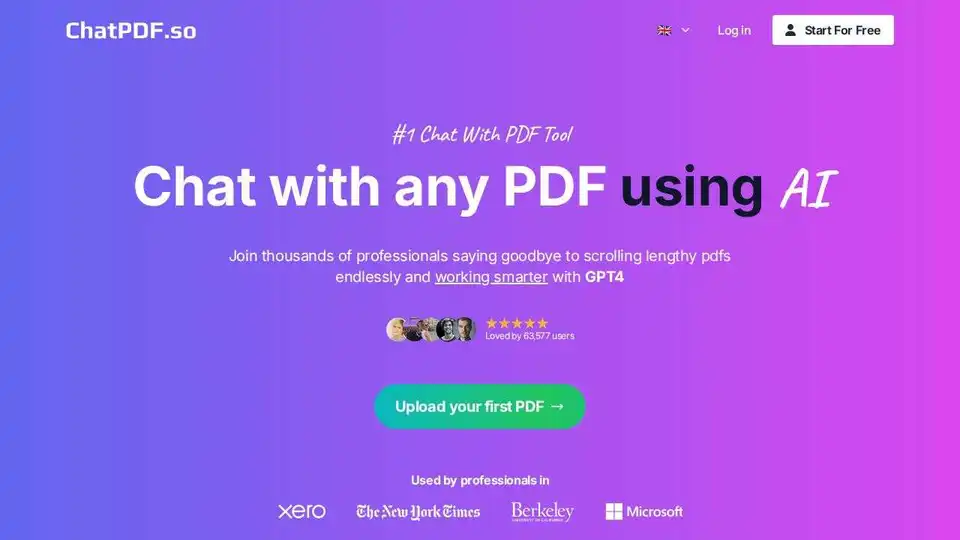
ChatPDF.so lets you chat with PDFs using AI. Summarize documents, generate reports, and create chatbots trained on your PDFs. Save time and work smarter with GPT-4.
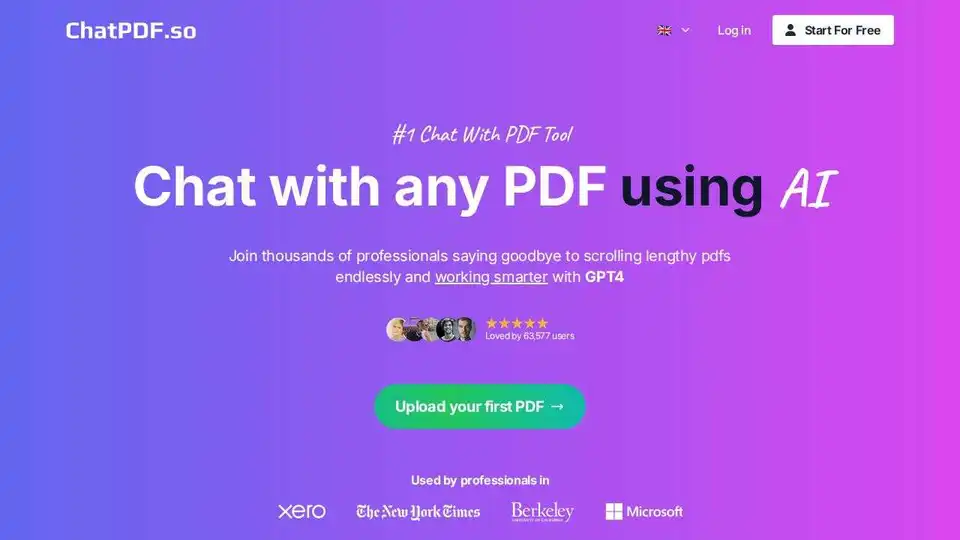
ChatPDF.so is an AI-powered tool that allows you to chat with PDF documents, ask questions, summarize content, generate reports, and even create a chatbot trained on your PDFs. Simplify your work and studies with AI.
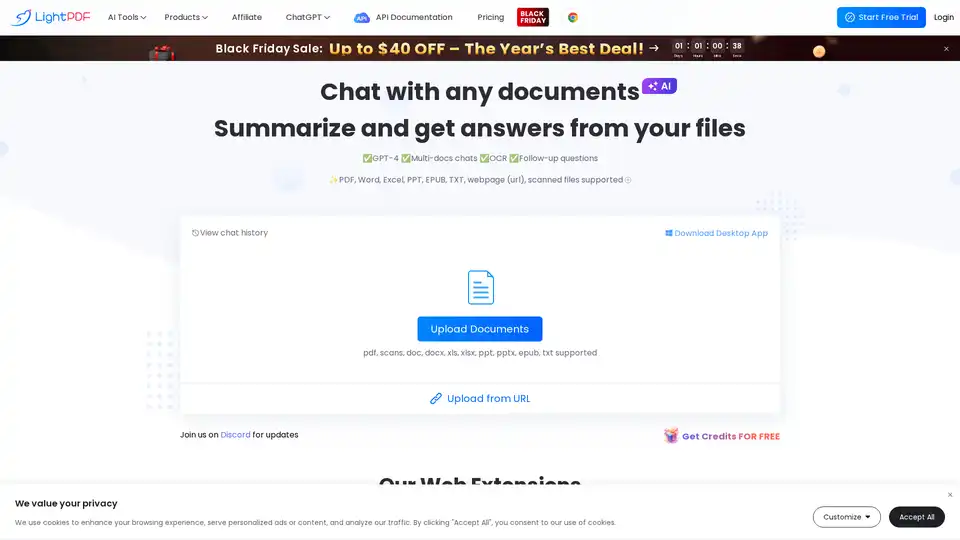
Chat with PDF using LightPDF, an AI-powered PDF assistant. Summarize, extract insights, and analyze documents quickly. Supports PDF, Word, Excel, PPT, and more. Try LightPDF for free!