Developer Toolkit
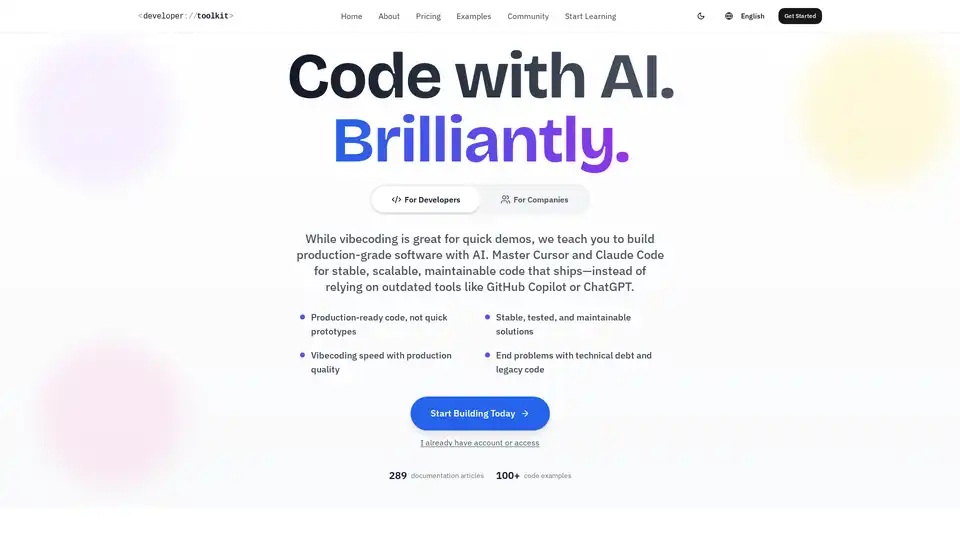
Overview of Developer Toolkit
Developer Toolkit: The Ultimate Guide to AI-Assisted Development
What is Developer Toolkit?
Developer Toolkit is a comprehensive resource designed to help developers master AI-assisted development using tools like Cursor and Claude Code. It focuses on building production-grade software rather than quick prototypes, emphasizing stable, scalable, and maintainable code.
How does Developer Toolkit work?
Developer Toolkit provides a wealth of documentation, code examples, and community support to help developers leverage AI in their workflows. It aims to transform the coding process by integrating AI assistants that understand project structure, generate code snippets, and automate tasks such as error handling, logging, and testing.
Key Features and Benefits:
- Production-Ready Code: Focuses on creating secure, tested code ready for real-world users.
- Scalable Architecture: Helps design systems that can scale from day one with AI assistance.
- Quality-First AI: Ensures AI writes clean, maintainable, and tested code.
- Maintainable Speed: Enables developers to ship fast without accumulating technical debt.
- Collaborative Environment: Fosters team growth and knowledge sharing.
Who is Developer Toolkit for?
- Developers: Who aim to increase their productivity and code quality.
- Companies: Looking to accelerate their engineering velocity and reduce technical debt.
- Freelancers: Who want to deliver high-quality code faster and impress their clients.
How to use Developer Toolkit?
- Start Learning: Access over 200 documentation articles and 100+ code examples.
- Integrate AI Assistant: Use prompts to describe what you want, such as creating a React component for user authentication with social login.
- Implement Enterprise Quality: Build with proper architecture, testing, and documentation from the start.
- Ensure Sustainable Speed: Add error handling, logging, and tests to API endpoints with a single prompt.
- Join the Community: Engage with other developers, share knowledge, and get support.
Why choose Developer Toolkit?
- Production Focus: Unlike tools that generate quick prototypes, Developer Toolkit helps build real software.
- Comprehensive Resources: Offers a wealth of learning materials, including guides, recipes, and deep-dives.
- Community Support: Provides access to an active community of developers.
- Continuous Updates: Stays up-to-date with the latest AI tools and techniques.
Pricing:
- Individual: $19.99 per month (7 days free)
- Team: $199.99 per month (unlimited seats from one domain)
- Enterprise: Custom pricing (unlimited seats, dedicated support)
What makes Developer Toolkit different from other AI coding tools?
Developer Toolkit stands out due to its focus on production-ready code, sustainable speed, and collaborative environment. It aims to help developers build high-quality software without accumulating technical debt. By offering comprehensive resources, community support, and continuous updates, Developer Toolkit is the ultimate guide to AI-assisted development.
With Developer Toolkit, developers can transform their coding practices, build faster, and deliver better software.
How can Developer Toolkit improve my coding workflow? By providing the tools and resources to build production-ready code with AI assistance, improving team collaboration and code quality, and reducing technical debt.
Example Code Usage
Below is an example of how to use the Developer Toolkit to generate code:
// Start building with AI today
import { DeveloperToolkit } from '@dev-toolkit/core';

const ai = new DeveloperToolkit({
 model: 'claude-4-sonnet',
 context: 'large'
});

// Your ideas + AI = Magic ✨
const result = await ai.generate({
 prompt: "Build something amazing",
 style: "production-ready"
});

console.log("🚀 Ready to ship!");
AI Programming Assistant Auto Code Completion AI Code Review and Optimization AI Low-Code and No-Code Development
Best Alternative Tools to "Developer Toolkit"
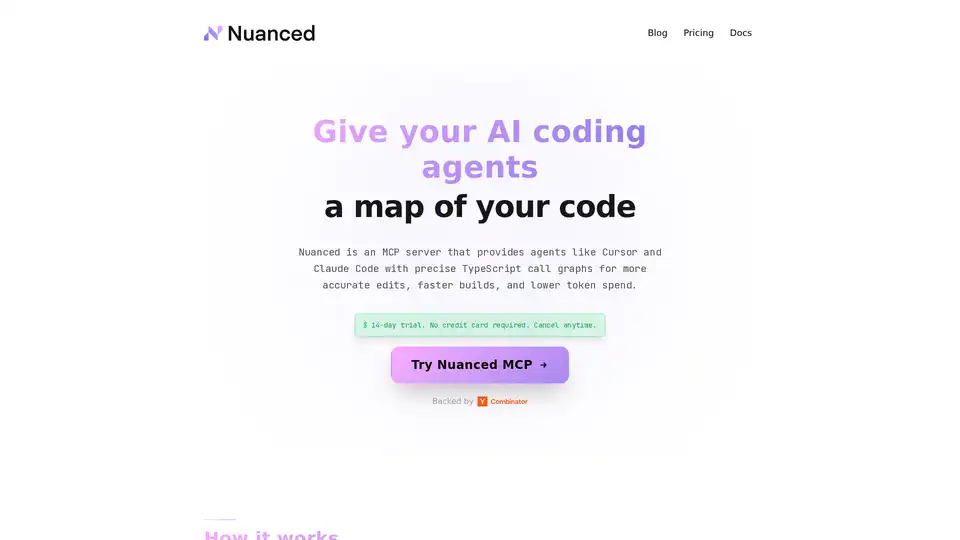
Nuanced empowers AI coding tools like Cursor and Claude Code with static analysis and precise TypeScript call graphs, reducing token spend by 33% and boosting build success for efficient, accurate code generation.
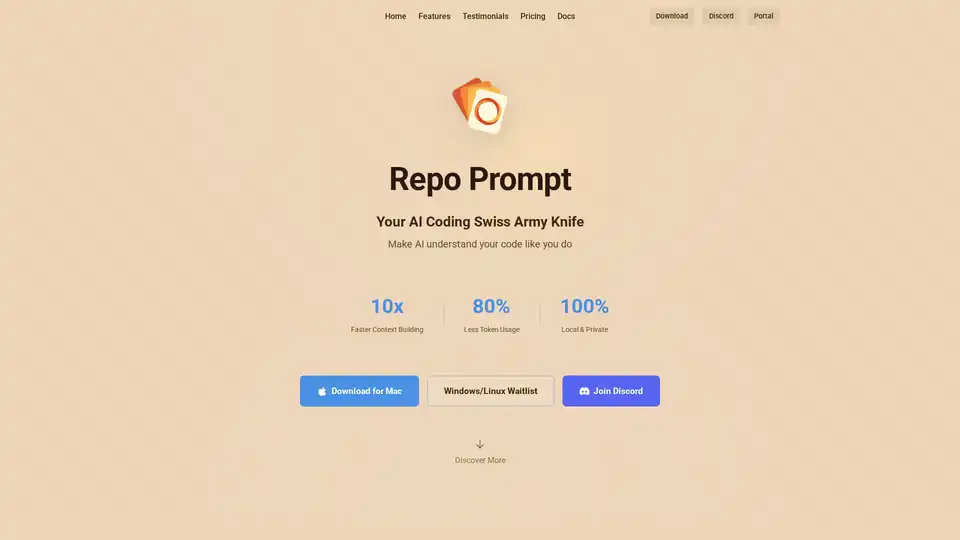
Repo Prompt enhances AI-assisted coding with visual context engineering, code maps, and MCP server integration, enabling faster and more precise AI interactions with your codebase. Perfect for developers using AI tools.
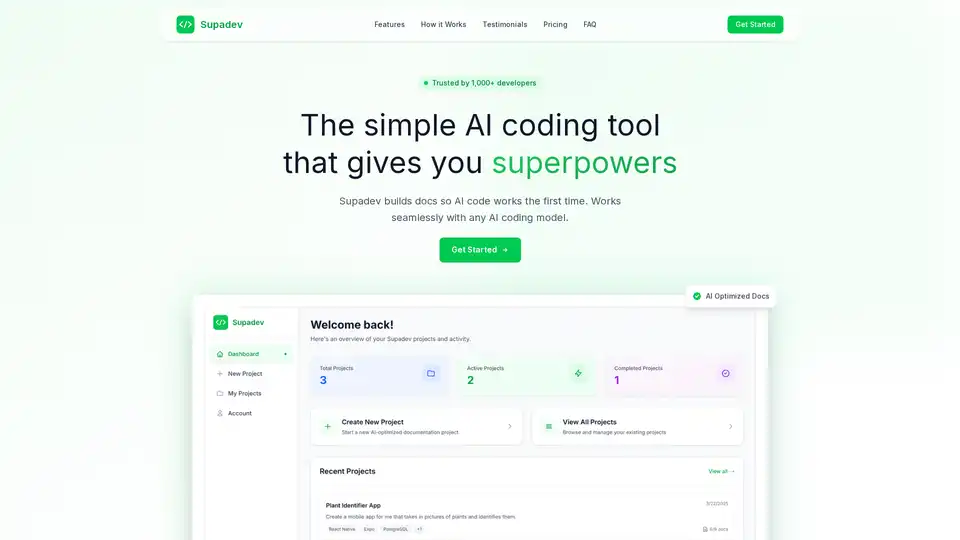
Supadev is an AI coding tool that builds documentation for AI code, enabling 5x faster development and 90% fewer errors. It works with all major AI assistants to help AI understand your project perfectly.
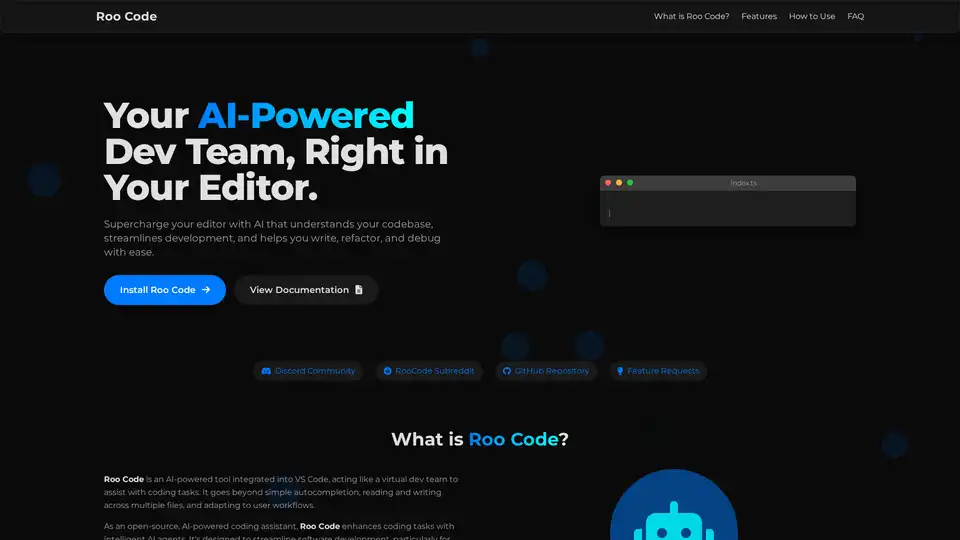
Roo Code is an open-source AI-powered coding assistant for VS Code, featuring AI agents for multi-file editing, debugging, and architecture. It supports various models, ensures privacy, and customizes to your workflow for efficient development.