
Supadev
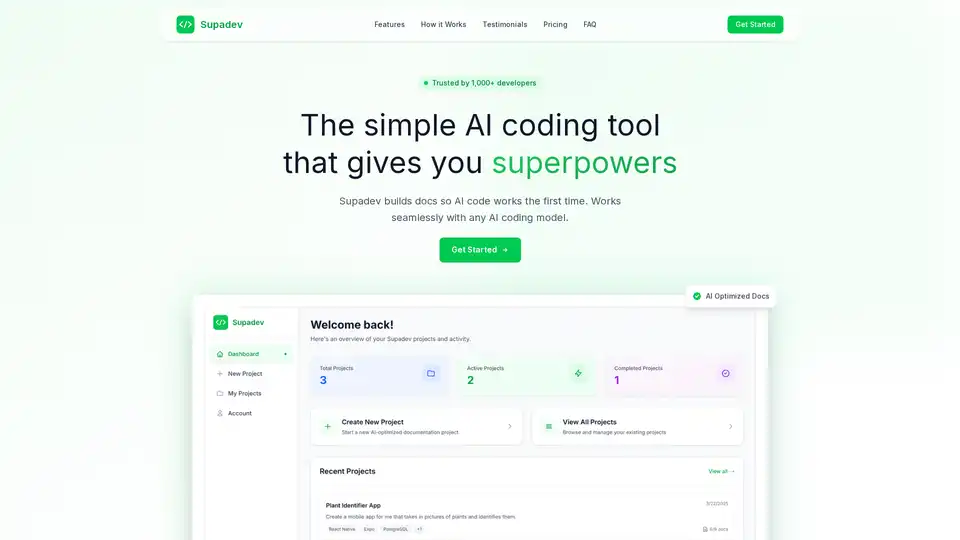
Overview of Supadev
What is Supadev?
Supadev is an AI-powered tool designed to generate comprehensive documentation for software development projects, enabling AI coding assistants to understand project requirements perfectly. This leads to faster development cycles and significantly fewer errors in the code.
How does Supadev work?
Supadev works by guiding users through an intuitive project wizard, where they describe what they are building. The AI then generates tailored documentation, optimized for AI coding assistants. These documents include:
- Project Requirements
- Tech Stack
- Frontend Design
- Backend Structure
- Security Guidelines
- Implementation Plan
This comprehensive documentation helps AI tools understand the project context, component relationships, API schemas, and coding patterns, enabling them to generate accurate, project-specific code.
Key Features and Benefits
- AI-Optimized Documentation: Provides a clear blueprint for AI coding assistants, ensuring accurate, context-aware code generation.
- Faster Development: Claims to accelerate feature delivery by up to 5x.
- Reduced Errors: Aims to reduce debugging time by 90% by ensuring AI tools understand the project's context.
- Integration with AI Tools: Works seamlessly with major AI assistants such as ChatGPT, Claude, GitHub Copilot, Cursor, Replit and Gemini.
- Versatile Application: Supports various application types, including web apps, mobile apps, APIs/Backend, SaaS, E-commerce, and Enterprise solutions.
How to use Supadev?
- Describe your project: Use the intuitive project wizard to tell Supadev what you're building.
- Generate documentation: The AI creates comprehensive documentation tailored for AI coding assistants.
- Start coding instantly: Upload the generated documentation to your AI tool and watch it understand your project perfectly.
Who is Supadev for?
Supadev is designed for developers, software architects, and business owners who want to leverage AI to speed up their development process and reduce errors. It is particularly useful for:
- Frontend Developers
- Full Stack Engineers
- Business Owners
- DevOps Engineers
- Software Architects
- Indie Developers
Why Choose Supadev?
- Saves Time: Reduces the time spent on documentation and debugging, freeing up developers to focus on building features.
- Improves Code Quality: Ensures that AI-generated code is accurate and context-aware, leading to fewer errors and better overall quality.
- Enhances Collaboration: Provides clear documentation that can be easily shared with team members and AI tools, improving collaboration and communication.
- Cost-Effective: Reduces development costs by accelerating the development process and reducing the need for debugging.
Testimonials
Several developers have shared their positive experiences using Supadev:
- Sarah (Frontend Developer): “Supadev completely transformed how I build projects. What used to take weeks now takes days. The AI actually understands my requirements!”
- Marcus (Full Stack Engineer): “90% reduction in debugging time is not an exaggeration. The docs are so complete that my AI rarely makes mistakes anymore.”
- Emma (Business Owner): “Finally, documentation that actually makes sense! The comprehensive docs alone were worth it. I love how easy it is to get AI tools to understand my project architecture. This tool has become essential to my development workflow.”
Pricing
Supadev offers a simple, transparent pricing plan:
- Professional Plan: $12/month (billed yearly at $144) or $30/month (billed monthly).
What's included in the Professional Plan?
- Create all documents
- Refine documents
- Complete 25 projects/month (10 for monthly plans)
- Works with all AI coding tools
- Early access to new features (yearly plans only)
- Priority Support (yearly plans only)
FAQ
What's the difference between monthly and yearly plans?
Monthly plans allow 10 projects per month for $30, while yearly plans offer 25 projects per month for $12/month (billed annually at $144). Yearly subscribers also get early access to new features and priority support, plus save 60% compared to monthly billing.
How does Supadev integrate with my development workflow?
Supadev generates comprehensive documentation that you can directly paste into any AI coding assistant. The docs include project structure, component relationships, API schemas, and coding patterns - giving AI tools complete context to generate accurate, project-specific code.
What types of documentation does Supadev generate?
Supadev creates six core document types: Requirements & Scope, Tech Stack Overview, Frontend Architecture, Backend Architecture, Security Guidelines, and Implementation Plans.
Which AI coding tools work best with Supadev?
Supadev works with all major AI coding assistants including ChatGPT, Claude, GitHub Copilot, Cursor, Replit, and Gemini.
In conclusion, Supadev streamlines the process of creating documentation for AI-assisted software development, offering developers a way to build faster and with fewer errors. Its AI-optimized documentation, integration with popular AI tools, and positive user feedback make it a valuable asset for modern development teams. By providing comprehensive and accurate documentation, Supadev empowers AI coding assistants to generate high-quality code, ultimately accelerating the development lifecycle and improving overall software quality.
AI Programming Assistant Auto Code Completion AI Code Review and Optimization AI Low-Code and No-Code Development
Best Alternative Tools to "Supadev"
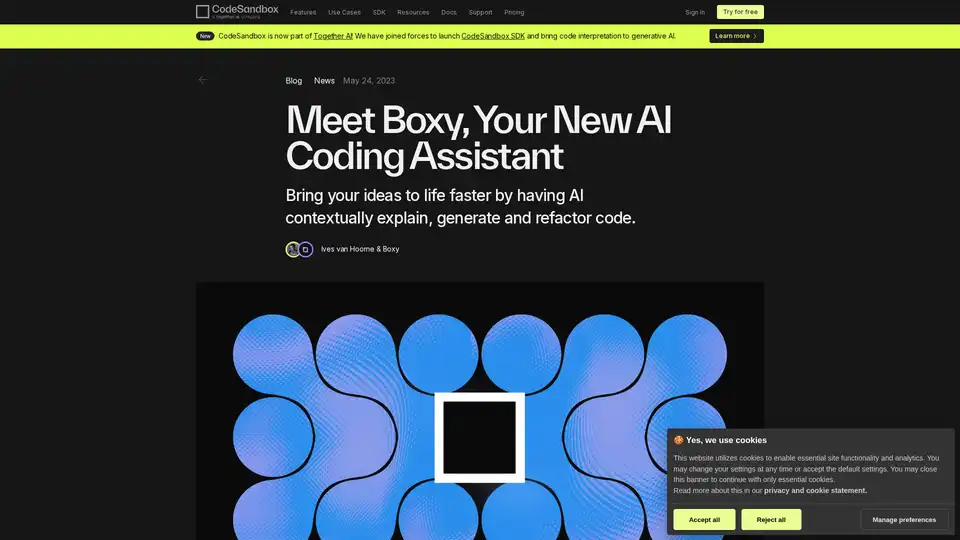
Bring your ideas to life faster by having AI contextually explain, generate and refactor code.
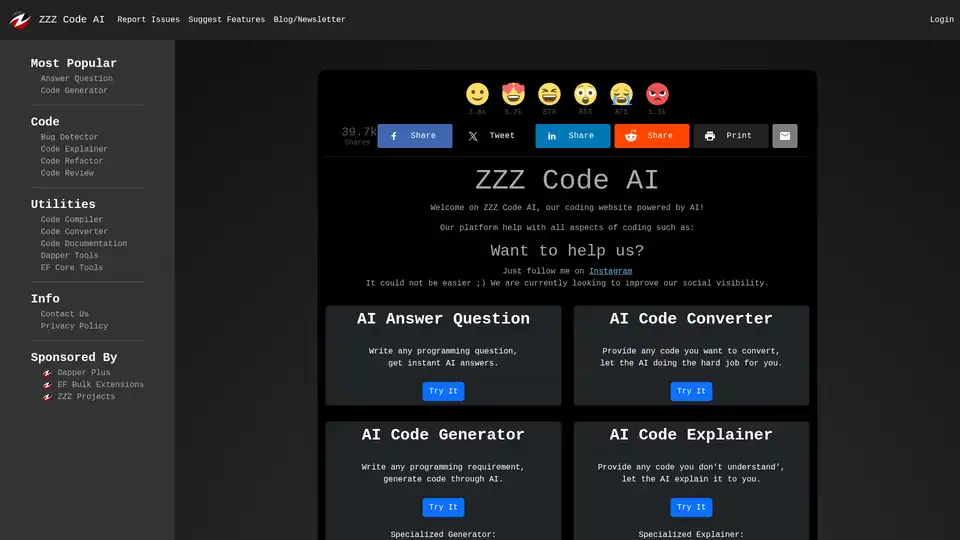
ZZZ Code AI is an AI-powered coding website that helps with various aspects of coding. It offers tools like code generation, conversion, bug detection, explanation, refactoring, and documentation in multiple programming languages.
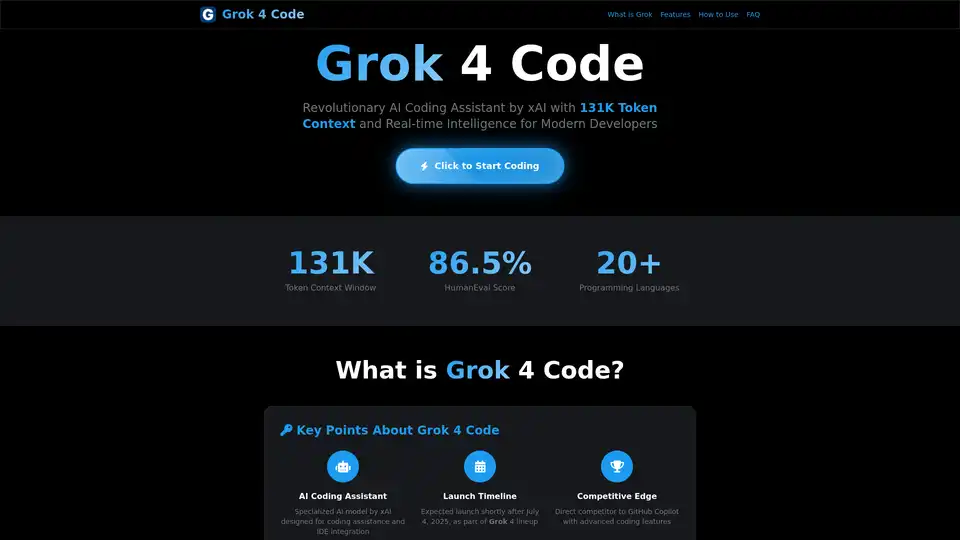
Explore Grok 4 Code, xAI's AI coding assistant, boasting a 131k token context window. Features advanced code generation, debugging, and seamless IDE integration for developers.
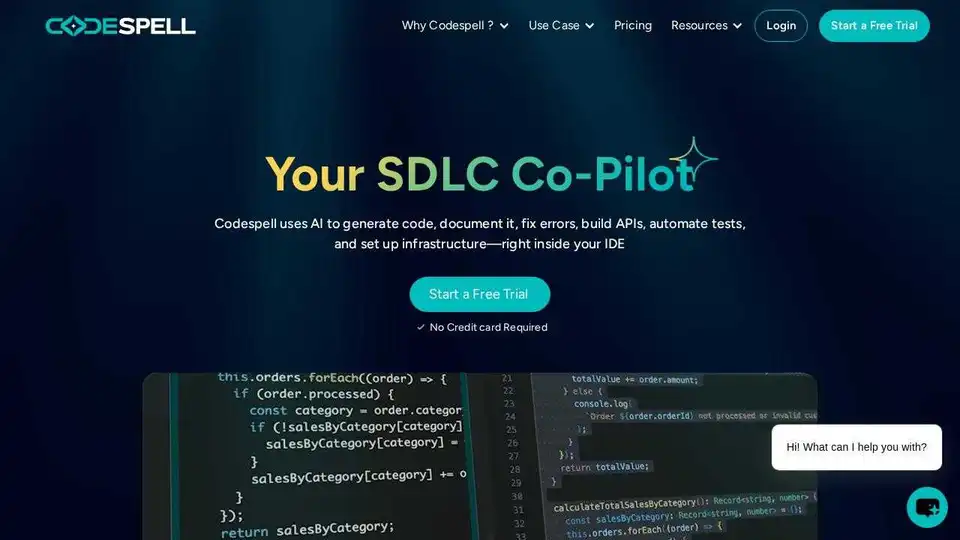
Codespell.ai is an AI-powered tool supporting the entire SDLC. Accelerate code completion, enhance productivity, and streamline development with automated testing and DevOps integration.