
CurseCut
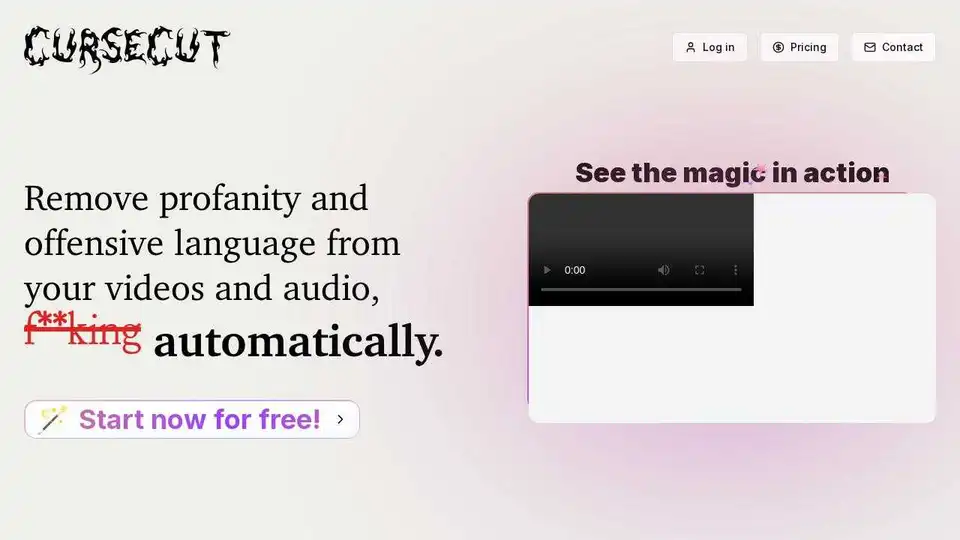
Overview of CurseCut
CurseCut: Automatic AI Profanity Removal for Video and Audio
CurseCut is an AI-powered tool designed to effortlessly remove profanity and offensive language from your video and audio content. It allows content creators, podcasters, and media managers to optimize their content creation process by automatically cleaning curse words from audio and video files with speed and precision.
What is CurseCut?
CurseCut is a web application that leverages advanced AI technology to identify and remove or censor profanity from audio and video files. It's designed to save time and effort for content creators who want to produce clean, audience-ready content without the hassle of manual editing.
How does CurseCut work?
CurseCut uses an AI-powered system that recognizes and filters profanity in over 30 languages. The process involves:
- Uploading: Users upload their audio or video files to the CurseCut platform.
- Processing: The AI analyzes the file, identifying profanity based on its extensive language database.
- Customization: Users can customize the filtering by defining specific words or phrases to censor, choosing between exact matches or approximate matching.
- Censorship: CurseCut offers versatile bleeping methods, including classic beep tones, silence insertion, custom sound effects, or intelligent audio reversal.
- Download: Users can download the cleaned version of their file.
Key Features:
- Universal Audio & Video Support: Supports a wide range of audio and video formats, including MP3, WAV, MP4, AVI, MOV, and more. Handles files up to 2GB.
- Efficient Batch Processing: Allows users to clean multiple files simultaneously.
- Advanced Multi-language Support: Recognizes and filters profanity in over 30 languages with automatic language detection.
- Customizable Word Filtering: Offers advanced filtering options to define specific words or phrases to censor.
- Precision Censorship Control: Provides granular control to adjust how much of each flagged word should be muted.
- Versatile Bleeping Methods: Offers various censorship techniques, including beep tones, silence insertion, custom sound effects, or intelligent audio reversal.
- Local Processing for Privacy: Ensures content privacy by processing files directly on the user's machine.
- Free Unlimited Reprocessing: Allows users to refine their content as needed with unlimited reprocessing.
Why is CurseCut important?
CurseCut is important because it:
- Saves Time and Effort: Automates the process of removing profanity, freeing up content creators to focus on other aspects of their work.
- Ensures Content Cleanliness: Guarantees that content is audience-ready and suitable for all ages.
- Enhances Content Quality: Improves the overall quality of content by removing distracting or offensive language.
- Supports Multiple Languages: Caters to a global audience by supporting profanity removal in over 30 languages.
- Protects Privacy: Offers local processing to ensure the privacy and security of user's files.
Where can I use CurseCut?
CurseCut can be used in a variety of scenarios, including:
- Podcasting: Cleaning up podcast episodes to remove offensive language.
- Video Creation: Removing profanity from video content for YouTube, Vimeo, and other platforms.
- Livestream Archiving: Preparing livestream archives for public viewing by removing inappropriate language.
- Documentary Filmmaking: Editing interview footage to remove offensive language while preserving the essence of conversations.
- Music Production: Censoring explicit lyrics in songs.
User Reviews:
Users have praised CurseCut for its effectiveness, ease of use, and time-saving capabilities. Here are a few examples:
- Mike Hernandez: "CurseCut is a lifesaver for my documentary project. It's handled hours of interview footage, removing offensive language while preserving the essence of conversations."
- Emily: "CurseCut's batch processing is a time-saver for my daily vlogs! I can clean up multiple videos overnight."
- David Schmidt: "As a bilingual content creator, I was skeptical, but CurseCut handles both German and English well."
- PixelPirate99: "I've been using CurseCut for my tech review channel, and it's quickly becoming an essential part of my workflow."
- Olivia: "CurseCut is a game-changer for my livestream archives. It handles my long videos well, making them more advertiser-friendly without losing the energy of the original content."
- Lars Andersson: "Imponerande verktyg för mina svenska podcasts! CurseCut hanterar svenska svordomar bra och bevarar samtalets flyt."
- Sophie: "En tant que YouTubeuse, je suis impressionnée par CurseCut. Il gère bien les expressions familières françaises et garde mon contenu accessible à tous les âges."
- quantumToast: "As a podcast producer, CurseCut has been a valuable addition to our toolkit. It helps us maintain cleaner content while preserving authentic conversations."
Best way to remove profanity from audio and video?
The best way to remove profanity from audio and video is to use a tool like CurseCut. It's efficient, accurate, and customizable, allowing you to tailor the censorship to your specific needs.
In conclusion, CurseCut provides content creators with a powerful and convenient solution for removing profanity from their audio and video content. Its AI-powered technology, versatile features, and user-friendly interface make it an invaluable tool for ensuring content cleanliness and quality.
Best Alternative Tools to "CurseCut"
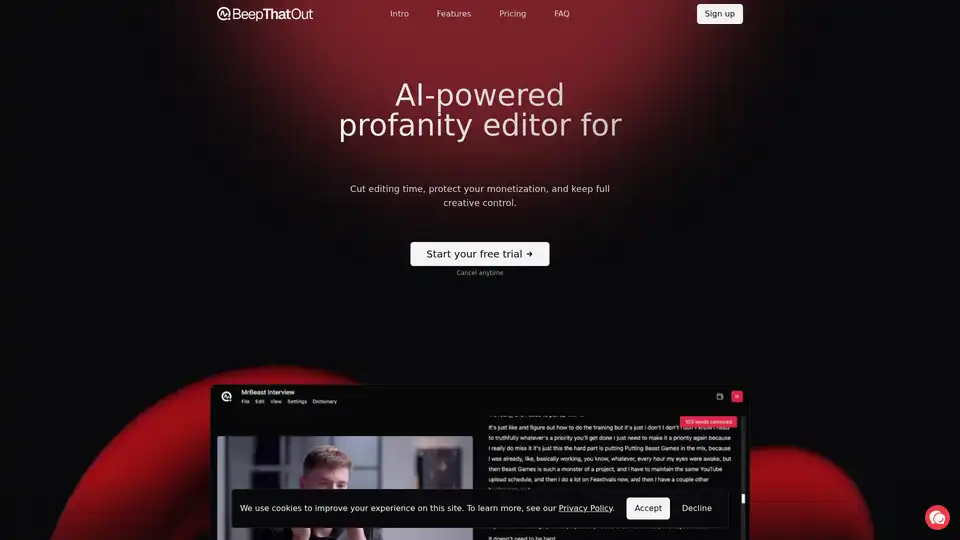
BeepThatOut is an AI-powered web-based profanity editor designed for content creators. It helps to reduce editing time, protect monetization, and maintain creative control by automatically detecting and censoring profanities in audio/video files.
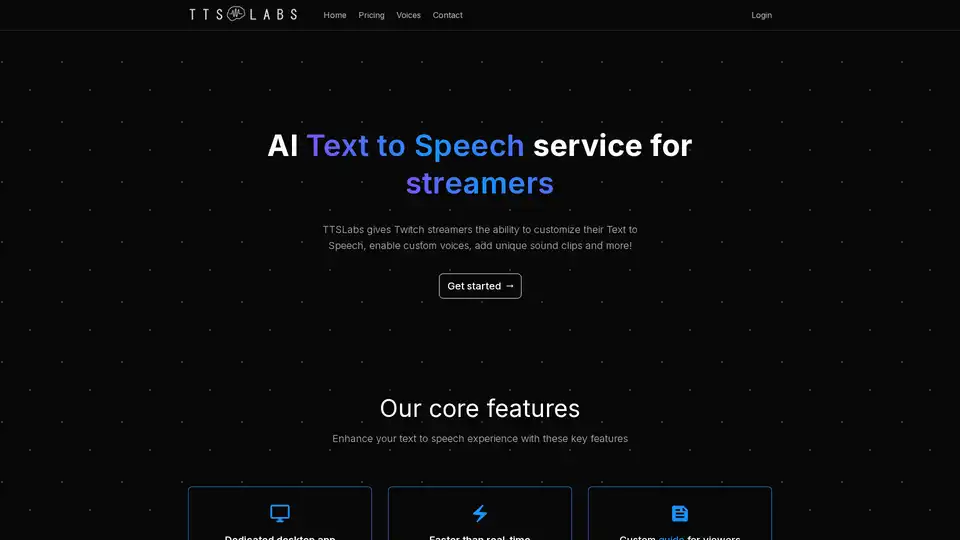
TTSLabs offers AI text-to-speech for Twitch streamers with custom voices, sound clips, and profanity filters. Enhance viewer engagement and donations with unique TTS features.
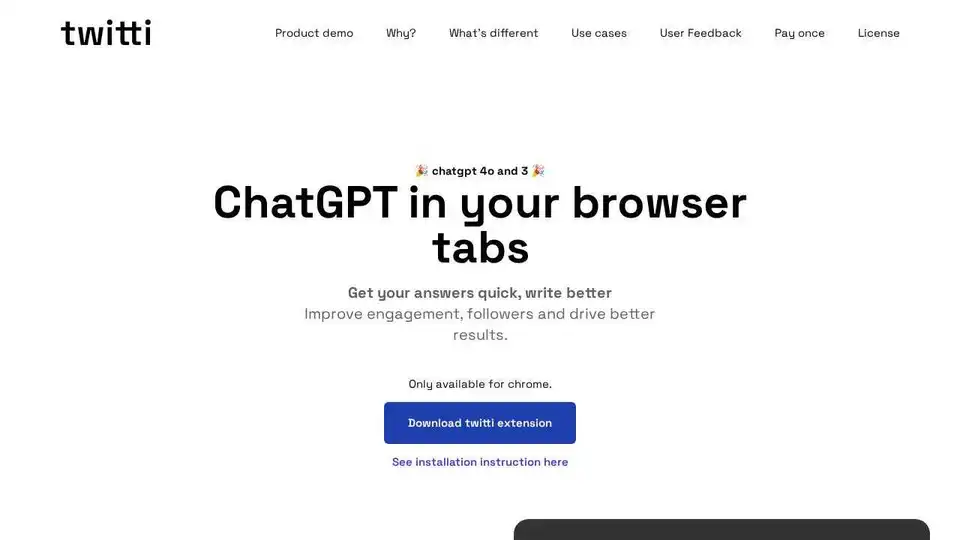
Twitti is a Chrome extension that integrates ChatGPT 4o and 3 into your browser, offering AI-powered writing assistance with 25+ tones, customizable features, and one-time purchase.
Storywizard.ai uses AI to create personalized and engaging learning experiences for children. Create incredible stories and illustrations effortlessly!