
BeepThatOut
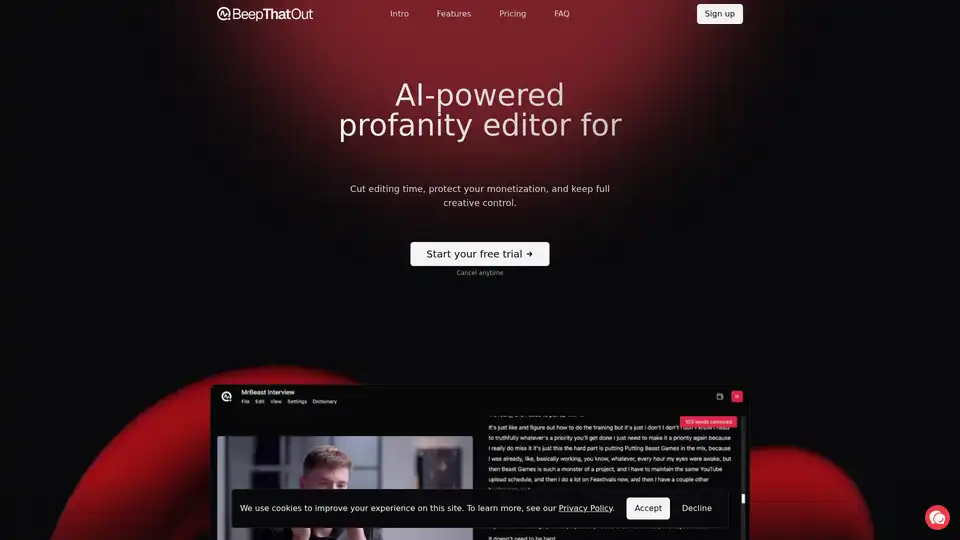
Overview of BeepThatOut
BeepThatOut: The AI-Powered Profanity Editor for Content Creators
What is BeepThatOut?
BeepThatOut is an innovative, AI-driven web application designed to help content creators automatically detect and censor profanities in their audio and video content. It addresses a common challenge faced by video editors, podcasters, and other creators who need to maintain brand safety, comply with platform content policies, and broaden their audience reach.
What are the key features of BeepThatOut?
- AI-Powered Profanity Detection: Uses advanced AI models to automatically scan audio and video files for profanities.
- Customizable Filters: Allows users to select categories and intensity levels for filtering, offering flexibility in content moderation.
- Custom Word Blacklists: Enables users to add custom words to their filter lists, tailoring the tool to specific content or platform rules.
- Versatile Censorship Options: Offers various censorship sounds, including classic beeps, silence, preset sound effects, and the option to upload custom sounds.
- Precise Timing Adjustments: Allows users to fine-tune the timing of censor effects with a timeline editor.
- Subtitle Generation: Automatically generates and downloads .srt subtitle files at no extra cost.
- Multilingual Support: Supports transcription, alignment, and filtering in over 50 languages.
- Direct Export to Editing Software: Exports projects as XML files for Adobe Premiere Pro, Final Cut Pro, and DaVinci Resolve.
How does BeepThatOut work?
BeepThatOut works through a simple, three-step process:
- Upload: Users upload their audio or video file to the platform.
- Customize: The AI scans the file for profanities. Users can then customize the filter settings, adjust censor effects, and fine-tune the alignment as needed.
- Review & Export: Users preview the results and export the project to their favorite video editor or download a rendered file.
Why choose BeepThatOut?
Content creators choose BeepThatOut for its ability to:
- Save Time: Automate the tedious task of manually censoring profanities.
- Protect Monetization: Prevent demonetization and algorithmic suppression on major platforms.
- Reach More Viewers: Create family-friendly content that appeals to a wider audience.
- Attract Better Sponsors: Maintain brand safety and unlock more partnership opportunities.
- Save Money: Reduce post-production costs by automating a significant portion of the editing process.
Who is BeepThatOut for?
BeepThatOut is ideal for:
- Video Editors: Streamline the process of censoring profanities in video content.
- Podcasters: Easily remove explicit language from audio content.
- Content Creators: Ensure their content is brand-safe and suitable for a wide audience.
- Social Media Managers: Moderate user-generated content and maintain platform compliance.
- Marketing Professionals: Create content suitable for advertising and broader distribution.
Pricing Plans
BeepThatOut offers several pricing plans to accommodate different user needs:
- Hobby: $21/month (billed annually) - Includes interactive transcript editor, unlimited projects, 55 languages, subtitle downloads, export to Adobe Premiere Pro/DaVinci Resolve/Final Cut Pro, 1 user, 12 hours of processing time.
- Creator: $30/month (billed annually) - Includes all Hobby features plus 32 hours of processing time and higher priority processing.
- Studio: $89/month (billed annually) - Includes all Creator features plus 5 users and 100 hours of processing time.
Real-World Applications
- YouTube Content: A gaming channel uses BeepThatOut to automatically censor explicit language during live streams and gameplay videos, ensuring compliance with YouTube's advertising guidelines.
- Podcast Production: A podcast network utilizes BeepThatOut to quickly remove profanities from interview recordings, making their content accessible to a broader audience and attracting family-friendly advertisers.
- Corporate Training: A company uses BeepThatOut to edit explicit content from employee training videos and create content suitable for all employees, regardless of sensitivity levels.
Final Thoughts
BeepThatOut offers a practical solution for content creators seeking to streamline their editing workflow, maintain brand safety, and comply with platform policies. By automating the process of profanity detection and censorship, BeepThatOut empowers creators to focus on producing high-quality content and growing their audience.
Best Alternative Tools to "BeepThatOut"
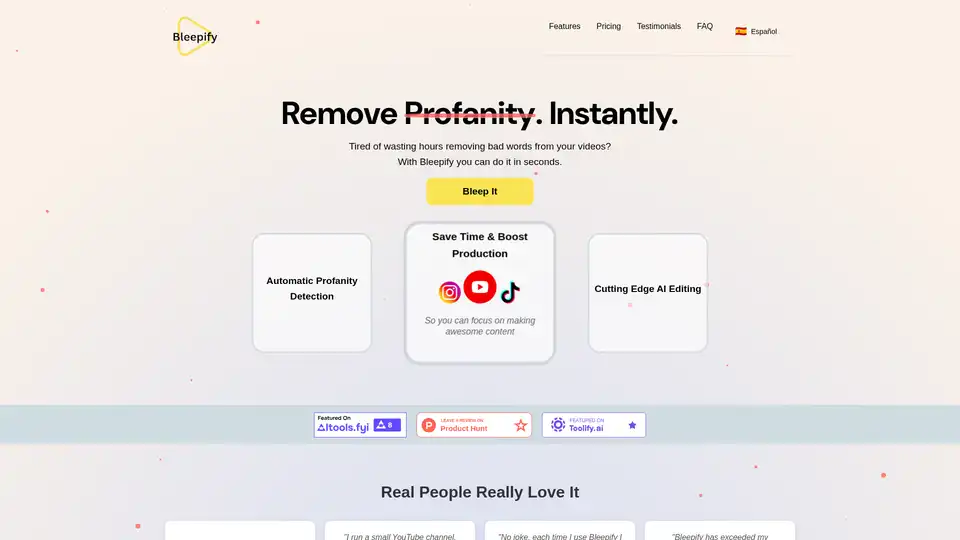
Bleepify uses AI to automatically remove profanity from videos. Edit, review, and download videos effortlessly with Bleepify. Save time and boost video production.
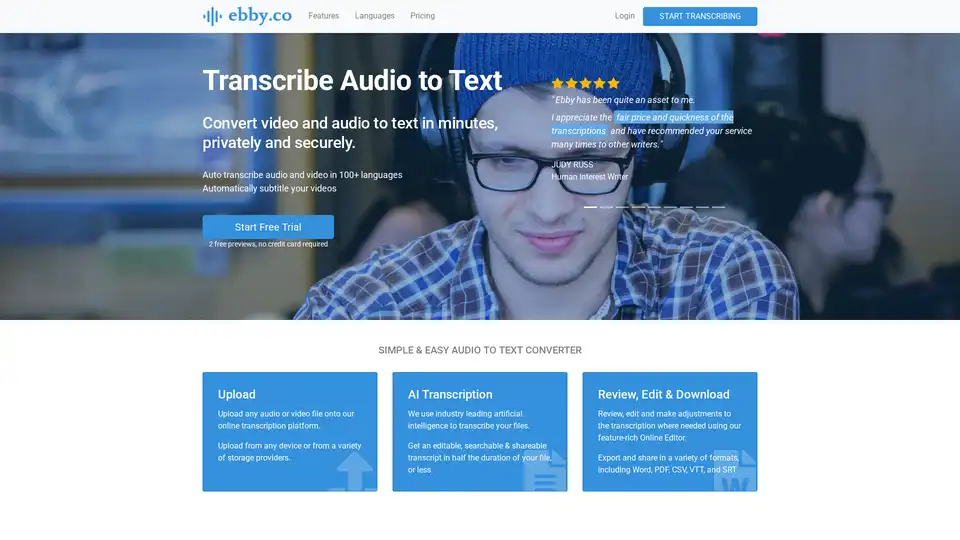
Ebby is an AI-powered transcription tool that converts audio and video to text quickly and securely. It supports 100+ languages, offers a feature-rich editor, and allows for easy sharing and collaboration. Ideal for professionals needing fast and accurate transcriptions.
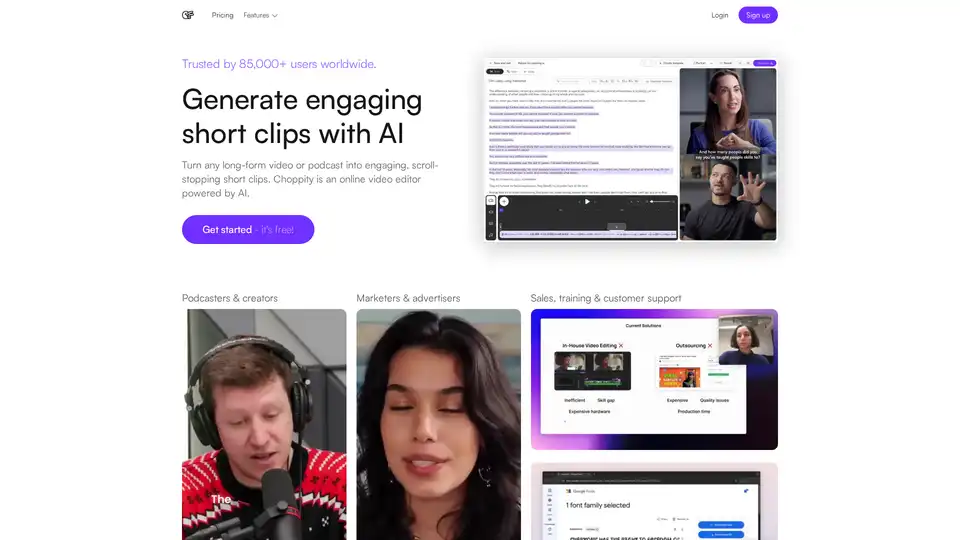
Choppity is an AI-powered online video editor that creates engaging short clips from long-form videos for social media, sales, and training. Try it for free!
CurseCut is an AI-powered tool that automatically removes profanity and offensive language from video and audio files, ensuring clean, audience-ready content. Supports batch processing, multiple languages, and customizable filtering.