
Collate
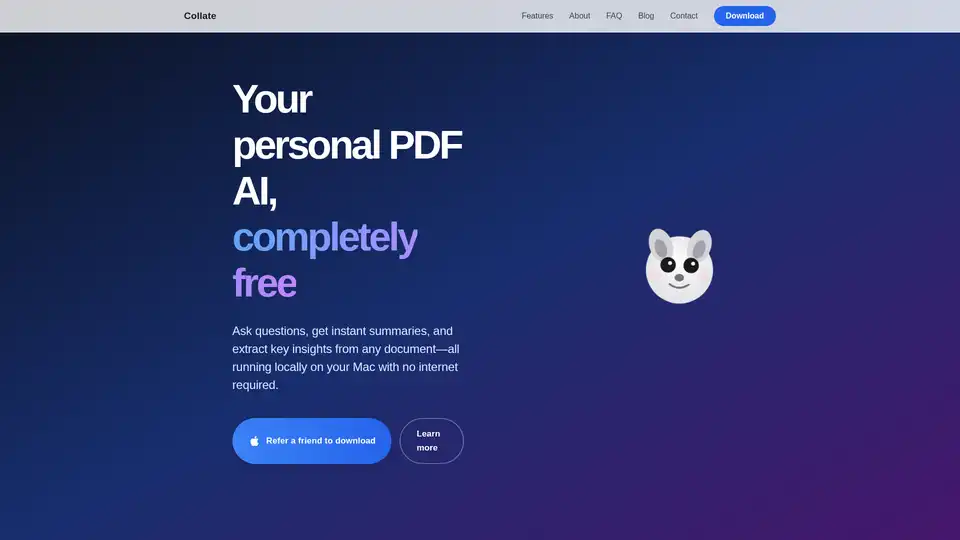
Overview of Collate
Collate: Your Local-First AI for PDF Chat & Summaries
Collate is a free Mac application that empowers you to interact with your PDF documents in a completely private and offline environment. Ask questions, generate summaries, and extract key insights from any PDF without the need for an internet connection. This local-first approach ensures that your data stays on your machine, providing unparalleled privacy and security.
What is Collate?
Collate is a Mac app that brings the power of AI to your local machine, allowing you to chat with your PDFs, create summaries, and extract insights, all without an internet connection. It is designed for users who prioritize privacy and security and need to work with sensitive documents offline.
How does Collate work?
Collate leverages AI to process PDF documents locally on your Mac. Here's a breakdown of how it works:
- Add your PDFs: Simply drag and drop PDF files or import folders directly into Collate. The application keeps everything private and on-device.
- Ask and summarize: Engage in conversations with your documents by asking questions or generating concise summaries instantly.
- Capture insights: Save answers and summaries to your notes and export them whenever needed.
Key Features of Collate
- Completely Offline: No internet connection required. All processing is done locally on your Mac.
- Data Privacy: Your data stays on your Mac. No cloud storage or uploads, ensuring complete privacy.
- PDF Chat: Ask questions about your documents and receive instant, accurate answers.
- Instant Summaries: Turn hundreds of pages into clear, actionable insights in seconds.
Why Choose Collate?
- Privacy-Focused: Ideal for handling sensitive documents where data privacy is paramount.
- Offline Accessibility: Work with your documents anywhere, anytime, without relying on internet connectivity.
- Efficiency: Quickly extract key information and insights from large PDF documents.
- Free to Use: Collate is available as a free Mac application.
Who is Collate for?
Collate is ideal for:
- Researchers who need to analyze numerous academic papers.
- Legal professionals who need to review contracts and legal documents.
- Students who need to summarize and understand study materials.
- Anyone who values privacy and wants to process documents offline.
Best way to use Collate?
To get the most out of Collate:
- Import relevant PDFs: Add all the documents related to your research or project.
- Start Chatting: Ask specific questions to extract targeted information.
- Generate Summaries: Use the summarization feature to get a quick overview of lengthy documents.
- Save Insights: Capture key answers and summaries for future reference.
Powered by Formless
Collate is powered by Formless, indicating a solid foundation of technology and expertise behind the application.
In summary, Collate is a robust and privacy-focused AI tool that offers a seamless way to interact with PDF documents locally on your Mac. It allows you to have conversations, generate summaries and extract valuable insights efficiently and securely, making it an excellent choice for anyone who needs to process PDF documents offline.
AI Task and Project Management AI Document Summarization and Reading AI Smart Search AI Data Analysis Automated Workflow
Best Alternative Tools to "Collate"
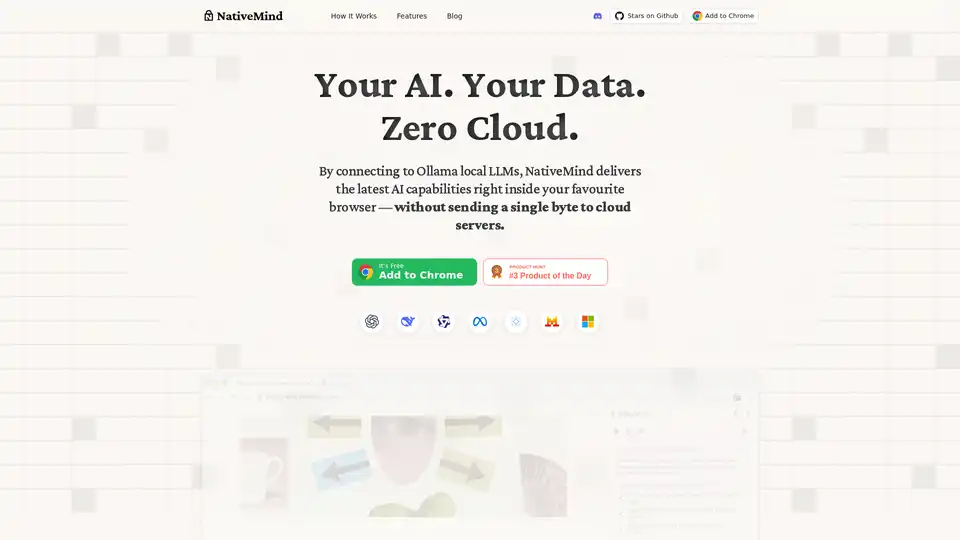
NativeMind is an open-source Chrome extension that runs local LLMs like Ollama for a fully offline, private ChatGPT alternative. Features include context-aware chat, agent mode, PDF analysis, writing tools, and translation—all 100% on-device with no cloud dependency.
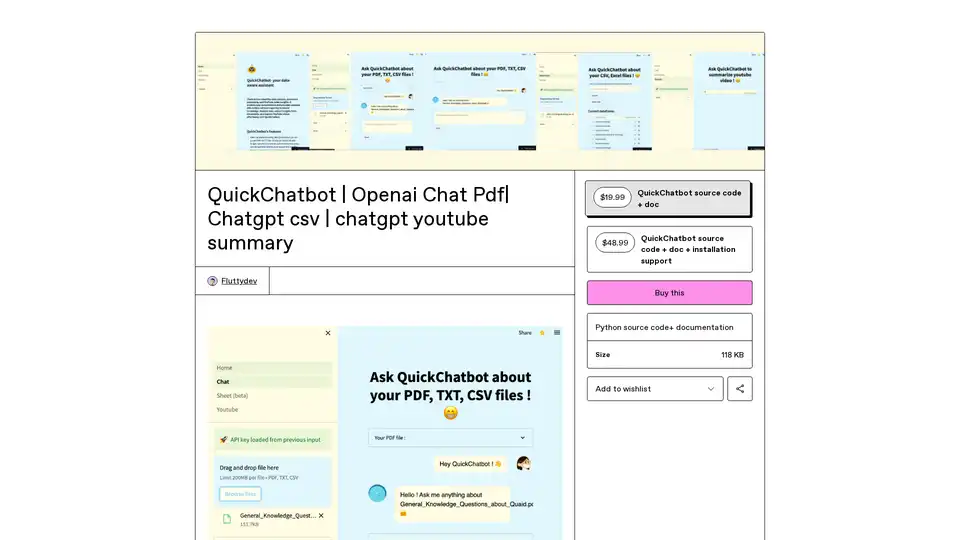
QuickChatbot is an open-source AI platform powered by GPT-3 for seamless data analysis, PDF/TXT document processing, and YouTube video insights. Upload files, ask questions, and get summaries effortlessly.
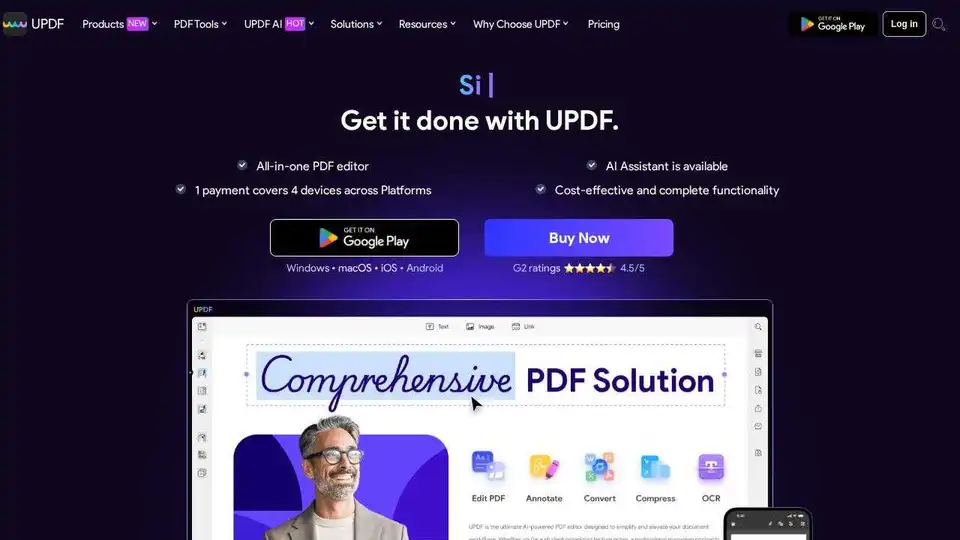
UPDF is an AI-integrated PDF editor, converter, annotator, and reader. Edit, annotate, convert, OCR, organize, protect, share, print, summarize, translate, and chat with PDF files powered by AI.
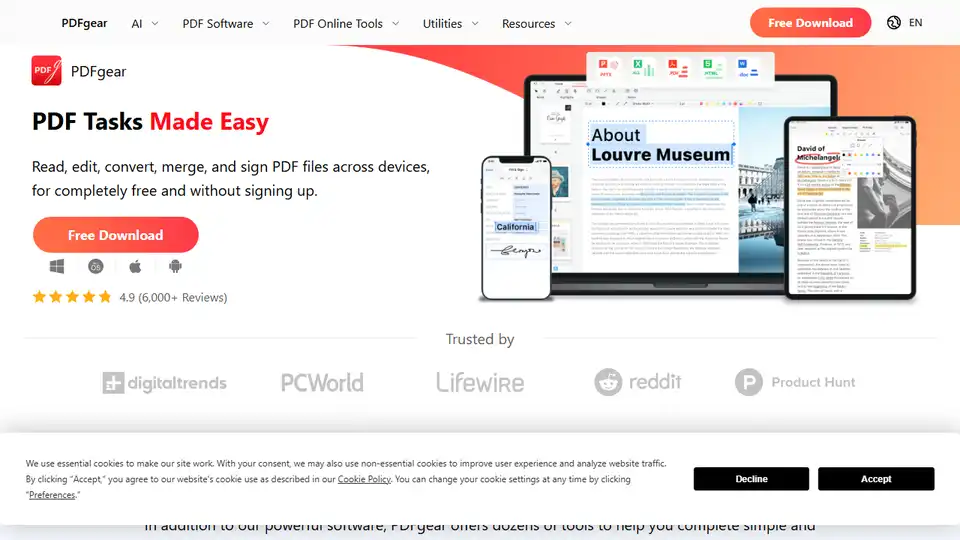
PDFgear is a free AI-powered PDF editor offering a range of online and offline tools. Edit, convert, merge, split, sign PDFs and more across devices without signing up. Features include AI chat, OCR, and versatile conversion options.