
PDFgear
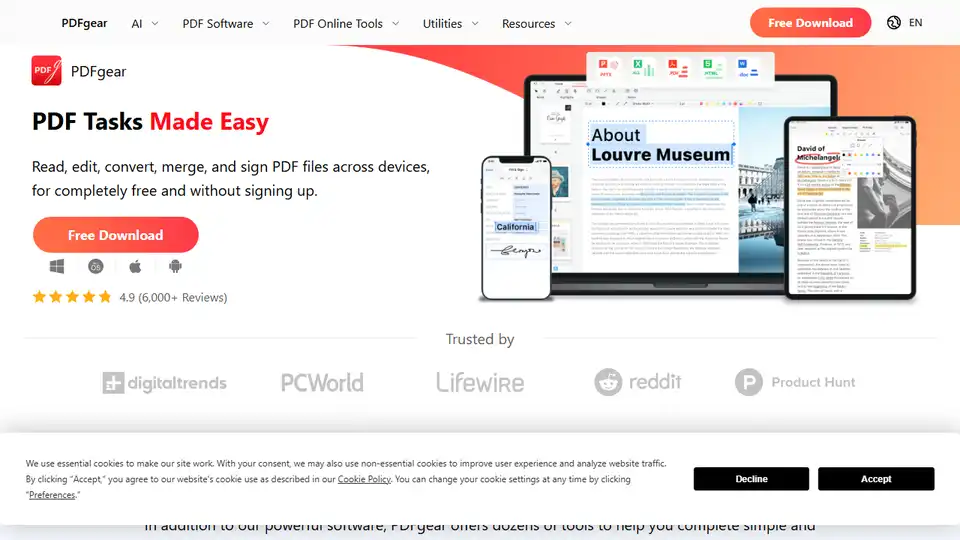
Overview of PDFgear
PDFgear: Your Free AI-Powered PDF Solution
What is PDFgear? PDFgear is a versatile, completely free PDF editor software and online tool suite designed to simplify PDF management. Leveraging cutting-edge AI technology, PDFgear empowers users to handle PDF tasks efficiently across various devices, including Windows, macOS, iOS, and Android, without requiring any sign-up or subscription fees.
Key Features of PDFgear
- AI-Powered PDF Copilot: Interact with PDFs using an AI assistant, enabling intelligent summarization and information retrieval.
- Comprehensive Editing Capabilities: Freely edit text, images, shapes, signatures, links, and form fields within PDFs.
- Annotation Tools: Highlight, underline, strikethrough text, add notes, comments, stamps, and insert shapes or text boxes.
- Versatile Conversion Options: Convert between PDF and various formats like Word, TXT, JPG, Excel, and PPT without compatibility issues, supporting batch conversion.
- OCR Technology: Extract text from image-based documents or convert scanned PDFs into editable Word or TXT files, supporting over 30 languages.
- PDF Organization: Merge, split, compress, crop, rotate, delete, and add pages to PDFs.
- E-Signature Support: Add electronic signatures and fill out PDF forms.
- Cross-Platform Availability: Seamlessly switch between desktop, web, and mobile devices to work with PDFs on the go.
How Does PDFgear Work?
PDFgear offers both desktop software and online tools, allowing users to choose the most convenient option for their needs. The AI-powered features enhance productivity by enabling users to quickly summarize documents, find specific information, and automate editing tasks.
Use Cases for PDFgear
- Business Professionals: Streamline document workflows by editing contracts, annotating reports, and converting files quickly.
- Educators and Students: Annotate research papers, convert lecture notes, and extract text from scanned documents.
- Creative Professionals: Edit images within PDFs, convert designs to different formats, and collaborate on projects.
- Anyone Needing PDF Management: Easily merge invoices, split large documents, and compress files for sharing.
Why Choose PDFgear?
- Completely Free: No subscription fees or hidden costs.
- AI-Powered Efficiency: Utilize AI technology to enhance productivity.
- Cross-Platform Compatibility: Work seamlessly across devices.
- User-Friendly Interface: Intuitive design for easy navigation.
- Comprehensive Feature Set: A wide range of tools for all PDF needs.
PDFgear in Action: Examples and Testimonials
PDFgear has garnered positive feedback from users across various industries. Here are a few testimonials:
- I EAT PEOPLE: "It is the best PDF editor and alternative to Adobe PDF editor. It has very awesome features like you can add signatures to the documents."
- Jon Martindale: "After years of searching, I’ve finally found a free, offline, no-strings-attached PDF editor — and it’s excellent. It merges, it edits, it converts, and it even signs PDF documents with mouse-drawn inking."
- Tim Fisher: "Something I really like is the Extract Text tool. It lets you highlight any part of the page to pull out text into an easily usable text box so you can copy that content."
Optimizing Your PDF Workflow with PDFgear
PDFgear provides a multitude of benefits, making it an essential tool for anyone working with PDFs. By offering AI-driven functionalities and a comprehensive set of features, it simplifies PDF management and enhances productivity. Whether you are a student, professional, or casual user, PDFgear offers the right tools to streamline your workflow.
Getting Started with PDFgear
To start using PDFgear, simply download the desktop software for Windows or macOS, or access the online tools directly from your web browser. The mobile apps for iOS and Android are also available for on-the-go PDF management. With its intuitive interface and powerful features, PDFgear makes PDF tasks easy and efficient.
Best Alternative Tools to "PDFgear"
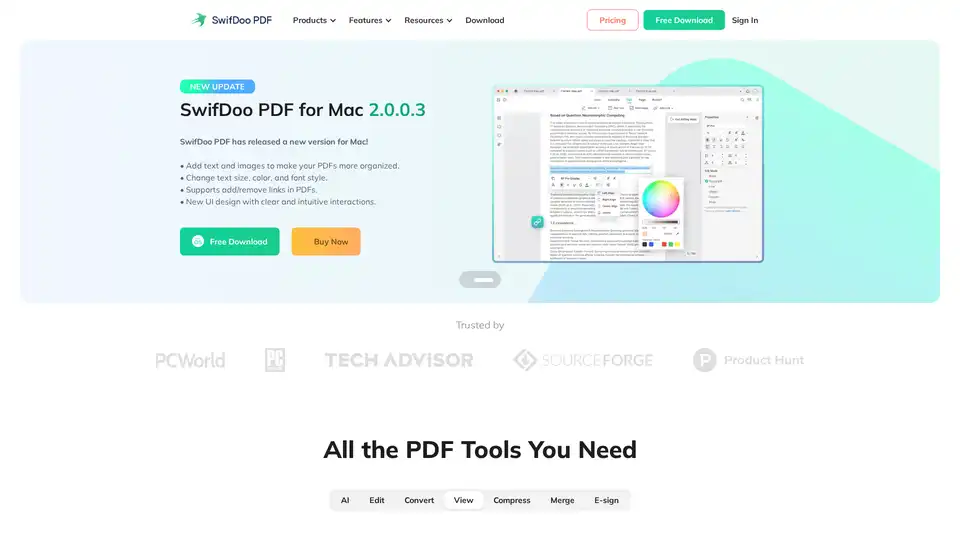
SwifDoo PDF is an AI-powered, all-in-one PDF solution for editing, converting, viewing, compressing, merging, and e-signing PDF documents across multiple platforms. It offers efficient AI features for summarizing, translating, and proofreading PDFs.

LightPDF is an AI-powered free online PDF editor, converter & reader. Edit, convert, OCR, sign, annotate, chat with PDFs easily.
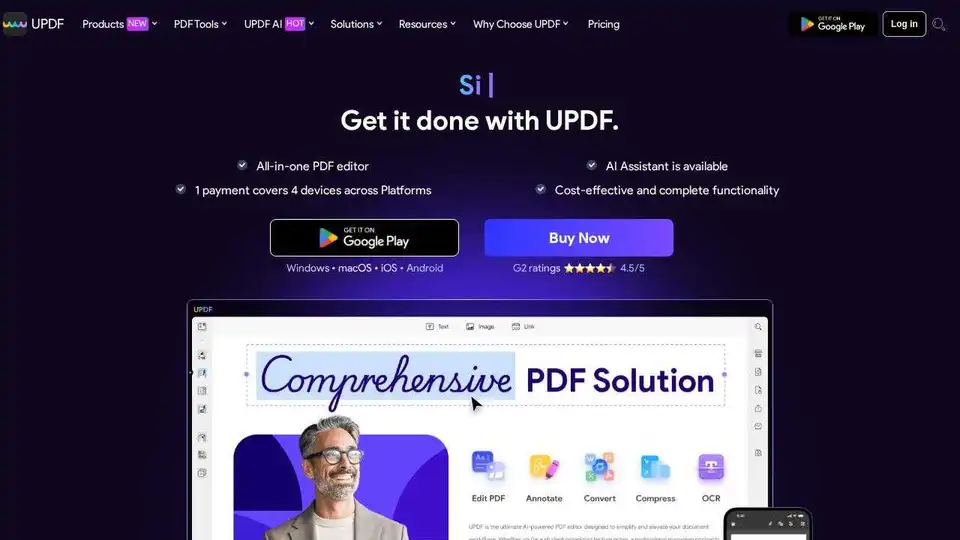
UPDF is an AI-integrated PDF editor, converter, annotator, and reader. Edit, annotate, convert, OCR, organize, protect, share, print, summarize, translate, and chat with PDF files powered by AI.
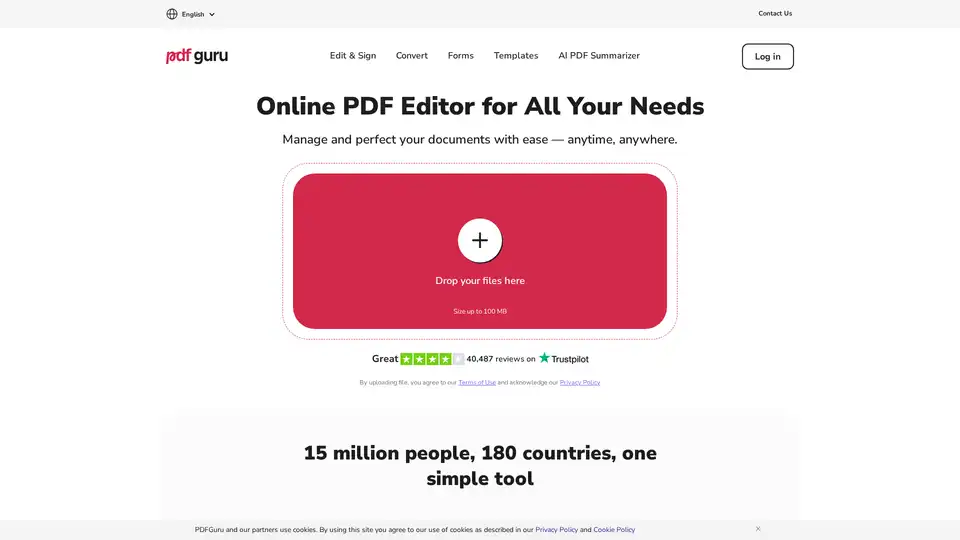
PDF Guru: Powerful online PDF editor with tools for editing, converting, signing, and summarizing PDFs. Easy to use, no installs needed.