
CodeAssist
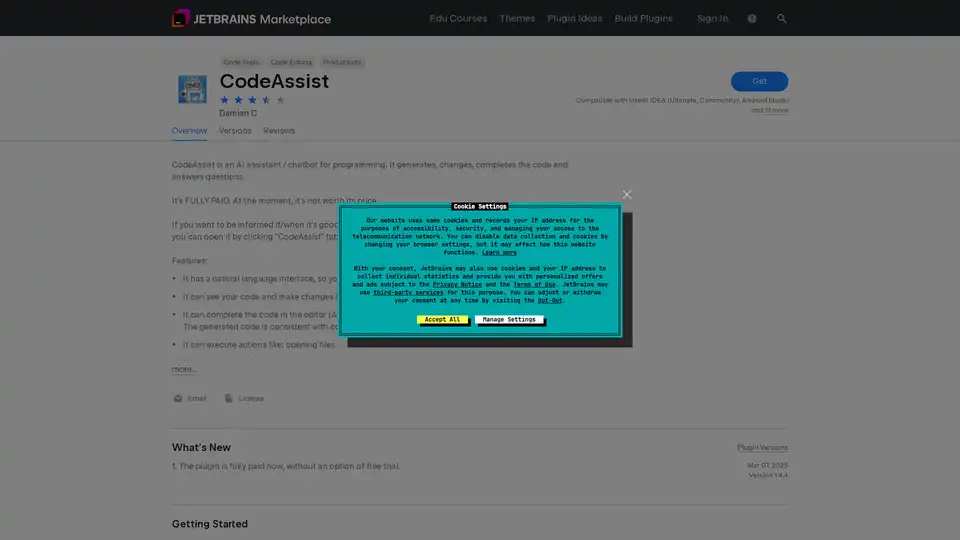
Overview of CodeAssist
What is CodeAssist?
CodeAssist is an AI-powered programming assistant designed specifically for JetBrains IDEs, including IntelliJ IDEA, Android Studio, and 17 other compatible development environments. This innovative plugin serves as a chatbot-style coding companion that helps developers write better code faster through artificial intelligence capabilities.
How Does CodeAssist Work?
CodeAssist operates as a cloud-based AI service that integrates seamlessly with your JetBrains IDE. When you install the plugin, it adds a dedicated "CodeAssist" tab in the bottom-right corner of your development environment. The tool uses advanced natural language processing to understand your coding requests and provides intelligent responses.
Core Functionality
Natural Language Interface: CodeAssist features a conversational interface that allows you to communicate with it just like you would with a human programming assistant. You can ask questions, request code generation, or seek explanations about programming concepts.
Context-Aware Code Generation: The AI assistant can see your current code context and make intelligent modifications to the open file in your editor. It maintains consistency with code patterns found in other project files.
Intelligent Code Completion: Using the ALT+X shortcut (customizable if conflicts exist), CodeAssist provides smart code completions that complement rather than replace the standard IDE completions.
Multi-Language Support: CodeAssist works with all popular programming languages, making it versatile for developers working across different technology stacks.
Action Execution: Beyond code generation, the tool can perform practical actions like opening files and navigating your project structure.
Long-Term Memory Capabilities: The assistant maintains some form of memory across sessions, allowing for more contextual and personalized assistance over time.
Installation and Setup Process
Getting started with CodeAssist is straightforward:
- Install a compatible JetBrains IDE (IntelliJ IDEA, CLion, PyCharm, or other IntelliJ-based IDEs)
- Launch the IDE and navigate to plugin settings
- Search for "CodeAssist" in the marketplace
- Click install and restart your IDE when prompted
How to Use CodeAssist Effectively
Code Completions
To generate code at a specific position:
- Place the caret where you want the code generated
- Run "CodeAssist Complete" action (default ALT+X shortcut)
- Alternatively, use Tools → CodeAssist Complete menu option
Question Answering
For programming-related questions:
- Open the CodeAssist tool window by clicking the "CodeAssist" tab
- Type your question in response to "How can I help you" prompt
Natural Language Instructions
To generate code based on instructions:
- Position the caret near where changes should occur
- Open CodeAssist tool window
- Send message with specific instructions
Pro Tips
- Use SHIFT+ENTER for new lines in message box (ENTER alone sends message)
- Customize keyboard shortcuts through File → Settings → Keymap if needed
Important Considerations
Paid Service: CodeAssist is a fully paid plugin without free trial options. The developer acknowledges that at its current state, it may not provide sufficient value for its price point.
Server Dependency: The tool requires internet connectivity as it sends code to remote servers for processing. This means it doesn't work offline, and you should review the FAQ section on codeassist.tech for details on how your code is processed.
Accuracy Limitations: Like all AI tools, CodeAssist doesn't always generate correct code and should be used with appropriate code review practices.
Who is CodeAssist For?
This AI programming assistant is ideal for:
- Professional Developers seeking to accelerate coding workflows
- Junior Programmers who need guidance and learning assistance
- Teams looking to standardize code patterns and improve consistency
- Polyglot Programmers working with multiple programming languages
- JetBrains IDE Users who want enhanced AI capabilities within their familiar environment
Practical Value and Benefits
CodeAssist offers several key advantages for modern development workflows:
Increased Productivity: By automating routine coding tasks and providing instant answers to programming questions, developers can focus on higher-level problem-solving.
Learning Enhancement: The natural language interface makes it an excellent tool for developers looking to learn new languages or frameworks.
Code Consistency: The AI's ability to maintain consistency with existing code patterns helps teams maintain coding standards.
Reduced Context Switching: Having an AI assistant directly within the IDE minimizes the need to switch between development environment and external resources.
Current Limitations and Future Potential
Based on user reviews and the developer's own assessment, CodeAssist currently faces challenges with reliability and value proposition. However, the developer encourages interested users to subscribe at codeassist.tech for updates on improvements.
User feedback indicates issues with availability ("many users chatting at the moment" messages) and comparisons with alternatives like GitHub Copilot suggest room for improvement in code generation quality.
Despite these current limitations, CodeAssist represents an interesting approach to AI-assisted programming within the JetBrains ecosystem, and its evolution will be worth monitoring for developers interested in AI coding tools.
Best Alternative Tools to "CodeAssist"

CodeAssist is an AI assistant that writes code in Jetbrains IDEs and Visual Studio Code. Powered by GPT-4, it understands natural language and can modify your code, but is not currently maintained.
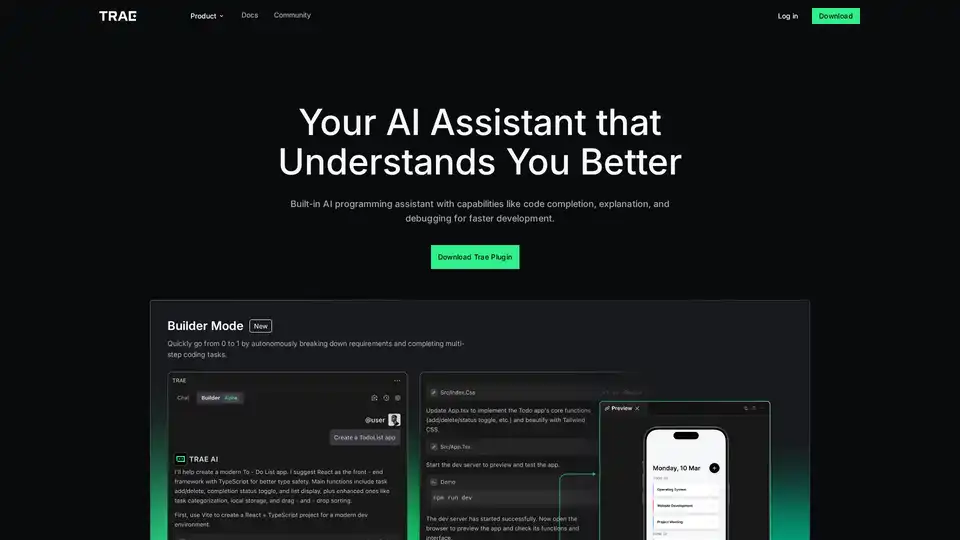
Trae Plugin is an AI programming assistant offering code completion, explanation, debugging, and unit test generation. It supports 100+ languages, VSCode, and JetBrains for faster development.
Trae Plugin is an AI code assistant that provides code completion, explanation, unit test generation, and debugging within VSCode and JetBrains, supporting 100+ languages.
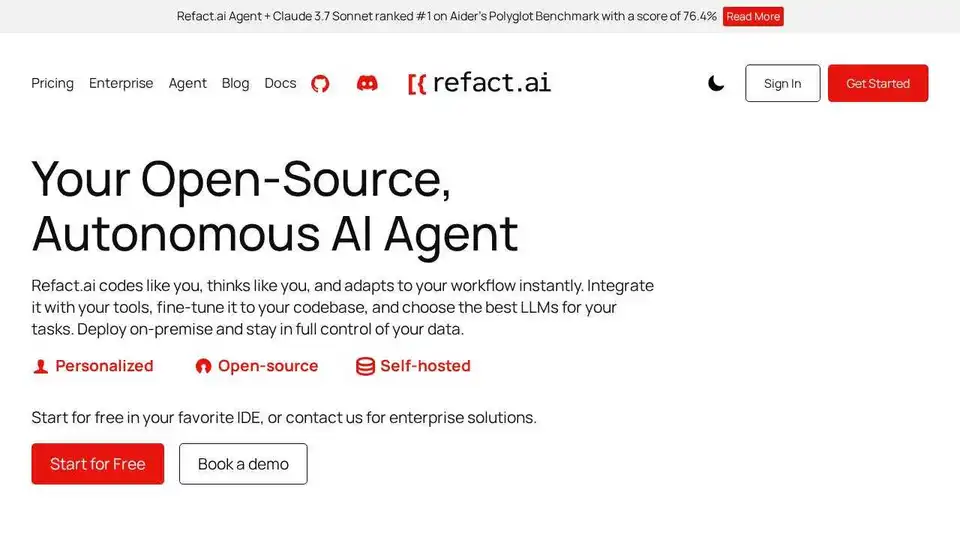
Refact.ai, the #1 open-source AI agent for software development, automates coding, debugging, and testing with full context awareness. An open-source alternative to Cursor and Copilot.