
Cleanup.pictures
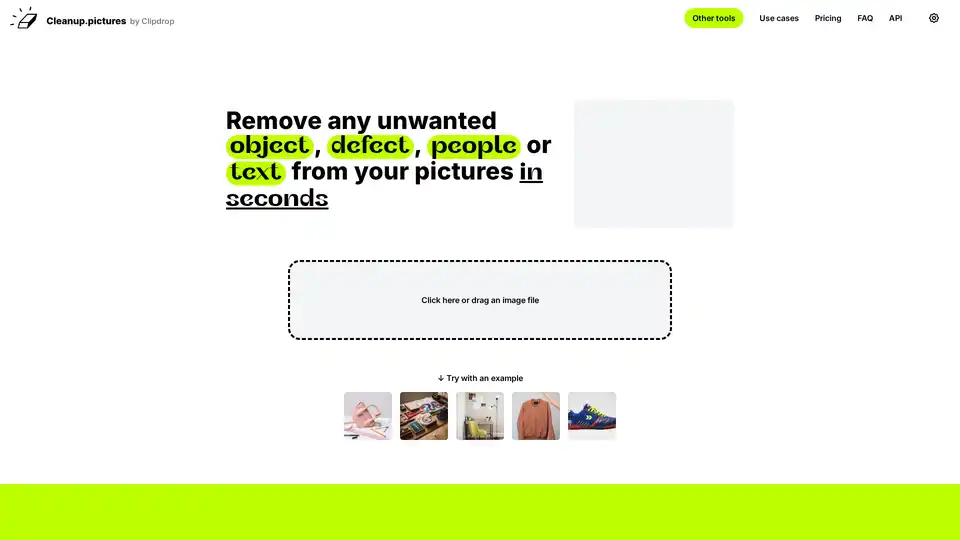
Overview of Cleanup.pictures
Cleanup.pictures: Remove Unwanted Objects from Photos with AI
What is Cleanup.pictures?
Cleanup.pictures is a web-based AI tool designed to remove unwanted objects, people, text, and defects from photos. It offers a quick and simple interface, allowing users to retouch images in seconds with incredible quality. Powered by advanced inpainting technology, Cleanup.pictures provides a seamless experience for both professional and casual users.
How does Cleanup.pictures work?
Cleanup.pictures utilizes artificial intelligence to intelligently reconstruct the area behind the unwanted object. Unlike traditional clone stamp tools that require a background reference, Cleanup.pictures' AI guesses what was behind the unwanted elements, delivering better results with just a few clicks. Simply upload your image, use the brush to cover the object you want to remove, and let the AI do the rest.
How to use Cleanup.pictures?
- Upload an image: Drag and drop an image file directly onto the Cleanup.pictures website.
- Mark the object: Use the brush tool to cover the unwanted object, person, or text.
- Let AI work: The AI algorithm will automatically reconstruct the area, removing the marked object.
- Download the result: Save the retouched image.
Why choose Cleanup.pictures?
- Ease of Use: Simple and intuitive interface.
- High Quality: AI-powered inpainting for professional-looking results.
- Speed: Retouch images in seconds.
- Accessibility: Available as a web application, accessible from any device.
Who is Cleanup.pictures for?
- Photographers: Remove time stamps or tourists from holiday pictures.
- Creative Agencies: Clean up portrait photos for perfect profile pictures.
- Real Estate: Remove unwanted objects from property photos.
- E-commerce: Remove text, logos, or watermarks from product images (ensure you have the rights to do so!).
- Developers: Integrate the inpainting API into your applications.
Key Features of Cleanup.pictures
- Object Removal: Remove unwanted objects, people, or defects from photos.
- Text Removal: Remove text, logos, or watermarks.
- Blemish Removal: Remove blemishes and wrinkles from profile pictures.
Cleanup.pictures Pricing
- Free: Unlimited images, resolution limited to 720p.
- Pro: Starting from $5/month, unlimited images, unlimited resolution, high-quality refiner.
- ClipDrop Pro: Starting from $11/month, includes Cleanup.pictures, background removal, and other tools.
Common Questions about Cleanup.pictures
What is Inpainting?
Inpainting is a retouch technology used to remove unwanted objects from photos. It uses AI to guess what was behind the object, providing better results than traditional clone tools.
Why is Cleanup.pictures better than other inpainting apps?
Cleanup.pictures uses advanced AI that can accurately guess what was behind the unwanted elements, while clone tools need a background reference.
What image resolutions can Cleanup.pictures handle?
The free version is limited to 720px export resolution. The Pro version supports unlimited resolutions.
How to remove people from a photo?
Select a bigger brush and cover more than the area you want to retouch, especially shadows, to help the algorithm create the best results.
How to remove text, a logo, or watermarks from an image?
Load your image in the tool and draw over the text or watermark that you'd like to remove. Make sure to overflow and draw a slightly bigger area than what you want to remove. Be aware of copyrights before removing watermarks.
Powering the best creatives
Dawn Veltri, Director of Marketing at Raek, shares her experience:
“I spent a significant amount of time last week trying to clean up a picture with similar programs and I kept getting weird smears and lines.
I just edited the same photo with Cleanup.pictures and I was done in 30 secs without the smears and lines!”
Cleanup.pictures is a powerful tool for anyone looking to quickly and easily remove unwanted elements from their photos. Whether you are a professional photographer, creative agency, or just someone who wants to clean up their personal photos, Cleanup.pictures offers a user-friendly and effective solution. With its AI-powered inpainting technology, you can achieve professional-looking results in seconds.
AI Generated Art Image Enhancement and Repair Image Style Transfer AI Background Removal and Replacement AI Avatar and Cartoonization 3D Modeling and Rendering Logo and UI Design
Best Alternative Tools to "Cleanup.pictures"
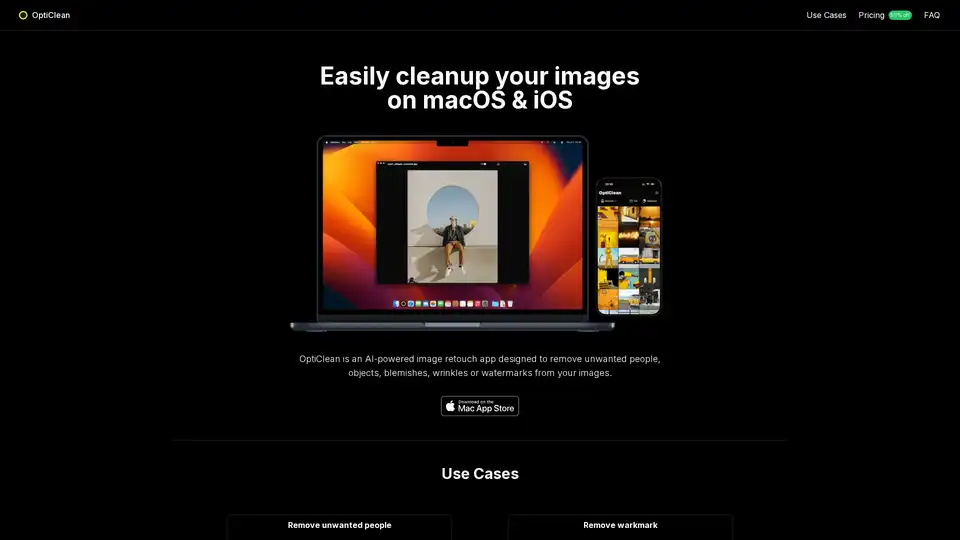
OptiClean is an AI-powered photo retouch app that can remove unwanted people, objects, text, logos, or watermarks from your images.
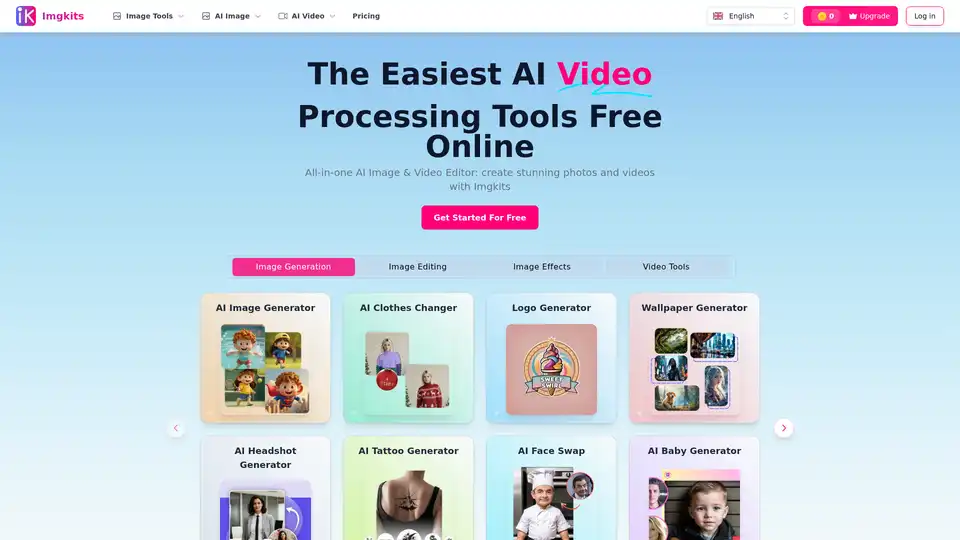
Imgkits is an all-in-one AI image and video editor that offers a range of tools, including AI image generation, background removal, photo restoration, and more. It's designed for both personal and professional use.
Movavi Photo Editor is an AI-powered software for PC & Mac that offers intuitive tools for quick photo editing, including background swap, object removal, retouching, and more.
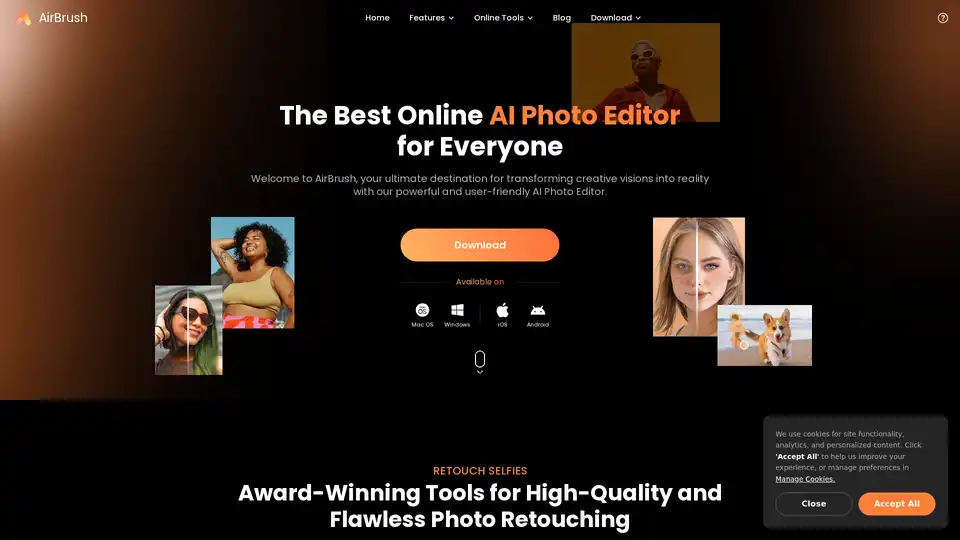
AirBrush is a powerful AI-powered photo and video editor offering instant enhancement, retouching, and transformation tools. Perfect for creators seeking professional-quality results with effortless editing.