
ChatPDF
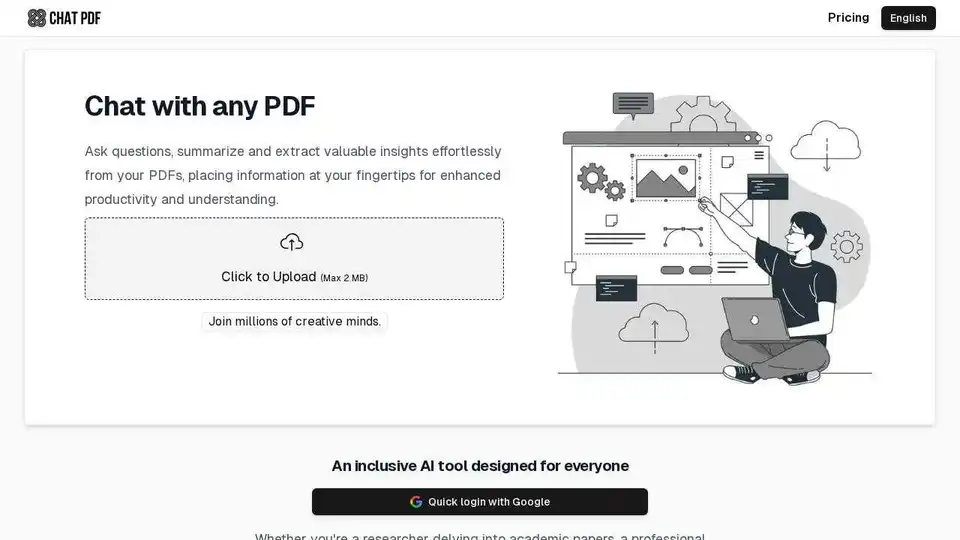
Overview of ChatPDF
ChatPDF: Your AI-Powered PDF Assistant
What is ChatPDF? ChatPDF is an AI-driven tool that allows you to interact with PDF documents in a conversational manner. It enables users to ask questions, summarize content, and extract valuable insights from PDFs effortlessly. This tool is designed to enhance productivity and understanding by placing information at your fingertips.
How does ChatPDF work? ChatPDF operates by utilizing AI, specifically OpenAI's ChatGPT, to analyze and understand the content of uploaded PDF files. Users upload their PDFs, and the platform processes the document, allowing them to ask questions in plain language. The AI then sifts through the content to deliver precise answers, backed by references from the PDF.
Key Features and Benefits
- Effortless Interaction: Enables users to ask questions and summarize content in PDFs as if chatting with the document's creator.
- Time-Saving: Quickly extracts valuable insights from PDFs, saving time on manual reading and analysis.
- Enhanced Understanding: Facilitates a deeper understanding of complex information by providing clear and concise answers.
- Multi-Lingual Support: Accommodates PDFs in any language and engages in conversations in diverse linguistic contexts.
- User-Friendly: Designed for everyone, from researchers to students to professionals.
Use Cases
- For Students: Helps with studying, homework, and multiple-choice questions.
- For Researchers: Facilitates gathering essential information from scientific papers, academic articles, and books.
- For Professionals: Streamlines understanding of legal contracts, financial reports, manuals, and training materials.
How to Use ChatPDF
- Upload a PDF: Click the upload button and select the PDF file (max 2 MB).
- Ask Questions: Start asking questions about the content of the PDF.
- Get Answers: ChatPDF's AI will provide precise answers based on the PDF content.
Pricing
ChatPDF offers a free version with a limit of 2 PDFs per day, each containing up to 10 pages. For additional usage, users can upgrade to ChatPDF Premium.
FAQ
- Can ChatPDF understand my language? Yes, ChatPDF can read PDFs and respond to questions in any language. You can upload a PDF in one language and pose questions in another.
- Is ChatPDF free to use? Yes, with limitations. You can use ChatPDF for free with a limit of 2 PDFs per day, each containing up to 10 pages. For additional usage, you can upgrade to ChatPDF Premium.
- What technology drives ChatPDF? ChatPDF is powered by OpenAI's ChatGPT, with continuous exploration of other technologies to improve services.
- Are my files safe? Yes, files are stored in secure cloud storage and will never be shared. Users can delete them at any time.
Deleting PDFs
To delete a PDF from ChatPDF, click the Delete icon at the top right of the chat panel. This will permanently remove the chat and PDF file content from ChatPDF servers.
Cancellation Policy
You can terminate your Premium subscription at any time. Access to Premium benefits will continue until the end of the current 30-day billing cycle.
Conclusion
ChatPDF is an invaluable AI tool designed to simplify the way users interact with PDF documents. Its ability to provide quick, accurate, and relevant information makes it an essential asset for students, researchers, and professionals alike. By leveraging AI, ChatPDF transforms static documents into dynamic sources of knowledge, making learning and information retrieval more efficient and effective.
AI Task and Project Management AI Document Summarization and Reading AI Smart Search AI Data Analysis Automated Workflow
Best Alternative Tools to "ChatPDF"
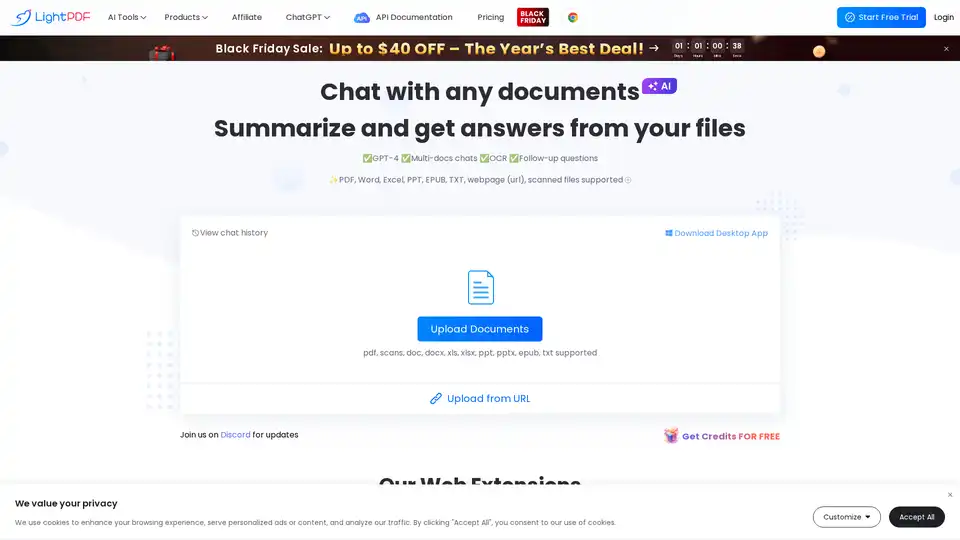
Chat with PDF using LightPDF, an AI-powered PDF assistant. Summarize, extract insights, and analyze documents quickly. Supports PDF, Word, Excel, PPT, and more. Try LightPDF for free!
Unlock PDF potential with PDFConvo! Chat with PDFs using AI for insights, summaries, and quick info extraction. AI-powered platform for document understanding.
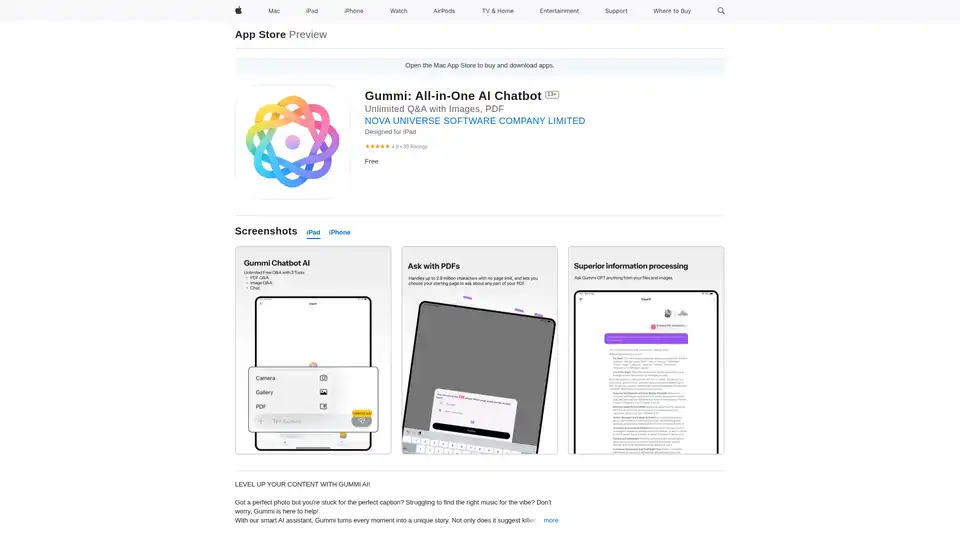
Gummi is an all-in-one AI chatbot app for iOS and Mac, offering unlimited chats, image analysis for captions, music suggestions, optimal posting times, and massive PDF processing up to 2.9M characters to enhance your content creation.

Powerusers AI is the best AI tools directory and resources to help you leverage AI to 10x your productivity in business and everyday life.