
Banana AI Photo Editor
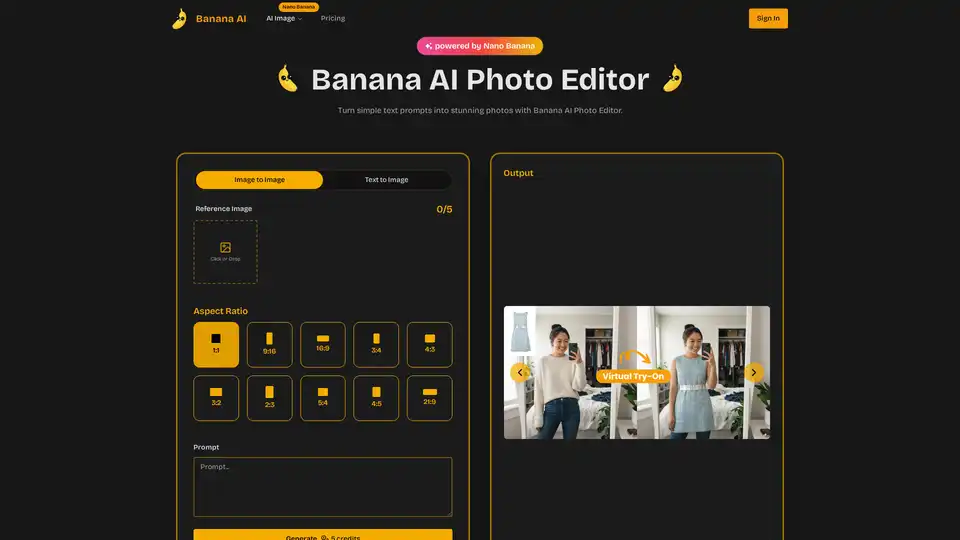
Overview of Banana AI Photo Editor
Banana AI Photo Editor: Transform Text into Stunning Visuals
What is Banana AI Photo Editor?
Banana AI Photo Editor is an advanced generative platform powered by Nano Banana technology that transforms written prompts into richly detailed images. It's designed to help creators of all backgrounds achieve studio-quality artwork with ease. This tool simplifies image creation and editing, making it accessible to both designers and newcomers.
How does Banana AI Photo Editor work?
Banana AI Photo Editor operates by interpreting text prompts and converting them into detailed images. The Nano Banana technology handles the complex processes behind the scenes, ensuring coherent composition, lighting, and mood. Users can also add a reference image to guide the AI.
Key Features:
- High-Resolution Results: Produce visuals that capture fine textures, lighting, and color for truly immersive imagery.
- Intuitive Workspace: Edit professional-quality photos quickly through a streamlined interface.
- Versatile Use Cases: Supports marketing, education, entertainment, accessibility, and countless other scenarios where compelling visuals matter.
Core Features Explained
- High-Fidelity Visuals: State-of-the-art models deliver crisp details, vibrant colors, and smooth gradients.
- Multi-Style Rendering: Create images in a wide range of aesthetics—from photorealistic to anime—by selecting pre-built style profiles.
- Dynamic Scene Understanding: Ensures coherent perspective, depth, and storytelling within every composition.
- Fine-Grained Controls: Adjust style strength and detailing via an intuitive dashboard; no complex editing is required.
- Flexible Export Options: Download finished artwork in popular formats, ready for sharing or further enhancement.
- Seamless Cloud Rendering: Processes every prompt on high-performance servers, ensuring fast and reliable output.
How to use Banana AI Photo Editor?
3-Step Guide to Creating Your First Artwork:
- Start with an Idea: Type a prompt or add a reference image.
- Customize the Look: Pick a style and tweak details.
- Get Your Image: Edit, download, and share!
Why choose Banana AI Photo Editor?
- Photorealistic Detail: Context-aware rendering delivers coherent composition, lighting, and mood.
- Visual Consistency: Maintain character consistency across a series for cohesive branding. nWho is Banana AI Photo Editor for?
Banana AI Photo Editor is ideal for:
- Content Creators: Quickly produce polished visuals for social media and marketing.
- Game Developers: Prototype game art and test concepts visually in hours instead of weeks.
- AI Researchers: Achieve consistency and scene coherence in visual models.
- Audiobook Producers: Ensure consistent quality throughout extended video content.
- EdTech Directors: Engage students with dynamic imagery and multi-language support.
- VA Developers: Create lifelike character renders for virtual assistants.
What Users Say:
- David C. (Content Creator): "High-fidelity visuals let my social posts look professionally crafted without a large budget."
- Rachel K. (Game Developer): "Prototyping game art has never been easier. Banana AI lets us iterate fast and test concepts visually in hours instead of weeks."
- Marcus T. (AI Researcher): "Among the visual models I've tried, Banana AI stands out for consistency and scene coherence."
FAQ:
- What is Banana AI? It is an advanced generative platform powered by Nano Banana that transforms written prompts into richly detailed images.
- Why should I use Banana AI? It enables high-quality image creation without complicated software.
- How can I get started with Banana AI? Simply write your idea, choose a style, and click edit.
Banana AI empowers creators to edit stunning visuals with ease. Transform concepts into brilliant images today!
AI Generated Art Image Enhancement and Repair Image Style Transfer AI Background Removal and Replacement AI Avatar and Cartoonization 3D Modeling and Rendering Logo and UI Design
Best Alternative Tools to "Banana AI Photo Editor"
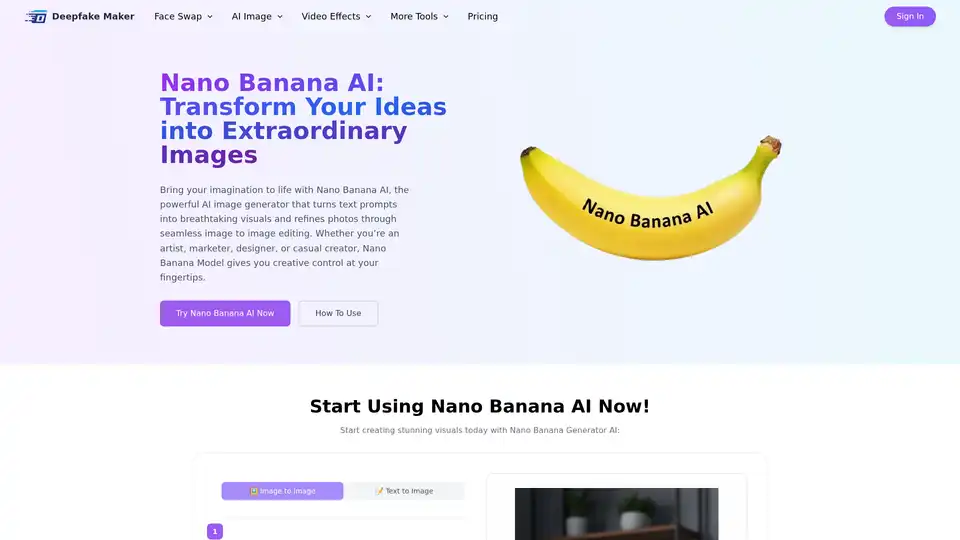
Nano Banana AI is the ultimate AI image generator and editor for text to image and image to image editing. Create stunning visuals with Nano Banana AI.
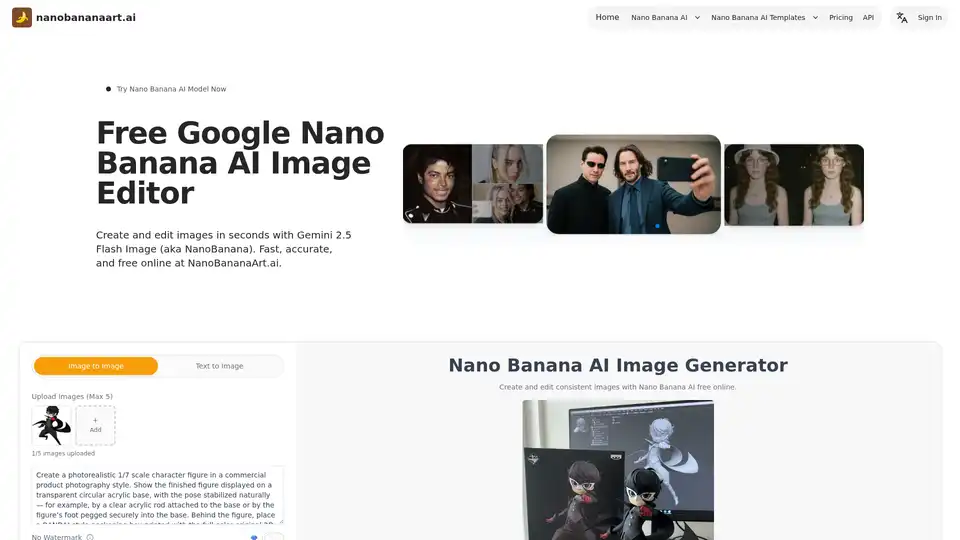
Discover Nano Banana AI, powered by Gemini 2.5 Flash Image, for free online image generation and editing. Create consistent characters, edit photos effortlessly, and explore styles like anime or 3D conversions at NanoBananaArt.ai.
Nano Banana is an AI image generator and editor that uses natural chat conversations to create and modify images. Offers character consistency and scene preservation.
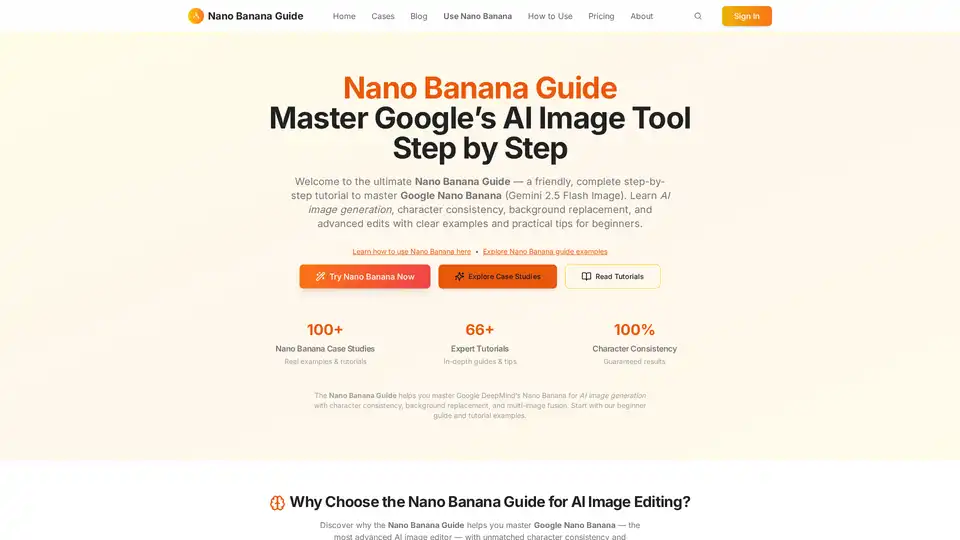
Master Google's Nano Banana AI image tool with this step-by-step guide. Learn AI image generation, character consistency, and background replacement with ease.
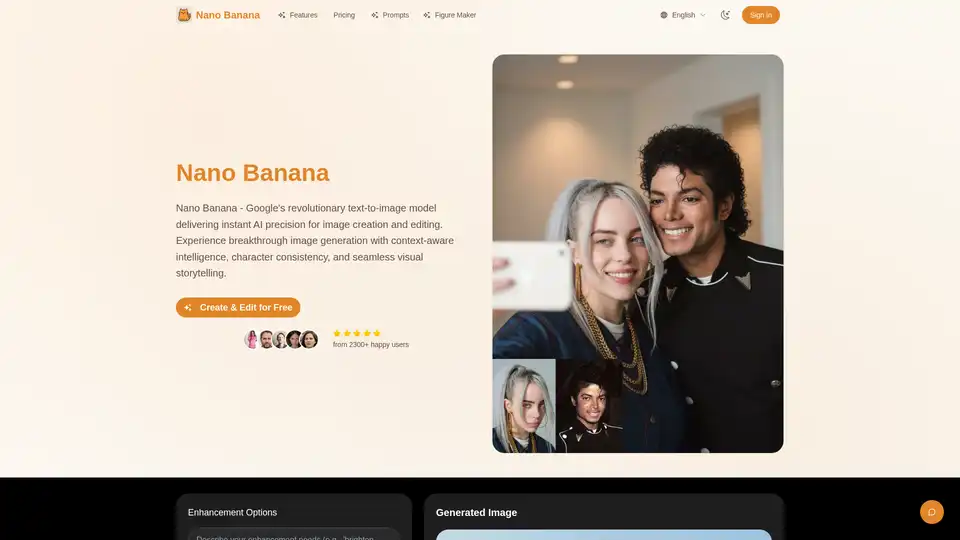
Discover Nano Banana, Google's revolutionary text-to-image AI model for creating, editing, and enhancing images with context-aware intelligence, character consistency, and professional results. Ideal for artists, designers, and marketers.