
Nano Banana
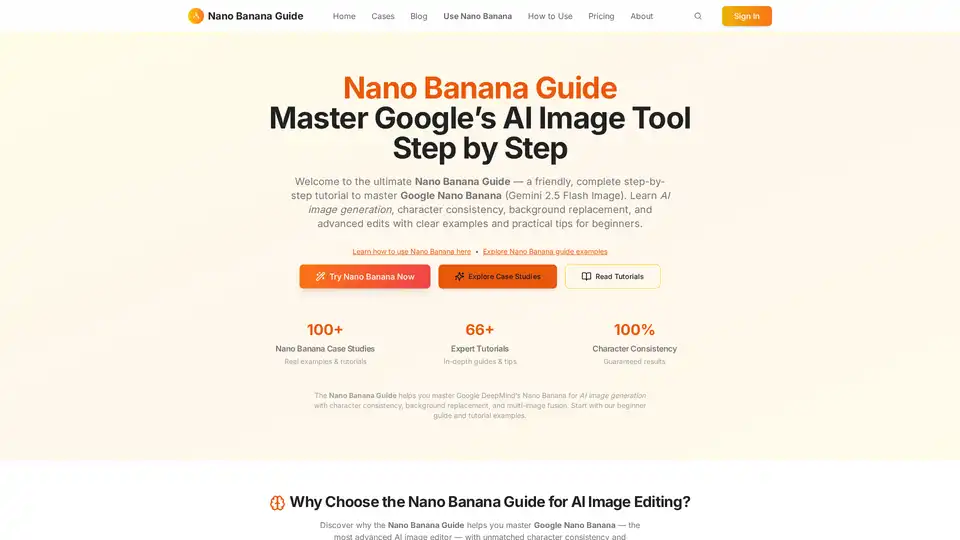
Overview of Nano Banana
Nano Banana Guide: Master Google's AI Image Tool
What is Nano Banana Guide? The Nano Banana Guide is designed to help users master Google's Nano Banana (Gemini 2.5 Flash Image), an AI image generation tool. It provides step-by-step tutorials, practical examples, and tips for beginners to advanced users.
Why Choose the Nano Banana Guide?
The Nano Banana Guide stands out as the ultimate resource for mastering Google Nano Banana, offering unmatched character consistency and professional-grade results. Here's why you should consider using it:
- Character Consistency: Nano Banana ensures perfect subject identity across unlimited edits, preserving facial features, clothing details, and character essence.
- Text-to-Image Editing: Transform images using simple text descriptions. Nano Banana understands complex editing instructions and delivers professional results instantly.
- Background Replacement: Replace backgrounds while maintaining natural lighting and shadows, creating seamless, studio-quality compositions.
Key Features of Nano Banana
- Character Consistency: Maintain perfect subject identity across unlimited edits. Nano Banana preserves facial features, clothing details, and character essence unlike any other AI image editor.
- Text-to-Image Editing: Transform images with simple text descriptions. Nano Banana understands complex editing instructions and delivers professional results instantly.
- Background Replacement: Replace backgrounds while maintaining natural lighting and shadows. Nano Banana creates seamless, studio-quality compositions.
How to use Nano Banana?
- Start with the Beginner Guide: Easy tutorial for photographers and content creators.
- Explore Video Creation: Learn to create cinematic videos with the 5-part prompt formula.
- Advanced Techniques: Photoshop alternative guide for professional image manipulation.
Nano Banana Use Cases
- Children's Coloring Page Illustration: Generate black and white line drawings suitable for printing, with a colored reference for convenience.
- Surreal Interaction Scene: Create pencil sketches of subjects interacting with realistic, full-color objects for a surreal contrast.
- Code Style Business Card: Design business cards that look like JSON files opened in VS Code, complete with syntax highlighting.
Pricing
Nano Banana offers flexible credit packs to power your AI image editing journey. Credits never expire and deliver professional-grade results every time.
- Starter Pack: $19.9 for 160 Credits (Generate ~80 professional images)
- Growth Pack: $89.9 for 888 Credits (Generate ~444 professional images)
- Professional Pack: $199.9 for 2252 Credits (Generate ~1126 professional images)
Nano Banana Guide Success Stories
Discover real-world applications and results from the community of Nano Banana users, including professional photographers and content creators. See how AI image editing transforms workflows with character consistency, background replacement and multi-image fusion.
Nano Banana Tutorials & Insights
Master Nano Banana with comprehensive guides, tutorials, and expert insights. From beginner tips to advanced techniques, discover everything you need to create stunning AI-edited images.
Nano Banana Guide for?
Nano Banana is for content creators, designers, marketers and anyone who wants to use AI to create images.
Conclusion
Nano Banana Guide is a comprehensive resource for mastering Google's Nano Banana AI image tool. With its step-by-step tutorials, practical examples, and flexible credit packs, it's perfect for beginners and professionals alike who want to transform their creative workflow with AI.
AI Generated Art Image Enhancement and Repair Image Style Transfer AI Background Removal and Replacement AI Avatar and Cartoonization 3D Modeling and Rendering Logo and UI Design
Best Alternative Tools to "Nano Banana"
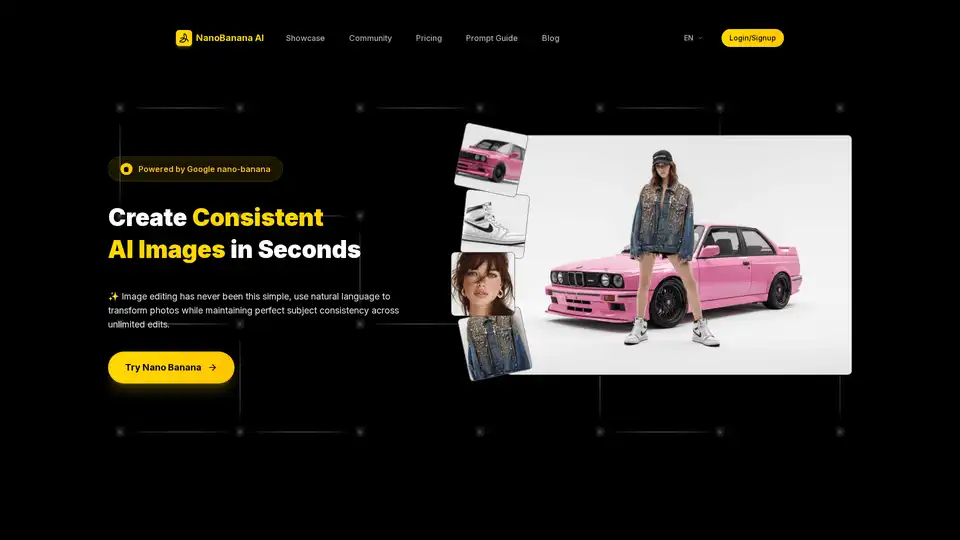
NanoBanana AI, powered by Google's nano-banana model, offers consistent AI image editing, background replacement, and style transfer through natural language prompts. Perfect for creators seeking stunning visuals instantly.
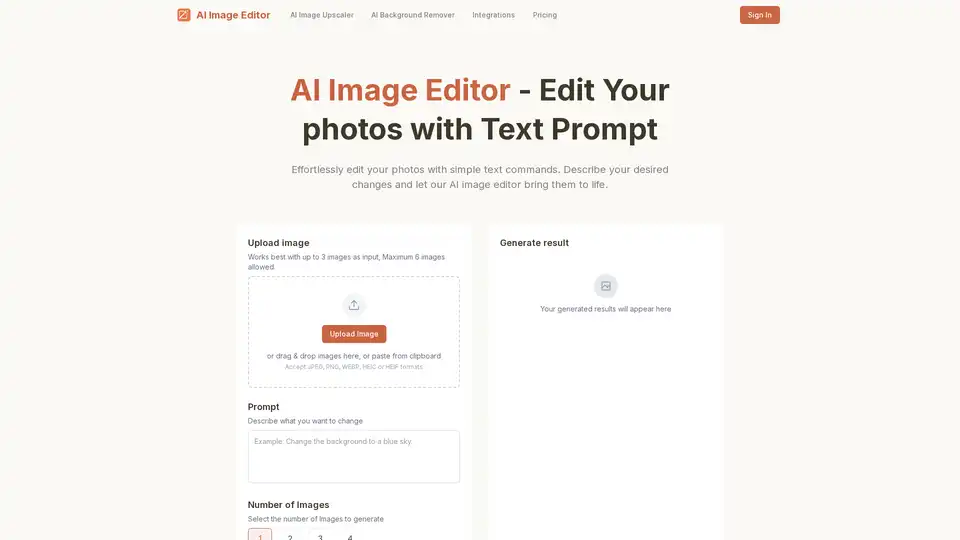
AI Image Editor is a next-generation image editing tool that allows users to effortlessly edit photos using simple text prompts, eliminating the need for complex editing skills.
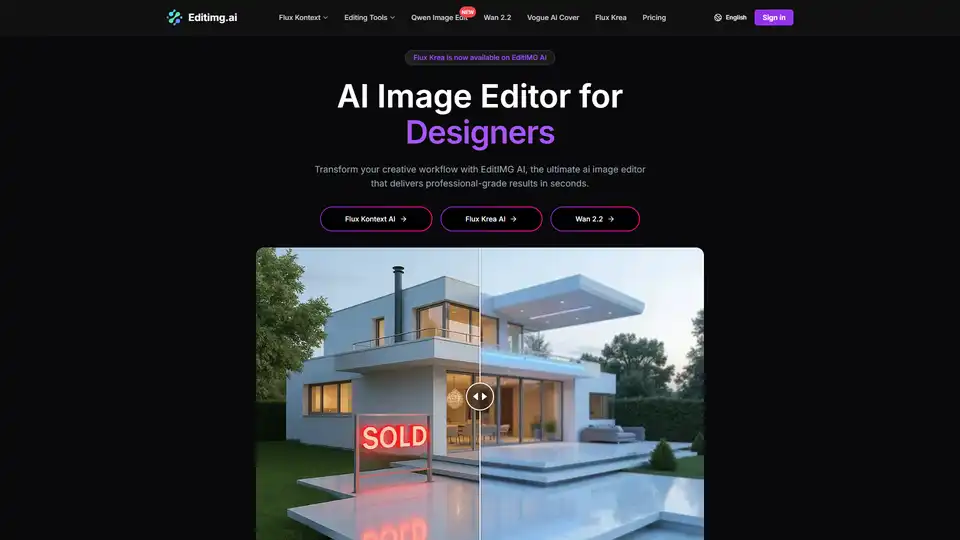
Transform your images with EditIMG AI, the most advanced AI image editor. Edit photos online with AI-powered tools for style transfer, background removal, object replacement, and more.
Flux Kontext AI is an AI-powered image editing platform that transforms photos with natural language prompts. Edit backgrounds, styles, objects, and more with revolutionary text-to-image technology.