
AVCLabs Video Enhancer AI
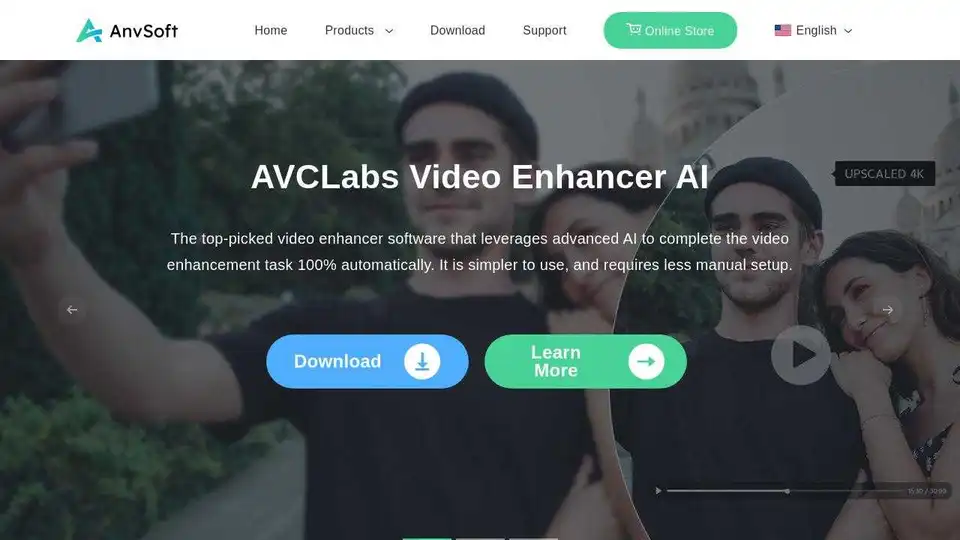
Overview of AVCLabs Video Enhancer AI
AVCLabs Video Enhancer AI: Enhance Your Videos with AI
What is AVCLabs Video Enhancer AI?
AVCLabs Video Enhancer AI is a top-notch video enhancement software that utilizes advanced artificial intelligence to automatically improve video quality. This tool simplifies the enhancement process, requiring minimal manual setup. It's designed for users who want to upscale, denoise, sharpen, colorize, and interpolate frames in their videos effortlessly.
How to Use AVCLabs Video Enhancer AI?
- Download and Install: Get the software from the official Anvsoft website.
- Import Video: Add the video you want to enhance to the software.
- Select AI Model: Choose the appropriate AI model based on your needs, such as upscaling or denoising.
- Customize Settings: Adjust parameters like resolution, brightness, and contrast.
- Start Processing: Let the AI work its magic to enhance your video.
- Preview and Export: Check the enhanced video and export it in your desired format.
Why is AVCLabs Video Enhancer AI Important?
- Automatic Enhancement: It uses AI to handle the enhancement process automatically.
- Upscaling: Increase video resolution to HD or 4K.
- Denoising: Reduce noise and graininess in videos.
- Sharpening: Enhance details and clarity.
- Colorizing: Bring old black and white videos to life with color.
- Frame Interpolation: Increase the frame rate for smoother motion.
Where Can You Use AVCLabs Video Enhancer AI?
- Reviving Old Videos: Enhance old home videos or archived footage.
- Improving Social Media Content: Make your videos stand out on platforms like YouTube and TikTok.
- Professional Video Editing: Use it as part of your video editing workflow to improve overall quality.
- Restoring Damaged Videos: Fix videos with issues like noise, blur, or low resolution.
Best Way to Enhance Videos with AVCLabs Video Enhancer AI
To get the best results, experiment with different AI models and settings to find what works best for your specific video. Pay attention to the resolution, noise levels, and color balance to achieve the desired look. Consider using it in conjunction with other video editing tools for more comprehensive results.
AI Generated Art Image Enhancement and Repair Image Style Transfer AI Background Removal and Replacement AI Avatar and Cartoonization 3D Modeling and Rendering Logo and UI Design
Best Alternative Tools to "AVCLabs Video Enhancer AI"
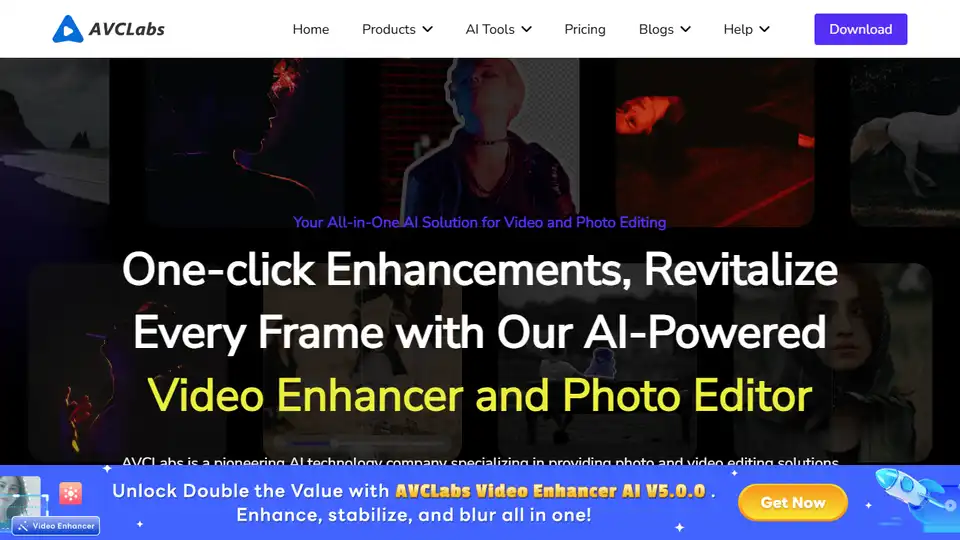
AVCLabs AI offers AI-powered video and photo enhancement solutions, including AI Video Enhancer, AI Photo Enhancer, AI Photo Editor, and Video Blur AI, for effortless superior quality.
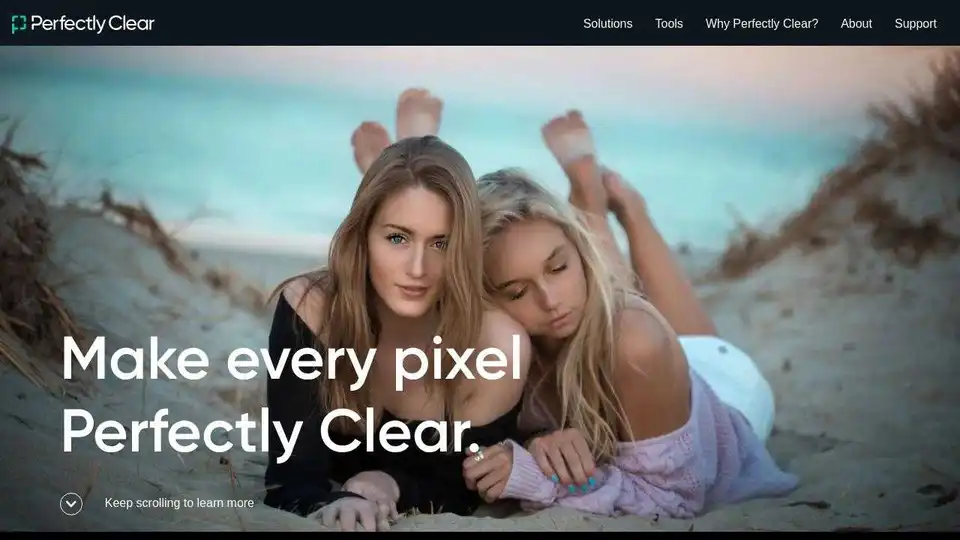
Perfectly Clear: AI-powered automatic photo corrections & video enhancement for businesses. Boost image quality and customer satisfaction.
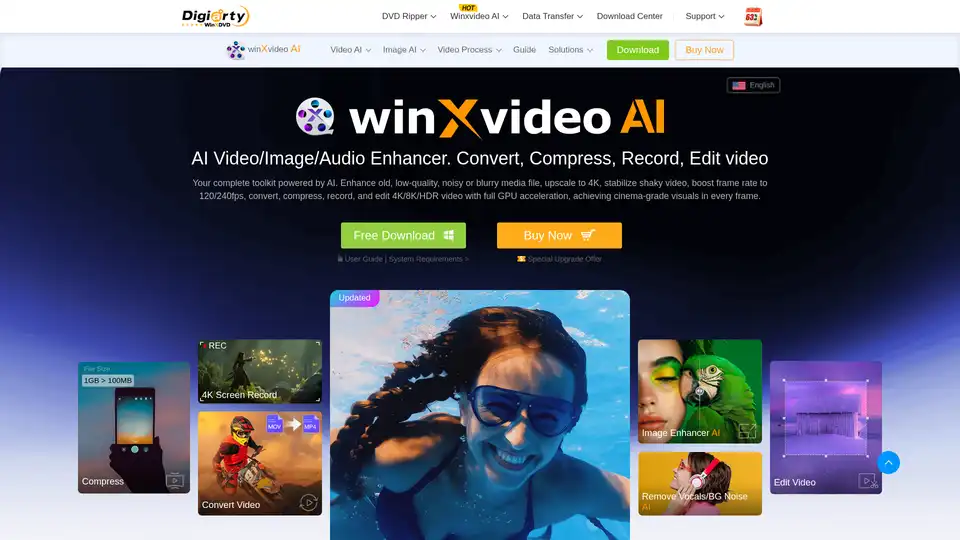
Winxvideo AI is a comprehensive AI video toolkit to upscale video/image to 4K, stabilize shaky video, boost fps, convert, compress, edit video, and record screen with GPU acceleration.
Edit videos and photos smartly with GStory's free AI tools. AI photo enhancer, background & watermark remover, auto-generate subtitles and more!