
AutoEditor
Overview of AutoEditor
AutoEditor: AI-Powered Video Editing Simplified
AutoEditor is an innovative online platform designed to streamline video editing, especially for short-form content. It leverages AI to automate tasks like subtitle generation, silence detection, and B-roll integration, allowing creators to focus on content rather than the complexities of video editing software.
What is AutoEditor?
AutoEditor is a web application that simplifies video editing through AI-powered automation. It helps users create engaging short videos with features like automatic subtitles, silence removal, and the ability to add B-rolls and other visual enhancements easily. The platform targets content creators who want to produce high-quality videos quickly and efficiently without extensive video editing experience.
How does AutoEditor work?
AutoEditor simplifies the video editing process with the following steps:
- Video Upload: Users upload a video directly from their device or provide a YouTube link.
- Automated Processing: AutoEditor processes the video to automatically generate subtitles in over 40 languages, detect silent parts, and allow for the addition of various layers and effects.
- Customization: Users can customize the automatically generated subtitles, styles, and other elements to match their brand's unique style.
- Fast Editing: With the setup complete, videos can be created in just a few clicks, allowing users to concentrate on their content.
Key Features of AutoEditor
- Automatic Subtitles: Generate subtitles in over 40 languages automatically, eliminating the need for manual transcription.
- Silence Detection: Detects and removes silent parts of the video, saving editing time.
- B-Rolls and Layers: Enhance videos by adding B-rolls, watermarks, and other visual elements.
- Simplified Video Editing: Offers a user-friendly way to edit videos without prior experience.
- Long Video Support: Allows users to break down long videos into smaller, manageable pieces.
- Direct YouTube Integration: Process videos directly from YouTube without downloading.
- Customizable Styles: Edit all aspects of captions and save them as presets for consistent branding.
- Fast Editing: Create videos quickly with just a few clicks.
Who is AutoEditor for?
AutoEditor is designed for:
- Content creators on platforms like YouTube, TikTok, Instagram, and others.
- Social media marketers who need to produce engaging video content quickly.
- Educators and trainers who create video tutorials and online courses.
- Businesses looking to create promotional videos and marketing content.
- Anyone who wants to simplify video editing and create high-quality videos without extensive technical skills.
Pricing
AutoEditor offers several pricing tiers to accommodate different needs:
- Free: $0/month, unlimited cuts, up to 10 finished videos, basic support.
- Individual: $12/month (or $10/month billed annually), unlimited cuts, up to 40 finished videos, 30 frames per second, priority support.
- Company: $36/month (or $30/month billed annually), unlimited cuts, up to 200 finished videos, 60 frames per second, up to 4K resolution, high priority support, API access (Beta).
- Enterprise: Starting from $1500/month, top priority support, customized development, everything in all other tiers.
Why Choose AutoEditor?
- Time-Saving: Automates many tedious editing tasks, such as adding subtitles and removing silences, saving hours of manual work.
- User-Friendly: Provides a simple, intuitive interface that is easy to use, even for beginners.
- Customizable: Allows users to customize various aspects of the video, from captions to visual elements, to match their brand.
- Direct Access to Support: Offers direct access to the company's C-Level executives, allowing users to request features and receive prompt assistance.
- Affordable: Provides a good free tier to get started, as well as affordable paid plans for more advanced features.
How to Use AutoEditor
- Sign Up: Create an account on the AutoEditor website.
- Upload Video: Upload a video from your device or paste a YouTube link.
- Edit Video: Use the editor to add subtitles, remove silence, add B-rolls and layers, and customize the video to your liking.
- Export Video: Once you're satisfied with the video, export it in your desired format and resolution.
FAQ
- How does AutoEditor work? AutoEditor takes a video from your device (or a link to a YouTube video) and enables you to edit it afterwards. You can automatically add captions, cut only the relevant parts, remove silence, and add image and video layers.
- What are the specs of the videos you make? Standard quality is 1080x1920 (or 1920x1080) at 30 FPS. Higher quality options (up to 4K and 60 fps) are available with a subscription.
- Which types of videos work best with AutoEditor? Videos with voice or talking, such as podcasts, talk shows, documentaries, educational videos, and speeches, work best.
Conclusion
AutoEditor is a powerful AI-driven video editing tool that simplifies the creation of engaging short videos. With its automatic subtitle generation, silence detection, and easy B-roll integration, AutoEditor is an excellent choice for content creators, marketers, educators, and businesses looking to produce high-quality video content quickly and efficiently. The platform's user-friendly interface, customizable styles, and affordable pricing make it accessible to a wide range of users, while its AI-powered features save time and effort. Whether you're a seasoned video editor or a beginner, AutoEditor can help you create captivating videos that grab attention and drive results.
AI Voice Synthesis AI Voice Changer AI Music Creation Speech to Text AI Voice Customer Service and Assistant Podcast and Video Dubbing
Best Alternative Tools to "AutoEditor"
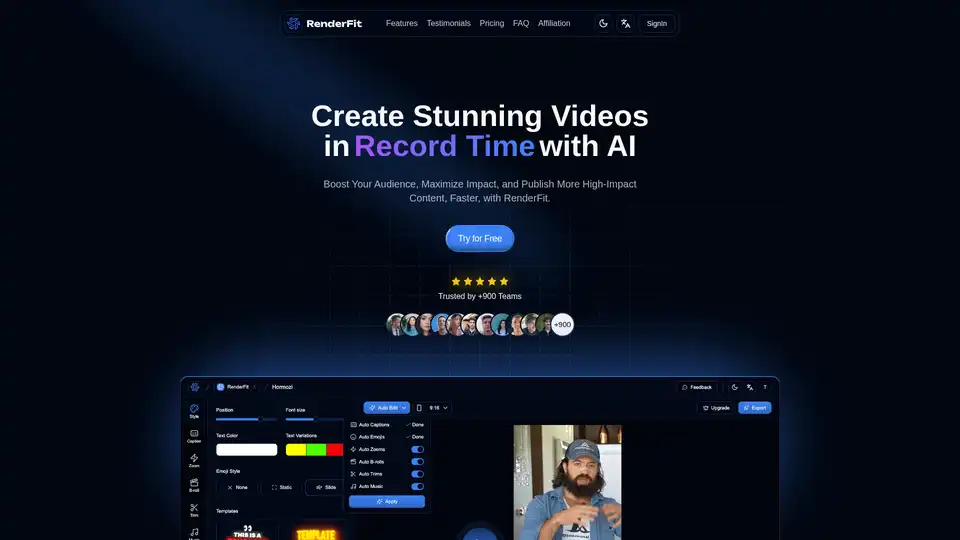
RenderFit revolutionizes video creation with AI, editing stunning videos 10x faster without skills. Features auto subtitles, B-Rolls, hooks, and more for creators and teams.
StreamGen uses AI to automatically detect viral moments in Twitch VODs, generate highlight clips, and edit them into ready-to-post TikTok and YouTube Shorts with captions, effects, and scheduling. Trusted by over 1000 streamers.
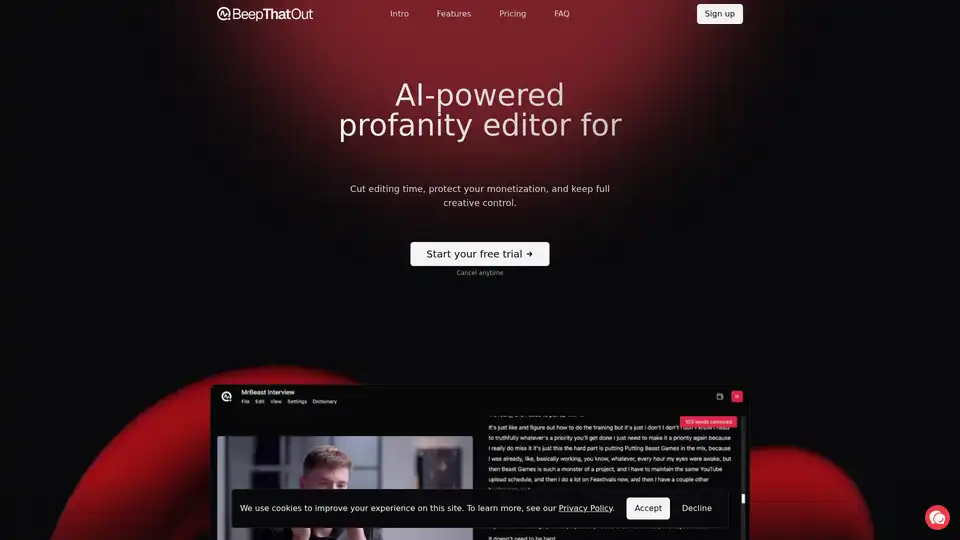
BeepThatOut is an AI-powered web-based profanity editor designed for content creators. It helps to reduce editing time, protect monetization, and maintain creative control by automatically detecting and censoring profanities in audio/video files.
Gling is AI video editing software designed for YouTube creators. Automatically cut bad takes, silent moments, filler words, and background noise. Start for Free!