
Atomica
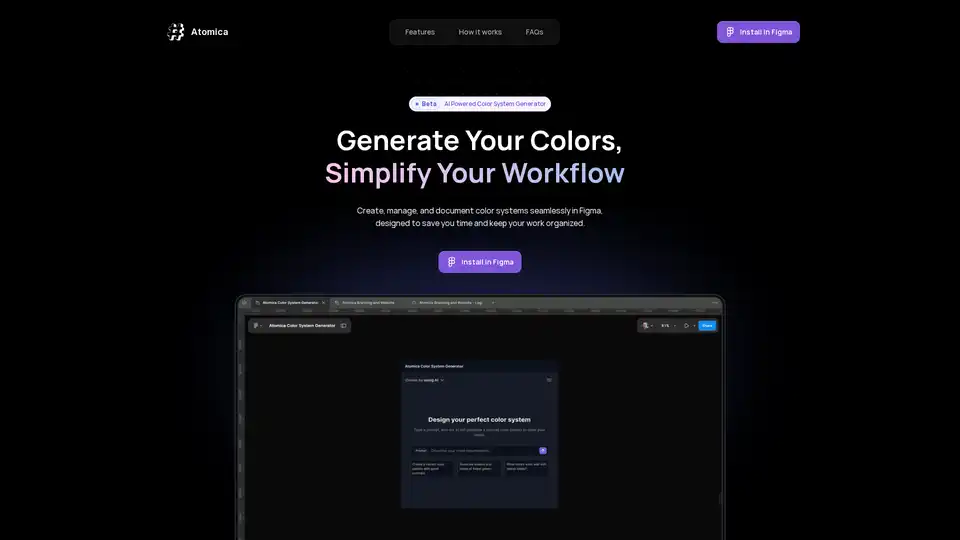
Overview of Atomica
Atomica: The AI-Powered Color System Generator for Figma
What is Atomica? Atomica is a Figma plugin designed to revolutionize how design teams handle color systems. It leverages AI to streamline the entire color workflow, from initial concept to final implementation.
How does Atomica work? Atomica empowers users to create, manage, and document color systems seamlessly within Figma. It bridges the gap between design and development, saving time and keeping your work organized.
Key Features:
- AI-Powered Palette Creation: Generate colors effortlessly with AI. (Limited to 5 times per day during the beta phase.)
- Unlimited Generated Colors: Create as many colors as your projects demand.
- Collection Management: Customize names, ranges, and documentation previews.
- Design-Ready Exports: Export styles, variables, and JSON files for a seamless handoff to design and development teams.
- Color Previews at a Glance: Generate visual previews of your color collections directly in Figma.
How to Use Atomica:
- Create: Start with AI or build your own custom color palette to generate tints and shades.
- Organize: Group colors into collections with custom names and ranges, tailored to your projects.
- Export: Easily export styles, variables, and JSON files for seamless handoff to design and development teams.
Why Choose Atomica?
Atomica streamlines your workflow, allowing you to focus on creativity. It provides a user-friendly way to manage colors, ensuring consistency and efficiency across projects.
FAQs
What is Atomica?
Atomica is an AI-powered Figma plugin designed to streamline color system management for design teams.
What features are available in the beta version?
The beta version includes AI-powered palette creation (limited to 5 times per day), unlimited generated colors, collection management, design-ready exports, and color previews.
Is Atomica free?
Atomica is currently in beta and is available for free.
What happens after the beta phase?
Details regarding pricing and feature availability after the beta phase will be announced later.
How can I provide feedback?
You can provide feedback by contacting the Atomica team at support@atomica.studio.
Who is Atomica for?
Atomica is ideal for designers, design teams, and developers who need to create, manage, and maintain consistent color systems across multiple projects. It is especially useful for those who want to leverage AI to speed up the color palette creation process.
What is the best way to manage color systems in Figma? Atomica provides a comprehensive solution for managing color systems in Figma, offering AI-powered palette generation, organization tools, and design-ready exports. This streamlines the design workflow, saves time, and ensures consistency.
Ready to simplify your color workflow? Try Atomica Beta today and experience the ease of organized color systems.
AI Generated Art Image Enhancement and Repair Image Style Transfer AI Background Removal and Replacement AI Avatar and Cartoonization 3D Modeling and Rendering Logo and UI Design
Best Alternative Tools to "Atomica"
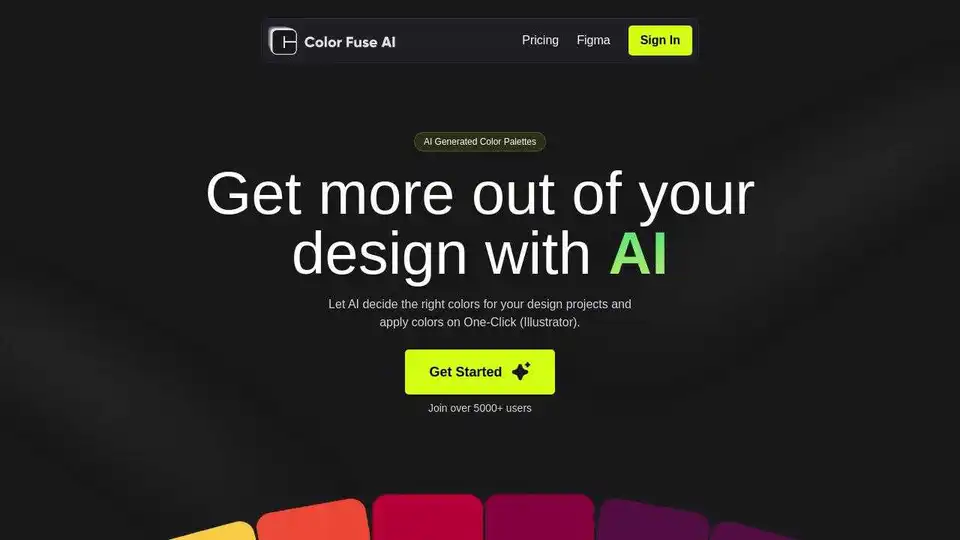
Generate stunning color palettes for your design projects with Color Fuse AI. Chat with AI and create the perfect color schemes effortlessly. Free and Pro plans available for web, Illustrator, Photoshop, and Figma.

Generate smart color palettes in Figma with Droplette, an AI-powered plugin tailored to your design style. Simple setup, endless creative possibilities. Single payment.
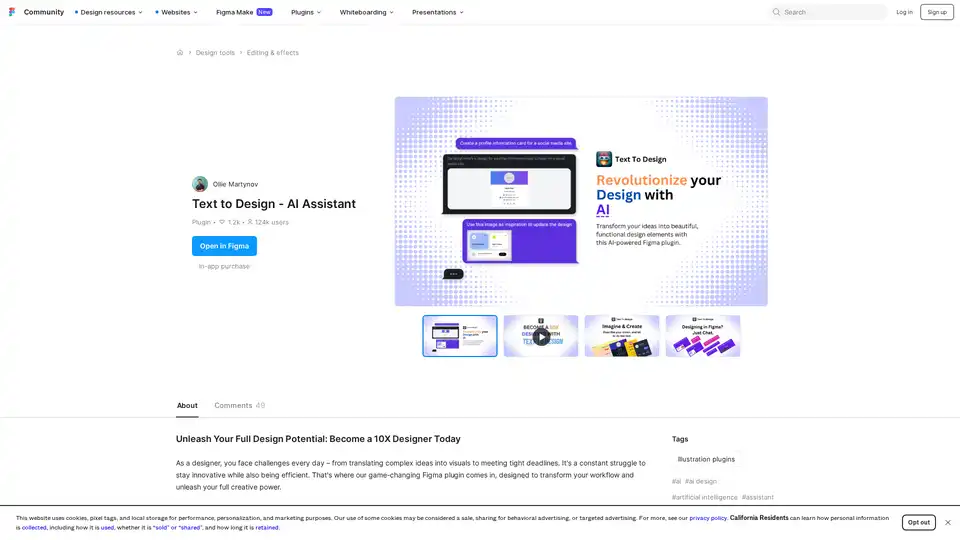
Text to Design AI Assistant is a revolutionary Figma plugin that transforms text prompts and images into professional designs using advanced AI technology for faster design workflows.
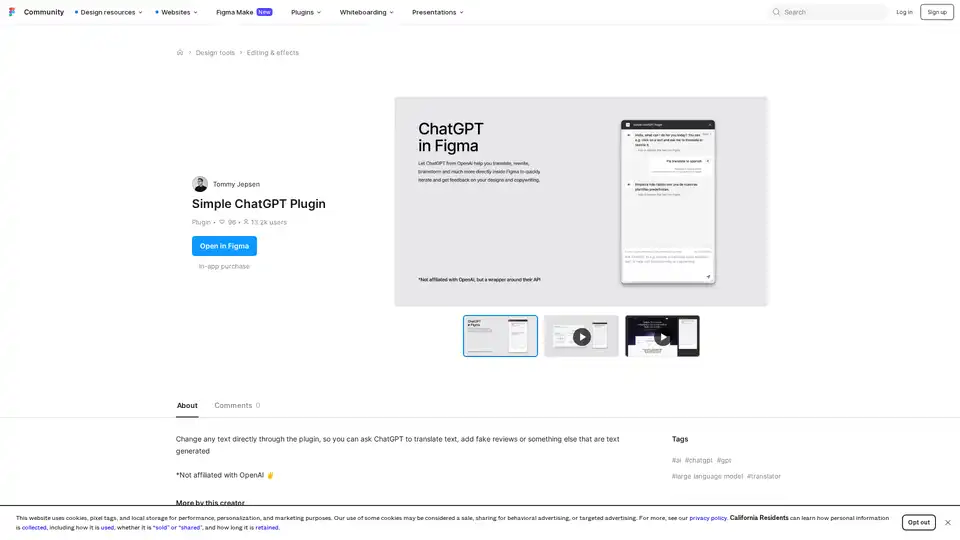
Discover the Simple ChatGPT Plugin for Figma, an AI-powered tool that lets you edit text directly by generating translations, fake reviews, or custom content using ChatGPT—streamline your design workflow effortlessly.