
Agent.exe
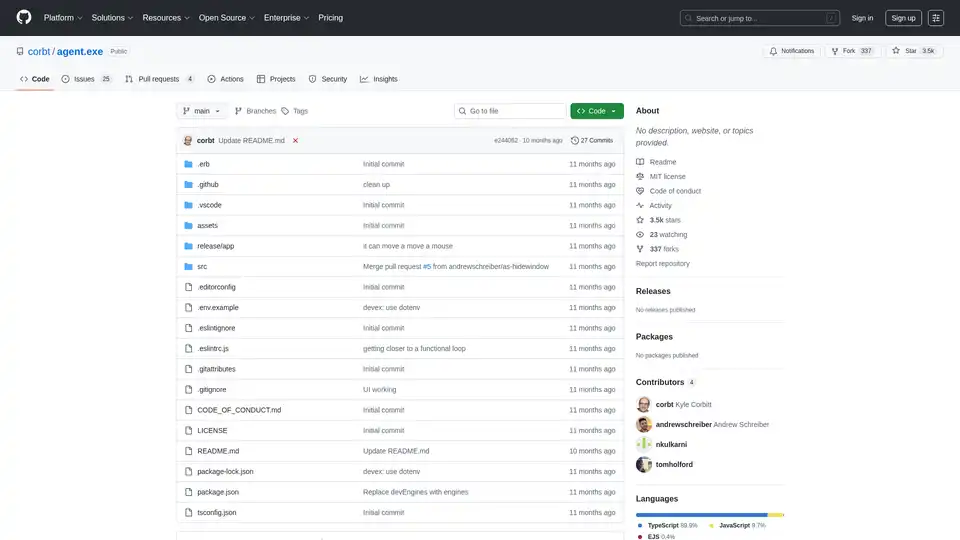
Overview of Agent.exe
Agent.exe: Empowering Claude 3.5 Sonnet to Control Your Computer
Agent.exe is a project that allows Claude's new computer use capabilities to take over your local computer. It's a simple Electron app that enables Claude 3.5 Sonnet to directly control your machine, automating tasks and exploring the potential of AI-driven computer interaction.
What is Agent.exe?
Agent.exe is an open-source project designed to demonstrate and explore the capabilities of AI models, specifically Claude 3.5 Sonnet, in controlling a computer. It provides a lightweight interface that allows the AI to interact with your system, execute commands, and automate tasks. The project aims to provide a more accessible and less heavyweight alternative to existing solutions for leveraging AI computer use APIs.
How does Agent.exe work?
Agent.exe works by creating an Electron application that acts as a bridge between the Claude 3.5 Sonnet AI model and your computer's operating system. The AI model can then send commands to the application, which translates them into actions on your computer, such as opening applications, browsing the web, or manipulating files. Here's a breakdown:
- Setup: Clone the Agent.exe repository from GitHub, install the necessary dependencies using
npm install, and configure your Anthropic API key. - Execution: Run the application using
npm start. This will launch the Electron app and connect it to the Claude 3.5 Sonnet AI model. - Interaction: Prompt the AI model to perform tasks on your computer. The AI will then send commands to the Agent.exe application, which will execute them on your system.
Key Features and Benefits
- Simple and Lightweight: Agent.exe is designed to be a simple and easy-to-use application, making it accessible to developers and researchers interested in exploring AI computer use capabilities.
- Direct Computer Control: The application allows Claude 3.5 Sonnet to directly control your computer, enabling a wide range of automation possibilities.
- Cross-Platform Compatibility: Agent.exe is theoretically compatible with MacOS, Windows, and Linux, making it a versatile tool for various development environments.
- Open-Source and Customizable: The project is open-source, allowing developers to fork the repository, contribute to the project, and customize it to their specific needs.
How to use Agent.exe?
- Clone the Repository:
git clone https://github.com/corbt/agent.exe - Navigate to the Directory:
cd agent.exe - Install Dependencies:
npm install - Configure API Key: Rename
.env.exampleto.envand add your Anthropic API Key. - Start the Application:
npm start - Prompt the AI: Instruct the model to perform a task on your computer.
Why choose Agent.exe?
Agent.exe offers a streamlined way to experiment with AI-driven computer control, especially with Claude 3.5 Sonnet. It's lightweight, cross-platform compatible, and open-source, making it an accessible choice for developers and researchers. If you're looking to quickly prototype and explore the potential of AI agents interacting with your computer, Agent.exe provides a solid foundation.
Who is Agent.exe for?
Agent.exe is ideal for:
- AI Researchers: Exploring the capabilities of AI models in controlling and interacting with computer systems.
- Developers: Building and experimenting with AI-driven automation solutions.
- Hobbyists: Interested in exploring the potential of AI in automating everyday tasks.
Limitations
- Primary Display Only: Currently, Agent.exe only works on the primary display.
- Security Concerns: The project allows an AI to completely take over your computer, raising potential security concerns. Use with caution and at your own risk.
- Early Stage: As a proof of concept, Agent.exe may have limitations and bugs.
Agent.exe represents a fascinating glimpse into the future of AI-driven automation. By providing a simple and accessible interface for AI models to interact with computer systems, it opens up a world of possibilities for automating tasks, streamlining workflows, and exploring the potential of human-computer collaboration. While still in its early stages, Agent.exe offers a valuable platform for researchers, developers, and enthusiasts to experiment with and contribute to the advancement of AI technology.
AI Programming Assistant Auto Code Completion AI Code Review and Optimization AI Low-Code and No-Code Development
Best Alternative Tools to "Agent.exe"
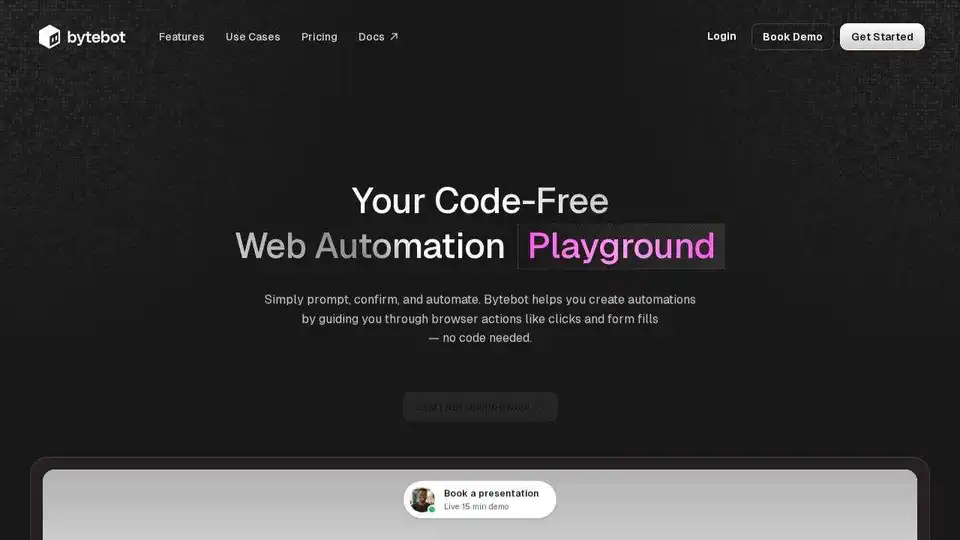
Bytebot is an open-source AI desktop agent that automates tasks across multiple apps by using a virtual computer. Scale from one to hundreds of agents in parallel and integrate with any software.
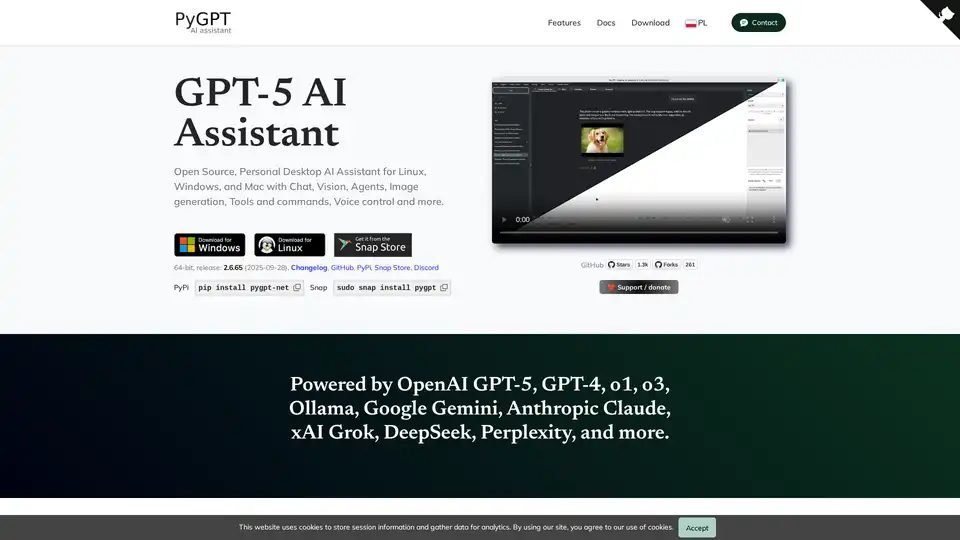
PyGPT is a free, open-source desktop AI assistant for Windows, macOS, and Linux. It offers chat, vision, agents, image generation, voice control, and more, powered by models like GPT-5, GPT-4, Google Gemini, and others.
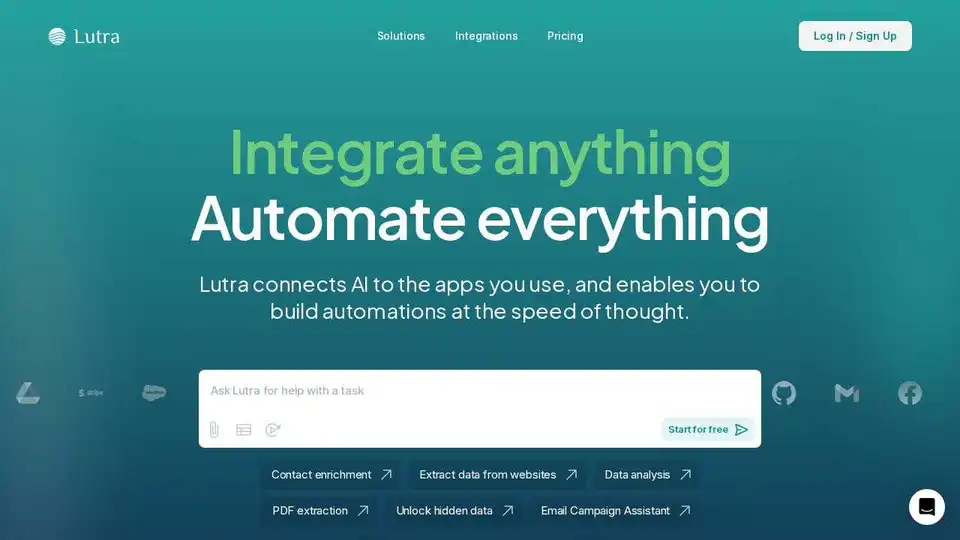
Lutra AI is a productivity agent connecting to your work apps, automating data enrichment, email management, and workflow automation. Secure, reliable, and SOC2 compliant.
Tohju is an AI automation platform that helps businesses build and deploy AI agents for various tasks like customer service, data extraction, and social media content creation. It combines AI with human expertise to accelerate website and web app development, enhance team productivity, and automate workflows with high precision and value.