
PyGPT
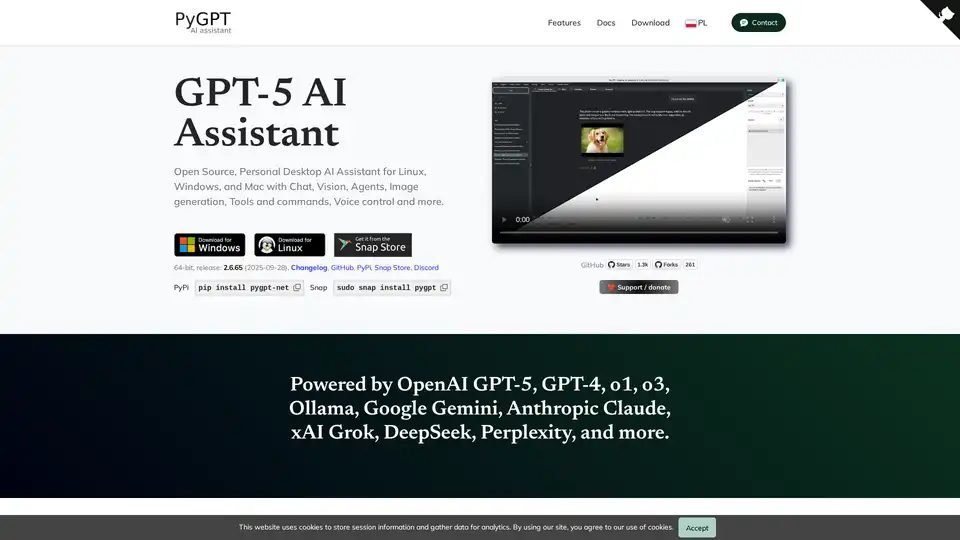
Overview of PyGPT
PyGPT: Your Open-Source Desktop AI Assistant
What is PyGPT? PyGPT is a free and open-source desktop AI assistant that brings the power of large language models (LLMs) to your Windows, macOS, or Linux computer. Functioning similarly to ChatGPT but running locally, PyGPT offers a wide array of features for diverse applications.
Key Features and Functionality
- Multiple Modes of Operation:
- Chat: Engage in natural language conversations.
- Chat with Files: Utilize local files as context for conversations.
- Vision: Analyze images and camera captures.
- Agents: Automate complex and autonomous tasks.
- Audio: Interact using voice commands.
- Research: Conduct in-depth explorations using Perplexity and OpenAI's advanced research models.
- Computer Use: Execute system commands and interact with your computer.
- Broad Model Support: PyGPT supports a wide range of models, including:
- OpenAI: GPT-5, GPT-4, DALL-E 3, and more
- Non-OpenAI: Google Gemini, Anthropic Claude, xAI Grok, Perplexity Sonar, DeepSeek, Mistral AI
- Models accessible through LlamaIndex and Ollama (DeepSeek, gpt-oss, Llama 3, Mistral, Bielik, etc.)
- File and Data Integration: Chat with various data types (txt, pdf, csv, html, md, docx, json, epub, xlsx, xml, webpages, Google, GitHub, video/audio, images) using integrated LlamaIndex support.
- Contextual Understanding: PyGPT maintains both short-term and long-term memory of conversations, allowing for more coherent and relevant interactions.
- Internet Access: Access the internet via Google, Microsoft Bing, and DuckDuckGo for up-to-date information.
- Speech Capabilities: Utilize speech synthesis via Microsoft Azure, Google, Eleven Labs, and OpenAI Text-To-Speech services, and speech recognition via OpenAI Whisper, Google, and Microsoft Speech Recognition.
- Tools and Commands: Execute system and custom commands via plugins, accessing the local filesystem, Python Code Interpreter, and more.
- Image and Video Generation: Generate images and videos using DALL-E, Imagen, and Veo.
How to Use PyGPT
- Installation: Choose your preferred installation method:
- PyPi:
pip install pygpt-net - Snap:
sudo snap install pygpt - GitHub: Download the source code and follow the instructions.
- PyPi:
- API Key: Provide your own API key for the AI models you intend to use.
- Configuration: Customize PyGPT to your liking with various settings and themes.
- Interaction: Start chatting, using files, generating images, or exploring other features.
Why Choose PyGPT?
- Open Source and Free: PyGPT is free to use and its source code is available on GitHub.
- Privacy and Control: Because it runs locally, you have more control over your data and privacy.
- Extensibility: Plugins and custom commands allow you to tailor PyGPT to your specific needs.
- Accessibility: Built-in support features like customizable keyboard shortcuts and voice control enhance accessibility for users with disabilities.
Who is PyGPT for?
PyGPT is suitable for:
- Developers: Utilize the Python Code Interpreter and system command execution for coding and automation tasks.
- Researchers: Leverage the Research mode with Perplexity and OpenAI's advanced research models for in-depth exploration.
- Writers and Content Creators: Generate text, analyze images, and create multimedia content.
- Anyone Seeking a Powerful AI Assistant: Enjoy the benefits of a ChatGPT-like experience on your desktop with added privacy and customization.
Additional Features
- Real-time code syntax highlighting.
- Plugins support for extended functionality.
- Built-in token usage calculation.
- Integrated calendar and notepad.
- Simple painter/drawing tool.
PyGPT offers a robust and versatile AI assistant experience on your desktop, empowering you to accomplish a wide range of tasks with the help of AI.
AI Programming Assistant Auto Code Completion AI Code Review and Optimization AI Low-Code and No-Code Development
Best Alternative Tools to "PyGPT"
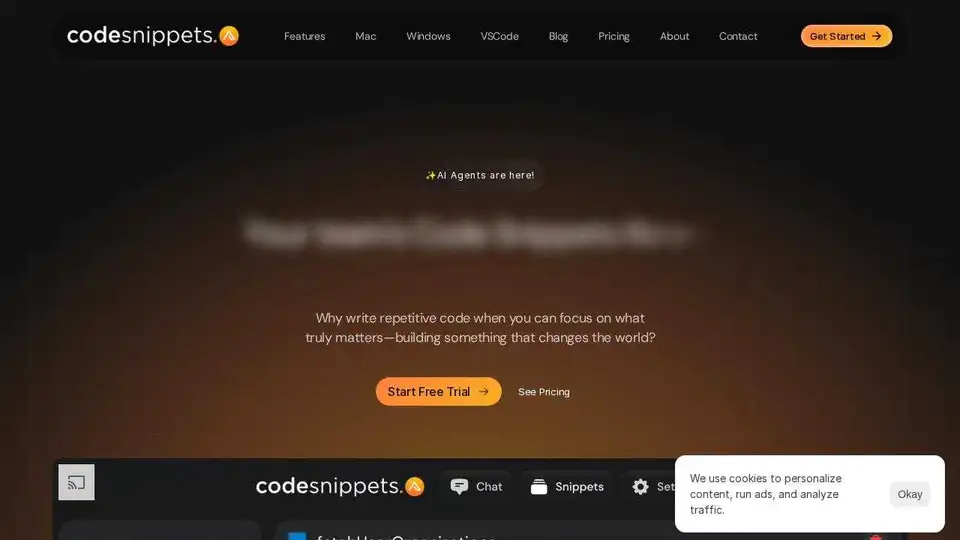
Code Snippets AI enhances coding with AI-driven snippet management, seamlessly integrating LLMs for efficient code generation, debugging, and collaboration. Try it free!
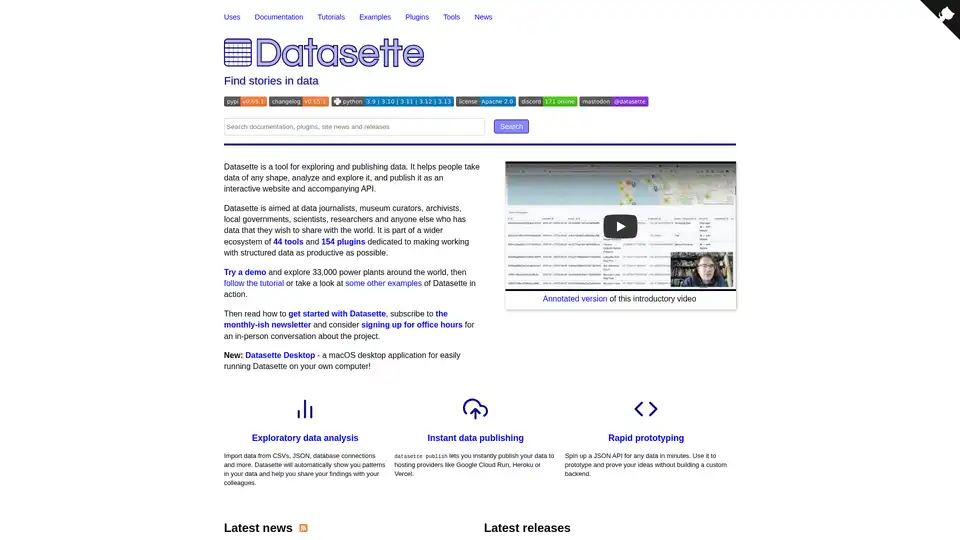
Datasette is an open-source tool for exploring and publishing data. It helps analyze data, create interactive websites & APIs, and is ideal for data journalists, researchers, and anyone sharing data.
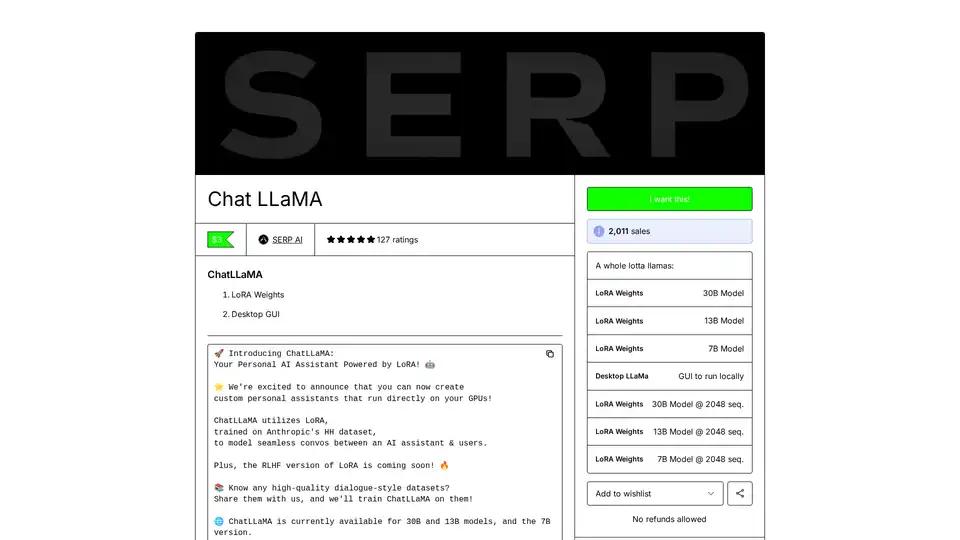
ChatLLaMA is a LoRA-trained AI assistant based on LLaMA models, enabling custom personal conversations on your local GPU. Features desktop GUI, trained on Anthropic's HH dataset, available for 7B, 13B, and 30B models.
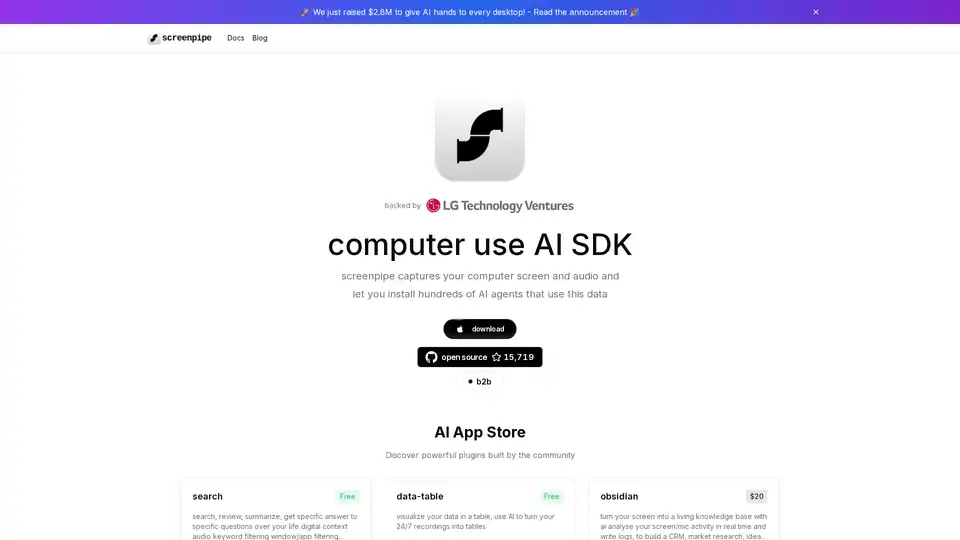
Screenpipe is an open-source AI SDK that captures, searches, and analyzes screen and audio activities on your computer, enabling powerful AI integrations and personal digital memory.