
SigmaOS
Overview of SigmaOS
SigmaOS: A Smarter Way to Browse the Internet
What is SigmaOS? SigmaOS is a revolutionary browser designed to enhance your internet experience. It offers a fresh take on how you interact with the web, providing tools to organize, simplify, and optimize your browsing.
Key Features of SigmaOS
- Workspaces: Organize tabs into separate lists, similar to rooms in a house, for efficient management.
- Vertical Tabs: Get a clear overview of open pages with vertical tabs, functioning like a to-do list.
- Split Screen: Multitask effortlessly by working on two websites simultaneously.
- Lazy Search: Instantly search through tabs, the internet, commands, and bookmarks using the spacebar.
- Airis AI Assistant: Your AI companion understands the website you're on, helping you find information, explain paragraphs, and more.
- Simplify: Reduce clutter on websites into short, interactive summaries, allowing you to focus on essential content.
- Magic Theme: Customize SigmaOS's colors to match the website you're browsing for a visually pleasing experience.
- Ad-Free Browsing: Enjoy an internet without distractions with SigmaOS's built-in ad blocker.
- Focus Mode: Hide everything but the current webpage for focused work.
- Easy Migration: Seamlessly bring over logins, cookies, and history from your previous browser.
- Multiple Logins: Use separate profiles to log in to different accounts within a workspace.
- Single-key Shortcuts: Navigate quickly with easy-to-learn shortcuts, such as W for creating a new workspace and D for marking a page as done.
- Command-Hover: Preview links without opening them.
- Autosync: Retrieve your SigmaOS setup on any Mac by logging into your account.
- Magic Rename: Automatically rename frequently used tabs in locked workspaces for better organization.
- WebKit Engine: Built on the WebKit rendering engine (like Safari) for top-tier performance, security, and macOS integration.
- SwiftUI: Optimized for macOS using native SwiftUI for the latest performance enhancements.
- Apple Keychain: Secure passwords using Apple Keychain and biometrics.
- Chrome Extension Support: Use popular Chromium extensions to enhance your workflows.
- Power-Efficient: Optimized for M1/M2 chips to maximize battery life.
- Page Suspension: Unused pages are automatically unloaded to preserve RAM.
- A1 Kit AI Browser Engine: Utilizes LLM agents and custom page extraction to understand the context of your work.
How does SigmaOS work?
SigmaOS works by offering a new paradigm for browser interaction. It reimagines how you manage tabs, search for information, and focus on tasks. The AI-powered Airis assistant enhances your browsing by providing contextual answers and simplifying complex content.
The core of SigmaOS lies in its intuitive workspaces and tab management. Instead of having a cluttered mess of tabs, you can organize them into separate workspaces, keeping your browsing sessions focused and efficient. The vertical tabs provide a clear overview of your open pages, making it easy to navigate and switch between tasks.
Why is SigmaOS important?
SigmaOS addresses the common challenges of modern internet browsing: information overload, distractions, and inefficient workflows. By providing tools to organize, simplify, and optimize your browsing, SigmaOS helps you be more productive and focused. The AI-powered features further enhance your experience by providing contextual assistance and simplifying complex content.
SigmaOS is particularly important for individuals who spend a significant amount of time online, such as students, researchers, founders, educators, and creators. These individuals often juggle multiple tasks and need a browser that can keep up with their demands.
How to get started with SigmaOS?
Getting started with SigmaOS is easy:
- Download and install SigmaOS from the official website.
- Migrate your logins, cookies, and history from your previous browser.
- Explore the different features of SigmaOS, such as workspaces, vertical tabs, and the Airis AI assistant.
- Customize SigmaOS to fit your specific needs and preferences.
User Feedback and Testimonials
Users have praised SigmaOS for its intuitive interface, efficient tab management, and AI-powered features. Here are a few testimonials:
- Product Hunt: "A faster browser designed for work."
- Omer Bese: "Been an half an hour trying @SigmaOS, In love!"
- Melanie: "If a good UI makes you all tingly inside you will appreciate my new yassified browser from @SigmaOS. life changing, luv u"
- Ali Abdaal: "@SigmaOS web browser. Like Chrome but gives you multiple “workspaces” on the side so you can organise stuff like research, writing, analytics, chill etc. this was a bit of research for Chapter 1 😛"
Pricing
SigmaOS offers both free and paid membership options:
- Basic (Free): Includes unlimited workspaces, fast ad-blocker, and limited Airis Assistant usage.
- Personal Pro ($20/month): Includes unlimited Advanced Airis (GPT-4o), Look it up (high usage), and Interactive Summaries (high usage).
- Personal Max ($30/month): Includes more LLM Models (Llama, Claude…), unlimited Look it up queries, and unlimited Interactive Summaries.
Students and educators are eligible for a 50% discount on SigmaOS Pro.
Conclusion
SigmaOS is a game-changing browser that offers a smarter way to browse the internet. With its intuitive interface, powerful features, and AI-powered assistance, SigmaOS can help you be more productive, focused, and efficient in your online tasks. If you're looking for a better browser experience, give SigmaOS a try.
AI Task and Project Management AI Document Summarization and Reading AI Smart Search AI Data Analysis Automated Workflow
Best Alternative Tools to "SigmaOS"
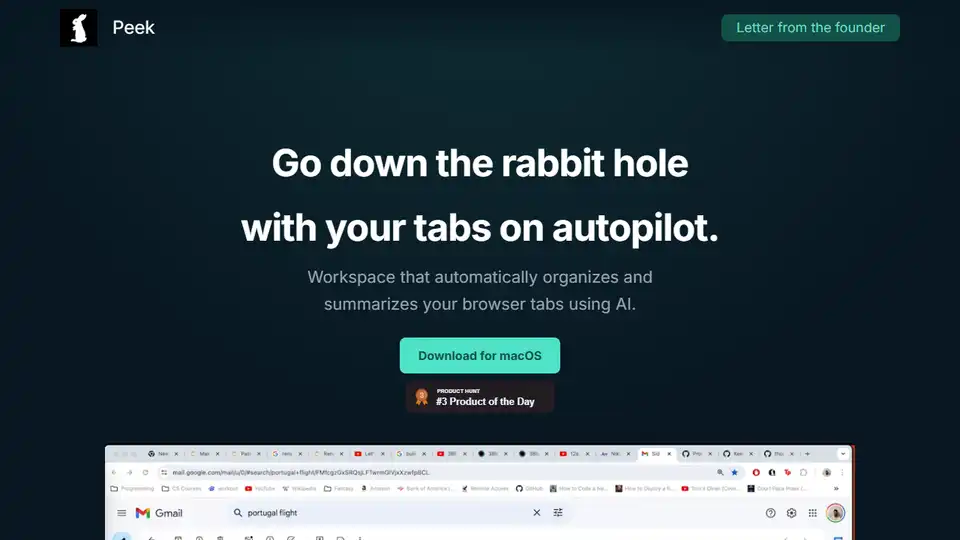
Peek is an AI-powered workspace that automatically organizes and summarizes your browser tabs, enhancing productivity and knowledge management.
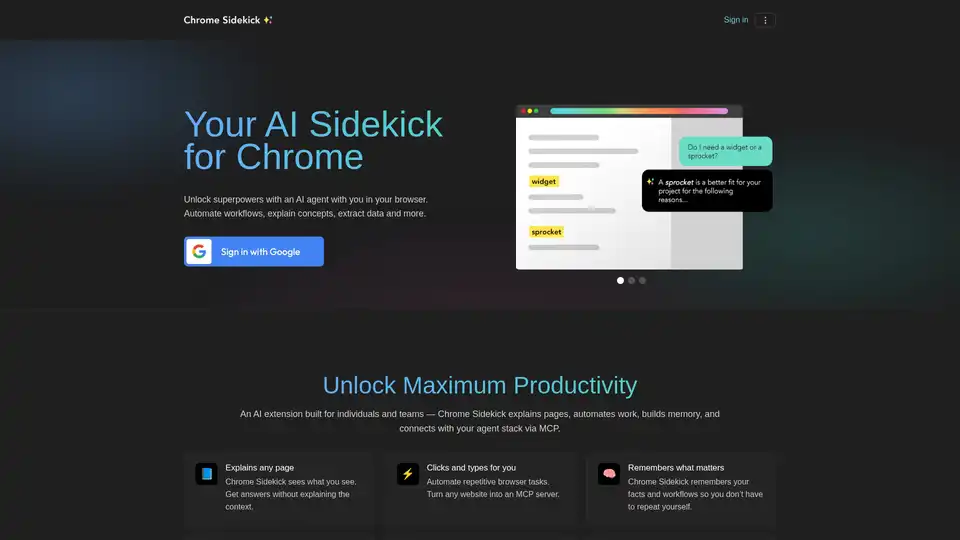
Chrome Sidekick is an AI-powered Chrome extension that automates browser tasks, explains web pages, and remembers important information. Built for individuals and teams to boost productivity.
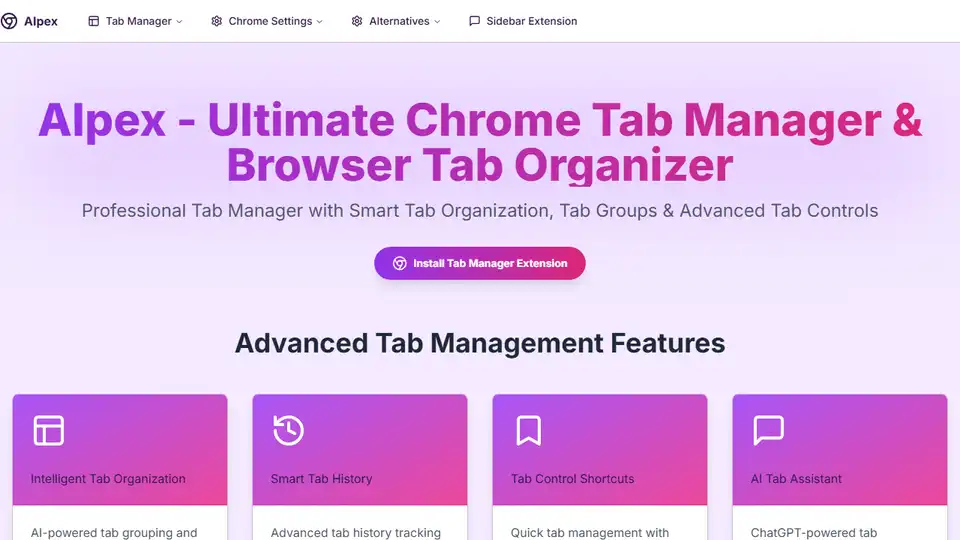
AIpex is an open-source Chrome extension that helps you manage tabs, history, and bookmarks with an integrated ChatGPT sidebar.
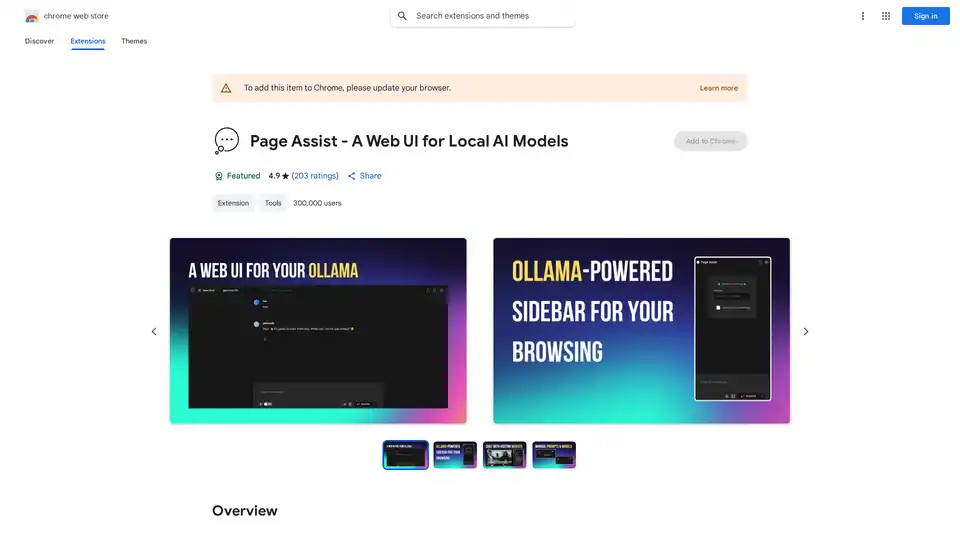
Page Assist is a Chrome extension that provides a sidebar interface for using locally running AI models during web browsing, supporting Ollama, Chrome AI, and OpenAI-compatible APIs.