
Pxlize AI
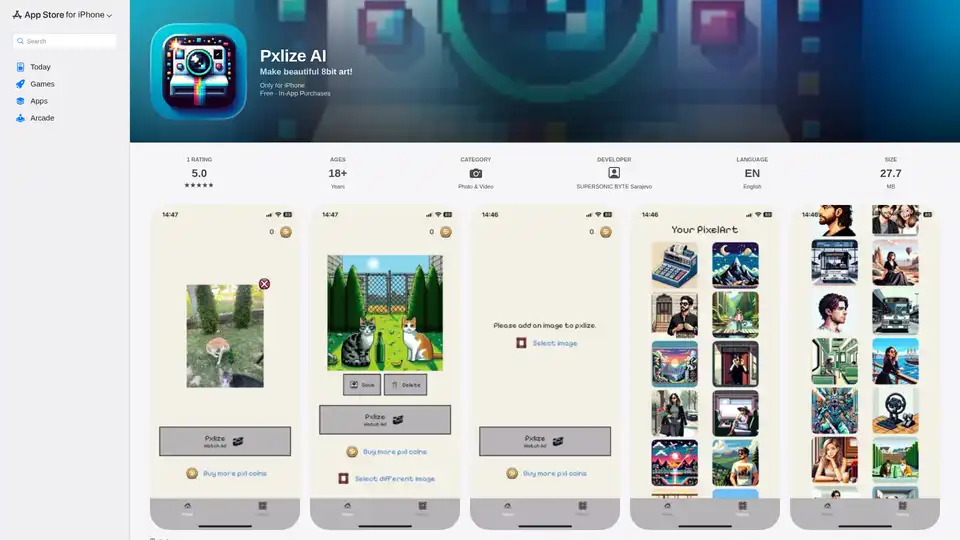
Overview of Pxlize AI
Pxlize AI: Turn Your Photos into Retro 8-Bit Pixel Art
What if you could transform your everyday photos into nostalgic 8-bit pixel art? Pxlize AI is an iPhone app that does just that. Using artificial intelligence, Pxlize AI converts your images into colorful, retro-style pixelated creations. Perfect for gamers, retro enthusiasts, or anyone looking to add a unique touch to their photos.
What is Pxlize AI?
Pxlize AI is a mobile application available exclusively for iPhone users. It leverages AI algorithms to convert photographs into 8-bit pixel art. This allows users to create unique, retro-style images from their existing photo library or new snapshots.
How does Pxlize AI work?
The app uses AI to analyze the colors and structures within your image. It then reduces the image's resolution and applies a pixelated effect, mimicking the style of classic 8-bit graphics. The AI helps to preserve the key details and colors of the original image while transforming it into pixel art.
Key Features of Pxlize AI
- AI-Powered Pixelation: Transforms photos into authentic-looking 8-bit pixel art.
- Colorful Creations: Preserves the colors from the original image, resulting in vibrant and eye-catching pixel art.
- Easy to Use: Simple and intuitive interface makes it easy for anyone to create pixel art.
- In-App Purchases: Uses Pxl coins, which can be earned by watching ads or purchased, to generate images.
- Shareable Art: Share your pixel art creations directly to social media or save them to your device.
How to use Pxlize AI
- Download and install Pxlize AI from the App Store.
- Open the app and grant it access to your photo library.
- Select the photo you want to convert into pixel art.
- The app will automatically process the image and generate the pixel art version.
- If you want to generate the image, you need to have Pxl coins. You can get these by watching ads or buying them.
- Save your pixel art creation to your device or share it on social media.
Who is Pxlize AI for?
Pxlize AI is perfect for:
- Retro Gaming Fans: Create pixel art versions of your favorite characters or game scenes.
- Pixel Art Enthusiasts: Easily generate pixel art from any photo.
- Social Media Users: Add a unique and eye-catching touch to your social media posts.
- Creative Individuals: Experiment with different styles and create unique artwork.
Why Choose Pxlize AI?
- Unique Style: Stand out from the crowd with distinctive 8-bit pixel art.
- Ease of Use: Simple and intuitive interface makes it accessible to everyone.
- AI-Powered: Intelligent AI algorithms ensure high-quality pixel art conversions.
- Mobile Convenience: Create pixel art on the go, directly from your iPhone.
What are the benefits of using Pxlize AI?
- Nostalgia: Relive the glory days of classic 8-bit gaming.
- Creativity: Unleash your inner artist and create unique pixel art masterpieces.
- Fun: Enjoy the process of transforming your photos into retro-style artwork.
Pxlize AI: Ratings & Reviews
Pxlize AI has a rating of 5.0 out of 5 on the App Store, based on 1 rating. This indicates a positive user experience with the app's pixel art conversion capabilities.
Conclusion
Pxlize AI offers a simple and fun way to transform your photos into 8-bit pixel art. With its AI-powered pixelation and easy-to-use interface, it's the perfect app for anyone looking to add a touch of retro style to their images. Whether you're a gaming enthusiast, pixel art lover, or just looking for a creative outlet, Pxlize AI is sure to provide hours of fun and artistic inspiration.
AI Generated Art Image Enhancement and Repair Image Style Transfer AI Background Removal and Replacement AI Avatar and Cartoonization 3D Modeling and Rendering Logo and UI Design
Best Alternative Tools to "Pxlize AI"
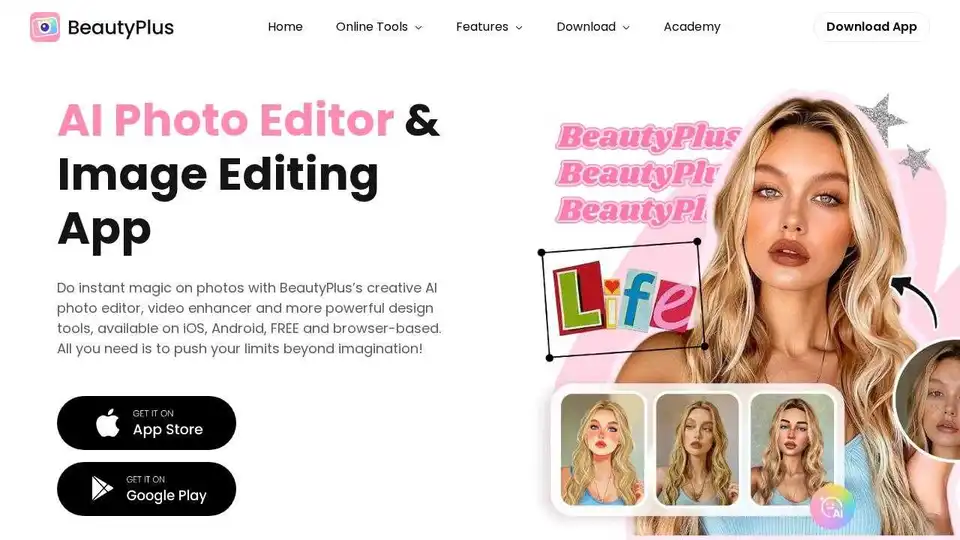
BeautyPlus is a FREE AI photo & video editor with AI filters, image enhancer, background remover, and more. Perfect your photos and videos with powerful AI tools.
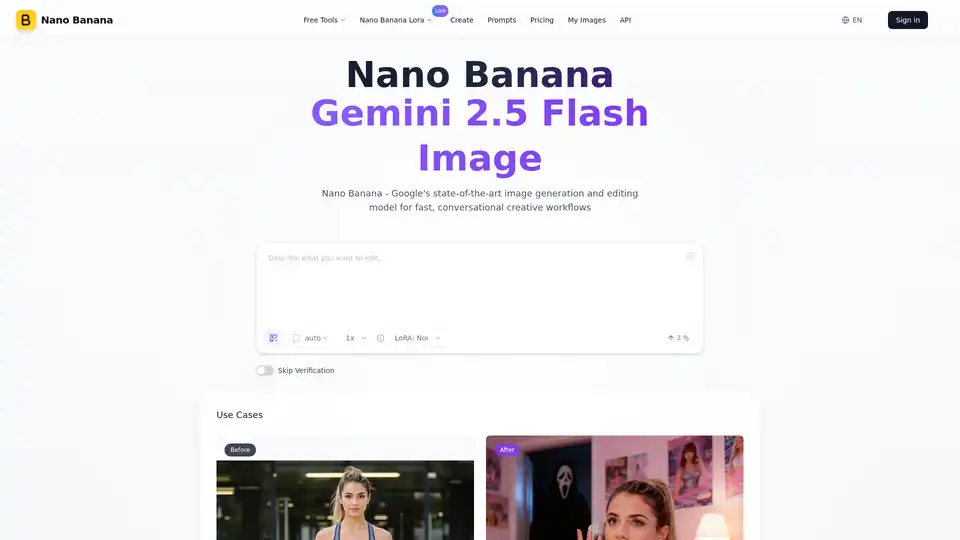
Nano Banana (Gemini 2.5 Flash Image) maintains perfect character consistency, allowing you to edit images with text prompts at a faster speed.
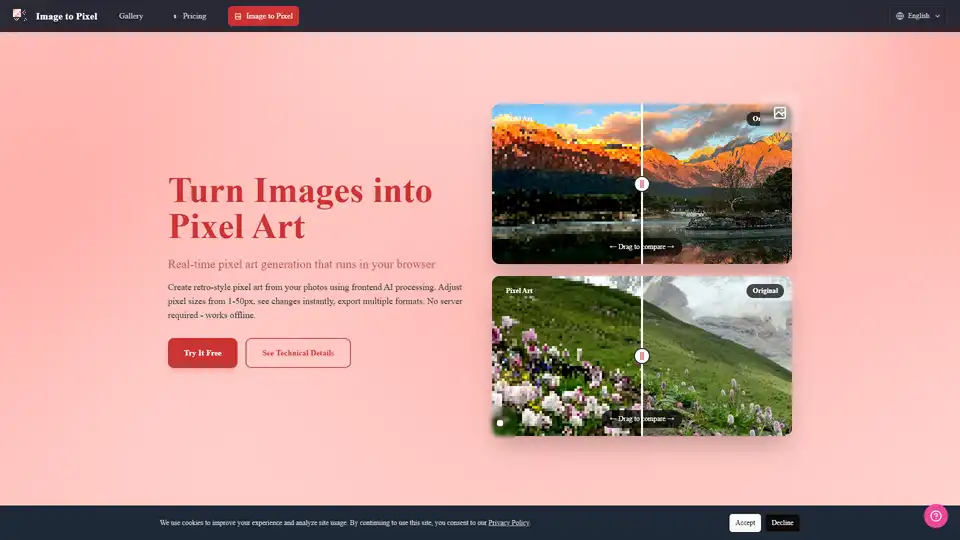
Turn your photos into retro pixel art with Image to Pixel, an AI-powered pixel art generator. Supports various pixel sizes, real-time preview, and multiple export formats.
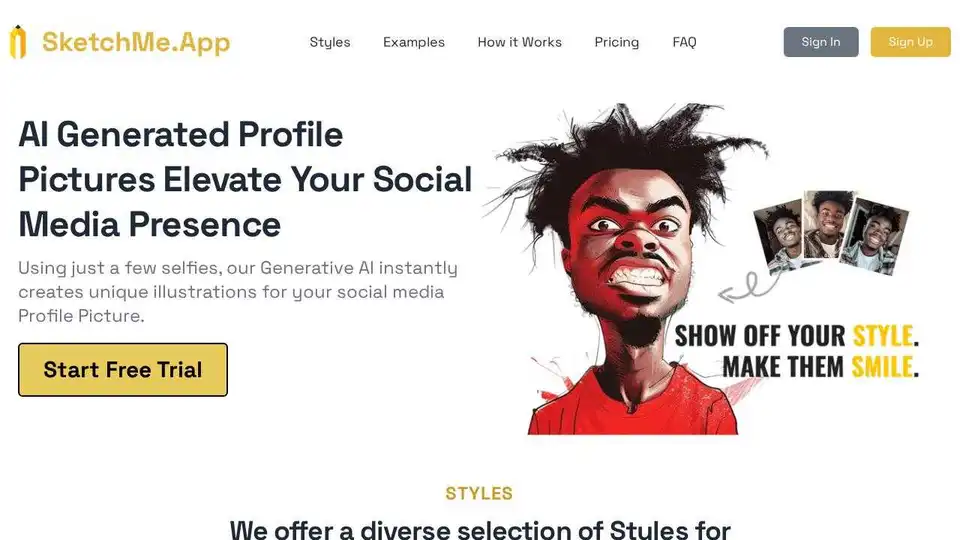
Create stunning AI-powered profile pictures from your selfies with SketchMe.App. Stand out on social media with instantly generated, unique AI portraits in various styles.