
Apowersoft
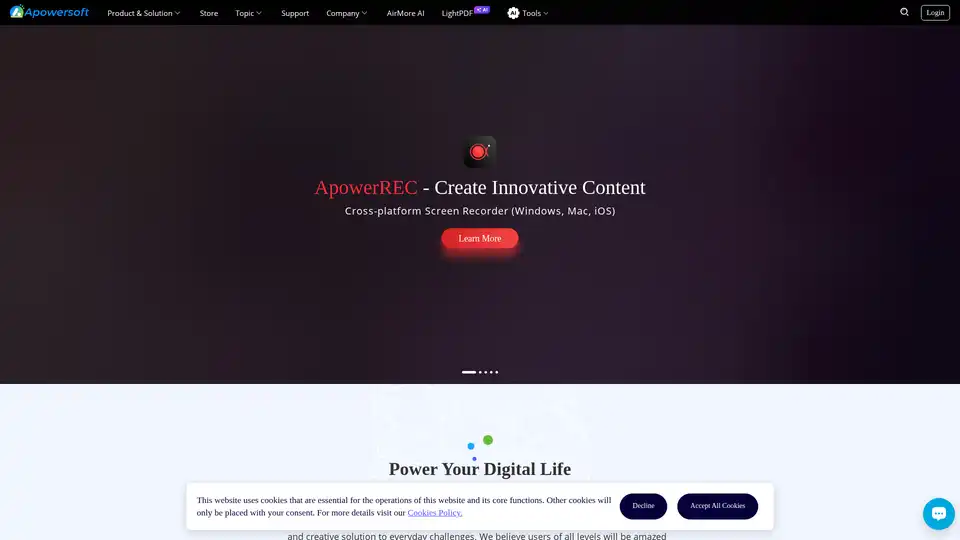
Overview of Apowersoft
What is Apowersoft?
Apowersoft is a leading provider of multimedia solutions designed to enhance productivity and creativity for both business and personal use. With a suite of tools that includes screen recorders, photo editors, PDF editors, and mind mapping software, Apowersoft aims to simplify digital tasks and improve efficiency.
Key Features of Apowersoft
Screen Recorder: ApowerREC is a cross-platform screen recorder that allows users to capture their screens on Windows, Mac, and iOS devices. It is ideal for creating tutorials, recording meetings, and capturing gameplay.
Photo Editor: PicWish is an AI-powered photo editor that enables users to edit their photos quickly and easily online. It offers a range of features to enhance and transform images.
PDF Editor: LightPDF is an AI-powered PDF editor that allows users to edit, convert, and OCR PDFs. It also includes a chat feature for interactive PDF management.
Mind Mapping Software: GitMind is the world's first AI-powered collaborative mind mapping software, designed to help users organize their thoughts and ideas effectively.
How Does Apowersoft Work?
Apowersoft's tools are designed to be user-friendly and accessible across various platforms. Users can easily download and install the software on their devices or use the online versions for quick access. The tools are equipped with advanced features that leverage AI technology to provide efficient and high-quality results.
How to Use Apowersoft?
Download and Install: Visit the Apowersoft website and download the desired tool. Follow the installation instructions to set up the software on your device.
Online Access: For tools that offer online versions, simply visit the respective tool's webpage and start using it directly in your browser.
Explore Features: Familiarize yourself with the features and functionalities of the tool. Each tool comes with a user guide and tutorials to help you get started.
Start Creating: Use the tool to record your screen, edit photos, manage PDFs, or create mind maps. Save and share your creations as needed.
Why Choose Apowersoft?
User-Friendly Interface: Apowersoft's tools are designed with simplicity in mind, making them accessible to users of all skill levels.
Cross-Platform Compatibility: The tools are available on multiple platforms, including Windows, Mac, and iOS, ensuring seamless integration into your workflow.
Advanced AI Technology: Apowersoft leverages AI to provide powerful features that enhance the functionality and efficiency of its tools.
Free and Paid Options: Many of Apowersoft's tools offer free versions with basic features, as well as premium options for advanced functionalities.
Who is Apowersoft For?
Apowersoft's tools are ideal for a wide range of users, including:
Business Professionals: For creating presentations, recording meetings, and managing documents.
Educators and Students: For creating educational content, organizing notes, and collaborating on projects.
Content Creators: For editing photos, creating videos, and designing mind maps.
General Users: For personal use, such as editing photos, recording gameplay, and managing PDFs.
Best Way to Enhance Productivity with Apowersoft
Apowersoft's suite of tools is designed to help users save time and increase productivity. By leveraging the advanced features of these tools, users can streamline their digital tasks and focus on what matters most. Whether you're a business professional, educator, content creator, or general user, Apowersoft has the tools you need to succeed in the digital world.
AI Generated Art Image Enhancement and Repair Image Style Transfer AI Background Removal and Replacement AI Avatar and Cartoonization 3D Modeling and Rendering Logo and UI Design
Best Alternative Tools to "Apowersoft"
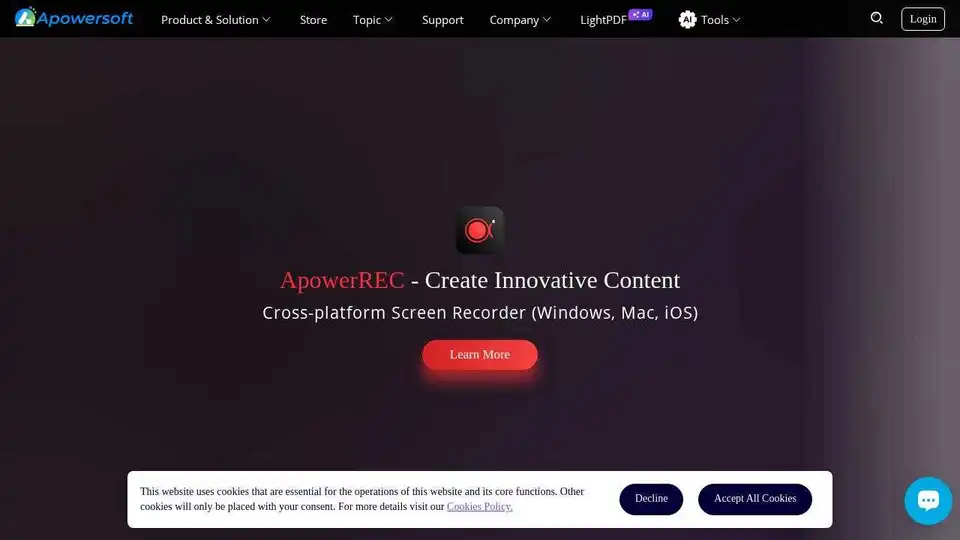
Apowersoft offers a range of multimedia tools including screen recorders, photo editors, PDF editors, and mind mapping software to enhance productivity and creativity.
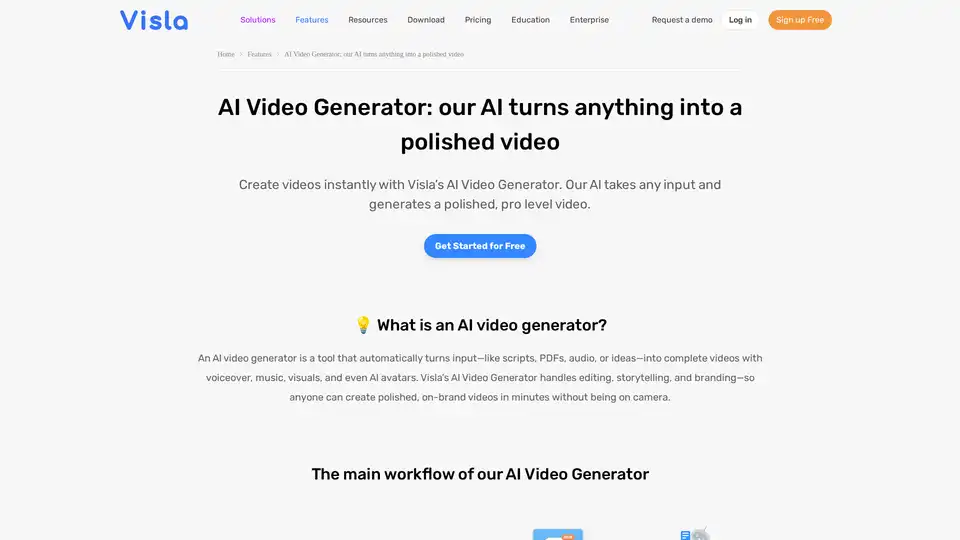
Turn PDFs, scripts, or audio into polished videos with Visla’s AI Video Generator—complete with voiceover, stock footage, and optional AI Avatar. Create professional videos instantly without editing skills.
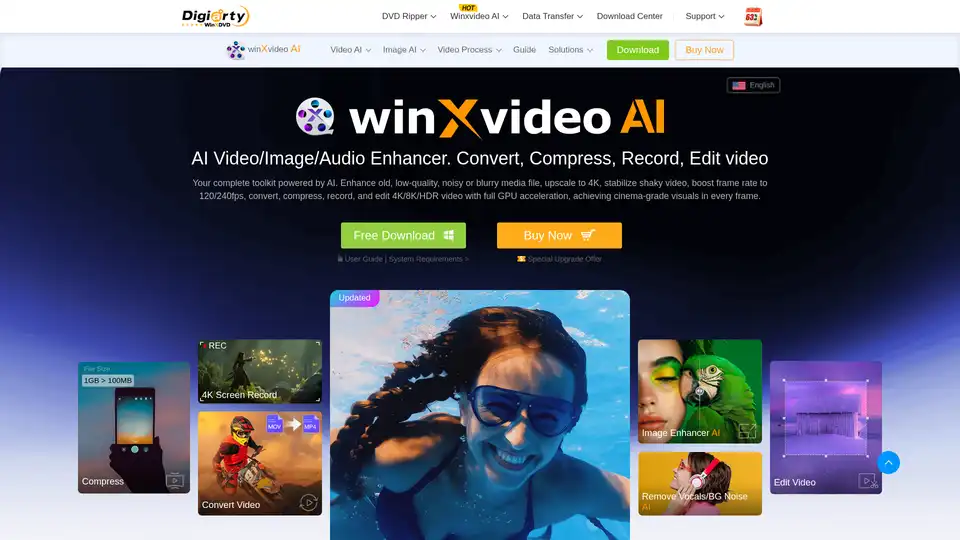
Winxvideo AI is a comprehensive AI video toolkit to upscale video/image to 4K, stabilize shaky video, boost fps, convert, compress, edit video, and record screen with GPU acceleration.

FliFlik offers AI-powered multimedia solutions for photo & video enhancement, voice changing, and watermark removal on Windows, macOS, iOS, and Android. Enhance your digital life!